The castle great hall
A wide cinematic shot of a crumbling gothic great hall, tattered banners and a cold hearth, a lone figure dwarfed by shadow and thin shafts of moonlight.
Edit prompt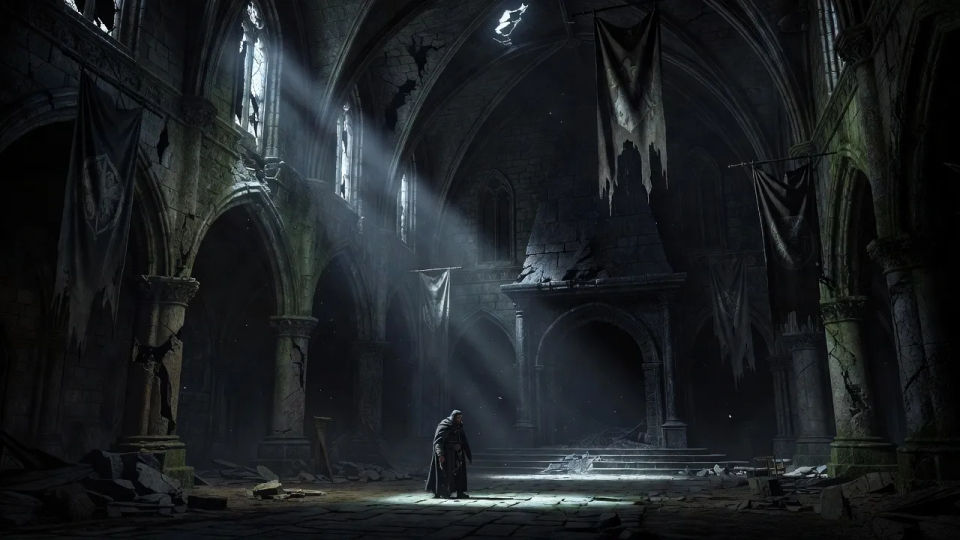
Design Ravenloft characters in your browser with Morphic's AI image generator. Build a pale gothic vampire lord, a haunted village priest with a candle, or a Vistani seer wreathed in tarokka cards. Lock the fog and candlelight with Style Transfer, then animate any still with Image to Video.
A wide cinematic shot of a crumbling gothic great hall, tattered banners and a cold hearth, a lone figure dwarfed by shadow and thin shafts of moonlight.
Edit promptA wide view of a gloom-shrouded village at night, crooked rooftops and one lit window, thick fog rolling between the houses under a sliver of moon.
Edit prompt
A wide underground crypt lined with tombs, guttering candles pooling warm light on stone, cobwebs and a half-open sarcophagus deep in the dark.
Edit prompt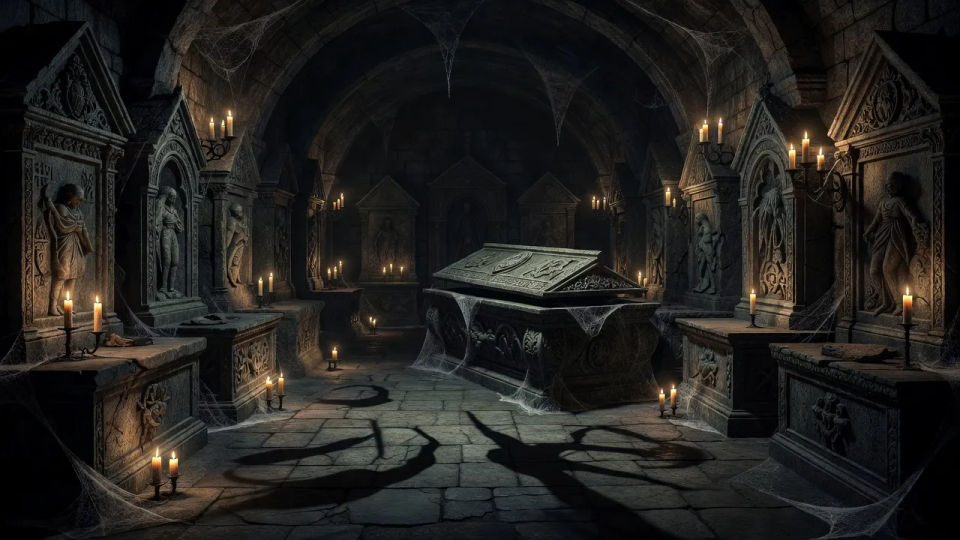
A wide exterior of a jagged mountaintop castle silhouetted against a lightning-torn sky, rain lashing the towers and a single glowing window high up.
Edit prompt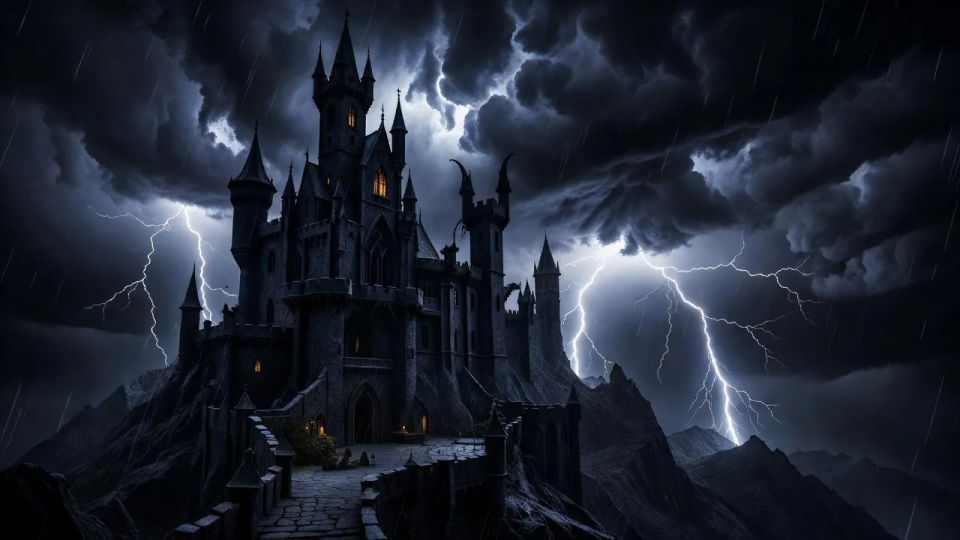
Describe the Ravenloft character you want, in plain words.
Morphic generates a clean, ready-to-publish image on your canvas in seconds.
Tweak the prompt, regenerate variations, then download or share the frame.

Take any character image and generate 6 distinct facial expressions on a single reference sheet.

Share a scene description with character references. Get a full storyboard with shot angles and mood.

Turn any photo or description into an animated chibi sprite. Dance, jump, wave, attack, and more.

All your characters on a single lineup image, side by side with height comparison.
Drop in a photo of yourself. Get a 12-second cinematic movie with animation and a matched soundtrack.

Professional 7-panel location reference sheet from a single photo.
Wild beyond witchlight AI images
Make Wild beyond witchlight AI images in your browser: carnival fey, feywild pixies, hollyphants. Build a whimsical storybook cast. Start creating.
Strixhaven student AI images
Make Strixhaven student AI images in your browser: Silverquill duelists, Prismari artists, Witherbloom druids. Build a magic-college cast. Start creating.
Shadow dancer AI images
Make Shadow dancer AI images in your browser: a smoke-cloaked assassin, a veiled shade, a masked rogue with afterimages. Build the hero. Start creating.
Soul weaver AI images
Make Soul weaver AI images in your browser: a spirit-binder pulling soul threads, a masked medium, a ghostly seer. Build from one prompt. Start creating.
Get started for free today, with the option to upgrade or cancel anytime.
Basic
1100 monthly credits
1 user only
All models
Workflows
Standard
3625 monthly credits
1 user only
All models
Workflows
Pro
6350 shared monthly credits
1 user
All models
Workflows
Pro Max
24650 shared monthly credits
1 user
All models
Workflows
Enterprise
For higher limits
Custom
pricing and billing terms
Free
For playing around
$0
forever free