Fault-line street at noon
A wide low-angle shot of a Los Angeles boulevard at noon, asphalt cracking and lifting along a hairline fault running down the centre line, parked cars tilting sideways, dust rising from the gutters.
Edit prompt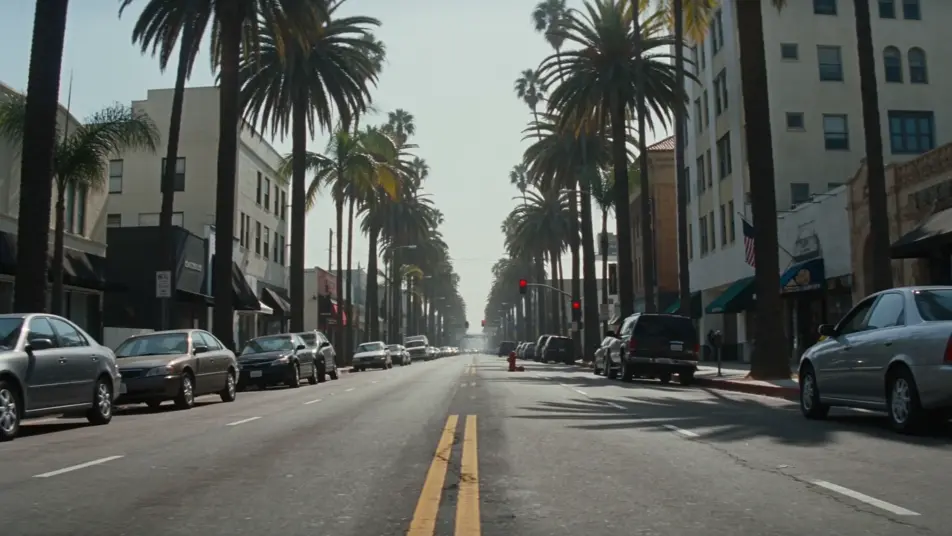
Direct a disaster film in your browser with Morphic's disaster AI video generator. Generate a boulevard buckling along the San Andreas fault or a tsunami front, add voice-over and score with Speech and Music, and stitch a disaster short on the Canvas.
A wide low-angle shot of a Los Angeles boulevard at noon, asphalt cracking and lifting along a hairline fault running down the centre line, parked cars tilting sideways, dust rising from the gutters.
Edit promptA wide drone shot of a vast wall-cloud supercell rolling slow across a flat Kansas wheat field at golden hour, a single farmhouse and a battered SUV in the foreground, the sky bruised green-grey.
Edit prompt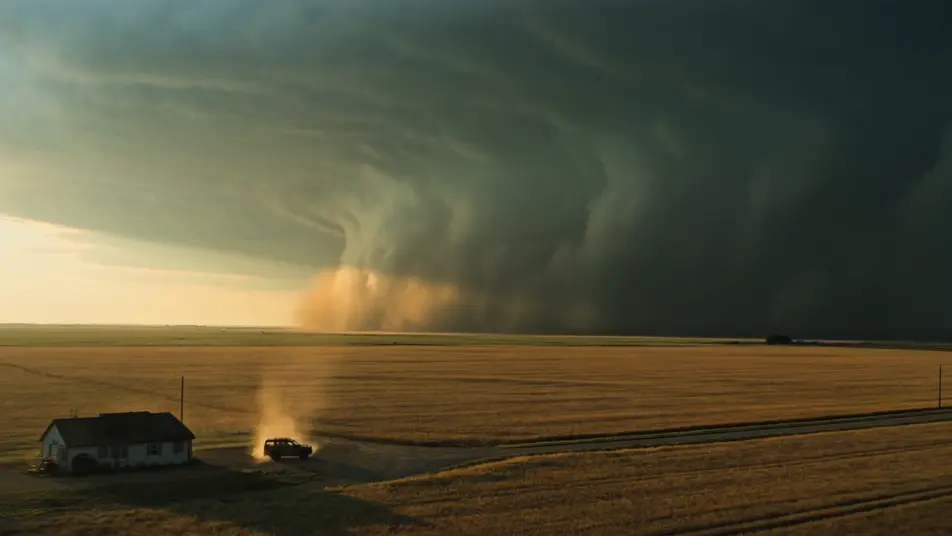
A high coastal-cliff shot of a small Pacific town below at first light, a glassy tsunami front rising on the horizon, sirens audible faintly, figures running from the beach toward higher ground.
Edit prompt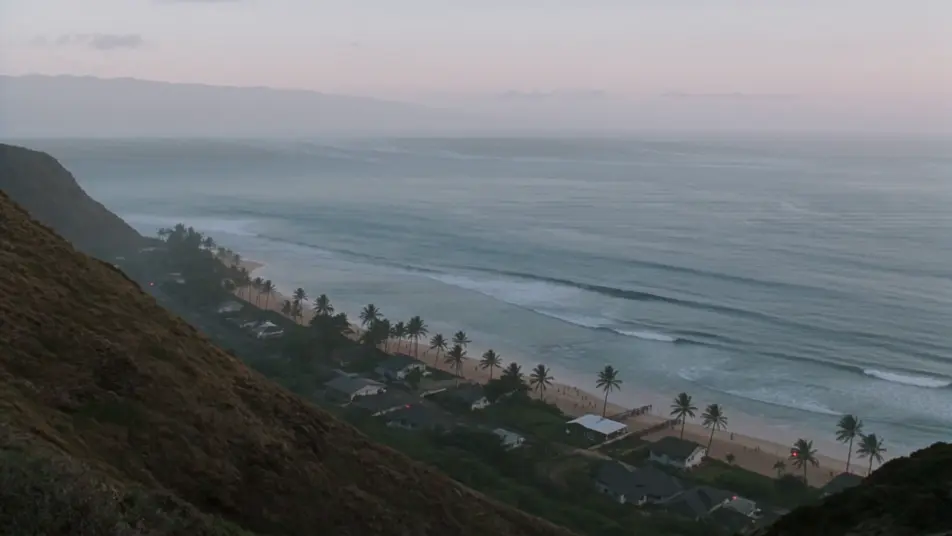
An aerial shot of an eight-lane freeway at dusk, all lanes outbound jammed with headlights, the city skyline behind ringed with orange wildfire glow, helicopter searchlights sweeping the gridlock.
Edit prompt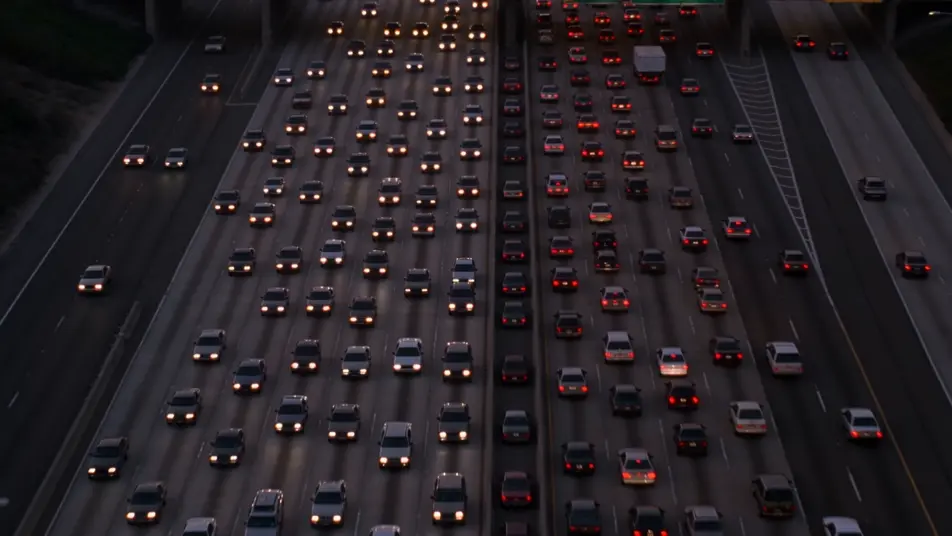
Write the disaster scene you want, in plain words.
Morphic generates a cinematic, frame-ready clip on your canvas in seconds.
Tweak the prompt, regenerate variations, then download or share the shot.
Cinematic time-freeze short film for any scene

Dramatize any text conversation into a cinematic multi-shot video.
One image to a 9-scene cinematic video.
Drop in a photo of yourself. Get a 12-second cinematic movie with animation and a matched soundtrack.

Share a scene description with character references. Get a full storyboard with shot angles and mood.

Feed in a single image. Get 9 cinematic beats laid out as a 3x3 storyboard grid.
Post-apocalyptic AI Videos
Generate post-apocalyptic videos with Morphic. Dust-orange highways, rusted gas pumps, patched-leather scavengers, and wasteland-grade scene prompts.
Alien Invasion AI Videos
Generate alien invasion videos with Morphic. Mothership silhouettes, evacuation gridlock, first-contact tarmacs, and city-fall scene prompts.
War of the Worlds AI Videos
Create War of the Worlds scenes, the cylinder at Horsell Common, the tripod fighting-machines, the heat-ray, the empty Thames, and the red weed of London with Morphic. Generate H.G. Wells videos from a single prompt.
Kaiju AI Videos
Generate kaiju videos with Morphic. City-scale apex creatures, suitmation slow-mo destruction, JSDF reaction shots, and IP-safe original creature design.
Get started for free today, with the option to upgrade or cancel anytime.
Basic
2400 monthly credits
1 user only
All models
Workflows
Standard
3625 monthly credits
1 user only
All models
Workflows
Pro
6350 shared monthly credits
1 user
All models
Workflows
Max
24650 shared monthly credits
1 user
All models
Workflows
Enterprise
For higher limits
Custom
pricing and billing terms

Free
For playing around
$0
forever free