How to make kaiju videos with AI

Direct city-scale kaiju in your browser with Morphic's kaiju AI video generator. Generate kaiju video scenes like a 200-metre apex creature breaching a harbour at dusk, a JSDF tank line firing into a storm-front, or a kaiju-versus-kaiju duel collapsing a downtown skyline, and pair them with the Music tool to layer a brass-and-taiko score. Stitch the suitmation-style sequences into a full kaiju short on the Canvas.

kaiju characters you can create

kaiju scenes you can direct

Apex kaiju breaches a harbour at dusk

Wide low-angle harbour shot at golden-hour dusk, 200-metre apex kaiju silhouette rising vertically out of the bay, container ships dwarfed in the foreground, suitmation half-speed wading through a wall of foam.

Edit prompt
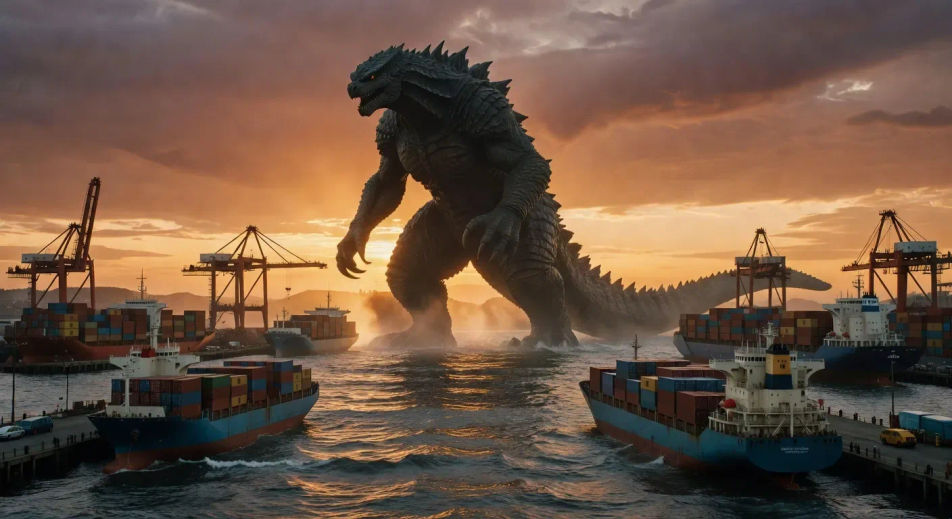
Apex kaiju breaches a harbour at dusk

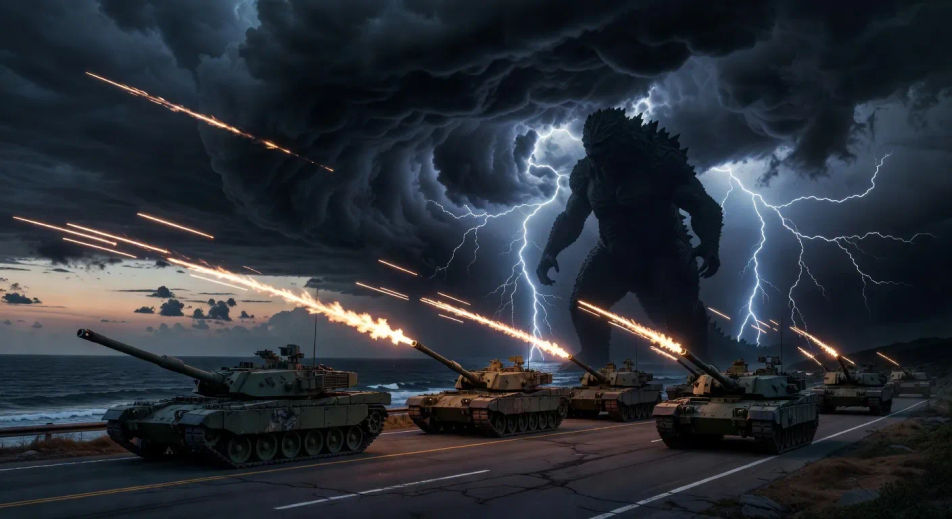
JSDF tank line firing into a storm-front

Wide JSDF defence line on a coastal highway at twilight, six tanks firing tracer rounds simultaneously into a black storm-front, kaiju silhouette implied behind the lightning, single helicopter rising over the rear ranks.

Edit prompt
JSDF tank line firing into a storm-front

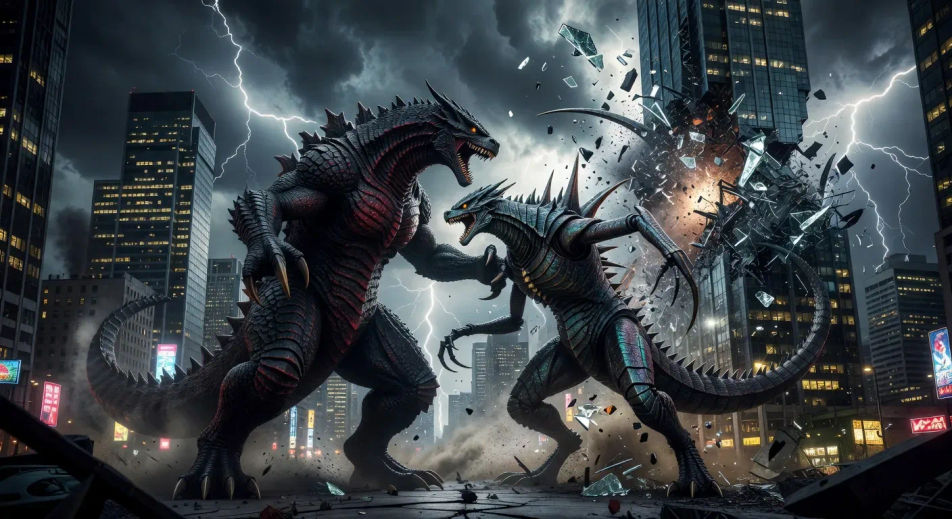
Kaiju-versus-kaiju duel collapsing a skyline

Two original-design kaiju locked in a grappling duel through a downtown skyline at night, glass towers shearing apart as they slam through, lightning splitting the sky behind, slow-motion debris cascade.

Edit prompt
Kaiju-versus-kaiju duel collapsing a skyline

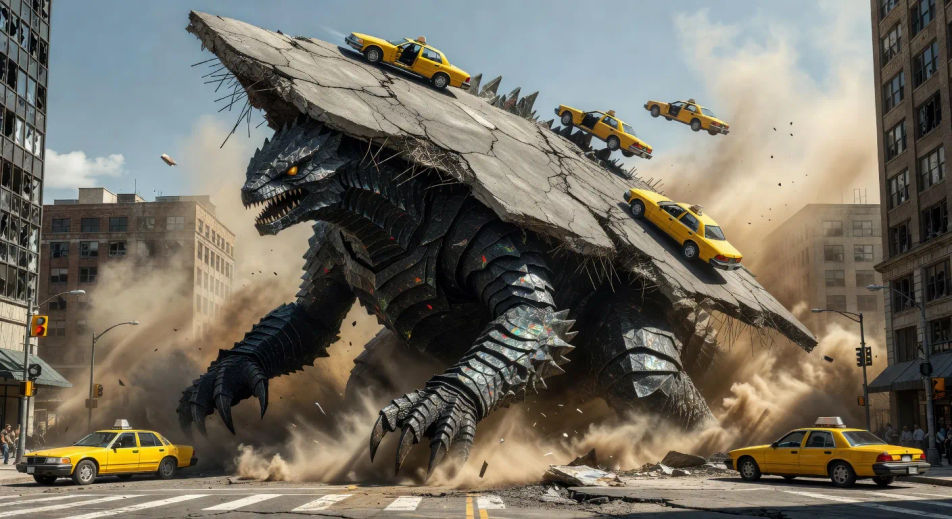
Subterranean burrower lifts a city block

City intersection at noon as the street rises sixty metres in a single tilted slab on the back of an emerging burrower kaiju, taxis sliding off the rim, dust and rebar pluming, civilians running outward in radial pattern.

Edit prompt
Subterranean burrower lifts a city block

Make kaiju videos in three steps

  1. 01

    Describe your kaiju scene

    Write the kaiju scene you want to see in your own words. Pick the genre vocabulary first: skyline silhouette, low-angle destruction, JSDF reaction line, kaiju-versus-kaiju duel, civilian witness on a balcony, suitmation half-speed wading. Treat the creature as wholly original (no studio-IP references) and Morphic will hold the IP-safe brief while keeping the kaiju monumentality intact.

  2. 02

    Generate the video

    Morphic generates a cinematic, frame-ready clip on your canvas in seconds — no editing software required.

  3. 03

    Refine your kaiju video

    Tweak the prompt, regenerate variations, then download or share the moment the shot lands.

Related workflows

You might also like

FAQs

Where can I make kaiju videos with AI?
You can create kaiju scenes directly in your browser on Morphic. Open the Text to Video tool, describe the creature scale, the city geography, and the camera angle, and Morphic produces the clip. No installs and no specialist software needed.
What kaiju scenes work best with AI video?
Single-shot moments with strong scale anchors work best: a 200-metre apex creature breaching a harbour at dusk, a JSDF tank line firing into a storm-front, a kaiju-versus-kaiju duel collapsing a skyline, a subterranean burrower lifting a city block, an aerial kaiju silhouetted over fog. Anchor each kaiju scene to a specific scale, location, time of day, and camera angle (low-angle wide is the genre default).
How do I keep my kaiju videos IP-safe?
Treat the creature as wholly original. Avoid named references to existing kaiju film franchises, and instead specify the silhouette and traits in plain language: 200-metre apex predator, plated dorsal ridge, bioluminescent throat sac, segmented carapace, 400-metre wingspan. Original-design language gives Morphic the genre register without inviting IP overlap.
How do I prompt for suitmation-style slow motion in a kaiju video?
Specify the half-speed wade and the foam pluming. For example: "suitmation half-speed wading through a wall of foam, water lifting in slow heavy sheets, dust pluming in slow motion as the foot lands." Naming the half-speed register and the slow water physics is what cues Morphic to compose for the suitmation feel rather than crisp digital action.
How do I keep my kaiju consistent across multiple scenes?
Use the Character Lineup workflow to lock in the creature design (silhouette, dorsal ridge, throat-sac glow, eye colour, scale ratio against a reference building), then reference that creature card in every prompt. Morphic preserves the design across the kaiju series so the apex creature looks the same in the harbour scene, the duel scene, and the final-stand scene.
Can I add a brass-and-taiko score to my kaiju videos?
Yes. The Music tool produces an original soundtrack, and the kaiju register sits cleanly under brass low-end (French horns, contrabass tuba), a taiko drum line for the wading footfalls, and a string ostinato that builds without resolving. Layer the score onto the generated video and add JSDF radio chatter through the Speech tool for a complete kaiju short.