A face aging through six decades
A single portrait holds dead center while the face morphs from childhood through old age, skin texture, hair color, and bone structure shifting in one unbroken take, soft even key light, slow push-in.
Edit prompt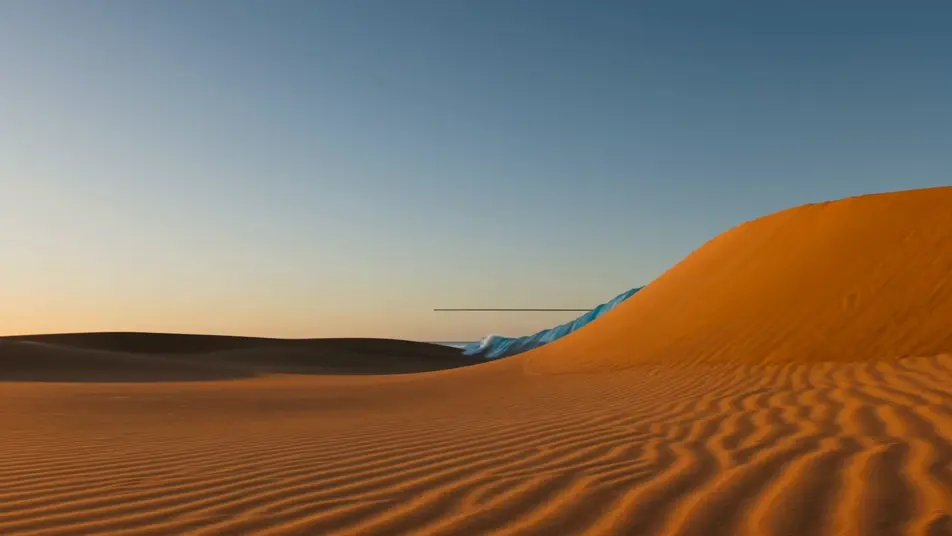
Direct fluid morph transitions in your browser with Morphic's morph video AI generator. Generate a young face aging through six decades, or a coffee cup melting into a blooming flower. Land a beat-synced cut with Music, then stitch the reveals on the Canvas.
A single portrait holds dead center while the face morphs from childhood through old age, skin texture, hair color, and bone structure shifting in one unbroken take, soft even key light, slow push-in.
Edit promptA fixed wide shot of a tree-lined street where the scene morphs through spring blossom, summer green, autumn amber, and winter snow, leaves and light reshaping continuously as the camera holds still.
Edit prompt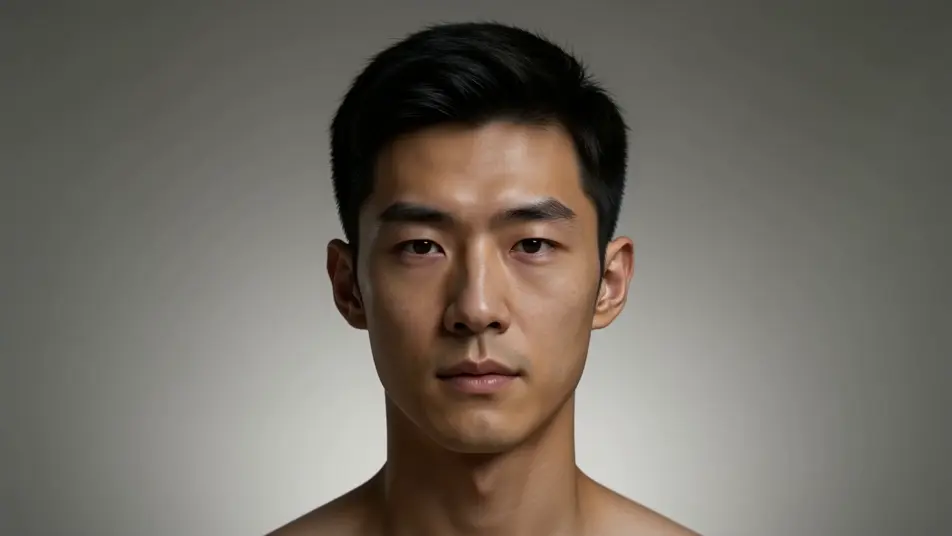
Tight tabletop shot of a steaming coffee cup that slowly morphs into a blooming flower, the rim opening into petals and the steam curling into a stem, warm window light, shallow depth of field.
Edit prompt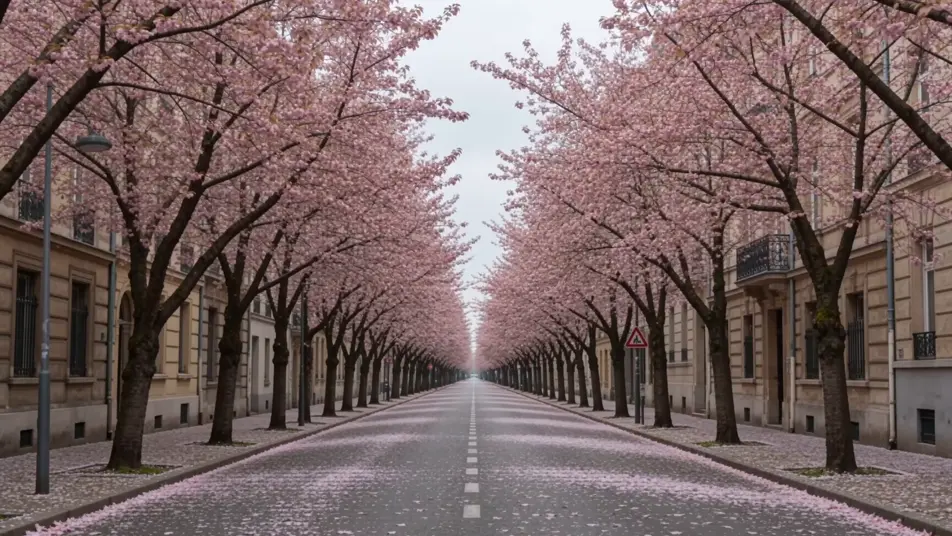
A sweeping vista where a sunlit desert dune morphs into an ocean wave into a snow ridge, the horizon line staying level while terrain, color, and weather reshape in one continuous morph sequence.
Edit prompt
Write the morph video scene you want, in plain words.
Morphic generates a cinematic, frame-ready clip on your canvas in seconds.
Tweak the prompt, regenerate variations, then download or share the shot.

Dramatize any text conversation into a cinematic multi-shot video.
Cinematic time-freeze short film for any scene
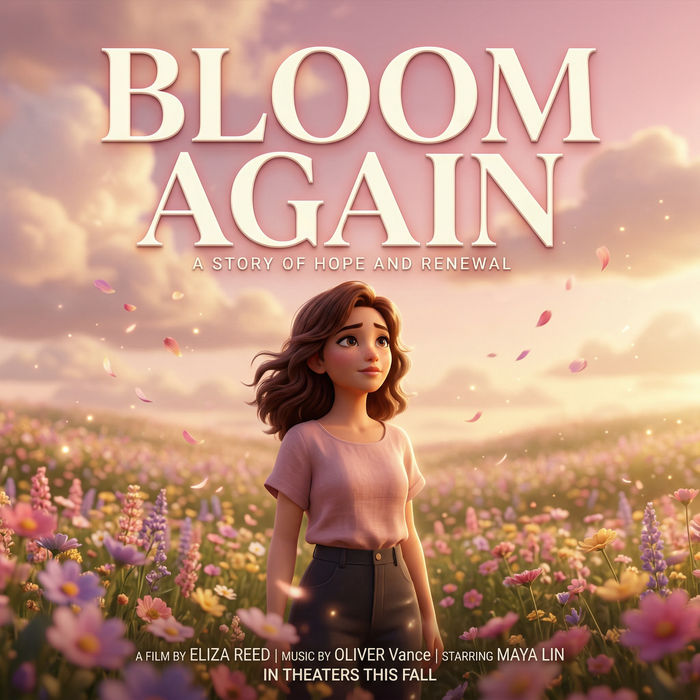
Generate a professional film title card from scratch, with optional cinematic animation.
Photo of any real-estate becomes a cinematic renovation timelapse video with construction SFX and music.
One image to a 9-scene cinematic video.

Describe a first-person scenario. Get sequential POV frames animated into video clips with audio.
AI VFX videos
Generate AI VFX videos with Morphic. Explosions, energy effects, sci-fi destruction, particles, and creature shots from a prompt. No green screen, no compositing.
AI POV videos
Make AI POV videos with Morphic. Direct immersive first-person walks, action beats, and daily-life moments at eye level. Example scenes, no editing experience needed.
AI green screen effects
Make AI green screen effects with Morphic. Drop a subject onto any background, swap sets instantly, place a presenter anywhere. No physical screen, no rig.
AI Lyric videos
Make AI lyric videos with Morphic. Kinetic typography, handwritten lyrics over moody footage, neon word art, and scene prompts that sync words to your track.
Get started for free today, with the option to upgrade or cancel anytime.
Basic
2400 monthly credits
1 user only
All models
Workflows
Standard
3625 monthly credits
1 user only
All models
Workflows
Pro
6350 shared monthly credits
1 user
All models
Workflows
Max
24650 shared monthly credits
1 user
All models
Workflows
Enterprise
For higher limits
Custom
pricing and billing terms

Free
For playing around
$0
forever free