Direct on-screen lyrics in your browser with Morphic's lyric video AI generator. Generate lyric video clips like kinetic typography bursting on the downbeat, handwritten words drifting over rain-streaked footage, or neon lyric text tracking a midnight drive, and pair them with the Music tool to lock the words to your track. Stitch the typographic clips into a full AI lyric video inside the Canvas.

Lyric video clips you can animate

Lyric video looks you can direct

3D extruded kinetic typography

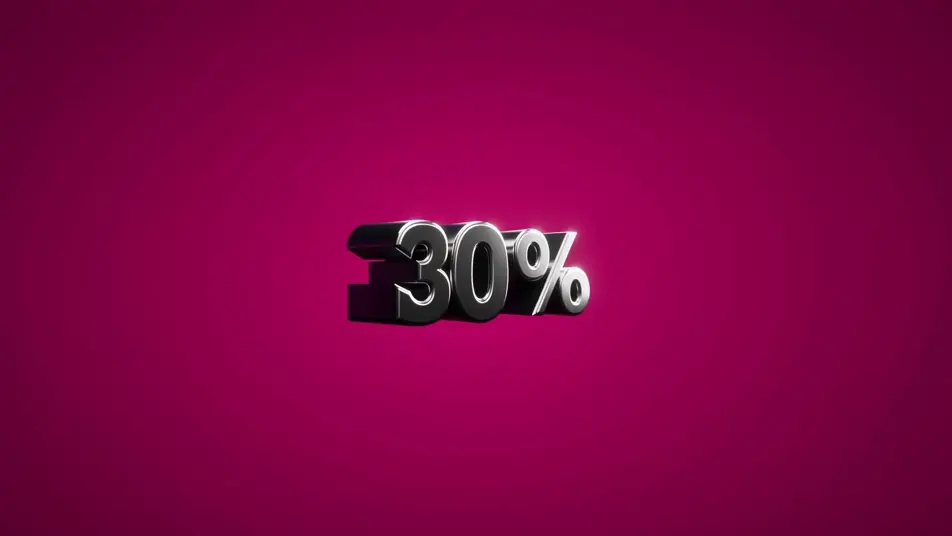
Thick 3D-extruded letterform shapes punching toward the lens in tight rhythmic bursts, beveled letters surging forward and snapping back on every accent as concentric shockwave ripples fan outward across a saturated colour field.

Edit prompt
Letterform tunnel fly-through

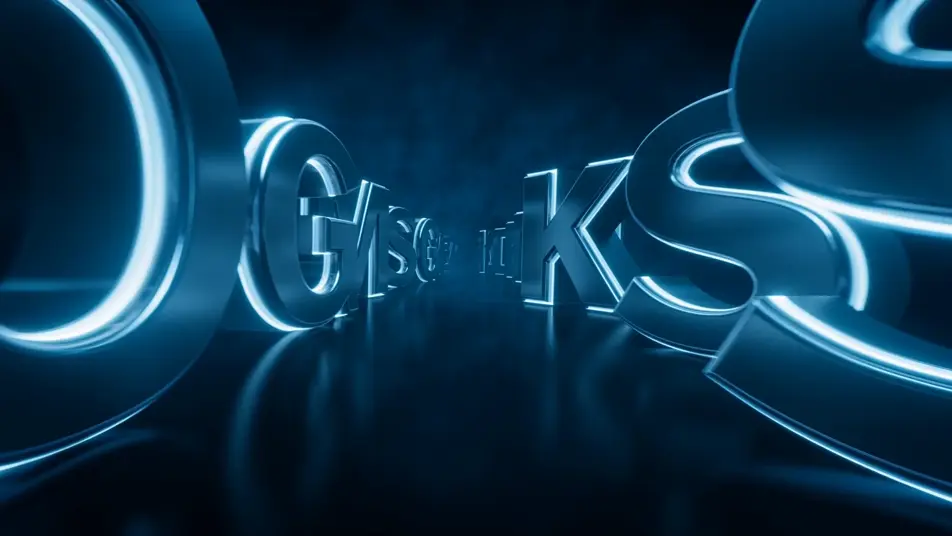
A vast tunnel built from giant suspended letterform sculptures floating in dark space, the colossal letters drifting and slowly rotating as the camera glides forward down the centre, glowing edges trailing soft light streaks through volumetric haze.

Edit prompt

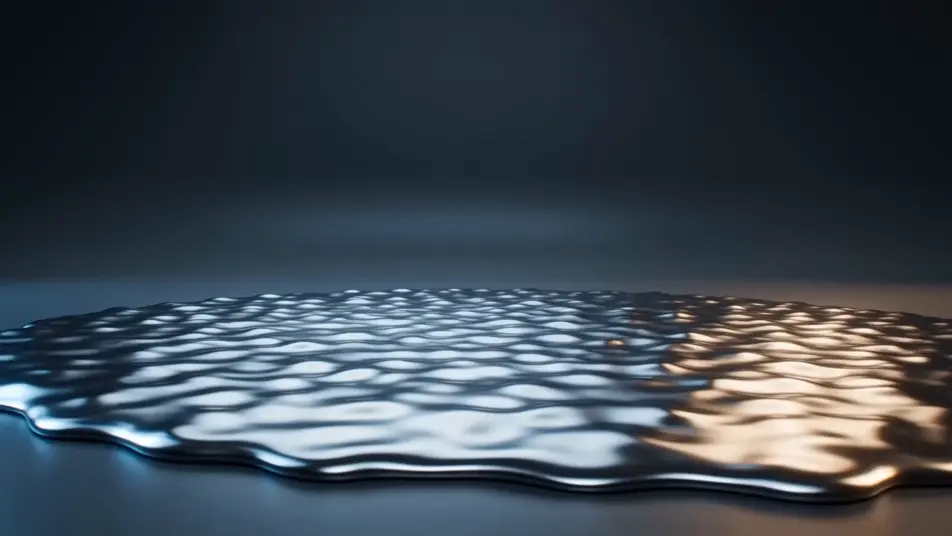
Liquid-chrome word reveal

One bold placeholder word forming out of a churning pool of liquid chrome, the molten metal rising and resolving into a crisp reflective word on the beat, mirror-bright droplets flicking off its surface against a dark gradient backdrop.

Edit prompt

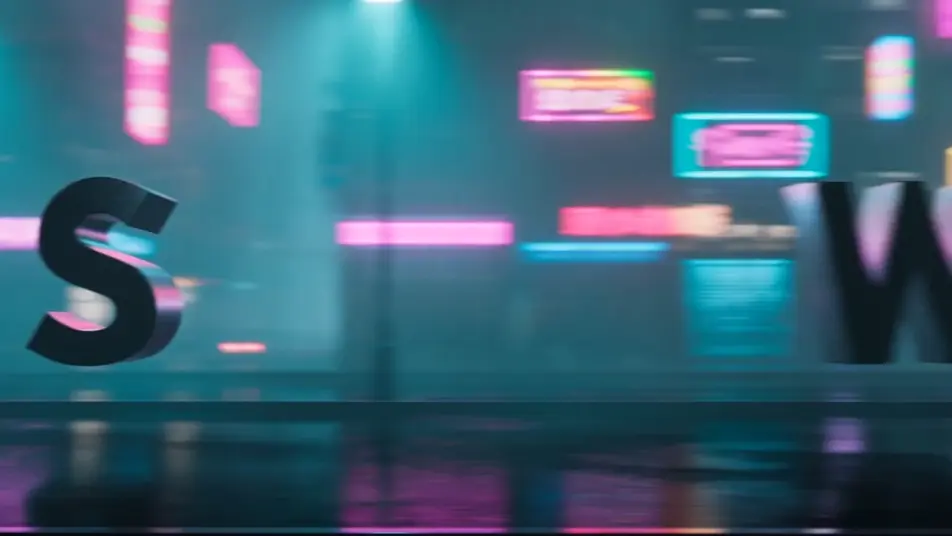
Kinetic type over a neon city

Bold sans-serif words sweeping and scaling across a moving plate of blurred neon city lights, the letters sliding in and snapping to scale on each accent as cyan and amber signage streaks past behind them in rain-slick haze.

Edit prompt

Make lyric video videos in three steps

  1. 01

    Describe your lyric video scene

    Write the lyric video scene you want, including the moment, location, and camera direction.

  2. 02

    Generate the video

    Morphic generates a cinematic, frame-ready clip on your canvas in seconds, no editing software required.

  3. 03

    Refine your lyric video video

    Tweak the prompt, regenerate variations, then download or share the moment the shot lands.

Related workflows

You might also like

FAQs

Where can I make AI lyric videos online?
You can make lyric videos directly in your browser on Morphic. Open the Text to Video tool, describe the typography style, the backdrop, and how the words move on the beat, and Morphic produces the clip. No installs and no timeline editing needed.
What lyric video styles can I generate with AI?
Morphic handles the full range of lyric-video looks: kinetic typography bursting on the downbeat, handwritten lyrics drifting over moody footage, neon tube text on a night drive, retro poster word art, and glitch type. Name the type treatment in your prompt and Morphic lands that aesthetic.
How do I prompt for kinetic typography in a lyric video?
Describe the motion as well as the words. Specify how the letters behave on the beat ("words snap into place one at a time on the downbeat", "lines scale and rotate on each accent") and the backdrop they sit over. Naming the rhythm of the type is what separates a kinetic-typography lyric video from static on-screen text.
Can I sync the lyric video to my own music track?
Yes. Use the Music tool to generate an original track or score the section you need, then time the lyric clips to its beats and phrasing. Pairing the typography with the Music tool is what makes the words land on the rhythm instead of floating loosely over the footage.
How do I keep the typography consistent across a lyric video?
Pick one type treatment, palette, and motion style, then reuse those exact terms in every clip prompt. Describing the same font register, colour, and on-beat behaviour scene by scene keeps the lyric video on-style from the first verse to the final chorus.
Can I publish AI lyric videos to YouTube or Instagram?
Yes. Stitch the typographic clips together on the Canvas, export the finished lyric video, and upload it to YouTube, Instagram, or TikTok. The vertical clips suit Reels and Shorts, and the widescreen looks suit a standard YouTube lyric video.