Green screen set swap to a glass office
A presenter speaking to camera is dropped into a sunlit glass office with a city view, soft daylight wrapping the subject, slow lateral dolly past the desk.
Edit prompt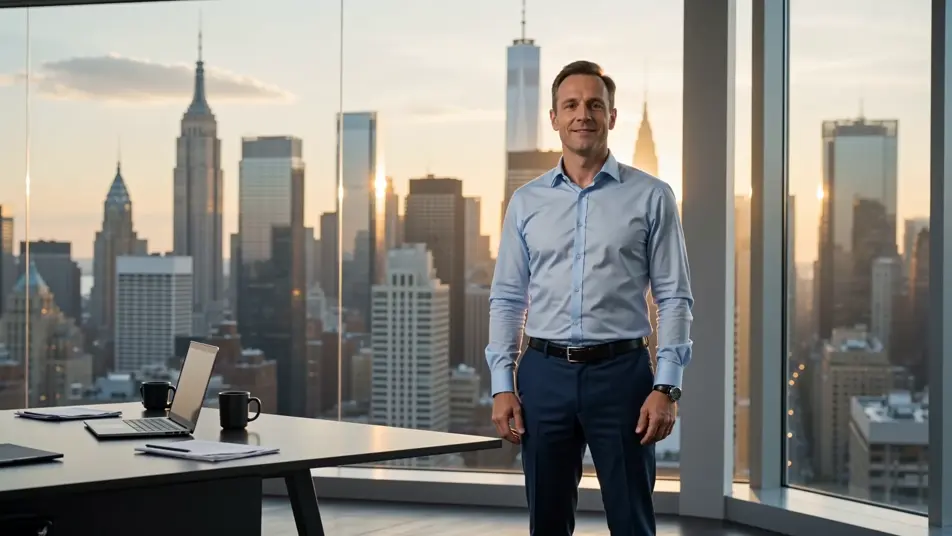
Direct green screen effects in your browser with Morphic's green screen AI video generator. Generate a presenter dropped onto a city skyline or a host teleported to a rainforest canopy, narrate every cut with Speech, then swap sets and publish from the Canvas.
A presenter speaking to camera is dropped into a sunlit glass office with a city view, soft daylight wrapping the subject, slow lateral dolly past the desk.
Edit promptA hiker-host stands talking while the original backdrop is replaced with a wide alpine ridge at golden hour, low clouds rolling past, gentle handheld sway.
Edit prompt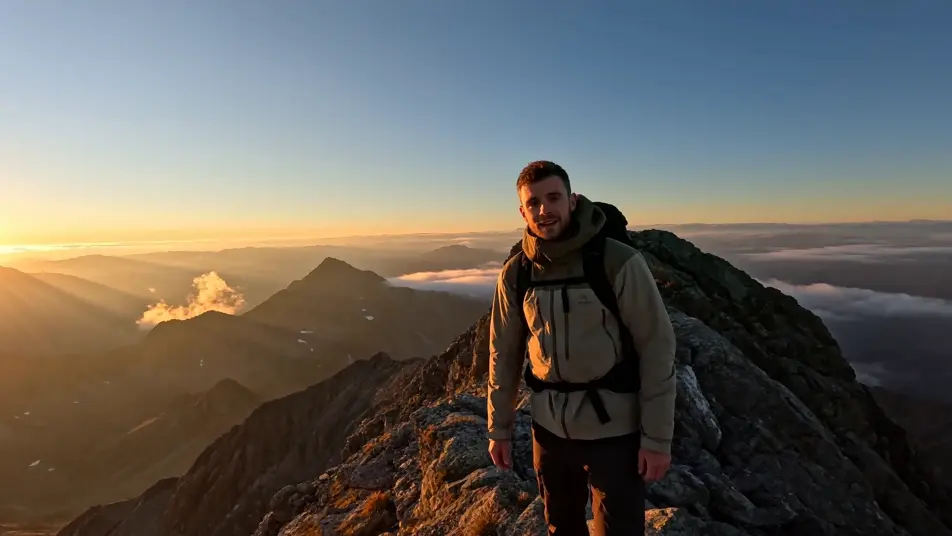
A subject lifted from a plain room and placed centre-stage at a packed arena concert, stage lights sweeping, haze in the beams, a slow push-in from the crowd.
Edit prompt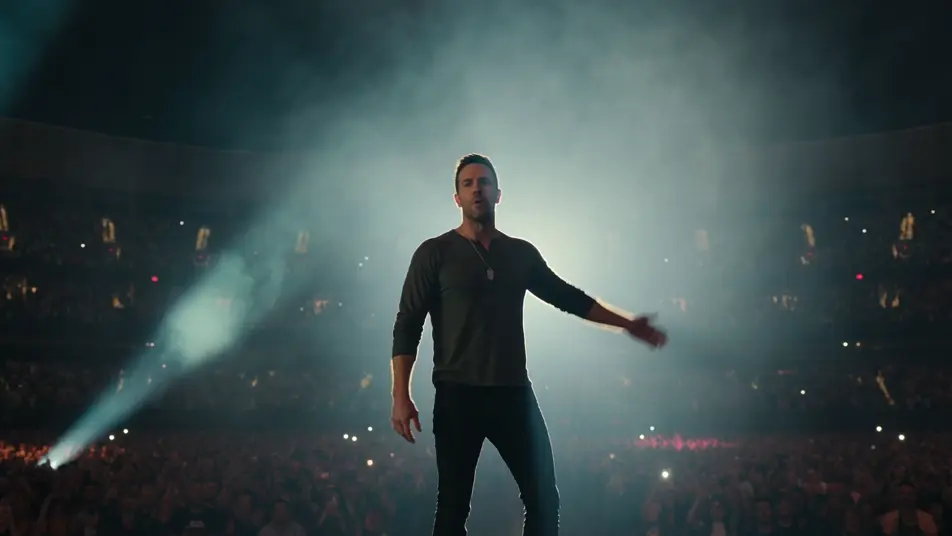
A crew-member host framed mid-shot, dropped onto a sci-fi spaceship bridge with glowing consoles and a starfield window, cool blue key light, steady locked-off shot.
Edit prompt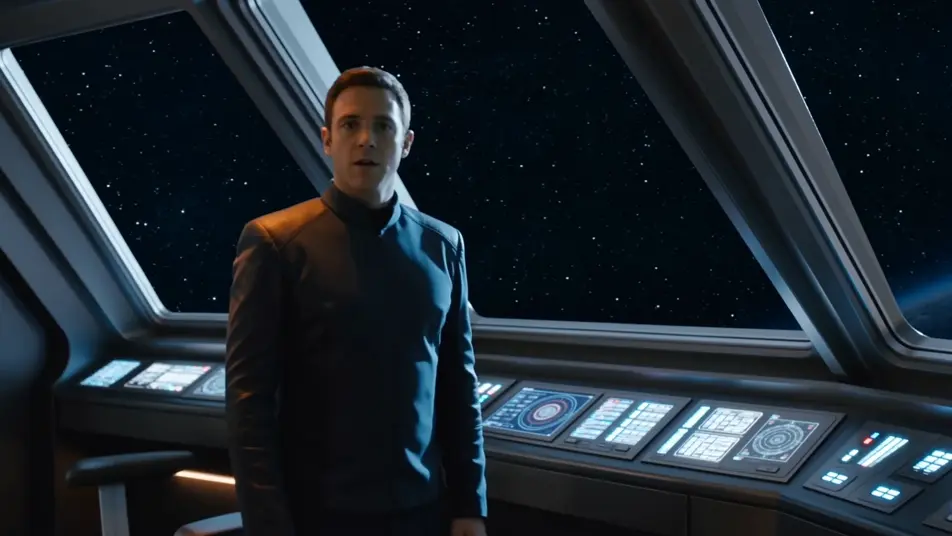
Write the green screen scene you want, in plain words.
Morphic generates a cinematic, frame-ready clip on your canvas in seconds.
Tweak the prompt, regenerate variations, then download or share the shot.

Dramatize any text conversation into a cinematic multi-shot video.
Cinematic time-freeze short film for any scene
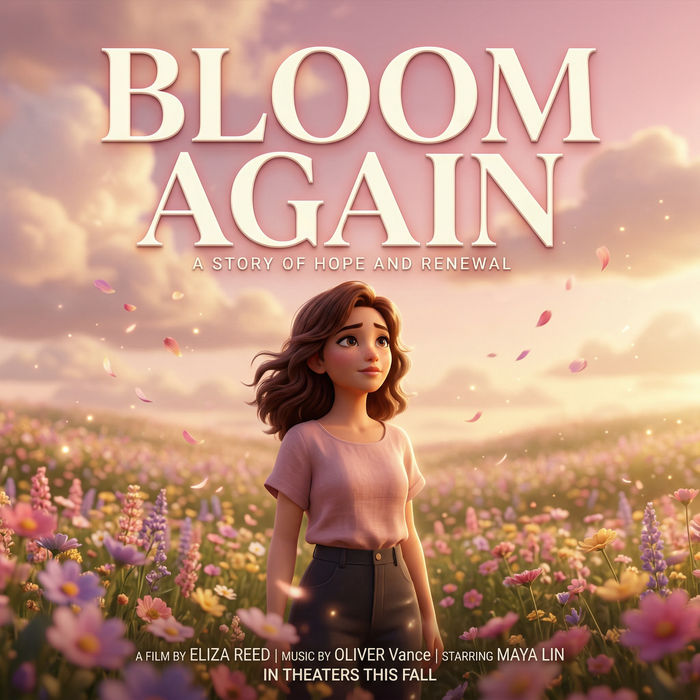
Generate a professional film title card from scratch, with optional cinematic animation.
Photo of any real-estate becomes a cinematic renovation timelapse video with construction SFX and music.
One image to a 9-scene cinematic video.
Drop in a photo of yourself. Get a 12-second cinematic movie with animation and a matched soundtrack.
AI VFX videos
Generate AI VFX videos with Morphic. Explosions, energy effects, sci-fi destruction, particles, and creature shots from a prompt. No green screen, no compositing.
AI POV videos
Make AI POV videos with Morphic. Direct immersive first-person walks, action beats, and daily-life moments at eye level. Example scenes, no editing experience needed.
AI Short Films
Make AI short films with Morphic. Storyboard the arc, keep characters consistent, direct each scene, and score the cut. Step-by-step, no editing experience needed.
AI Morph videos
Generate AI morph videos with Morphic. Smooth morph transitions, shape-shifting reveals, face-aging morphs, and beat-synced morph-cut prompts that just run.
Get started for free today, with the option to upgrade or cancel anytime.
Basic
2400 monthly credits
1 user only
All models
Workflows
Standard
3625 monthly credits
1 user only
All models
Workflows
Pro
6350 shared monthly credits
1 user
All models
Workflows
Max
24650 shared monthly credits
1 user
All models
Workflows
Enterprise
For higher limits
Custom
pricing and billing terms

Free
For playing around
$0
forever free