Shinto Mythology AI Videos

Direct the kami of Shinto in your browser with Morphic's Shinto mythology AI video generator. Generate Shinto scenes like Amaterasu emerging from the heavenly rock cave, Susanoo slaying the eight-headed Yamata-no-Orochi, or Izanagi and Izanami stirring the sea into islands, and pair them with the Speech and Music tools to chant the kagura and score the storm. Stitch the sequences into a full Shinto mythology episode with Canvas.

Shinto mythology figures you can create

Shinto mythology scenes you can direct

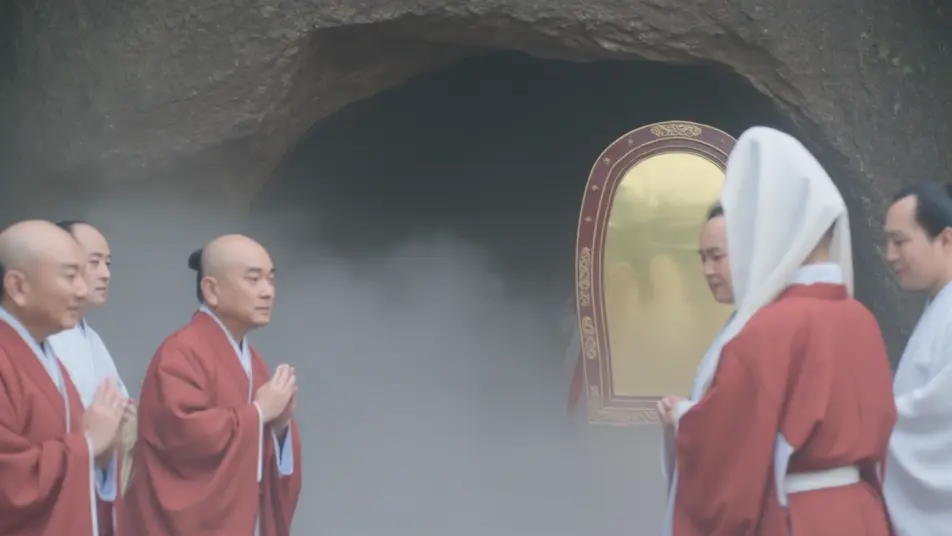
Amaterasu emerges from the rock cave

At the mouth of the heavenly rock cave, Amaterasu steps out as the first light returns to a dark world, the assembled kami turning toward her, a sacred mirror catching the dawn. Slow reverent push-in as brightness floods the frame.

Edit prompt
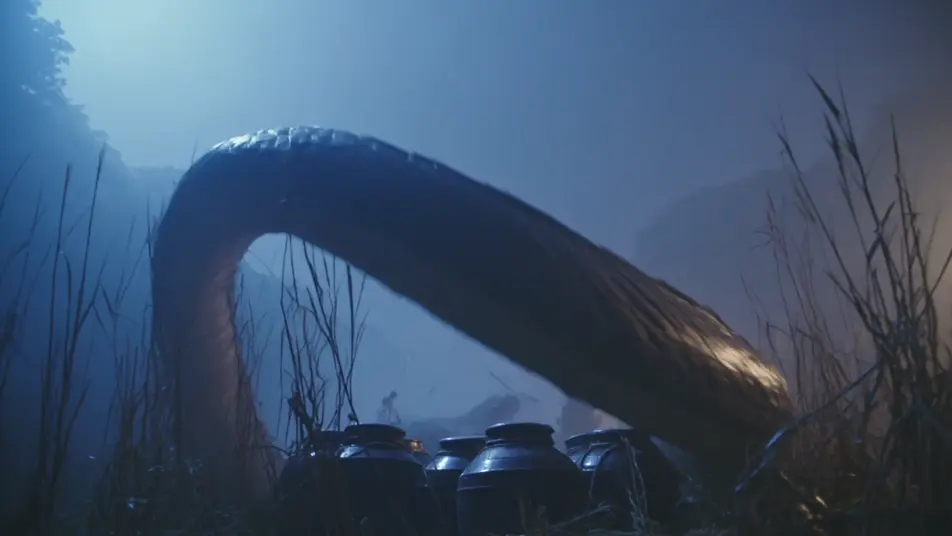
Susanoo slays Yamata-no-Orochi

In a storm-lashed river valley at dusk, Susanoo raises his sword against the eight-headed serpent Yamata-no-Orochi, its coils crushing the reeds, sake jars set as a trap glinting below. Low dynamic angle as lightning splits the sky.

Edit prompt

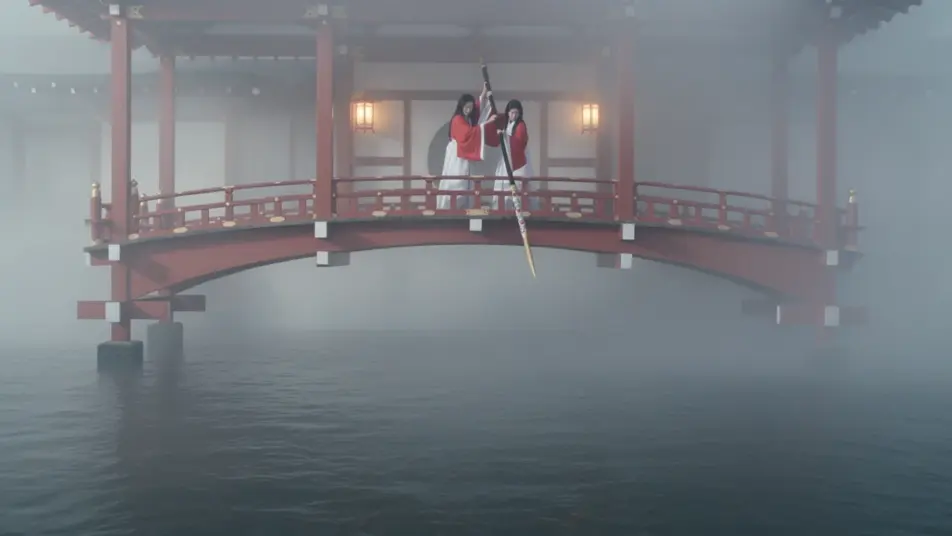
Izanagi and Izanami stir the sea

On the floating bridge of heaven above a dark primordial ocean, Izanagi and Izanami dip the jeweled spear and stir, brine dripping from the tip and gathering into the first island. Wide cinematic shot, silver mist and slow rising swell.

Edit prompt

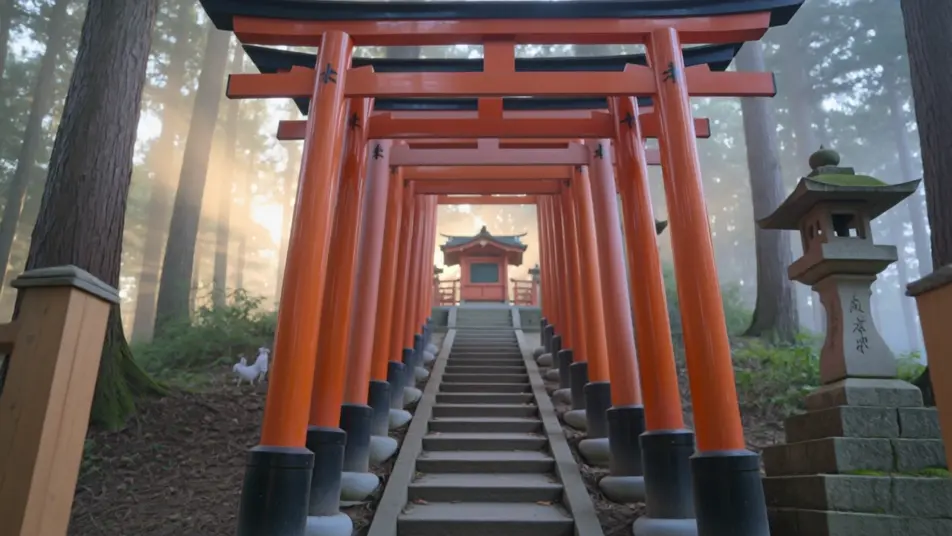
The vermilion torii of Inari

A tunnel of vermilion torii gates climbs a forested hill at golden hour, white fox spirits slipping between the pillars, lanterns and rice offerings at a small shrine. Steady tracking shot moving up through the gates into warm light.

Edit prompt

Make Shinto mythology videos in three steps

  1. 01

    Describe your Shinto mythology scene

    Write the Shinto mythology scene you want, in plain words.

  2. 02

    Generate the video

    Morphic generates a cinematic, frame-ready clip on your canvas in seconds.

  3. 03

    Refine your Shinto mythology video

    Tweak the prompt, regenerate variations, then download or share the shot.

Related workflows

You might also like

Simple pricing

Get started for free today, with the option to upgrade or cancel anytime.

Basic

$0/ month
billed as $0 per year

900 monthly credits

1 user only

All models

Workflows

Standard

$0/ month
billed as $0 per year

3200 monthly credits

1 user only

All models

Workflows

Pro

$0/ month
billed as $0 per year

6200 shared monthly credits

1 user

+ up to 4 more at extra cost

All models

Workflows

Pro Max

$0/ month
billed as $0 per year

24000 shared monthly credits

1 user

+ up to 9 more at extra cost

All models

Workflows

Enterprise

For higher limits

Custom

pricing and billing terms

Unlimited credits
Custom seat limits
All models
Workflows
Pricing Gradient

Free

For playing around

$0

forever free

Up to 20 credits
1 user only
Limited models
Workflows

FAQs

Where can I make Shinto mythology videos with AI?
You can create Shinto mythology scenes directly in your browser on Morphic. Open the Text to Video tool, describe the moment you want, and Morphic produces the clip. No installs and no specialist software needed.
What kinds of Shinto mythology scenes work best with AI video?
Single-shot moments from the kami myths tend to work best: Amaterasu emerging from the rock cave, Susanoo slaying Yamata-no-Orochi, Izanagi and Izanami stirring the sea, the vermilion torii and foxes of Inari. Anchor each Shinto scene to a specific moment, location, time of day, and mood.
How do I keep Shinto figures consistent across scenes?
Use the Character Lineup workflow to lock a kami’s look once, such as Amaterasu in white and vermilion robes with a mirror at her breast, then reference that character card in every prompt. Morphic preserves the design across the arc so a Shinto series feels continuous.
How do I write a good prompt for a Shinto scene?
Name the moment, the location, the lighting, and the camera direction. For example: "Susanoo raising his sword against the eight-headed Yamata-no-Orochi in a storm-lashed river valley at dusk, lightning splitting the sky, low dynamic angle." The more specific your imagery, the closer the output matches your imagination.
Can I add narration and music to my Shinto mythology videos?
Yes. The Speech tool generates a voiceover from your script in the voice you choose, and the Music tool produces an original soundtrack to score the scene. Layer them onto your generated video to publish a complete Shinto mythology episode.
What visual style works best for a Shinto mythology video?
Three styles consistently land. Cinematic photoreal captures the shrine and landscape settings with prestige detail. Ukiyo-e woodblock iconography lands as stylized period homage to the kami. Ink-wash sumi-e with soft mist suits the quieter, contemplative moments. Name the style directly in the prompt.