Direct full-screen 9:16 serialized stories in your browser with Morphic's vertical drama AI video generator. Generate vertical drama episodes like a cold-open betrayal framed tight on two faces, a phone screen lighting a 2am confession, or an elevator-door cliffhanger held in portrait, and pair them with the Speech and Music tools to voice and score each beat. Cut the episodes into a binge-ready vertical drama series inside the Canvas.

Vertical drama clips you can frame

Vertical drama episode moments you can stage

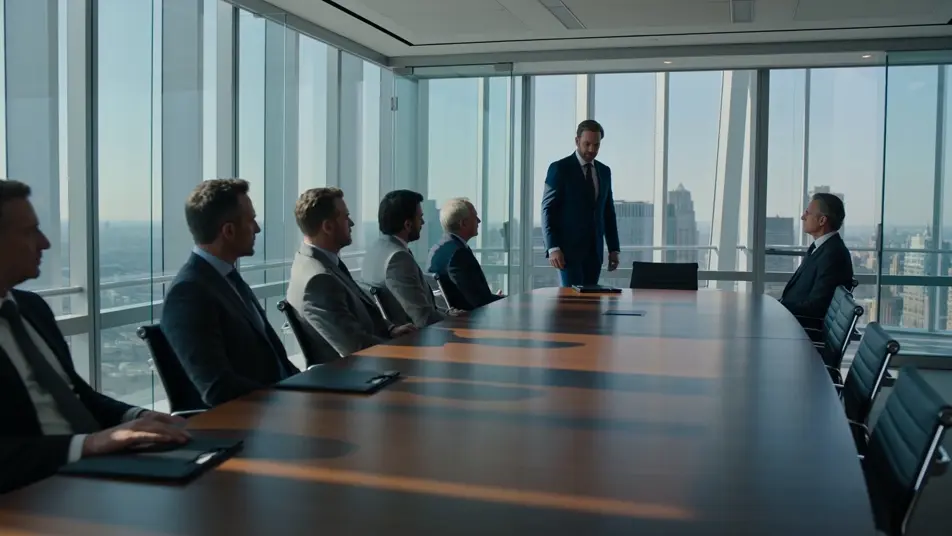
Boardroom confrontation

A wide boardroom standoff. One figure stands at the head of a long table and slowly slides a single folder forward as a row of seated colleagues sit rigid, faces fixed toward it, cool window light wrapping the glass-walled office.

Edit prompt
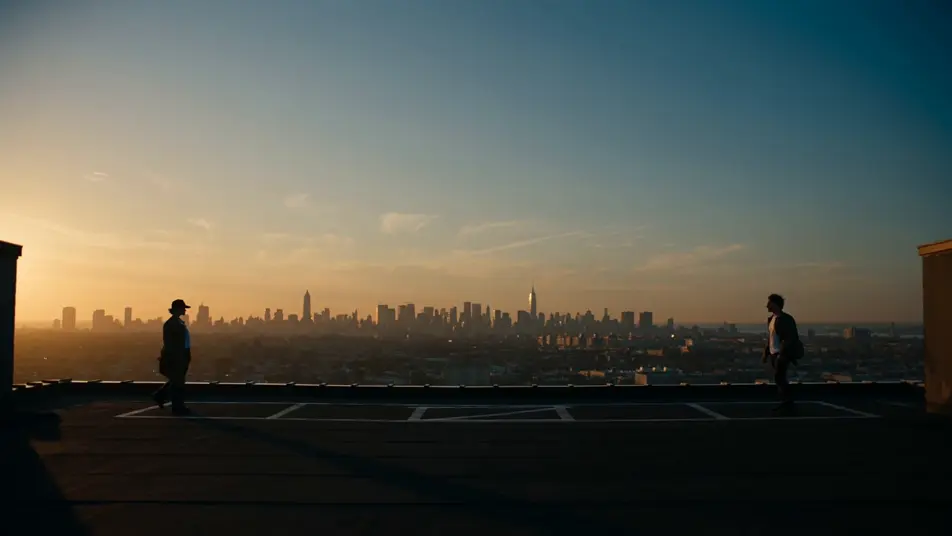
Rooftop reckoning at dusk

Two figures face off at opposite edges of a rooftop at golden hour, wind lifting coats and hair, one taking a single deliberate half-step forward while the other holds firm. A glowing city skyline spreads behind them as the camera pushes in along the centreline.

Edit prompt

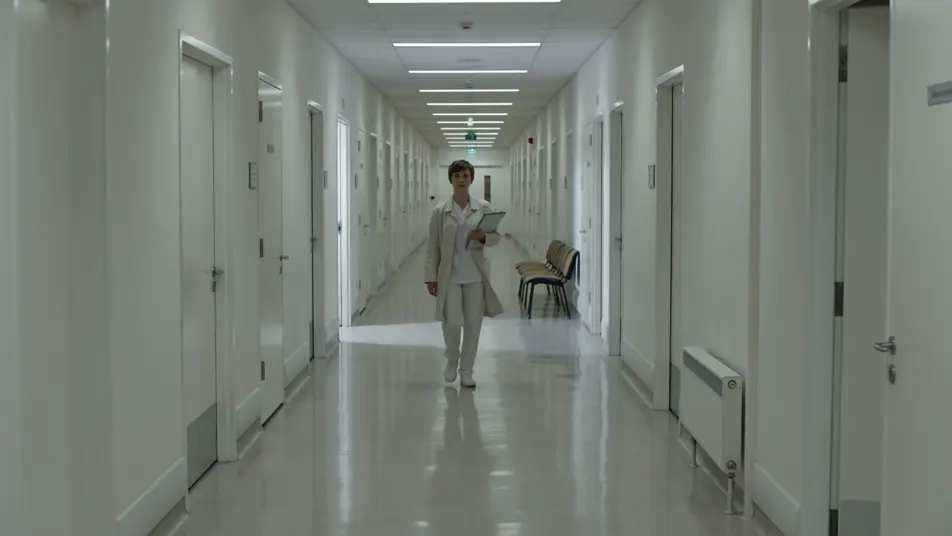
Hospital-corridor turning point

A single figure walks straight toward the lens down a long hospital corridor, a folded document clutched at their side, strides steady and deliberate. The camera tracks backward at a matched pace under cool sterile overhead light, doors receding in deep perspective.

Edit prompt

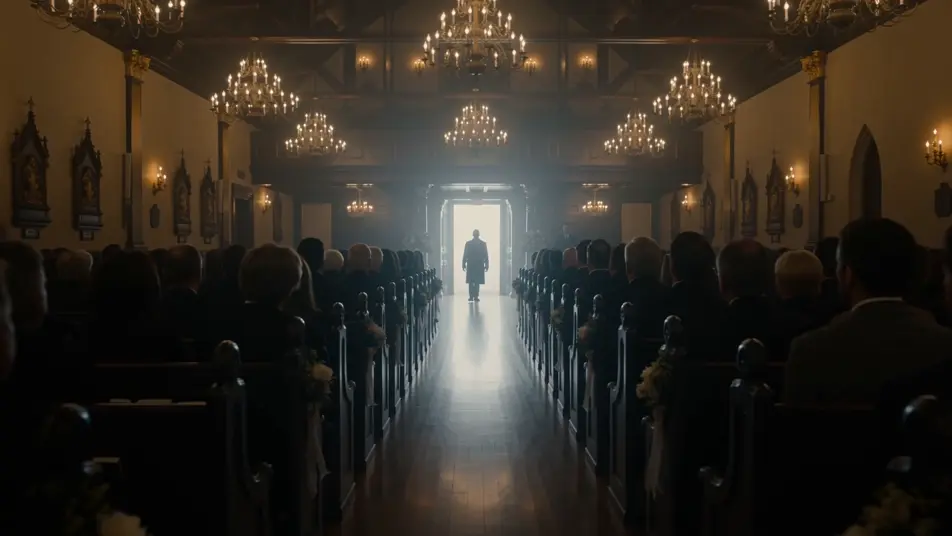
Wedding-hall interruption

A wedding hall mid-ceremony, a guest stopping dead in the doorway and slowly raising one hand. The seated crowd turns in unison toward the back of the hall, heads pivoting together, warm chandelier light filling the room.

Edit prompt

Make vertical drama videos in three steps

  1. 01

    Describe your vertical drama scene

    Write the vertical drama scene you want, including the moment, location, and camera direction.

  2. 02

    Generate the video

    Morphic generates a cinematic, frame-ready clip on your canvas in seconds, no editing software required.

  3. 03

    Refine your vertical drama video

    Tweak the prompt, regenerate variations, then download or share the moment the shot lands.

Related workflows

You might also like

FAQs

Where can I make vertical dramas with AI?
You can create vertical dramas directly in your browser on Morphic. Open the Text to Video tool, describe a 9:16 portrait beat, name the episode moment and the camera distance, and Morphic produces the clip. No installs and no specialist software needed.
How do I frame a scene for the vertical drama format?
State the 9:16 portrait frame in the prompt and compose for it. Stack action in vertical layers, a figure at the top of the frame and reactions below, keep faces close so they fill a phone screen edge to edge, and place the key gesture in the center column. Naming the portrait frame stops Morphic from cropping a wide shot.
What kinds of episode moments work best for vertical dramas?
Vertical dramas run on sharp, single-location beats: a cold-open betrayal, a phone-screen confession, an elevator-door cliffhanger, a doorway reveal. Pick one turning point per episode and frame it tight. The full-screen-mobile format rewards a clear emotional beat over a sprawling scene.
How do I keep characters consistent across a vertical drama series?
Use the Character Lineup workflow to lock each character's wardrobe, face, and posture, then reference those cards in every episode prompt. Morphic holds the look across the series so a character reads the same in the cold open of episode one and the cliffhanger of episode ten.
How do I write a hook for the opening seconds of a vertical drama?
Open on the conflict, not the setup. Describe the first beat as an action mid-motion, a slap, a name said in disbelief, a contract torn, framed tight in 9:16. Tell Morphic the cold open lands in the first three seconds so the cut keeps a scrolling viewer from leaving.
Can I add narration and music to my vertical dramas?
Yes. The Speech tool generates dialogue and voiceover in the voice you choose, and the Music tool scores each episode beat. Layer a tense cue under a cliffhanger and let it drop out on the title card, then publish a complete vertical drama series ready for a phone feed.