Boardroom power play
A young heir walks into a hostile boardroom of older executives, glass walls and a city skyline behind them, sliding a single contract onto the long table as every head turns, slow dolly down the table.
Edit prompt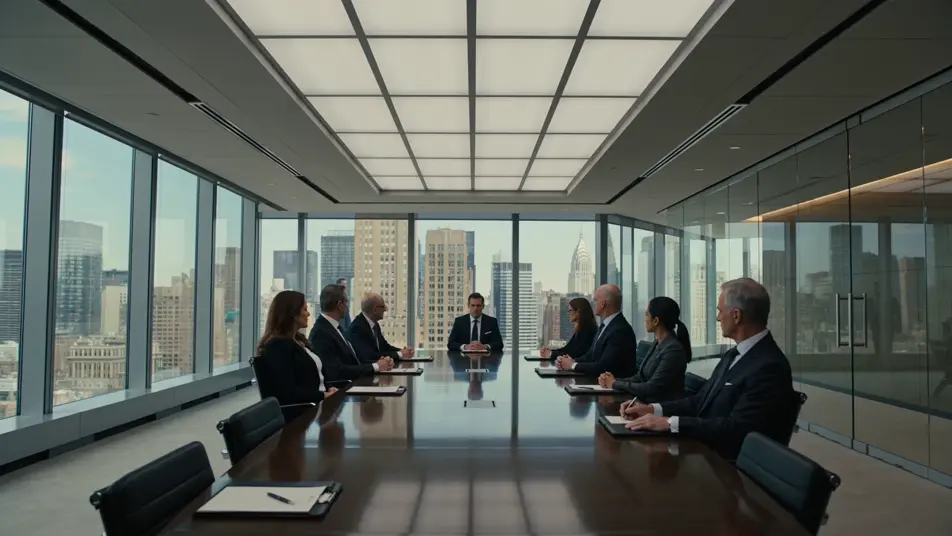
Direct a bingeable micro-series in your browser with Morphic's micro drama AI video generator. Generate a marriage contract sliding over a glass desk or a slap freezing a ballroom, land every cliffhanger with Speech and Music, then cut a season on the Canvas.
Tell us your format, creative process, and production goals, and we'll design a dedicated Morphic workflow alongside you.
A young heir walks into a hostile boardroom of older executives, glass walls and a city skyline behind them, sliding a single contract onto the long table as every head turns, slow dolly down the table.
Edit promptTwo former partners face off under a hotel awning in heavy night rain, neon shimmering in the wet pavement, one holding out a single car key the other refuses with a single shake of the head, the camera circling slowly through the downpour.
Edit prompt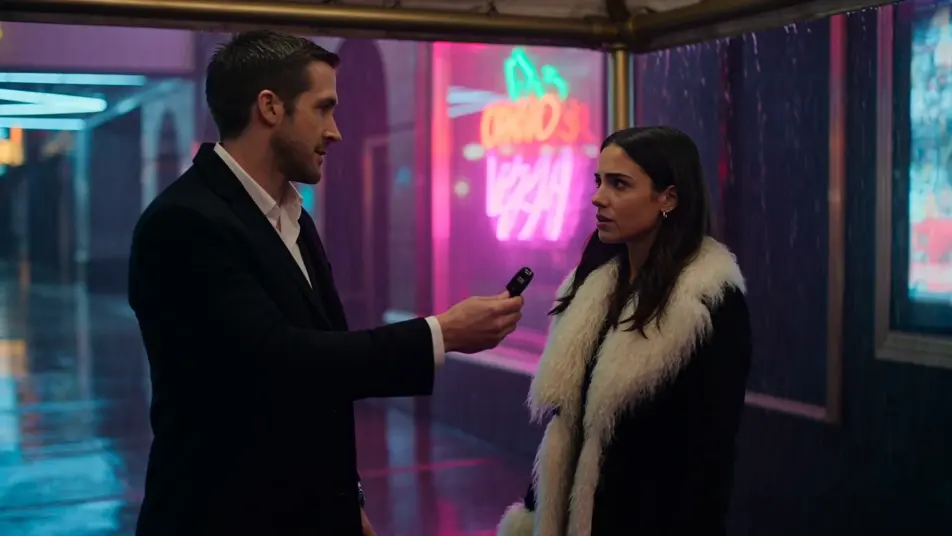
In a chandelier-lit ballroom, one guest presses a folded letter into another guest's open hand; the recipient's posture stiffens and their eyes fall to the paper as the dancers stall around them, the camera pushing in slowly.
Edit prompt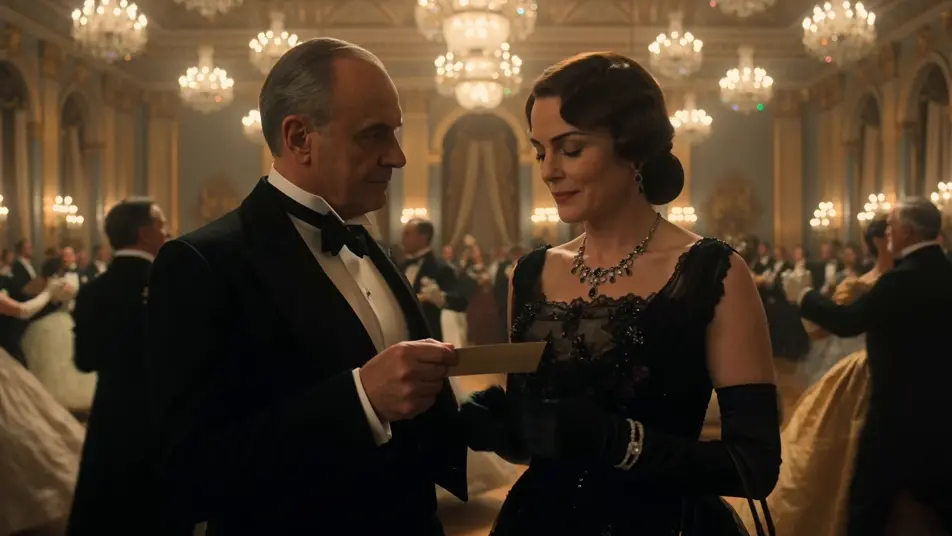
A character runs down a stark white hospital corridor toward a door swinging shut at the far end, a small wrapped gift clutched against their chest, soft fluorescent light overhead, the handheld camera chasing just behind their shoulder.
Edit prompt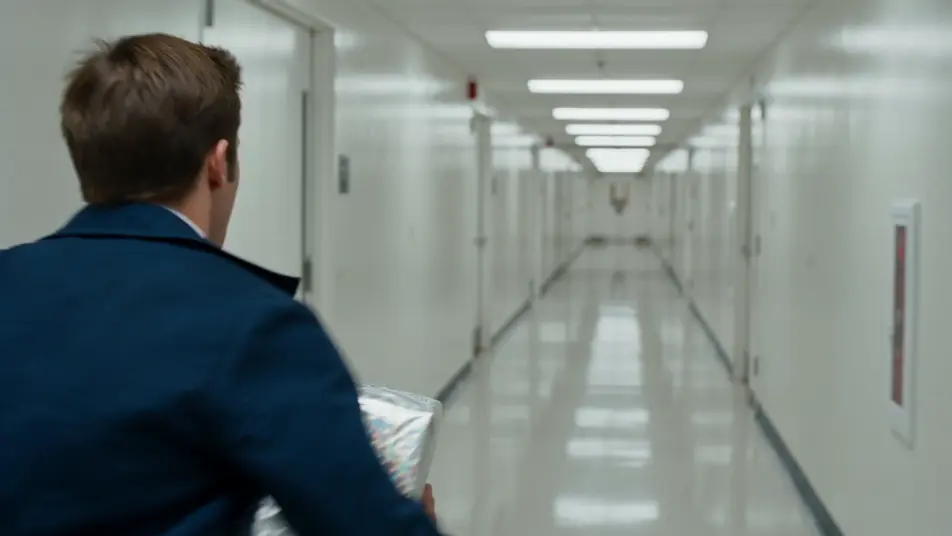
Write the micro drama scene you want, in plain words.
Morphic generates a cinematic, frame-ready clip on your canvas in seconds.
Tweak the prompt, regenerate variations, then download or share the shot.

Dramatize any text conversation into a cinematic multi-shot video.
Cinematic time-freeze short film for any scene
Drop in a photo of yourself. Get a 12-second cinematic movie with animation and a matched soundtrack.

Generate a professional film title card from scratch, with optional cinematic animation.
Photo of any real-estate becomes a cinematic renovation timelapse video with construction SFX and music.
One image to a 9-scene cinematic video.
AI Vertical Dramas
Make vertical dramas with Morphic. Full-screen 9:16 framing, serialized episode beats, thumb-stopping cold opens, and portrait-first scene prompts.
AI Short Films
Make AI short films with Morphic. Storyboard the arc, keep characters consistent, direct each scene, and score the cut. Step-by-step, no editing experience needed.
Neo-noir AI Videos
Generate neo-noir videos with Morphic across four director-coded modes: wet-neon, sun-blown LA, comic chiaroscuro, and corporate-night.
Korean Revenge Thriller AI Videos
Create AI Korean Revenge Thriller videos with Morphic. Generate Korean Revenge Thriller scenes and visuals for any project in seconds.
Get started for free today, with the option to upgrade or cancel anytime.
Basic
2400 monthly credits
1 user only
All models
Workflows
Standard
3625 monthly credits
1 user only
All models
Workflows
Pro
6350 shared monthly credits
1 user
All models
Workflows
Max
24650 shared monthly credits
1 user
All models
Workflows
Enterprise
For higher limits
Custom
pricing and billing terms

Free
For playing around
$0
forever free