Short film opening establishing shot
Wide aerial drift over an empty coastal highway at first light, a lone car cutting through low mist, soft amber sun breaking the horizon, slow forward push to set the world of the short film.
Edit prompt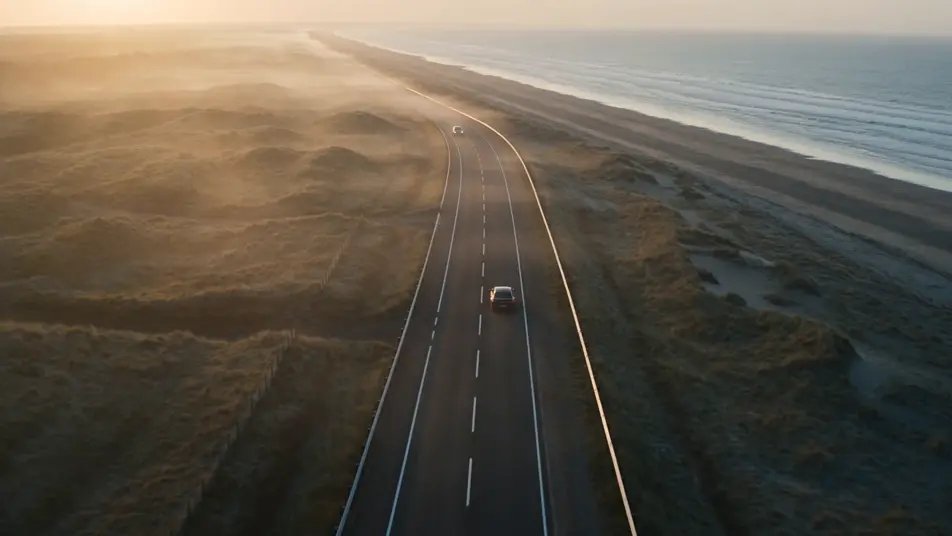
Direct a short film in your browser with Morphic's AI short film maker. Build a drifter outside a roadside diner at dawn or a child chasing a paper kite across a wheat field, score every beat with the Music tool, and stitch a finished short film on the Canvas.
Wide aerial drift over an empty coastal highway at first light, a lone car cutting through low mist, soft amber sun breaking the horizon, slow forward push to set the world of the short film.
Edit promptTwo characters face each other across a small kitchen table, one rising to leave, warm tungsten light against a cold blue window, a slow handheld move that holds on the moment everything changes.
Edit prompt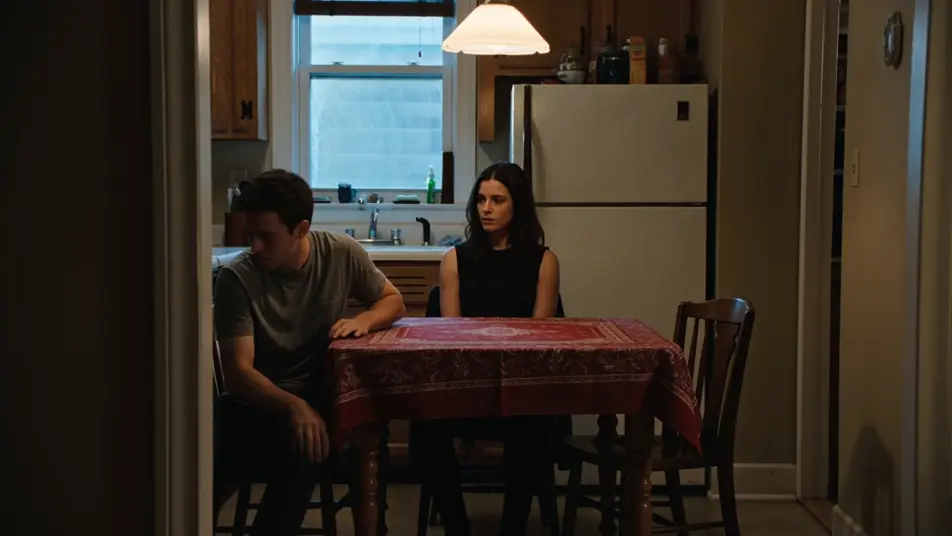
A single figure stands alone at the far end of a long wooden pier as a storm clears, wind whipping their coat and sea spray drifting over the planks, a slow push-in that holds wide on the climax of the short film.
Edit prompt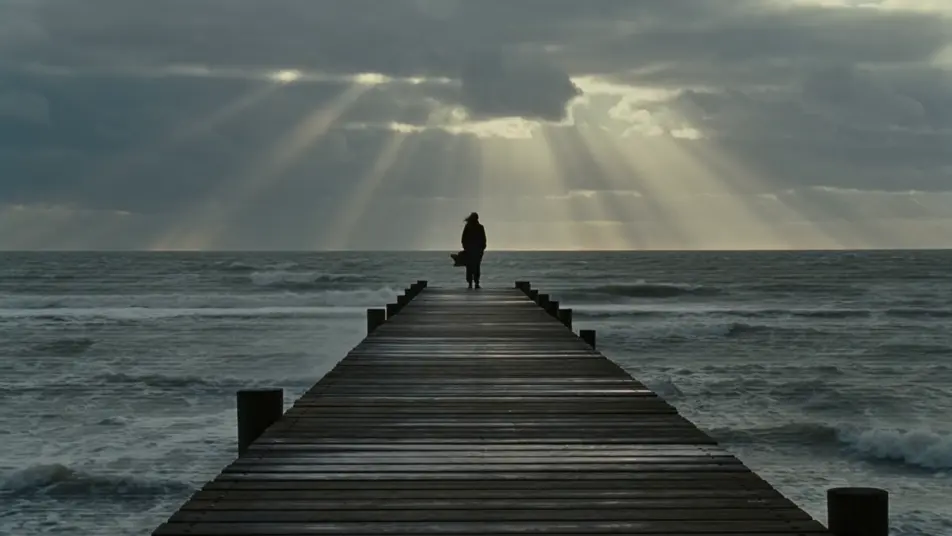
An empty room at golden hour, dust drifting in a shaft of window light, a door easing shut at the edge of frame, a slow pull-back that lets the short film settle and end.
Edit prompt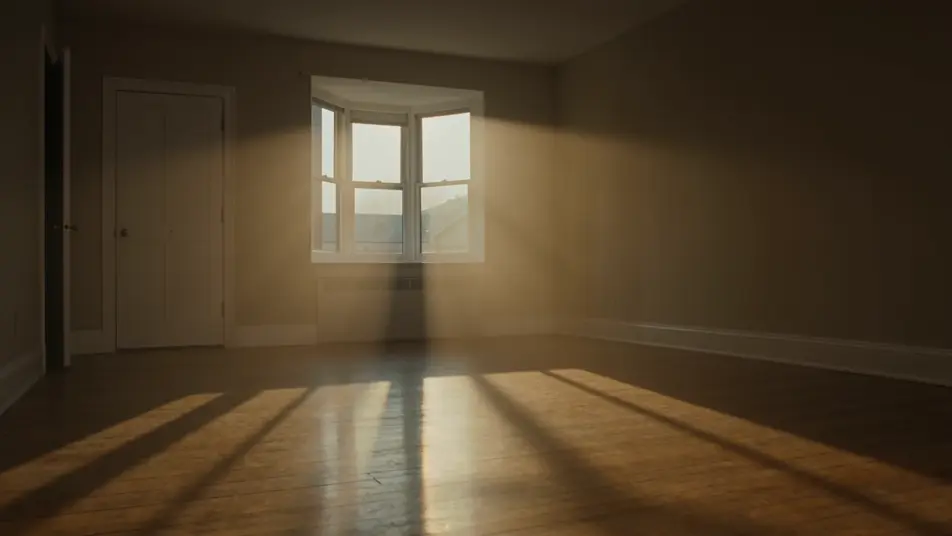
Write the short film scene you want, in plain words.
Morphic generates a cinematic, frame-ready clip on your canvas in seconds.
Tweak the prompt, regenerate variations, then download or share the shot.

Dramatize any text conversation into a cinematic multi-shot video.
Cinematic time-freeze short film for any scene
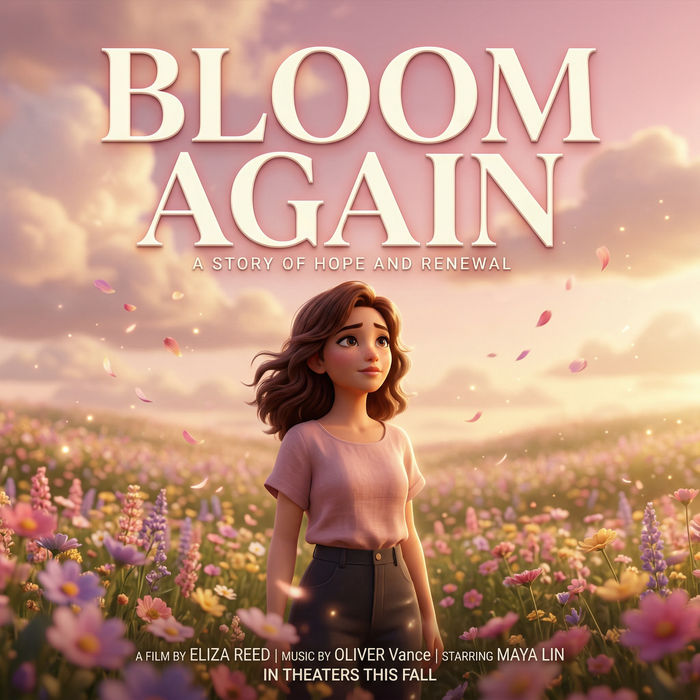
Generate a professional film title card from scratch, with optional cinematic animation.
Photo of any real-estate becomes a cinematic renovation timelapse video with construction SFX and music.
One image to a 9-scene cinematic video.
Drop in a photo of yourself. Get a 12-second cinematic movie with animation and a matched soundtrack.
AI Micro Dramas
Make AI micro dramas with Morphic. Ultra-short cliffhanger episodes, bingeable micro-series beats, original drama archetypes, and paste-ready scene prompts.
AI VFX videos
Generate AI VFX videos with Morphic. Explosions, energy effects, sci-fi destruction, particles, and creature shots from a prompt. No green screen, no compositing.
Giallo AI Videos
Generate giallo style videos with Morphic. Magenta and cobalt gels, black-gloved killer archetypes, opera-house chiaroscuro, and Argento-grade scene prompts.
Silent film AI Videos
Generate silent film videos with Morphic. Caligari painted shadow, Murnau unchained camera, Eisenstein montage, Lang crowds, and intertitle typography.
Get started for free today, with the option to upgrade or cancel anytime.
Basic
2400 monthly credits
1 user only
All models
Workflows
Standard
3625 monthly credits
1 user only
All models
Workflows
Pro
6350 shared monthly credits
1 user
All models
Workflows
Max
24650 shared monthly credits
1 user
All models
Workflows
Enterprise
For higher limits
Custom
pricing and billing terms

Free
For playing around
$0
forever free