Campfire gathering at dusk
Wide shot of a campfire ringed by listeners at dusk, embers drifting upward, faces lit warm orange, a calm slow push-in as the narrator begins the story time tale.
Edit prompt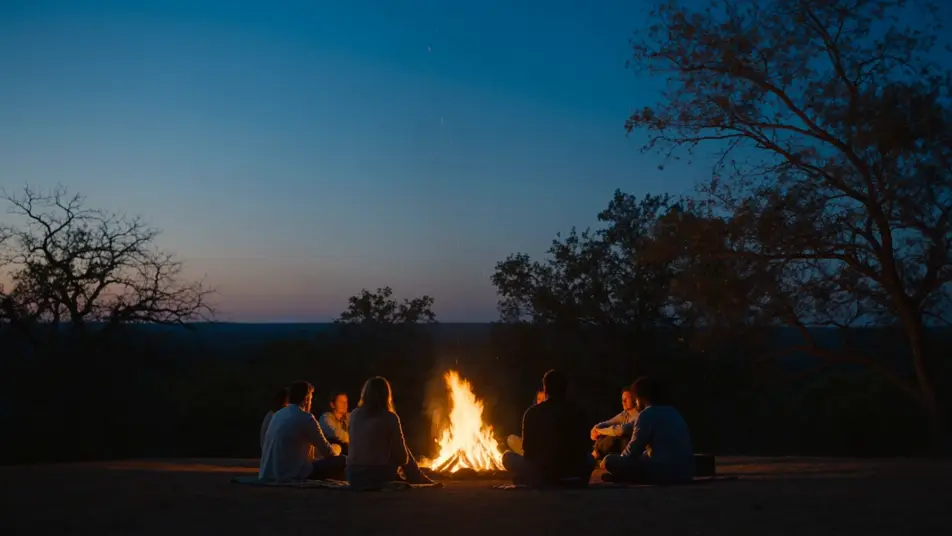
Direct narrated storytelling in your browser with Morphic's story time AI video generator. Generate a lantern-lit cabin reveal, a child tracing a treasure map by candlelight, or a quiet bedtime closing shot. Narrate every beat with Speech, then stitch a full story time video on the Canvas.
Wide shot of a campfire ringed by listeners at dusk, embers drifting upward, faces lit warm orange, a calm slow push-in as the narrator begins the story time tale.
Edit promptA weathered treasure map unrolled across a wooden table, a hand tracing the inked route by candlelight, a brass compass and coiled rope at the edges, the camera drifting slowly across the parchment as the narration builds.
Edit prompt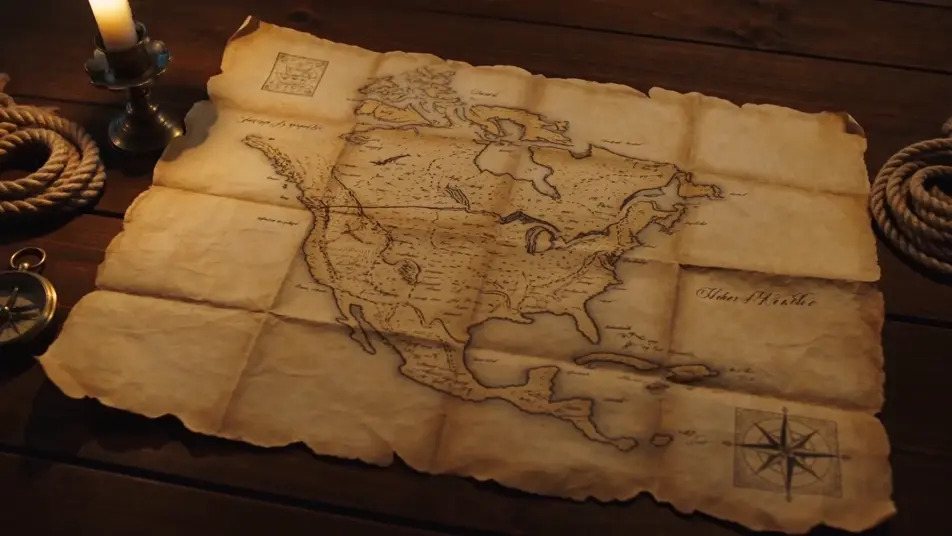
A snowbound cabin glowing from within at dusk, a single lantern in the window, soft snow falling, a slow wide push-in toward the door as the story time narration sets the scene.
Edit prompt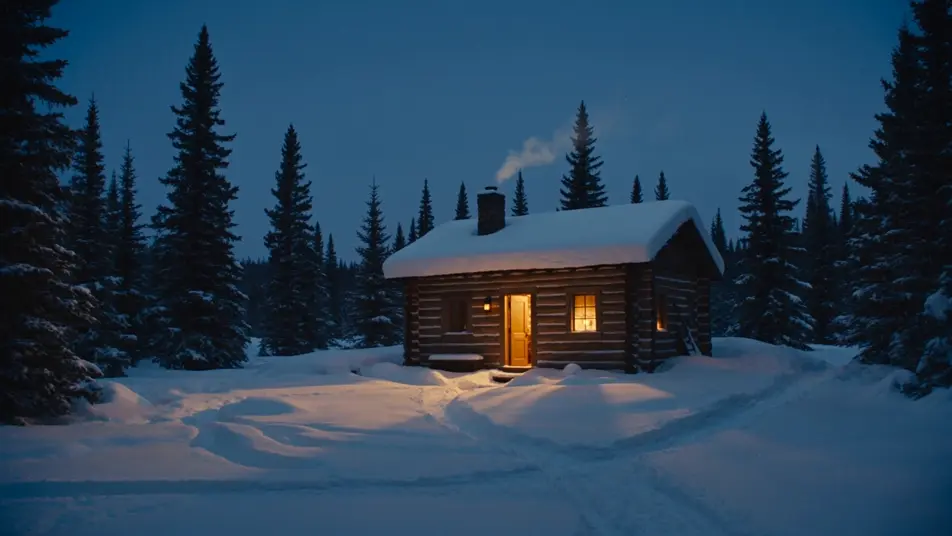
A cozy reading nook lit by a single warm lamp, an open storybook on a folded blanket, soft shadows shifting faintly on the wall, the faintest slow push-in toward the pages as the bedtime narration eases in.
Edit prompt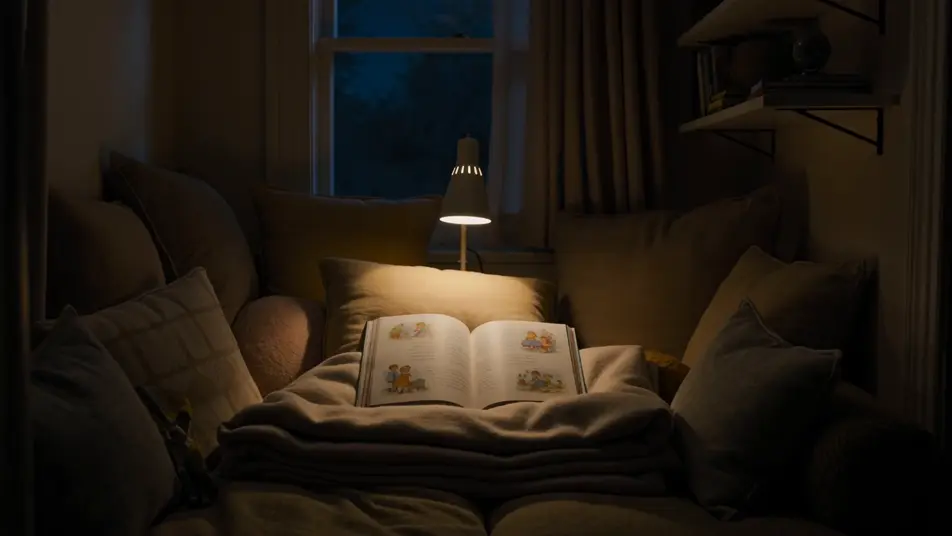
Write the story time scene you want, in plain words.
Morphic generates a cinematic, frame-ready clip on your canvas in seconds.
Tweak the prompt, regenerate variations, then download or share the shot.
Cinematic time-freeze short film for any scene
Photo of any real-estate becomes a cinematic renovation timelapse video with construction SFX and music.
One image to a 9-scene cinematic video.

Dramatize any text conversation into a cinematic multi-shot video.
Drop in a photo of yourself. Get a 12-second cinematic movie with animation and a matched soundtrack.
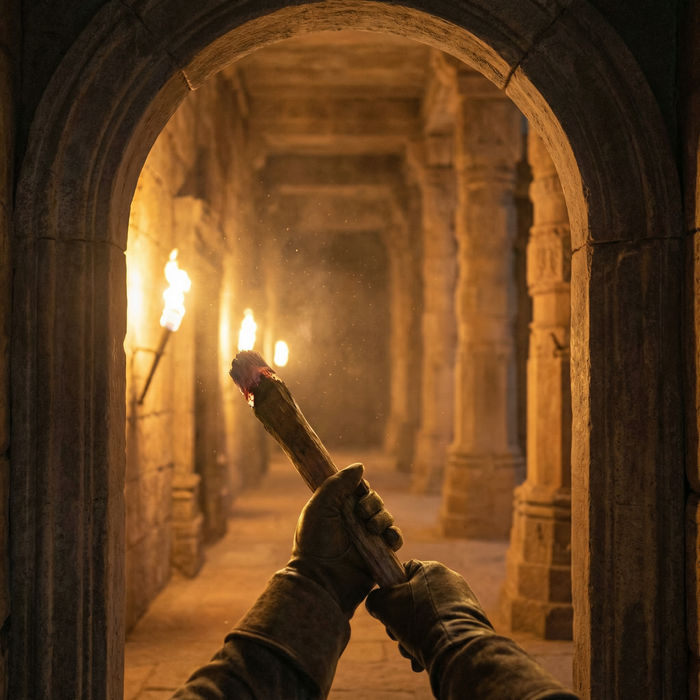
Describe a first-person scenario. Get sequential POV frames animated into video clips with audio.
AI ASMR videos
Generate AI ASMR videos with Morphic. Close-up trigger loops, ambient soundscapes, whispered narration, and ready-to-post clips for YouTube and TikTok.
AI Short Films
Make AI short films with Morphic. Storyboard the arc, keep characters consistent, direct each scene, and score the cut. Step-by-step, no editing experience needed.
Alice in Wonderland AI Videos
Create Alice in Wonderland scenes, the rabbit hole, the Caterpillar's mushroom, the Mad Hatter's tea party, the croquet ground, and the courtroom with Morphic. Generate surreal Lewis Carroll videos from a single prompt.
AI Lyric videos
Make AI lyric videos with Morphic. Kinetic typography, handwritten lyrics over moody footage, neon word art, and scene prompts that sync words to your track.
Get started for free today, with the option to upgrade or cancel anytime.
Basic
2400 monthly credits
1 user only
All models
Workflows
Standard
3625 monthly credits
1 user only
All models
Workflows
Pro
6350 shared monthly credits
1 user
All models
Workflows
Max
24650 shared monthly credits
1 user
All models
Workflows
Enterprise
For higher limits
Custom
pricing and billing terms

Free
For playing around
$0
forever free