Viktorianisches Studioporträt
Eine weite Szene in einem viktorianischen Fotostudio, gerendert als glänzender Albumen-Print, warmes purpurbraunes Sepia, Eiweißschimmer, das Motiv sitzt vor einem gemalten Hintergrund.
Prompt bearbeiten
Erstellen Sie Albumen-Print-Bilder direkt im Browser mit dem KI-Bildgenerator von Morphic. Generieren Sie ein Kabinettkarten-Porträt mit purpurbraunen Tönen, eine verblassende Landschaft mit vergilbten Lichtern oder eine architektonische Studie in feinem Detail. Legen Sie die Palette mit Style Transfer fest und animieren Sie sie mit Image to Video.
Eine weite Szene in einem viktorianischen Fotostudio, gerendert als glänzender Albumen-Print, warmes purpurbraunes Sepia, Eiweißschimmer, das Motiv sitzt vor einem gemalten Hintergrund.
Prompt bearbeitenEine weite Ansicht klassischer Ruinen aus den 1870er-Jahren in scharfer Albumen-Zeichnung, durchgehend warmes Sepia, glänzende Oberfläche, zarte Tonabstufung von cremefarbenem Himmel bis zu braunem Gestein.
Prompt bearbeiten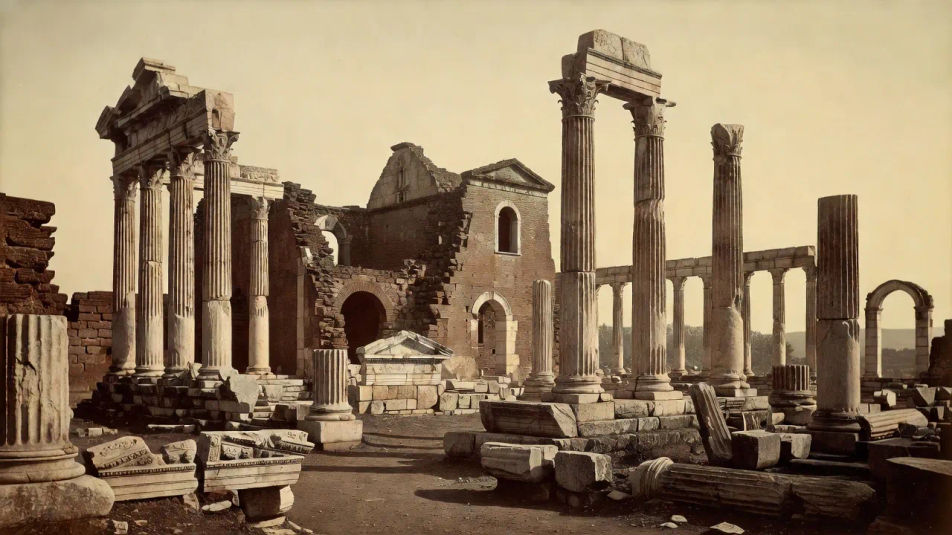
Eine weite Ansicht einer Stadt am Fluss, verblasst zu weichem warmem Braun, der Himmel überstrahlt zu blassem Creme, sanfter Kontrast und die feine Zeichnung eines gealterten, auf Karton montierten Albumen-Prints.
Prompt bearbeiten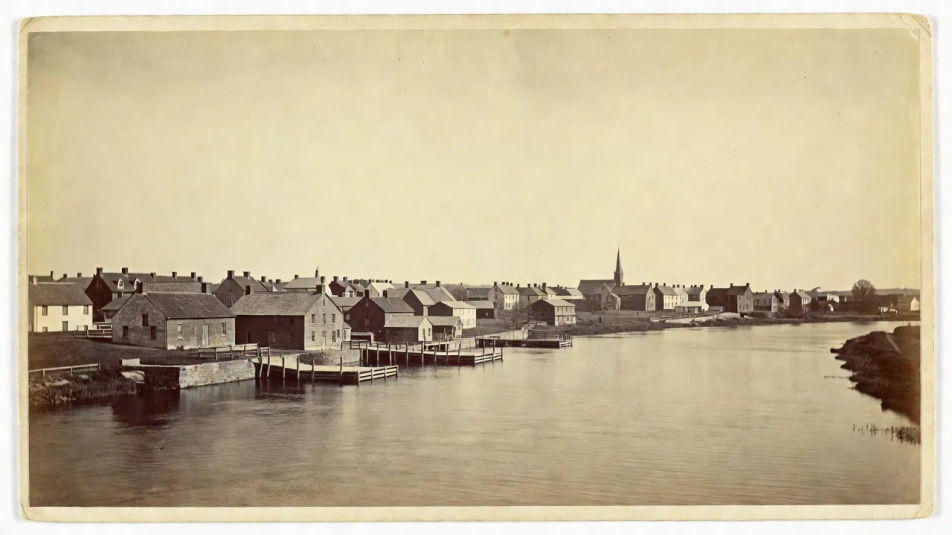
Eine weite Wand mit montierten Albumen-Kabinettkarten und Cartes de Visite, alle in warmem rötlich-braunem Sepia mit glänzendem Schimmer und vergoldeten Rändern, viktorianische Präsentation.
Prompt bearbeiten
Beschreiben Sie das Albumen print, das Sie möchten, in einfachen Worten.
Morphic generiert in Sekunden ein sauberes, veröffentlichungsfertiges Bild auf Ihrer Canvas.
Passen Sie den Prompt an, generieren Sie Varianten und laden Sie das Bild herunter oder teilen Sie es.
Fix plastic-looking AI skin. Adds natural texture, pores, and imperfections for realism.
One selfie becomes a set of professional headshots. Studio-quality, multiple styles.
Convert any image to a new aspect ratio. Smart crop or extend the edges to fit.
Set the look with one reference image. Apply that exact grade to any scene or batch.
Choose your viewing angles and get precise perspective shifts of any image with full camera control.
Bring back any damaged, blurry, or low-res image. Get a sharp, detailed 4K version with natural clarity restored.
Salzdruck-KI-Bilder
Salzdruck-KI-Bilder im Browser: mattes Rotbraun, weicher Kontrast, sichtbare Papierfasern, unregelmäßige Ränder. Jetzt erstellen.
Platinum-Palladium-Print KI-Bilder
Platinum-Palladium-Print KI-Bilder: lange Tonwertskala, warme neutrale Schwarztöne, matte Mitteltöne. Fine-Art-Print gestalten. Jetzt loslegen.
Carbon-Transfer-Print KI-Bilder
Carbon-Transfer-Print KI-Bilder im Browser erstellen: tiefe Pigmentschwarztöne, feines Relief, glänzende Gelatinetiefe. Direkt aus einem Prompt bauen.
Gum-Bichromat-KI-Bilder
Gum-Bichromat-KI-Bilder im Browser erstellen: gepinselte Pigmentränder, matte Farbschichten, Aquarellpapier-Struktur. Jetzt malerischen Druck bauen.
Starten Sie noch heute kostenlos, mit der Option, jederzeit zu upgraden oder zu kündigen.
Basic
2400 monatliche Credits
1 Nutzer
Alle Modelle
Workflows
Standard
3625 monatliche Credits
1 Nutzer
Alle Modelle
Workflows
Pro
6350 gemeinsame monatliche Credits
1 Nutzer
Alle Modelle
Workflows
Max
24650 gemeinsame monatliche Credits
1 Nutzer
Alle Modelle
Workflows
Enterprise
Für höhere Limits
Individuell
Preis- und Abrechnungsbedingungen

Free
Zum Ausprobieren
$0
dauerhaft kostenlos