Architectural illustration AI images

Render architectural illustration images in your browser with Morphic's AI image generator. Generate a watercolour building elevation, an exploded axonometric of a housing block, or a photoreal dusk exterior render with warm interior glow, and pair every piece with the Style Transfer workflow to lock the drawing style, palette and light across a presentation set. Animate any still with the Image to Video tool.

Architectural illustration styles you can create

Architectural illustration views you can build

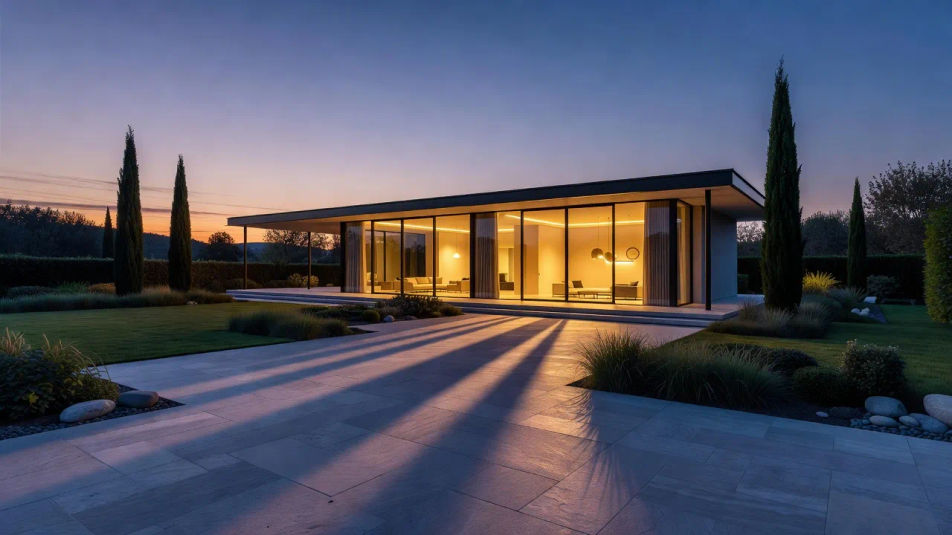
Dusk villa on the terrace

A wide photoreal dusk render of a modern villa seen from the garden, glass glowing warm inside, a graded blue sky and long cool shadows across a stone terrace.

Prompt bearbeiten
Dusk villa on the terrace

Watercolour street elevation

A wide watercolour street elevation of a row of townhouses, soft ochre and grey washes, hand-drawn windows and doors, small figures and trees for scale on white.

Prompt bearbeiten
Watercolour street elevation

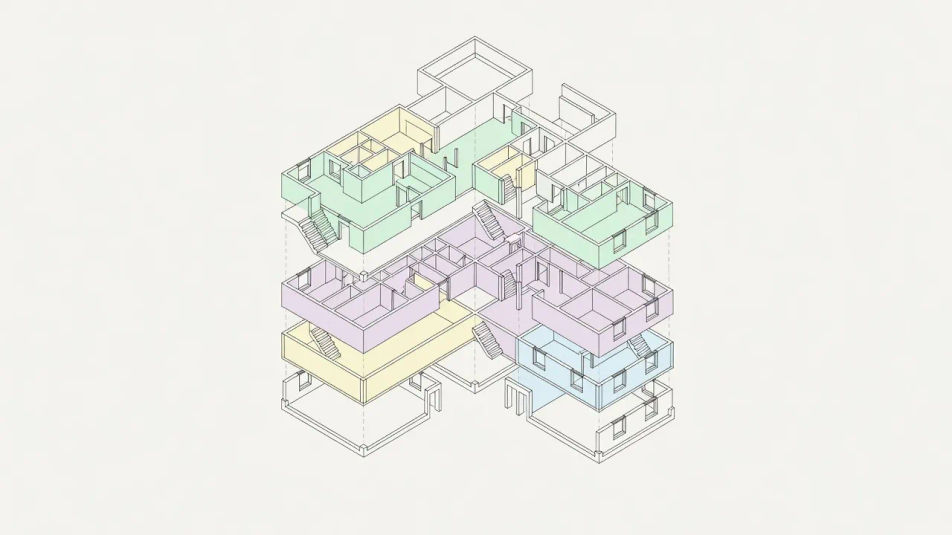
Axonometric block study

A wide exploded axonometric of a housing block, floors lifted apart to show structure and rooms, flat pastel colour coding and thin technical linework on a plain ground.

Prompt bearbeiten
Axonometric block study

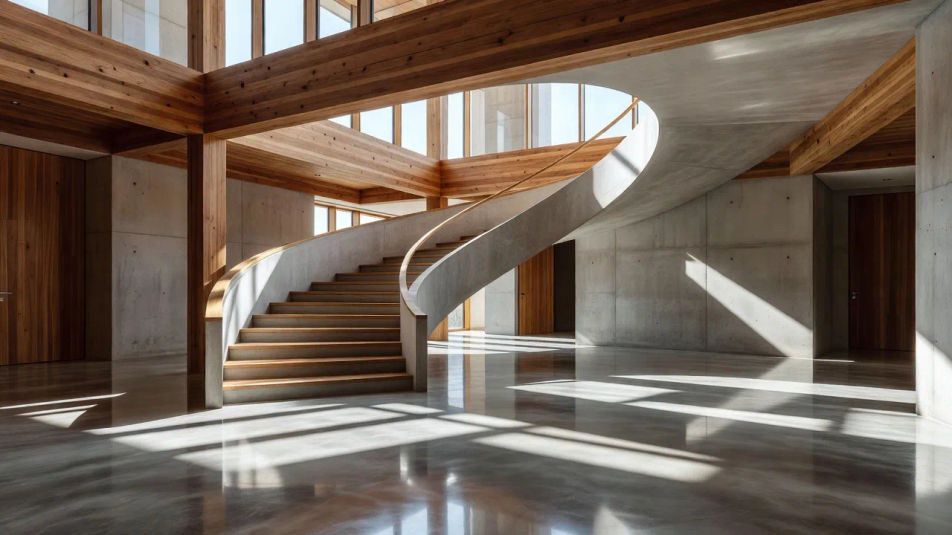
Sunlit interior atrium

A wide interior render of a sunlit atrium, daylight raking across timber and concrete, a sweeping stair and long morning shadows stretching over a polished floor.

Prompt bearbeiten
Sunlit interior atrium

Architectural illustration in drei Schritten erstellen

  1. 01

    Beschreiben Sie Ihr Architectural illustration

    Beschreiben Sie das Architectural illustration, das Sie möchten, in einfachen Worten.

  2. 02

    Bild generieren

    Morphic generiert in Sekunden ein sauberes, veröffentlichungsfertiges Bild auf Ihrer Canvas.

  3. 03

    Architectural illustration verfeinern

    Passen Sie den Prompt an, generieren Sie Varianten und laden Sie das Bild herunter oder teilen Sie es.

Verwandte Workflows

Das könnte Ihnen auch gefallen

Einfache Preise

Starten Sie noch heute kostenlos, mit der Option, jederzeit zu upgraden oder zu kündigen.

Basic

$0/ Monat
abgerechnet als $0 pro Jahr

900 monatliche Credits

1 Nutzer

Alle Modelle

Workflows

Standard

$0/ Monat
abgerechnet als $0 pro Jahr

3200 monatliche Credits

1 Nutzer

Alle Modelle

Workflows

Pro

$0/ Monat
abgerechnet als $0 pro Jahr

6200 gemeinsame monatliche Credits

1 Nutzer

+ bis zu 4 weitere gegen Aufpreis

Alle Modelle

Workflows

Pro Max

$0/ Monat
abgerechnet als $0 pro Jahr

24000 gemeinsame monatliche Credits

1 Nutzer

+ bis zu 9 weitere gegen Aufpreis

Alle Modelle

Workflows

Enterprise

Für höhere Limits

Individuell

Preis- und Abrechnungsbedingungen

Unbegrenzte Credits
Individuelle Platzlimits
Alle Modelle
Workflows
Pricing Gradient

Free

Zum Ausprobieren

$0

dauerhaft kostenlos

Bis zu 20 Credits
Nur 1 Nutzer
Eingeschränkte Modelle
Workflows

Häufig gestellte Fragen

How can I make architectural illustration images with AI?
You can create architectural illustrations directly in your browser on Morphic. Open the Image tool, describe the drawing type, the materials and the light, and Morphic renders the view. No CAD or rendering software needed.
What visual cues make an image read as an architectural illustration?
Name the convention: an elevation, section, axonometric or perspective render, with scale figures, honest materials and a clear drawing style. Add architectural light such as a warm interior glow at dusk. Those cues separate an architectural illustration from an ordinary building photo.
How do I get a convincing dusk render look?
Describe it directly: "graded blue evening sky, floor-to-ceiling glass glowing warm from within, long cool shadows across the terrace." The contrast of warm interior light against a cool exterior is the classic architectural money-shot and reads instantly as a professional render.
How do I keep a presentation set consistent?
Use Morphic's Style Transfer workflow to lock the drawing style, palette and quality of light, then reference that style card in every prompt. Your elevations, sections and renders then read as one coherent presentation rather than separate images.
Can I turn an architectural illustration into video?
Yes. Morphic's Image to Video tool animates any still you generate, and a slow camera glide past a facade, shifting dusk light, or a drifting sky suit the subject well. Pair the result with the Music tool for a walkthrough score.
Do I need design experience to make these?
No. Morphic runs in your browser and you direct it with plain-language prompts. Anyone who can describe a building, a room and the light can produce architectural illustrations. The drawing craft is handled for you.