Fantasy-Reich als Doppelseite
Eine breite Fantasy-Reichskarte, die eine ganze Doppelseite füllt, mit handgezeichneten Bergen, Wäldern und Küstenlinien auf Pergament, einer Kompassrose und einer dekorativen Kartusche in den Ecken.
Prompt bearbeiten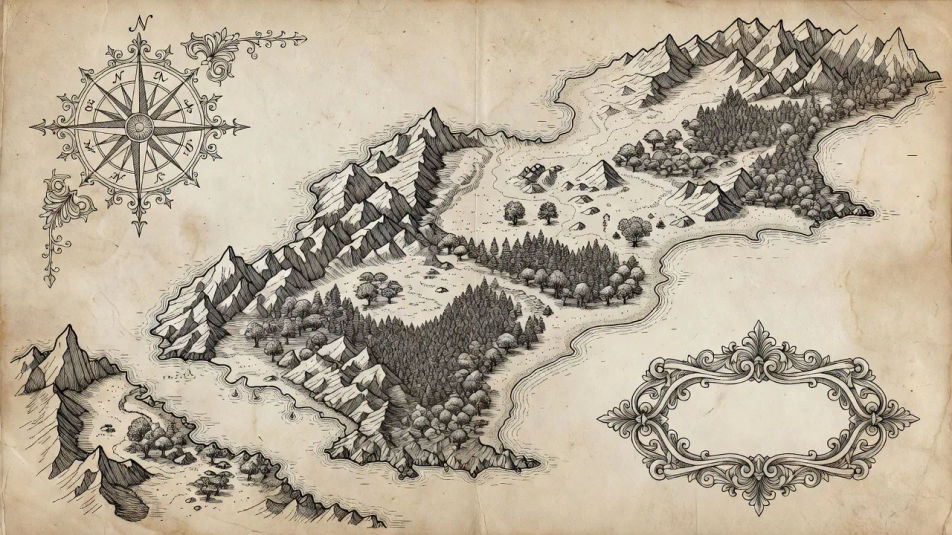
Zeichnen Sie Kartenillustrationen direkt im Browser mit dem KI-Bildgenerator von Morphic. Erstellen Sie eine handgezeichnete Fantasy-Karte mit Kompassrose, ein stilisiertes Verkehrsdiagramm oder eine bildhafte Touristenkarte mit Wahrzeichen-Symbolen. Fixieren Sie Linienführung und Palette mit Style Transfer und animieren Sie mit Image to Video.
Eine breite Fantasy-Reichskarte, die eine ganze Doppelseite füllt, mit handgezeichneten Bergen, Wäldern und Küstenlinien auf Pergament, einer Kompassrose und einer dekorativen Kartusche in den Ecken.
Prompt bearbeitenEin breites, stilisiertes städtisches Verkehrsnetz mit kräftigen, farbcodierten Linien, die sich über einen flachen Grund fächern, kreisförmigen Umsteigeknoten und einer übersichtlichen Legende an einem Rand.
Prompt bearbeiten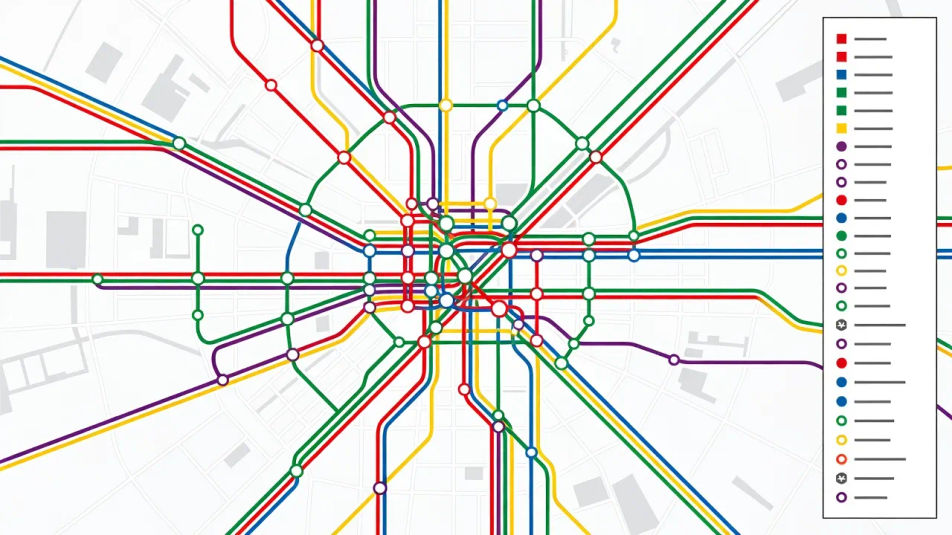
Eine breite, bildhafte Vogelperspektiv-Karte einer Küstenstadt, mit illustrierten Wahrzeichen, Booten und Bäumen, in kräftigen Flächenfarben und verspielten handgeschriebenen Beschriftungen entlang der Straßen.
Prompt bearbeiten
Ein breites topografisches Terrainfeld aus fließenden Höhenlinien in Beige und Grün, mit klar erkennbaren Graten und Flusstälern und einer kleinen Höhenlegende in einer Ecke.
Prompt bearbeiten
Beschreiben Sie das Map illustration, das Sie möchten, in einfachen Worten.
Morphic generiert in Sekunden ein sauberes, veröffentlichungsfertiges Bild auf Ihrer Canvas.
Passen Sie den Prompt an, generieren Sie Varianten und laden Sie das Bild herunter oder teilen Sie es.
Pick a reference image, apply its visual style to your own photo or artwork.

Turn any sketch or drawing into a finished render.
Convert any image to a new aspect ratio. Smart crop or extend the edges to fit.

Take any character image and generate 6 distinct facial expressions on a single reference sheet.

Pick any anime illustration as your style guide. Apply its look to any image.
Reimagine any anime character as a photorealistic, high-fashion live-action portrait.
Architekturillustrationen mit KI-Bildern
Architekturillustrationen mit KI: Aquarellansichten, Axonometrien, Dämmerungsrenderings. Bauen Sie ein Präsentationsset. Jetzt starten.
Icon-Design KI-Bilder
Icon-Design KI-Bilder im Browser erstellen: Linien-Raster, glänzende App-Icons, Duoton-Blätter. Passende Icon-Familie schnell bauen. Jetzt starten.
KI-Bilder für Event-Flyer-Design
Event-Flyer-Design mit KI: kräftige Gigposter, Neon-Clubflyer, Festival-Lineups. Eine passende Eventreihe aus einem Prompt. Jetzt starten.
Menu-Design-Illustrationen mit KI
Erstellen Sie Menu-Design-Illustrationen mit KI im Browser: Bistro-Karten, Kreidetafeln, Degustationskarten. Aus einem Prompt gebaut. Jetzt starten.
Starten Sie noch heute kostenlos, mit der Option, jederzeit zu upgraden oder zu kündigen.
Basic
2400 monatliche Credits
1 Nutzer
Alle Modelle
Workflows
Standard
3625 monatliche Credits
1 Nutzer
Alle Modelle
Workflows
Pro
6350 gemeinsame monatliche Credits
1 Nutzer
Alle Modelle
Workflows
Max
24650 gemeinsame monatliche Credits
1 Nutzer
Alle Modelle
Workflows
Enterprise
Für höhere Limits
Individuell
Preis- und Abrechnungsbedingungen

Free
Zum Ausprobieren
$0
dauerhaft kostenlos