Finger placement
A fine-line minimal crown sitting on a finger, shown from the front to display its delicate scale against the hand.
Prompt bearbeiten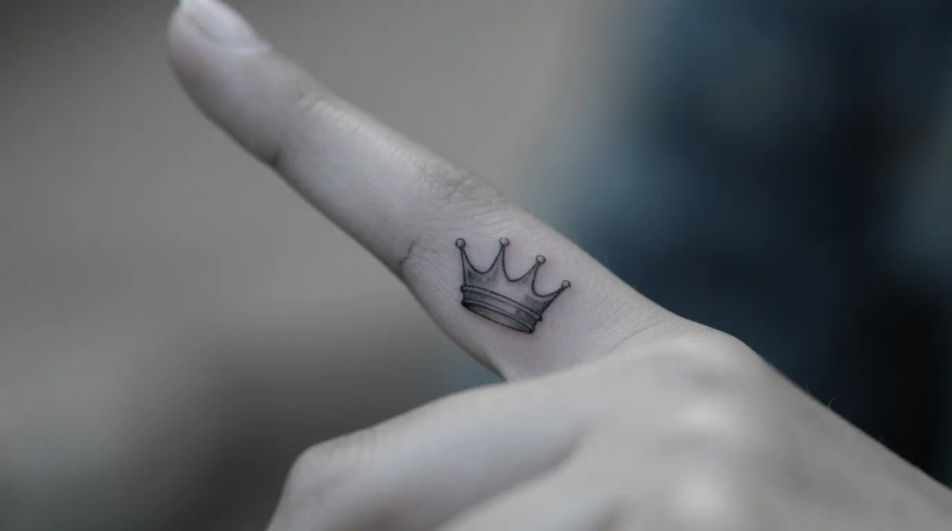
Design crown tattoo ideas in your browser with Morphic's AI image generator. Create fine-line minimal crowns, bold jeweled royal crowns, geometric versions, or delicate dotwork pieces. Use Style Transfer to lock the line quality and shading, then refine scale with Character Lineup for gallery-ready concepts.
A fine-line minimal crown sitting on a finger, shown from the front to display its delicate scale against the hand.
Prompt bearbeitenA bold blackwork crown on the inner forearm, shown from the side to display the ornate points and jewel shapes.
Prompt bearbeiten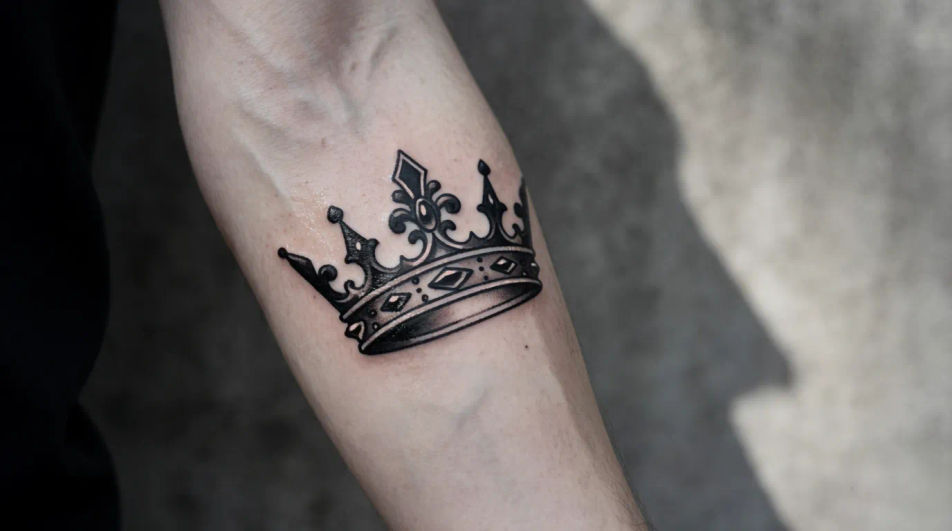
A neo-traditional jeweled crown across the upper chest, shown from the front to frame the sternum symmetrically.
Prompt bearbeiten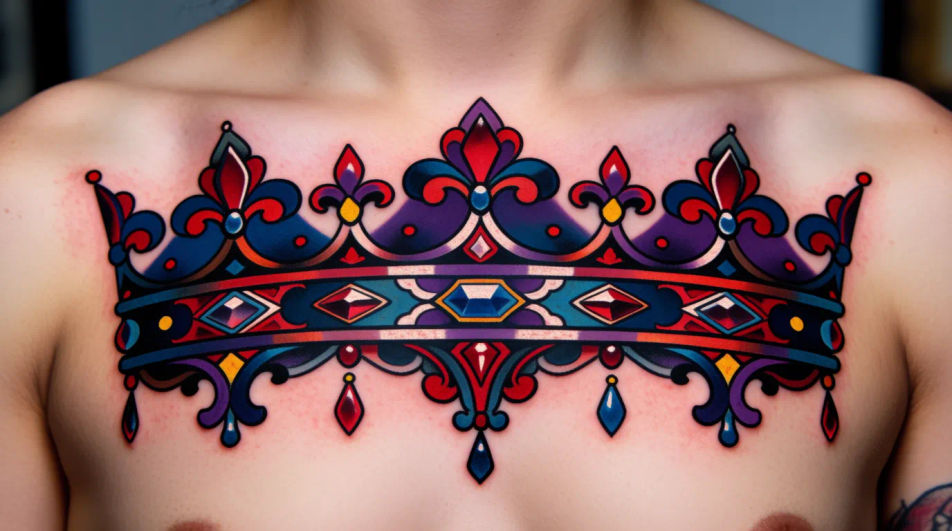
A small crown sitting at the nape of the neck, shown from behind to frame its placement below the hairline.
Prompt bearbeiten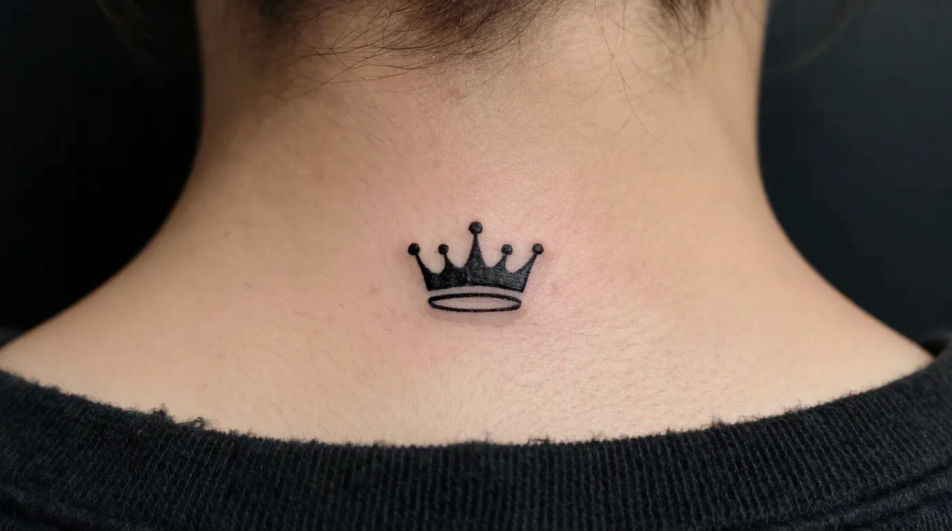
Beschreiben Sie das crown tattoo designs, das Sie möchten, in einfachen Worten.
Morphic generiert in Sekunden ein sauberes, veröffentlichungsfertiges Bild auf Ihrer Canvas.
Passen Sie den Prompt an, generieren Sie Varianten und laden Sie das Bild herunter oder teilen Sie es.
Pick a reference image, apply its visual style to your own photo or artwork.
Convert any image to a new aspect ratio. Smart crop or extend the edges to fit.

Pick any anime illustration as your style guide. Apply its look to any image.

Take any character image and generate 6 distinct facial expressions on a single reference sheet.

Turn any sketch or drawing into a finished render.
Restyle any video in a completely new visual style. Every frame transforms, all motion stays intact.
Rose AI tattoo designs
Create AI rose tattoo designs with our rose tattoo generator. Find high-quality rose tattoo designs for any project in seconds.
Anchor AI tattoo designs
Create AI anchor tattoo designs with our anchor tattoo generator. Find vibrant anchor tattoo designs for any project in seconds.
Lotus AI tattoo designs
Create AI lotus tattoo designs with our lotus tattoo generator. Find high-quality lotus tattoo designs for any project in seconds.
Couple AI tattoo designs
Create AI couple tattoo designs with our couple tattoo generator. Find vibrant couple tattoo designs for any project in seconds.
Starten Sie noch heute kostenlos, mit der Option, jederzeit zu upgraden oder zu kündigen.
Basic
2400 monatliche Credits
1 Nutzer
Alle Modelle
Workflows
Standard
3625 monatliche Credits
1 Nutzer
Alle Modelle
Workflows
Pro
6350 gemeinsame monatliche Credits
1 Nutzer
Alle Modelle
Workflows
Max
24650 gemeinsame monatliche Credits
1 Nutzer
Alle Modelle
Workflows
Enterprise
Für höhere Limits
Individuell
Preis- und Abrechnungsbedingungen

Free
Zum Ausprobieren
$0
dauerhaft kostenlos