Sonniges Fenster-Filmset
Ein sonniger Raum auf warmem Filmmaterial, sanftes Tageslicht strömt durch ein Fenster auf einen Holzboden, feines Korn, sanfte Lichtblüte, verblasste Bernsteinpalette, Staubkörner treiben im Lichtstrahl.
Prompt bearbeiten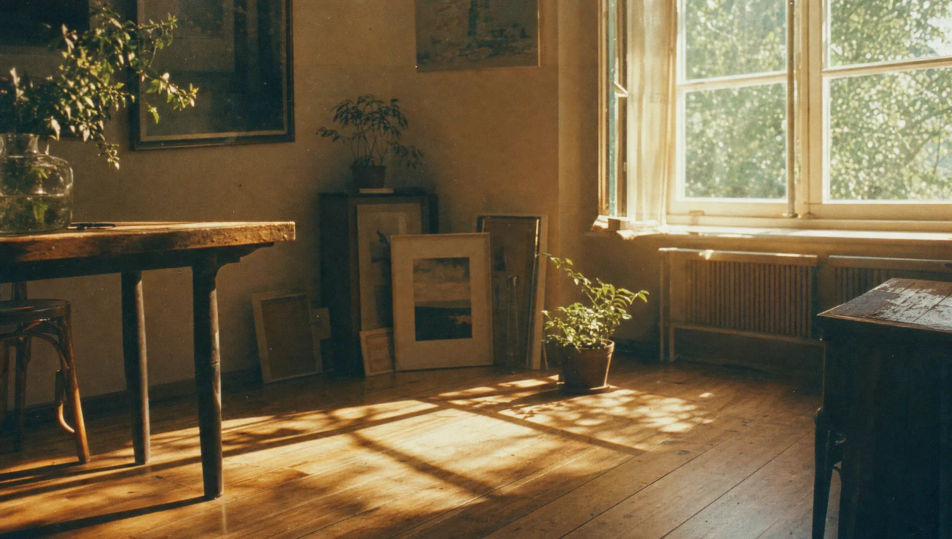
Fotografieren Sie analoge Filmfotografie direkt im Browser mit dem Analoge-Filmfotografie-KI-Bildgenerator von Morphic. Erzeugen Sie ein körniges 35-mm-Porträt oder einen sonnenüberstrahlten Strand auf warmem Film, fixieren Sie Korn und Farbe mit Style-Transfer und animieren Sie jedes Bild mit dem Image-to-Video-Tool.
Ein sonniger Raum auf warmem Filmmaterial, sanftes Tageslicht strömt durch ein Fenster auf einen Holzboden, feines Korn, sanfte Lichtblüte, verblasste Bernsteinpalette, Staubkörner treiben im Lichtstrahl.
Prompt bearbeitenEine ruhige Straße zur goldenen Stunde auf 35-mm-Film, lange warme Schatten, Lichtreflex einer tiefstehenden Sonne, sanftes Korn, leicht verblasste Schwarztöne, nostalgische Bernstein-Petrol-Palette, dokumentarische Spontanaufnahme.
Prompt bearbeiten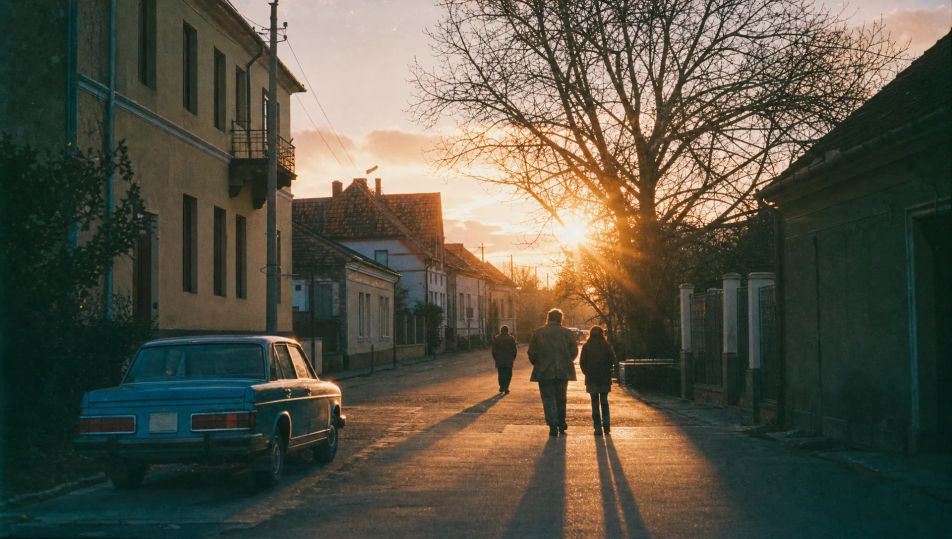
Eine bewölkte Landschaft auf Mittelformatfilm, sanftes flaches Licht, niedriger Kontrast, feines Emulsionskorn, gedämpfte Grün- und Grautöne, dezente Vignette, ruhige naturalistische Stimmung mit luftigem Negativraum.
Prompt bearbeiten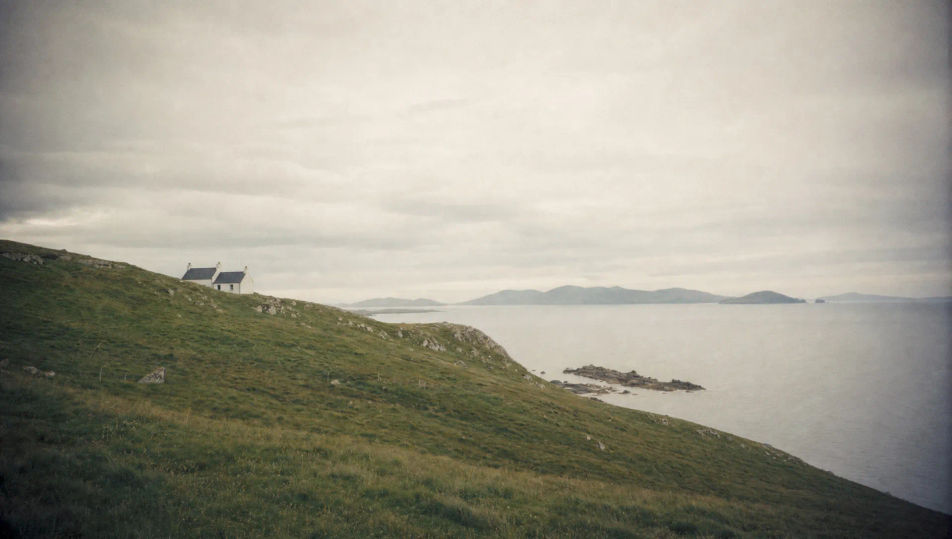
Ein Doppelbelichtungsbild mit überlappenden Figuren und Laub, warme Lichteinfälle streifen den Rand, sanftes Korn, verträumte verblasste Farben, zufällig wirkende, aber gewollte analoge Textur und Überlagerung.
Prompt bearbeiten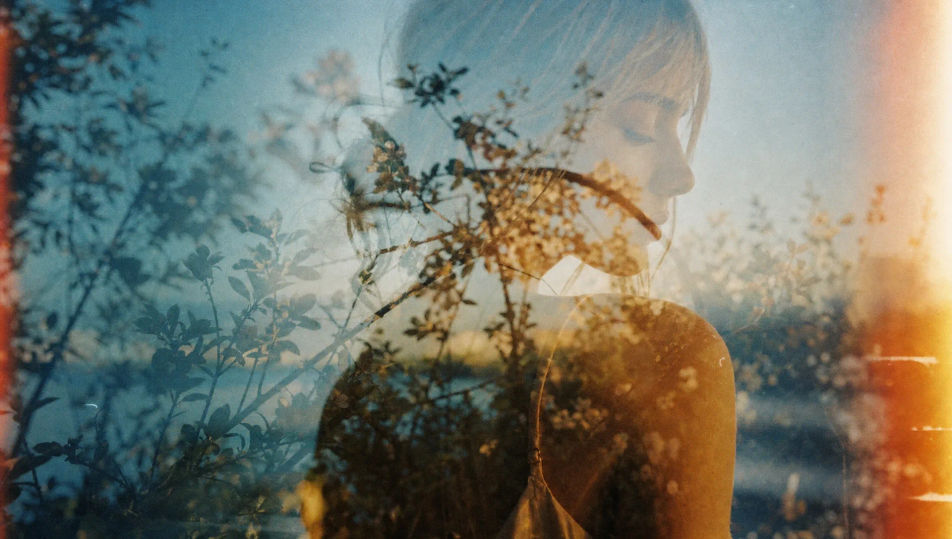
Beschreiben Sie das Analoge Filmfotografie, das Sie möchten, in einfachen Worten.
Morphic generiert in Sekunden ein sauberes, veröffentlichungsfertiges Bild auf Ihrer Canvas.
Passen Sie den Prompt an, generieren Sie Varianten und laden Sie das Bild herunter oder teilen Sie es.
Fix plastic-looking AI skin. Adds natural texture, pores, and imperfections for realism.
One selfie becomes a set of professional headshots. Studio-quality, multiple styles.
Convert any image to a new aspect ratio. Smart crop or extend the edges to fit.
Set the look with one reference image. Apply that exact grade to any scene or batch.
Choose your viewing angles and get precise perspective shifts of any image with full camera control.
Bring back any damaged, blurry, or low-res image. Get a sharp, detailed 4K version with natural clarity restored.
Polaroid-KI-Bilder
Erstellen Sie KI-Polaroid-Bilder mit Morphic. Generieren Sie Polaroid-Aufnahmen, Porträts und Visuals für jedes Projekt in Sekunden.
Lomografie-KI-Bilder
Erstellen Sie KI-Lomografie-Bilder mit Morphic. Generieren Sie Lomografie-Aufnahmen, -Porträts und -Motive für jedes Projekt in Sekunden.
Cyanotypie-KI-Bilder
Erstellen Sie KI-Cyanotypie-Bilder mit Morphic. Erzeugen Sie Cyanotypie-Drucke, Silhouetten und Motive für jedes Projekt in Sekunden.
Feinkunst-Fotografie-KI-Bilder
Erstellen Sie KI-Bilder für Feinkunst-Fotografie mit Morphic. Erzeugen Sie Feinkunst-Fotografie-Aufnahmen, Porträts und Visuals für jedes Projekt in Sekunden.
Starten Sie noch heute kostenlos, mit der Option, jederzeit zu upgraden oder zu kündigen.
Basic
2400 monatliche Credits
1 Nutzer
Alle Modelle
Workflows
Standard
3625 monatliche Credits
1 Nutzer
Alle Modelle
Workflows
Pro
6350 gemeinsame monatliche Credits
1 Nutzer
Alle Modelle
Workflows
Max
24650 gemeinsame monatliche Credits
1 Nutzer
Alle Modelle
Workflows
Enterprise
Für höhere Limits
Individuell
Preis- und Abrechnungsbedingungen

Free
Zum Ausprobieren
$0
dauerhaft kostenlos