Fog photography AI Images

Shoot Fog photography images in your browser with Morphic's AI image generator. Capture soft, atmospheric frames like a lone figure dissolving into layered mist, a forest of tree tops fading tone by tone into white, or a road swallowed by low ground fog. Hold one hushed look across a set with the Style Transfer workflow.

Fog photography shots you can create

Fog photography compositions you can produce

Wide misty landscape

A wide frame of ridgelines receding into fog in paler and paler bands, valleys of mist pooling between, muted low-contrast tones and a soft blank sky reserved for a title.

Prompt bearbeiten
Wide misty landscape

Silhouette hero panel

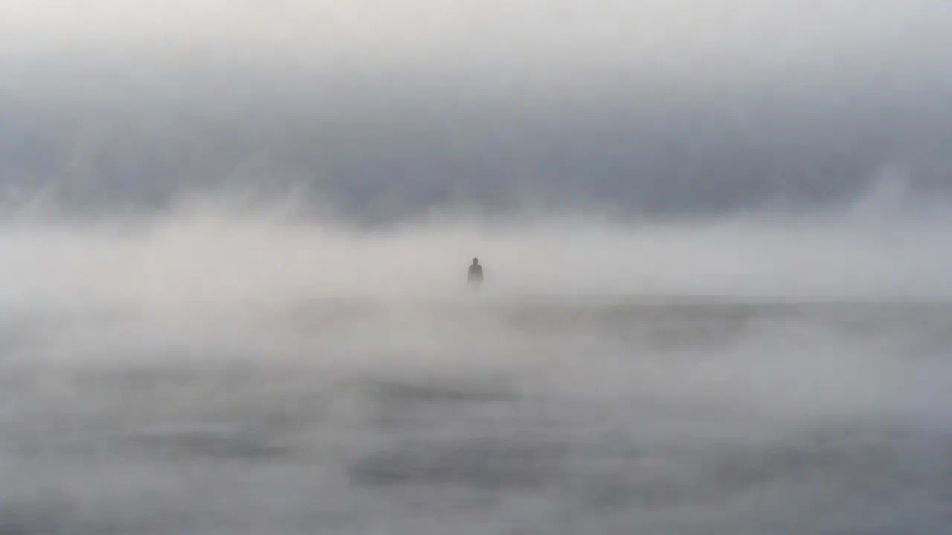
A landscape frame of a lone figure fading into thick mist, soft grey edges and negative space all around, the empty fog leaving generous room for a caption.

Prompt bearbeiten
Silhouette hero panel

Fading-forest composition

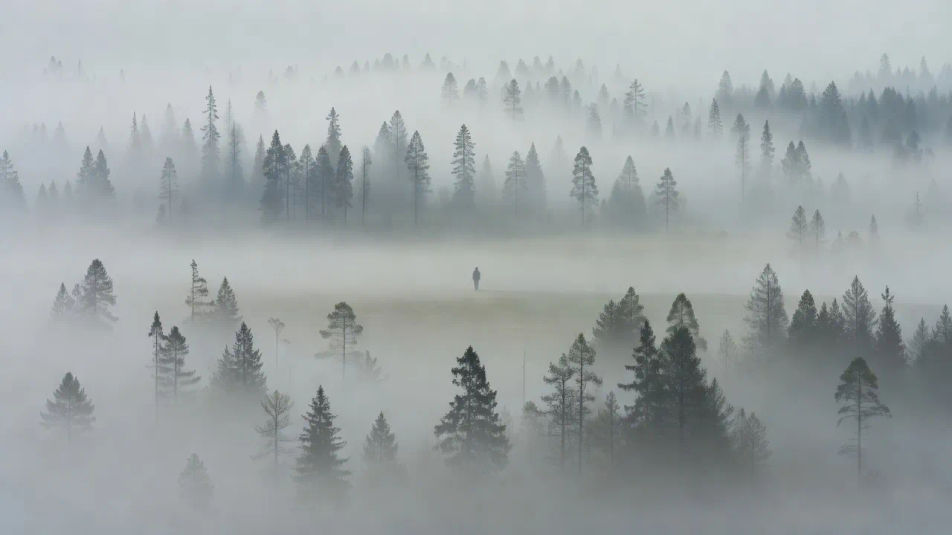
A wide view of tree ranks dissolving layer by layer into white, cool grey-green diffusion flattening the depth, an open misty band holding room for a headline.

Prompt bearbeiten
Fading-forest composition

Foggy road establishing shot

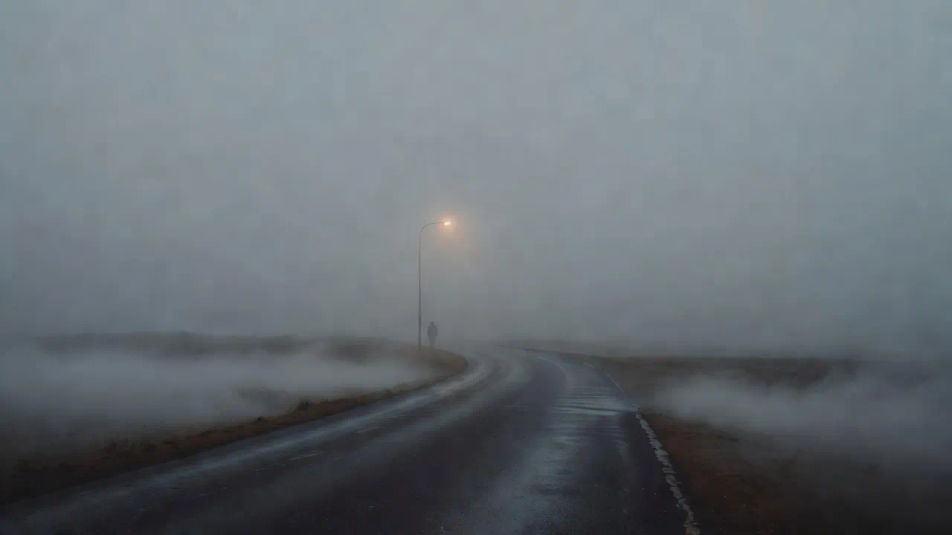
An establishing view of an empty road curving into low ground fog, a single lamp glowing as a soft bloom, damp surface and a hushed, muffled grey atmosphere throughout.

Prompt bearbeiten
Foggy road establishing shot

Fog photography in drei Schritten erstellen

  1. 01

    Beschreiben Sie Ihr Fog photography

    Beschreiben Sie das Fog photography, das Sie möchten, in einfachen Worten.

  2. 02

    Bild generieren

    Morphic generiert in Sekunden ein sauberes, veröffentlichungsfertiges Bild auf Ihrer Canvas.

  3. 03

    Fog photography verfeinern

    Passen Sie den Prompt an, generieren Sie Varianten und laden Sie das Bild herunter oder teilen Sie es.

Verwandte Workflows

Das könnte Ihnen auch gefallen

Einfache Preise

Starten Sie noch heute kostenlos, mit der Option, jederzeit zu upgraden oder zu kündigen.

Basic

$0/ Monat
abgerechnet als $0 pro Jahr

900 monatliche Credits

1 Nutzer

Alle Modelle

Workflows

Standard

$0/ Monat
abgerechnet als $0 pro Jahr

3200 monatliche Credits

1 Nutzer

Alle Modelle

Workflows

Pro

$0/ Monat
abgerechnet als $0 pro Jahr

6200 gemeinsame monatliche Credits

1 Nutzer

+ bis zu 4 weitere gegen Aufpreis

Alle Modelle

Workflows

Pro Max

$0/ Monat
abgerechnet als $0 pro Jahr

24000 gemeinsame monatliche Credits

1 Nutzer

+ bis zu 9 weitere gegen Aufpreis

Alle Modelle

Workflows

Enterprise

Für höhere Limits

Individuell

Preis- und Abrechnungsbedingungen

Unbegrenzte Credits
Individuelle Platzlimits
Alle Modelle
Workflows
Pricing Gradient

Free

Zum Ausprobieren

$0

dauerhaft kostenlos

Bis zu 20 Credits
Nur 1 Nutzer
Eingeschränkte Modelle
Workflows

Häufig gestellte Fragen

What is fog photography?
Fog photography uses mist and haze to soften a scene, defined by heavy diffusion, layered receding depth, and a muted low-contrast palette. Objects fade tone by tone into the fog, and lone silhouettes and glowing lights carry the mood.
Where can I make fog photography images with AI?
You can create fog photography images with AI on Morphic, right in your browser. Open the Image tool, describe the mist, the fading layers, and the muted tones, and Morphic generates the frame. No waiting for the right weather at dawn.
How do I get the layered fog depth?
Name the falloff directly: "layers receding into fog, each paler than the last until they vanish into white, soft diffusion, muted low-contrast tones." Calling out the tone-by-tone fade is what gives the mist real depth instead of a flat grey haze.
How do I keep a series of fog shots consistent?
Use Morphic's Style Transfer workflow to lock the diffusion strength and muted palette from your first frame, then apply that look across the set. Each shot can feature a different scene while the whole series holds one hushed atmosphere.
Can I add a title or caption to a fog image on Morphic?
Yes. Generate the frame with an open patch of mist reserved, then open the Canvas to place a title or caption as a layer. The soft empty fog gives you room to add type without regenerating the scene underneath.
Do I need a camera to make fog photography images?
No. Morphic runs in your browser on plain-language prompts, so you do not need a camera or a foggy morning. Describe the mist, the fading layers, and the muted light, and Morphic builds a finished fog frame.