Icon-Set-Raster
Ein sauberes Raster, das ein vollständiges Icon-Set auf einem neutralen Grund auslegt, konsistente Rahmung und konsistenter Stil über jede Zelle, jedes Icon lesbar bei kleiner Thumbnail-Größe.
Prompt bearbeiten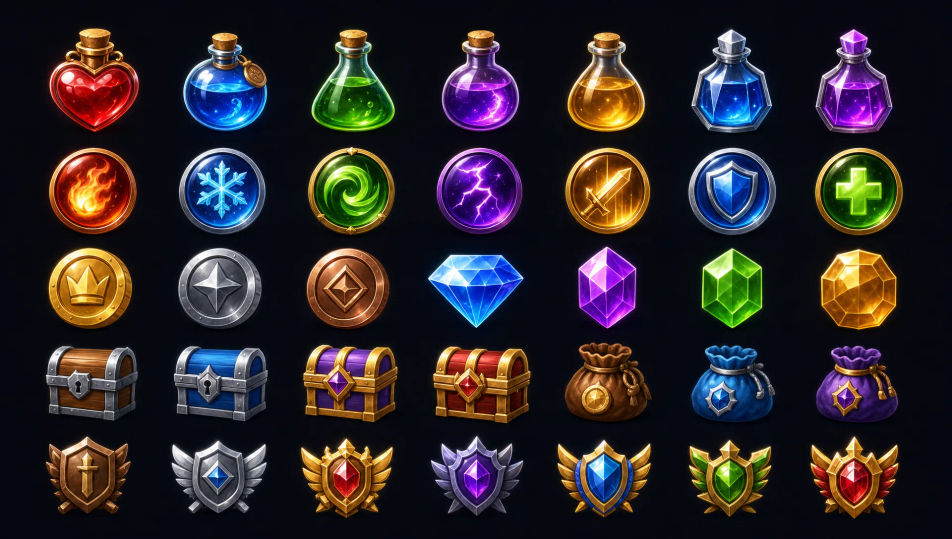
Erstellen Sie Game-UI-Icons direkt im Browser mit dem KI-Bildgenerator von Morphic. Generieren Sie ein Inventar-Icon im Beuteplatz, ein Skill-Icon für eine Fähigkeitenleiste oder einen Währungstoken, jeweils auf klarem Grund für kleine Größen. Halten Sie den Stil mit Style Transfer und platzieren Sie das Icon im Canvas.
Ein sauberes Raster, das ein vollständiges Icon-Set auf einem neutralen Grund auslegt, konsistente Rahmung und konsistenter Stil über jede Zelle, jedes Icon lesbar bei kleiner Thumbnail-Größe.
Prompt bearbeitenEin Spiel-HUD-Mockup mit im Kontext platzierten Icons, eine Gesundheitsleiste mit Statuseffekten, eine Aktionsleiste mit Skill-Icons und ein Währungszähler, der klar in der Ecke lesbar ist.
Prompt bearbeiten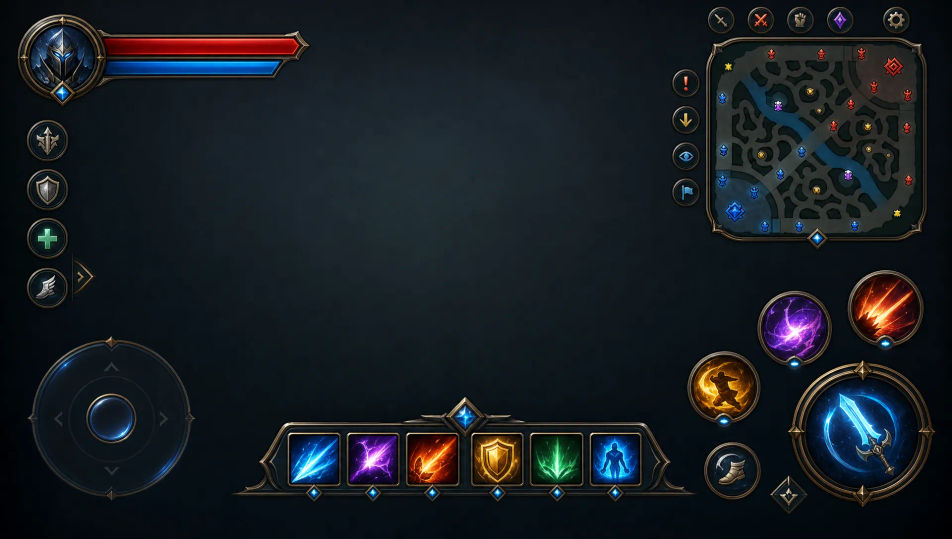
Ein Skill-Tree-Panel mit Skill-Icons, eingesetzt in verbundene Knoten, klare aktive und gesperrte Zustände, eine fokussierte Palette und gleichmäßige Größe über die Zweige.
Prompt bearbeiten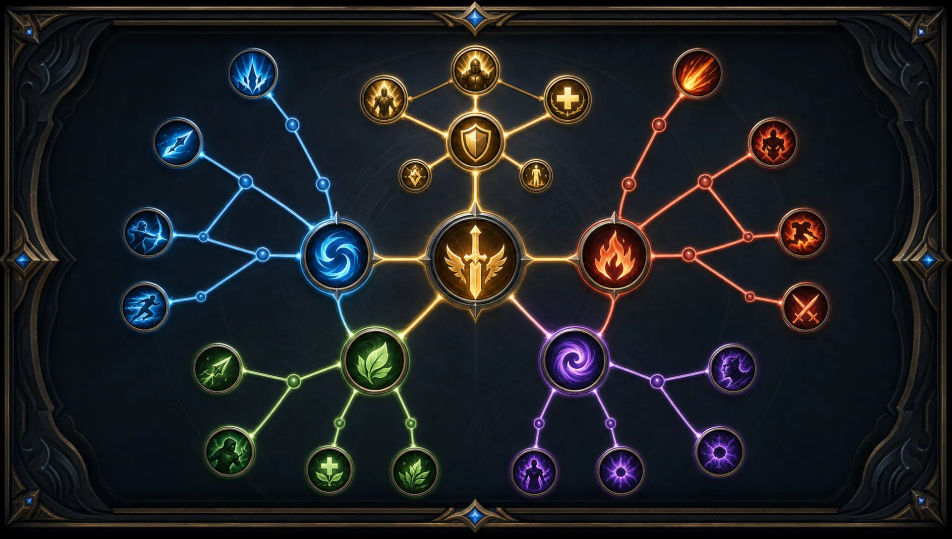
Ein Inventar-Raster-Panel mit Item-Icons, eingesetzt in gerahmte Beuteplätze, konsistente Platzrahmung, ein neutraler Grund und klare Trennung zwischen jeder Zelle.
Prompt bearbeiten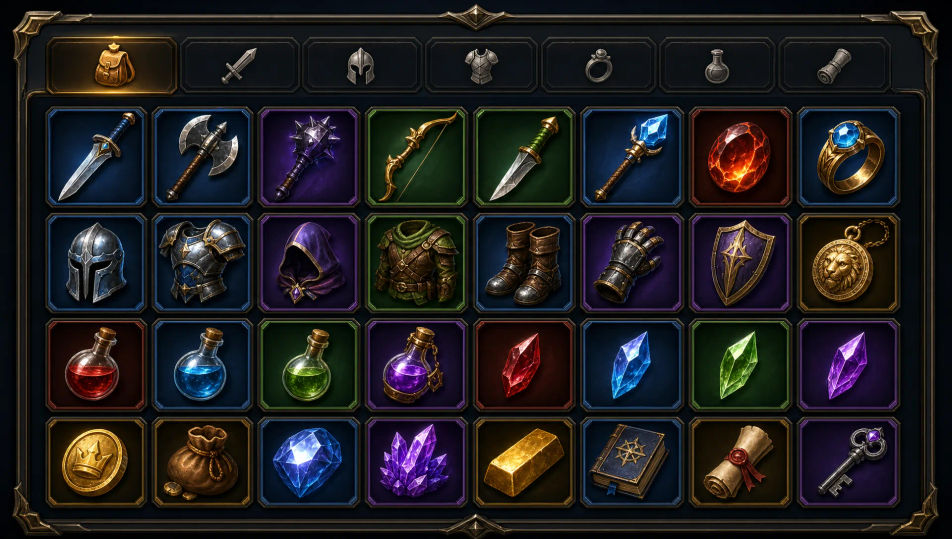
Beschreiben Sie das Game-UI-Icon, das Sie möchten, in einfachen Worten.
Morphic generiert in Sekunden ein sauberes, veröffentlichungsfertiges Bild auf Ihrer Canvas.
Passen Sie den Prompt an, generieren Sie Varianten und laden Sie das Bild herunter oder teilen Sie es.

Turn any photo or description into an animated chibi sprite. Dance, jump, wave, attack, and more.

Take any character image and generate 6 distinct facial expressions on a single reference sheet.

All your characters on a single lineup image, side by side with height comparison.
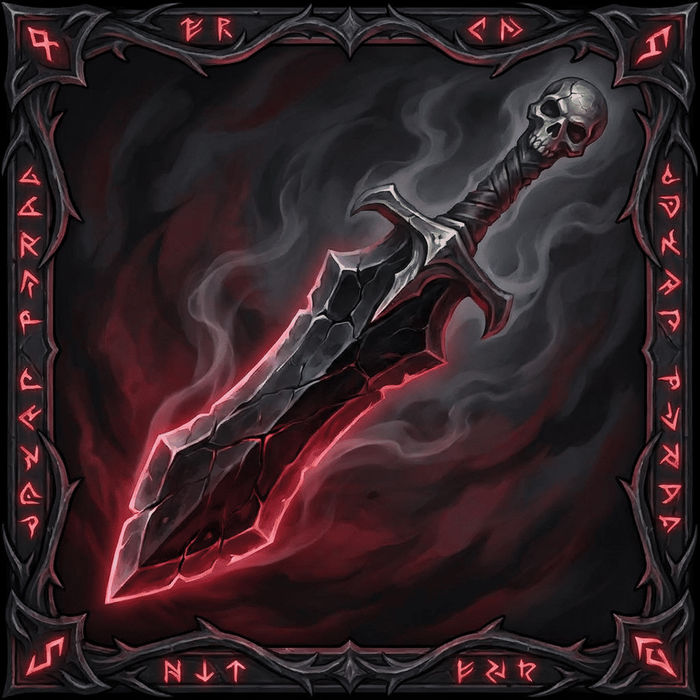
Describe your item categories. Get 12 consistent game-ready icons for inventory UI.
Describe a faction or group. Get 6 distinct NPC face portraits, all in a consistent art style.
One character design becomes a complete sprite sheet: idle, run, attack, jump, death.
2D-Game-Asset-KI-Bilder
Erstellen Sie KI-2D-Game-Asset-Bilder mit Morphic. Generieren Sie spielfertige Sprites, Item-Icons, Kacheln und Requisiten für jedes Projekt in Sekunden.
Logo-Konzept-KI-Bilder
Erstellen Sie KI-Logo-Konzept-Bilder mit Morphic. Generieren Sie Logo-Konzepte, Marken, Monogramme und Lockups für jedes Projekt in Sekunden.
Sticker-Design-KI-Bilder
Erstellen Sie KI-Sticker-Design-Bilder mit Morphic. Generieren Sie gestanzte Sticker, Sticker-Packs und Decals für jedes Projekt in Sekunden.
Konzeptkunst-KI-Bilder
Erstellen Sie KI-Konzeptkunst-Bilder mit Morphic. Generieren Sie Konzeptkunst-Charaktere, Umgebungen, Requisiten und Key-Art für jedes Projekt in Sekunden.
Starten Sie noch heute kostenlos, mit der Option, jederzeit zu upgraden oder zu kündigen.
Basic
2400 monatliche Credits
1 Nutzer
Alle Modelle
Workflows
Standard
3625 monatliche Credits
1 Nutzer
Alle Modelle
Workflows
Pro
6350 gemeinsame monatliche Credits
1 Nutzer
Alle Modelle
Workflows
Max
24650 gemeinsame monatliche Credits
1 Nutzer
Alle Modelle
Workflows
Enterprise
Für höhere Limits
Individuell
Preis- und Abrechnungsbedingungen

Free
Zum Ausprobieren
$0
dauerhaft kostenlos