Single icon on white
One happy emoji face centred on a clean white field with a soft drop shadow, glossy finish, even light, generous margin.
Prompt bearbeiten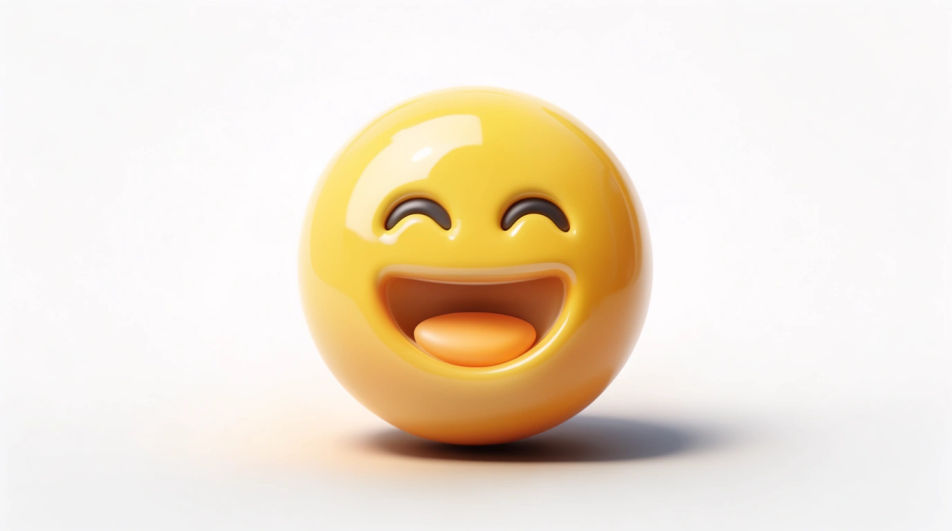
Generate a happy emoji image in Morphic's Image tool, from a glossy grinning face to a simple smiley mark you can use as a logo. Pick the smile, the face colour and the finish, then download an original icon for a chat, a sticker sheet or a brand sign-off.
One happy emoji face centred on a clean white field with a soft drop shadow, glossy finish, even light, generous margin.
Prompt bearbeitenA four-by-two grid of happy emoji faces with different mouths and eye shapes, one shared yellow palette, flat even light.
Prompt bearbeiten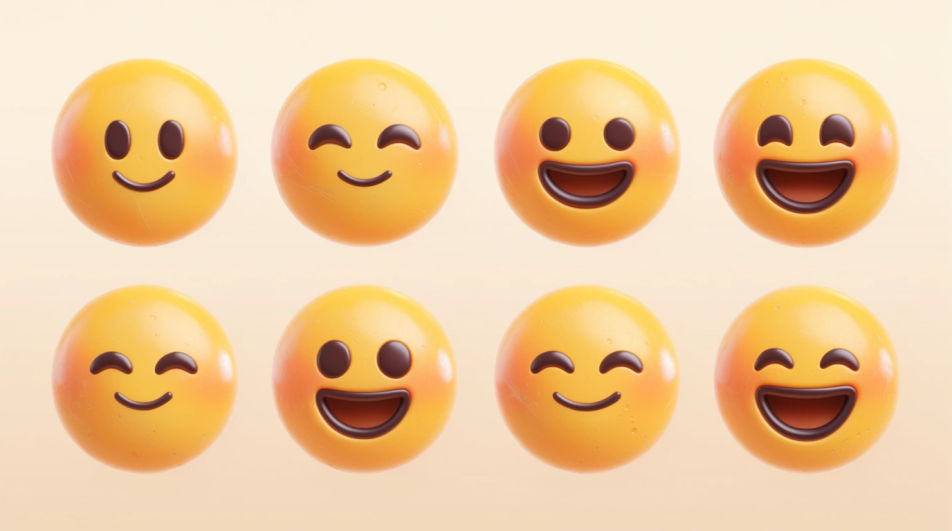
A minimal smiley mark placed beside plain space for a wordmark on a clean background, flat colour, strong geometry.
Prompt bearbeiten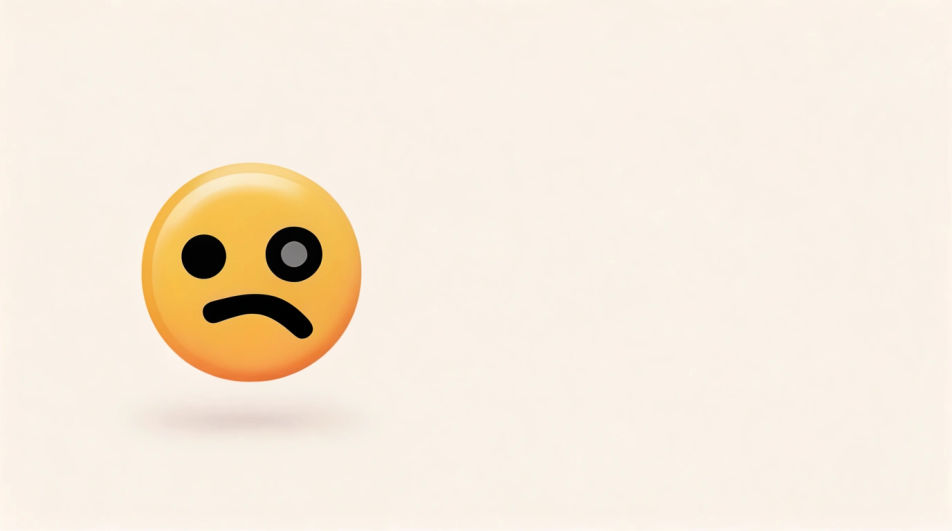
A happy face sculpted in matte clay with a dimpled grin and fingerprint texture, warm studio light raking across it.
Prompt bearbeiten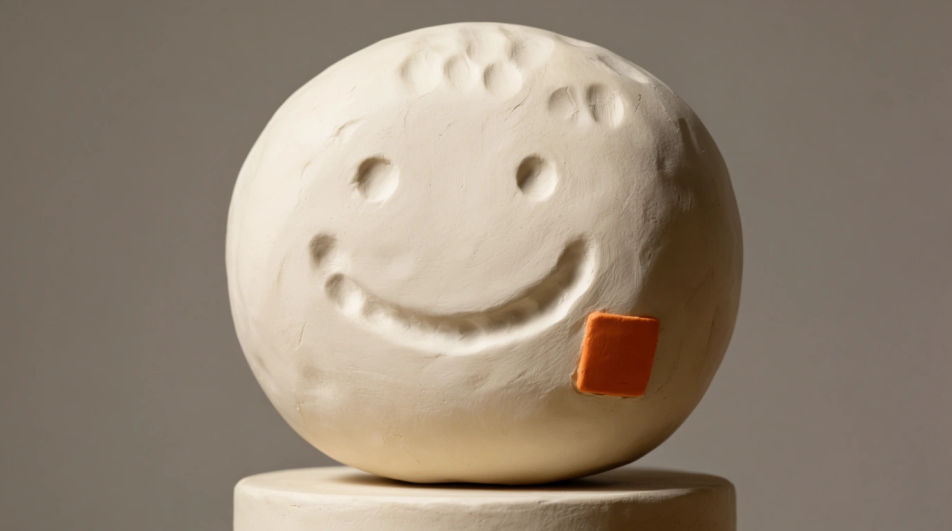
Beschreiben Sie das Happy Emoji, das Sie möchten, in einfachen Worten.
Morphic generiert in Sekunden ein sauberes, veröffentlichungsfertiges Bild auf Ihrer Canvas.
Passen Sie den Prompt an, generieren Sie Varianten und laden Sie das Bild herunter oder teilen Sie es.
Pick a reference image, apply its visual style to your own photo or artwork.
Convert any image to a new aspect ratio. Smart crop or extend the edges to fit.

Turn any sketch or drawing into a finished render.

Take any character image and generate 6 distinct facial expressions on a single reference sheet.
Restyle any video in a completely new visual style. Every frame transforms, all motion stays intact.

Pick any anime illustration as your style guide. Apply its look to any image.
Yay emoji generator
Generate yay emoji images in Morphic. Describe the expression, colour and style you want, generate options, then refine the prompt and download it.
Fun emoji generator
Generate fun emoji images in Morphic. Describe the expression, colour and style you want, generate options, then refine the prompt and download it.
Emoji-Design-KI-Bilder
Emoji-Design-KI-Bilder im Browser erstellen: glänzende Gesichter-Sets, Reaktionen, umrandete Sticker. Passende Packs schnell bauen. Jetzt starten.
Business card AI designs
Create AI business card designs with our business card design generator. Generate professional business card layouts for any industry including corporate, creative, tech, and retail. Find custom business card designs for any project in seconds.
Starten Sie noch heute kostenlos, mit der Option, jederzeit zu upgraden oder zu kündigen.
Basic
2400 monatliche Credits
1 Nutzer
Alle Modelle
Workflows
Standard
3625 monatliche Credits
1 Nutzer
Alle Modelle
Workflows
Pro
6350 gemeinsame monatliche Credits
1 Nutzer
Alle Modelle
Workflows
Max
24650 gemeinsame monatliche Credits
1 Nutzer
Alle Modelle
Workflows
Enterprise
Für höhere Limits
Individuell
Preis- und Abrechnungsbedingungen

Free
Zum Ausprobieren
$0
dauerhaft kostenlos