Studie im Holo-Folien-Glanz
Ein Brustporträt, überzogen von schillerndem Holo-Folien-Glanz, wechselnde spektrale Farbe gleitet über die Haut, ein glänzendes futuristisches Finish und weiche prismatische Glanzlichter.
Prompt bearbeiten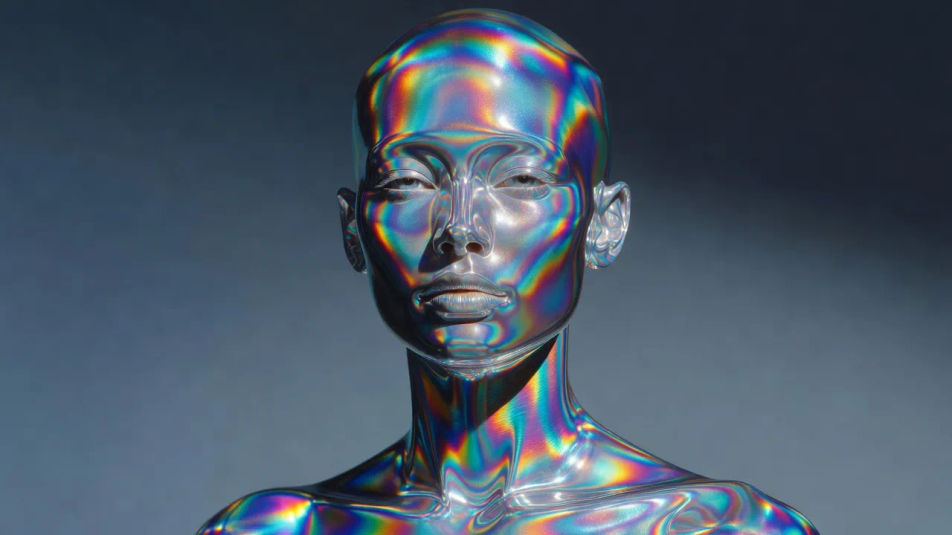
Erstellen Sie holografische Porträts direkt im Browser mit dem KI-Bildgenerator von Morphic. Generieren Sie einen Folienträumer mit schillerndem Glanz, eine Prismenmuse, die in Regenbogenlicht schimmert, oder eine durchscheinende Reisende, die spektrale Farbe bricht. Ziehen Sie das fertige Werk in die Canvas, um den Bildausschnitt zu verfeinern oder einen Titel hinzuzufügen.
Ein Brustporträt, überzogen von schillerndem Holo-Folien-Glanz, wechselnde spektrale Farbe gleitet über die Haut, ein glänzendes futuristisches Finish und weiche prismatische Glanzlichter.
Prompt bearbeitenEin Porträt, das ein prismatisches Regenbogenschimmern einfängt, Farbbänder brechen über die Wangenknochen, eine durchscheinende glasartige Qualität und ein heller reflektierender Hintergrund.
Prompt bearbeiten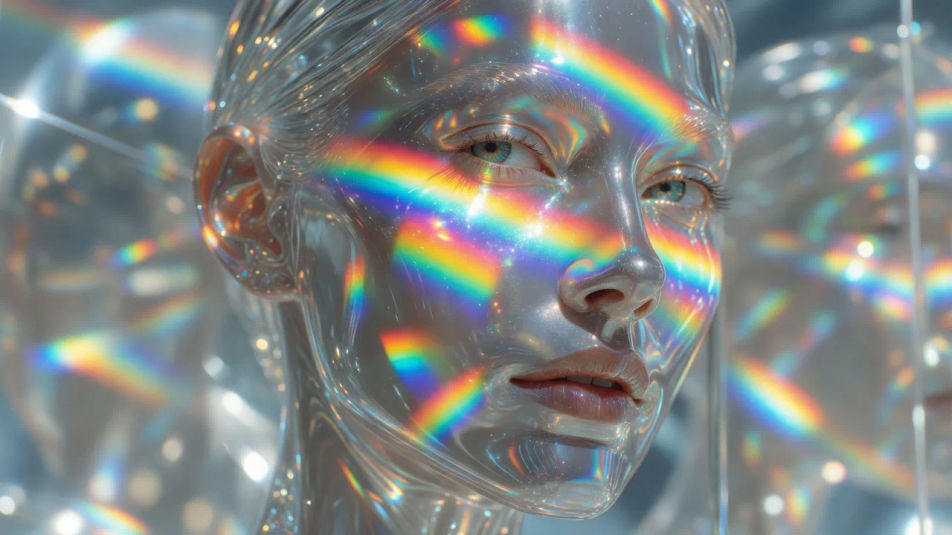
Ein Seitenprofil, wiedergegeben in durchscheinender Lichtbrechung, spektrale Farbe verläuft durch die Kontur, ein weiches Holo-Folien-Leuchten und ein futuristischer glänzender Schimmer auf den Schultern.
Prompt bearbeiten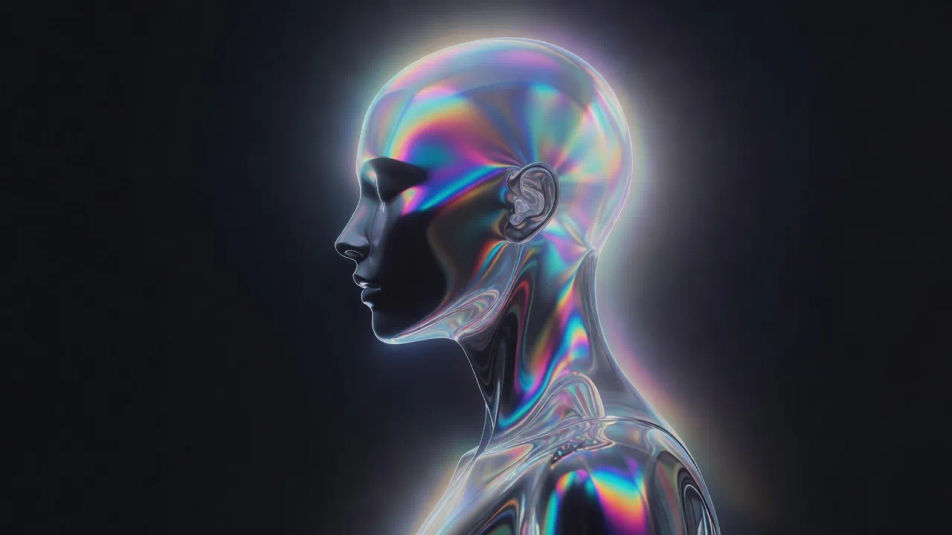
Ein naher Ausschnitt auf Augen und Wangenknochen mit Haut aus flüssigem Holo-Chrom, sich verzerrende Regenbogenreflexe, glänzende prismatische Glanzlichter und wechselnde spektrale Farbe in den Glanzlichtern.
Prompt bearbeiten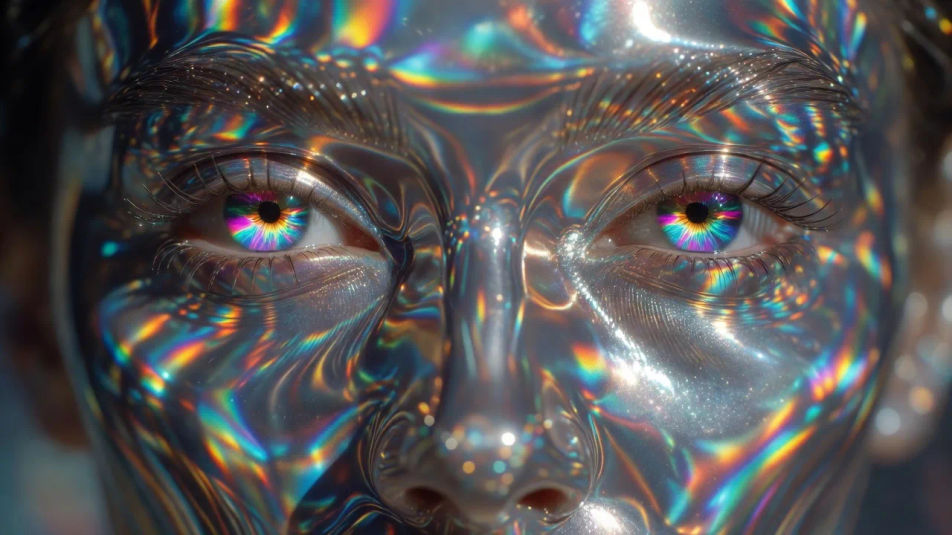
Beschreiben Sie das Holografisches Porträt, das Sie möchten, in einfachen Worten.
Morphic generiert in Sekunden ein sauberes, veröffentlichungsfertiges Bild auf Ihrer Canvas.
Passen Sie den Prompt an, generieren Sie Varianten und laden Sie das Bild herunter oder teilen Sie es.
Fix plastic-looking AI skin. Adds natural texture, pores, and imperfections for realism.
One selfie becomes a set of professional headshots. Studio-quality, multiple styles.
Convert any image to a new aspect ratio. Smart crop or extend the edges to fit.
Full model photoshoot from one photo of you

Upload a photo of a person or character and get a single grid image showing them at different life stages, from baby to elderly.
Choose your viewing angles and get precise perspective shifts of any image with full camera control.
Cyberpunk-Porträt-KI-Bilder
Erstellen Sie Cyberpunk-Porträt-KI-Bilder mit Morphic. Generieren Sie authentische Cyberpunk-Porträt-Kunstwerke, Szenen und Visuals für jedes Projekt in Sekunden.
Neon-Porträt-KI-Bilder
Erstellen Sie KI-Neon-Porträt-Bilder mit Morphic. Generieren Sie authentische Neon-Porträt-Kunst, Szenen und Motive für jedes Projekt in Sekunden.
Digital-Art-Porträt-KI-Bilder
Erstellen Sie KI-Digital-Art-Porträt-Bilder mit Morphic. Generieren Sie in Sekunden authentische Digital-Art-Porträt-Kunstwerke, -Szenen und -Motive für jedes Projekt.
Glitch-Porträt-KI-Bilder
Erstellen Sie KI-Glitch-Porträt-Bilder mit Morphic. Generieren Sie authentische Glitch-Porträt-Werke, Szenen und Motive für jedes Projekt in Sekunden.
Starten Sie noch heute kostenlos, mit der Option, jederzeit zu upgraden oder zu kündigen.
Basic
2400 monatliche Credits
1 Nutzer
Alle Modelle
Workflows
Standard
3625 monatliche Credits
1 Nutzer
Alle Modelle
Workflows
Pro
6350 gemeinsame monatliche Credits
1 Nutzer
Alle Modelle
Workflows
Max
24650 gemeinsame monatliche Credits
1 Nutzer
Alle Modelle
Workflows
Enterprise
Für höhere Limits
Individuell
Preis- und Abrechnungsbedingungen

Free
Zum Ausprobieren
$0
dauerhaft kostenlos