Schwebender Häuserblock
Ein Häuserblock aus Gebäuden, Straßen, Autos und Bäumen, angeordnet auf einer schwebenden isometrischen Kachel, echte 2:1-Projektion mit parallelen Achsen und weicher Schattierung.
Prompt bearbeiten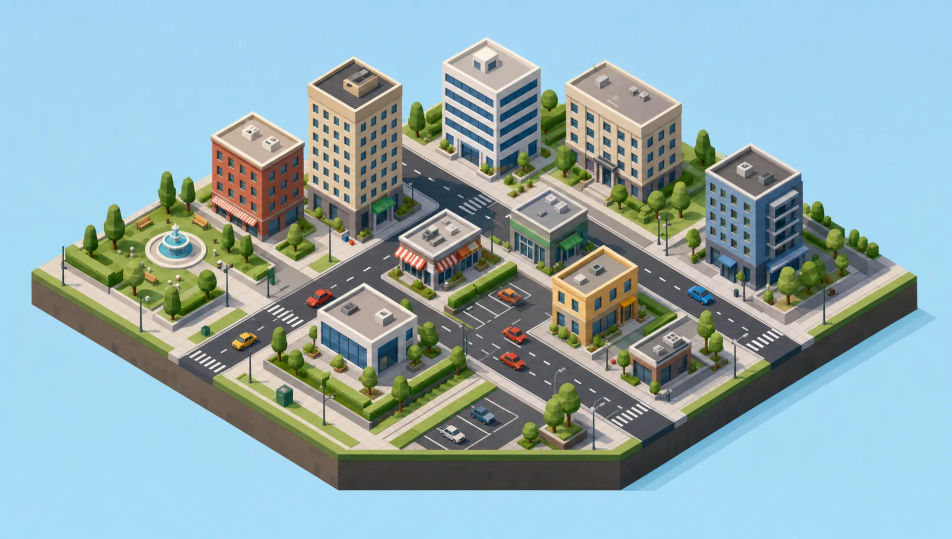
Gestalten Sie isometrische Illustrationsbilder direkt im Browser mit Morphics KI-Bildgenerator. Generieren Sie einen gemütlichen Schlafzimmer-Querschnitt, ein kleines Eck-Café oder einen schwebenden Häuserblock auf einer Kachel. Kombinieren Sie jedes Motiv mit Style Transfer zur Fixierung der Projektion und animieren Sie jedes Standbild mit Image to Video.
Ein Häuserblock aus Gebäuden, Straßen, Autos und Bäumen, angeordnet auf einer schwebenden isometrischen Kachel, echte 2:1-Projektion mit parallelen Achsen und weicher Schattierung.
Prompt bearbeitenEine isometrische Büroetage mit Schreibtischen, einem Besprechungsraum und Pflanzen, einfache Figuren bei der Arbeit, klare geometrische Formen und aufgeräumte Dreiton-Schattierung.
Prompt bearbeiten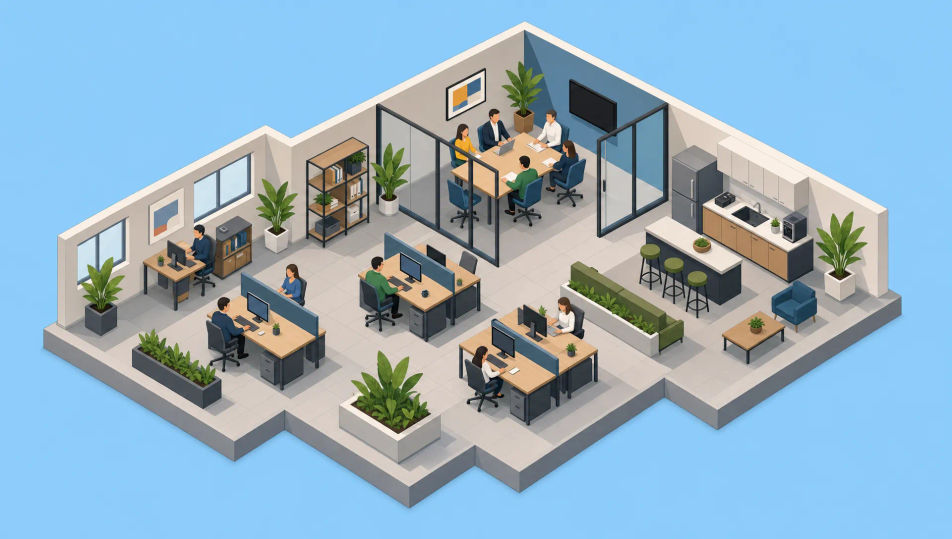
Eine isometrische Fabrik mit Förderbändern, Kisten und Maschinen auf einer schwebenden Plattform, durchweg parallele Achsen und eine klare industrielle Palette.
Prompt bearbeiten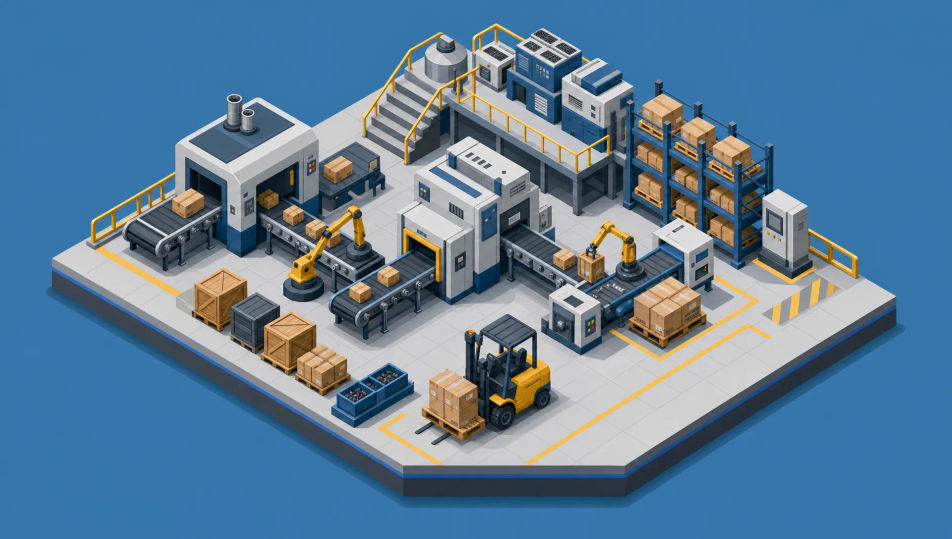
Eine kleine schwebende Landmasse mit einem Haus, Bäumen, einem gewundenen Pfad und einem dünnen Wasserfall über den Rand, alles in klarer isometrischer Geometrie gebaut.
Prompt bearbeiten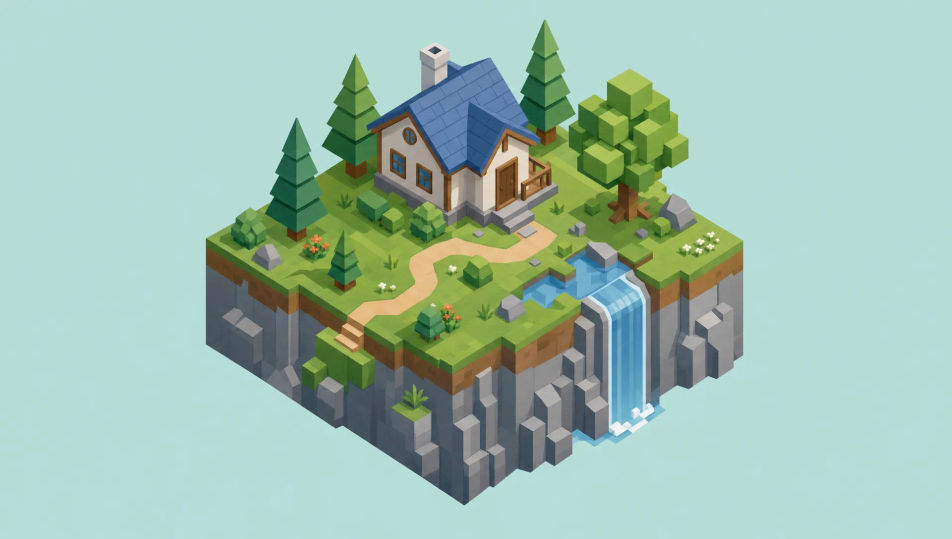
Beschreiben Sie das Isometrische Illustration, das Sie möchten, in einfachen Worten.
Morphic generiert in Sekunden ein sauberes, veröffentlichungsfertiges Bild auf Ihrer Canvas.
Passen Sie den Prompt an, generieren Sie Varianten und laden Sie das Bild herunter oder teilen Sie es.
Pick a reference image, apply its visual style to your own photo or artwork.

Turn any sketch or drawing into a finished render.
Convert any image to a new aspect ratio. Smart crop or extend the edges to fit.

Take any character image and generate 6 distinct facial expressions on a single reference sheet.

Pick any anime illustration as your style guide. Apply its look to any image.
Reimagine any anime character as a photorealistic, high-fashion live-action portrait.
Vektorillustration-KI-Bilder
Erstellen Sie KI-Vektorillustrationen mit Morphic. Generieren Sie Vektorillustration-Werke, Figuren und Szenen für jedes Projekt in Sekunden.
Flat-Design-Illustration-KI-Bilder
Erstellen Sie KI-Illustrationen im Flat-Design-Stil mit Morphic. Erzeugen Sie Flat-Design-Grafiken, Figuren und Szenen für jedes Projekt in Sekunden.
Minimalismus-KI-Kunst
Erstellen Sie Minimalismus-Kunst mit Morphic. Donald-Judd-Boxen, Dan-Flavin-Neonröhren, Frank-Stella-Streifen und galerieweiße Einzelform-Kompositionen aus einem einzigen Prompt.
Pixel-Art-KI-Generator
Erstellen Sie Pixel-Art mit Morphic. 16x16- und 32x32-Sprites, RPG-Tile-Sets, seitliche Platformer-Szenen und Dungeon-Räume aus der Vogelperspektive aus einem einzigen Prompt.
Starten Sie noch heute kostenlos, mit der Option, jederzeit zu upgraden oder zu kündigen.
Basic
2400 monatliche Credits
1 Nutzer
Alle Modelle
Workflows
Standard
3625 monatliche Credits
1 Nutzer
Alle Modelle
Workflows
Pro
6350 gemeinsame monatliche Credits
1 Nutzer
Alle Modelle
Workflows
Max
24650 gemeinsame monatliche Credits
1 Nutzer
Alle Modelle
Workflows
Enterprise
Für höhere Limits
Individuell
Preis- und Abrechnungsbedingungen

Free
Zum Ausprobieren
$0
dauerhaft kostenlos