Seitliches RPG-Stadt-Tile-Set
Eine horizontale Pixel-Art-Stadt mit Kopfsteinpflasterstraße, Fachwerkhäusern, Marktmarkisen, einem Brunnen genau in der Mitte, Parallax-Bergen dahinter, 16x16-Tile-Raster.
Prompt bearbeiten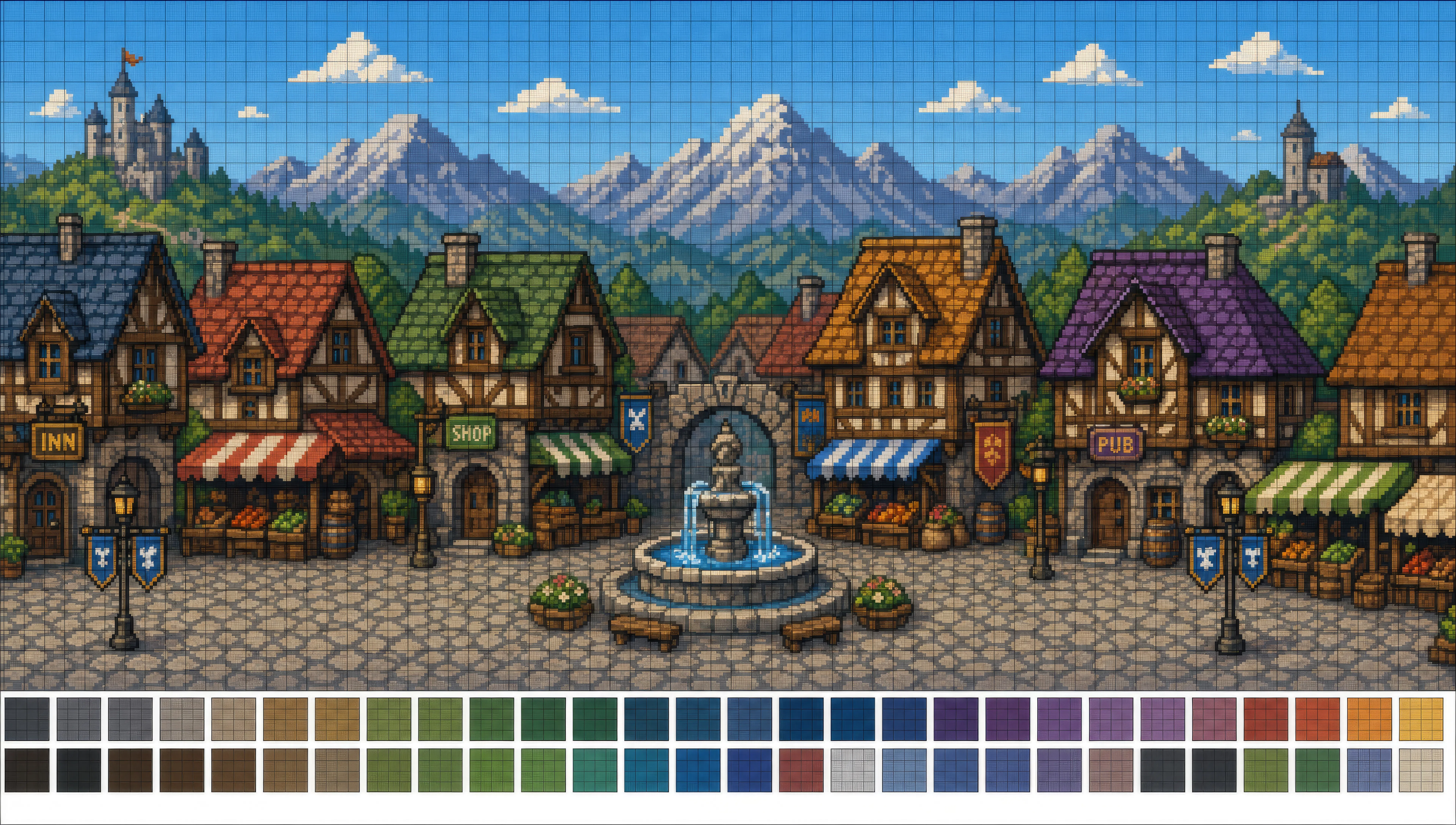
Gestalten Sie Pixel-Art direkt im Browser mit dem Pixel-Art-KI-Bildgenerator von Morphic. Erstellen Sie einen 32x32-Sprite eines Kapuzenmagiers in einer 8-Farben-Palette oder einen Dungeon-Raum aus der Vogelperspektive für ein RPG, legen Sie Dithering und Palette mit Style Transfer fest und animieren Sie dann jeden Sprite mit Image to Video.
Eine horizontale Pixel-Art-Stadt mit Kopfsteinpflasterstraße, Fachwerkhäusern, Marktmarkisen, einem Brunnen genau in der Mitte, Parallax-Bergen dahinter, 16x16-Tile-Raster.
Prompt bearbeitenEin quadratischer 64x64-Dungeon-Raum aus der Vogelperspektive mit Steinfliesen, Truhen in zwei Ecken, brennenden Fackeln an jeder Wand, einer einzelnen Statue im Hintergrund.
Prompt bearbeiten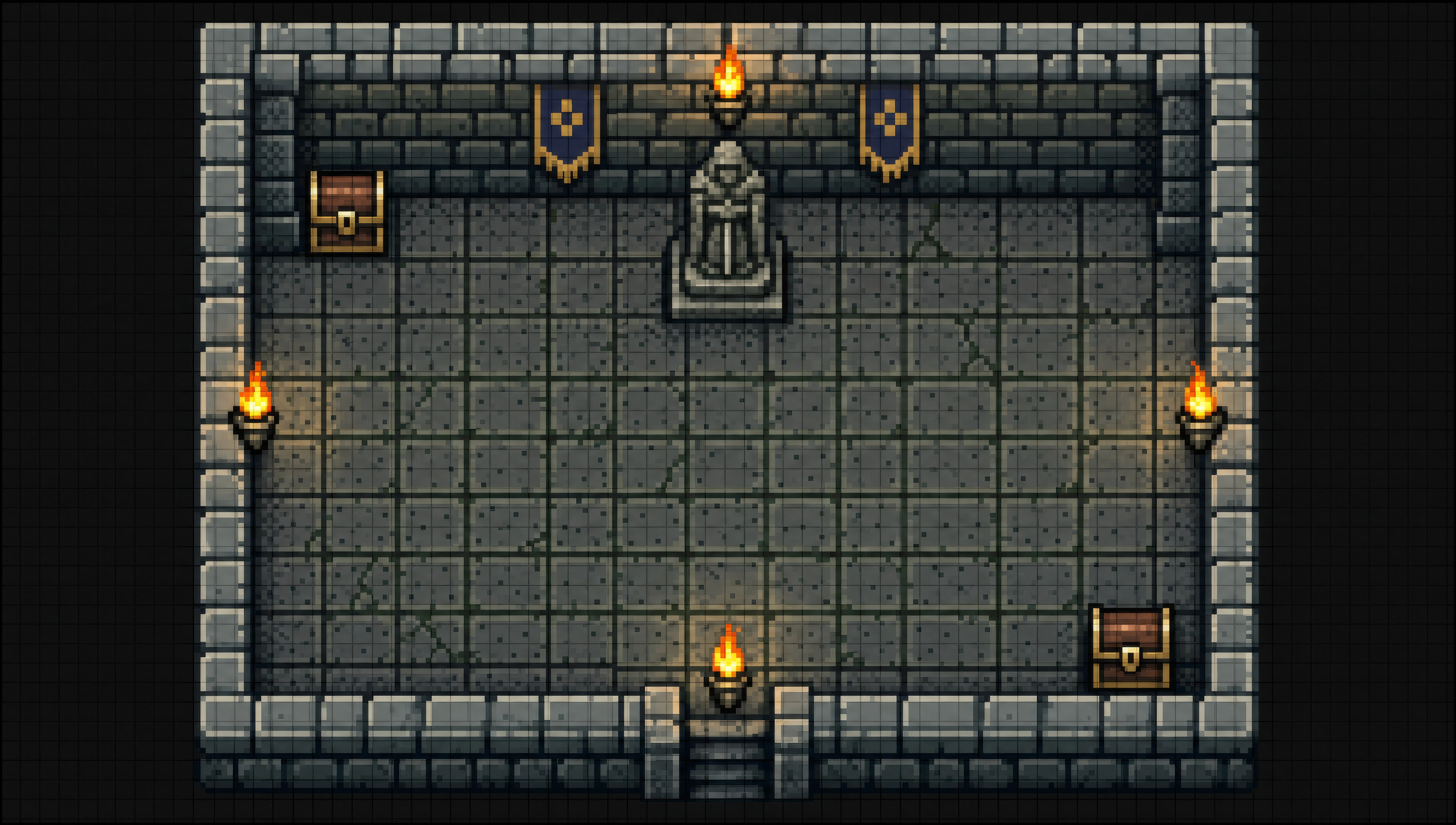
Ein seitlich scrollendes Pixel-Level aus schwebenden Grasinseln und Ziegelplattformen, Münzen in Bögen angeordnet, ein rosa Himmel mit Parallax-Wolkenebenen dahinter.
Prompt bearbeiten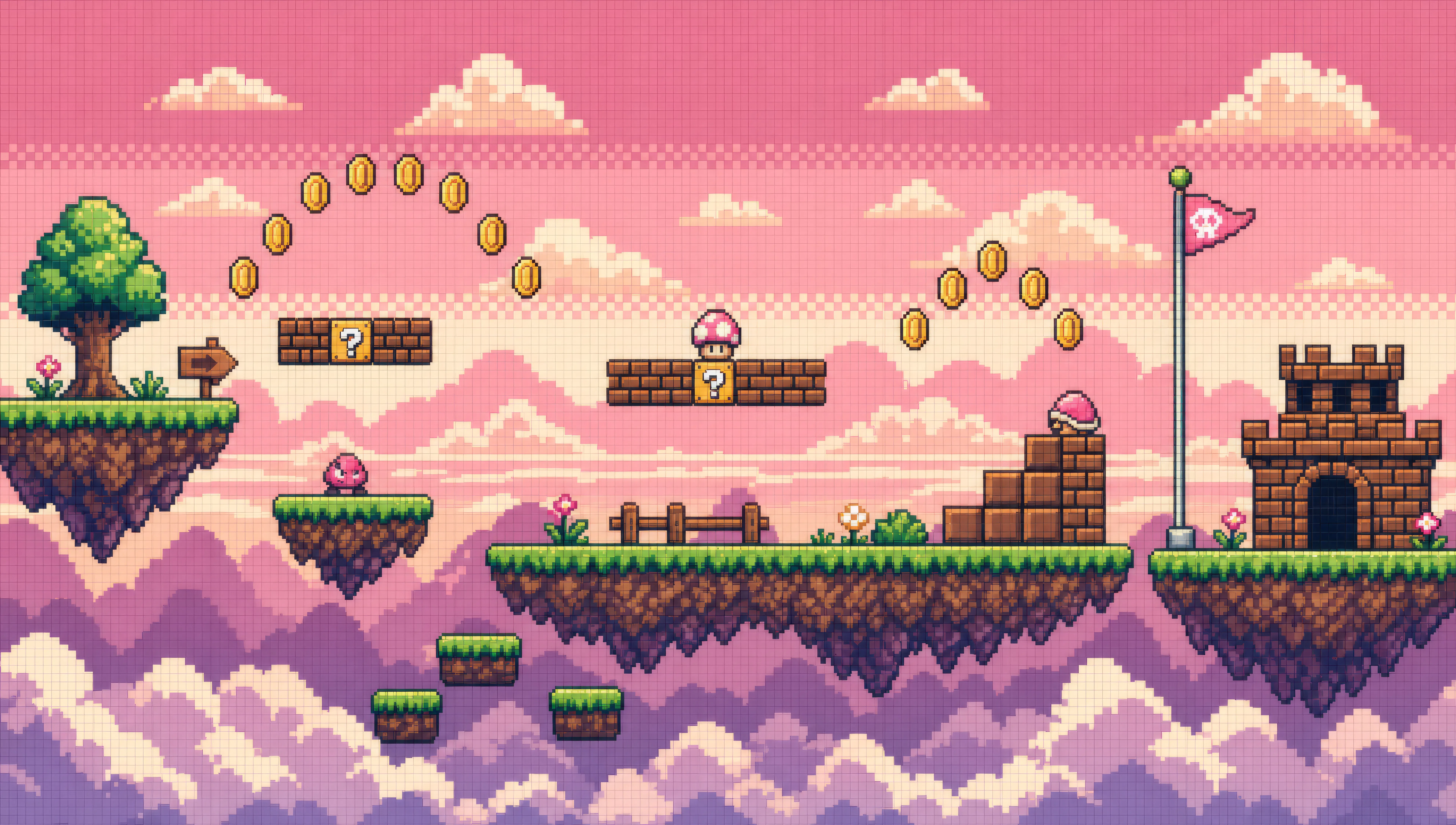
Eine JRPG-Weltkarte aus der Vogelperspektive mit hexförmig eingepassten Tiles aus Gras, Wald, Bergen und einem gewundenen Fluss, ein einzelner Helden-Sprite mitten im Schritt auf einem Pfad.
Prompt bearbeiten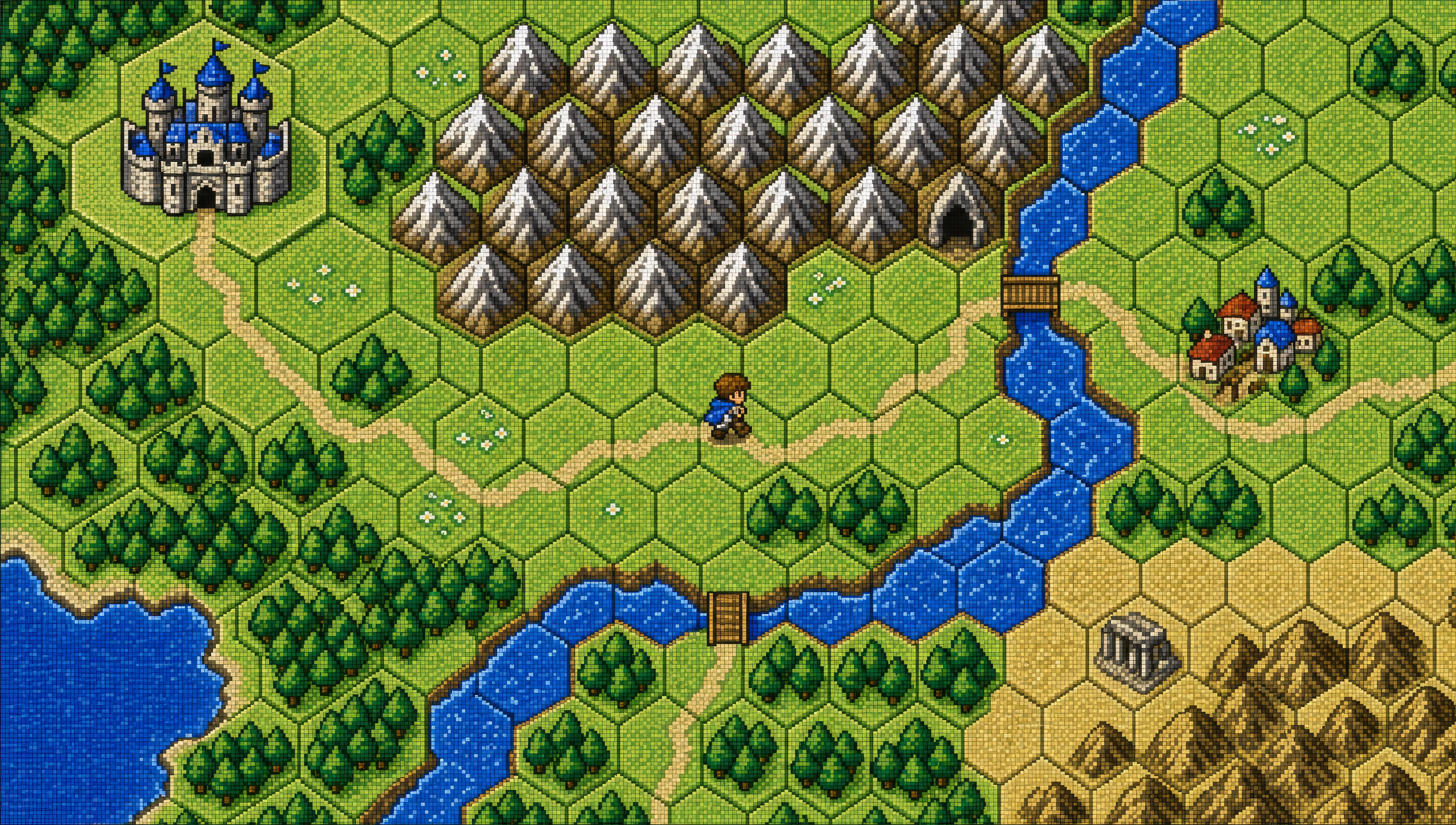
Beschreiben Sie das Pixel-Art, das Sie möchten, in einfachen Worten.
Morphic generiert in Sekunden ein sauberes, veröffentlichungsfertiges Bild auf Ihrer Canvas.
Passen Sie den Prompt an, generieren Sie Varianten und laden Sie das Bild herunter oder teilen Sie es.
Pick a reference image, apply its visual style to your own photo or artwork.
Convert any image to a new aspect ratio. Smart crop or extend the edges to fit.
Restyle any video in a completely new visual style. Every frame transforms, all motion stays intact.

Turn any sketch or drawing into a finished render.

Pick any anime illustration as your style guide. Apply its look to any image.

Turn any photo or description into an animated chibi sprite. Dance, jump, wave, attack, and more.
Chibi-Kunst-KI-Bilder
Erstellen Sie Chibi-Kunst mit Morphic. Kawaii-Charaktere mit großem Kopf, tierische Begleiter, Sticker-Pack-Ausdrücke und Gruppen-Line-ups, generiert aus einem einzigen Prompt.
Mecha-Kunst-KI-Bilder
Erstellen Sie Mecha-Kunst mit Morphic. Pilotenporträts, Hardware-Designblätter, Cockpit-Querschnitte und Frame-Studien, aus einem einzigen Prompt generiert.
Cyberpunk-KI-Kunst
Erstellen Sie Cyberpunk-Kunst mit Morphic. Verchromte Netrunner, Neon-Megastadt-Skylines, Ripperdoc-Kliniken und Synthwave-taugliche Porträts aus einem einzigen Prompt.
Comicbuch-KI-Bilder
Erstellen Sie Comicbuch-Panels, Charakterdesigns und komplette Seiten mit Morphic. Splash-Pages, Actionsequenzen, entschleunigte Erzählmomente und Indie-Comic-Stile aus einem einzigen Prompt.
Starten Sie noch heute kostenlos, mit der Option, jederzeit zu upgraden oder zu kündigen.
Basic
2400 monatliche Credits
1 Nutzer
Alle Modelle
Workflows
Standard
3625 monatliche Credits
1 Nutzer
Alle Modelle
Workflows
Pro
6350 gemeinsame monatliche Credits
1 Nutzer
Alle Modelle
Workflows
Max
24650 gemeinsame monatliche Credits
1 Nutzer
Alle Modelle
Workflows
Enterprise
Für höhere Limits
Individuell
Preis- und Abrechnungsbedingungen

Free
Zum Ausprobieren
$0
dauerhaft kostenlos