Devotional emoji set
A matched set of Krishna emoji motifs, flute, feather, butter pot and lotus, sharing one palette and outline weight on a clean field.
Prompt bearbeiten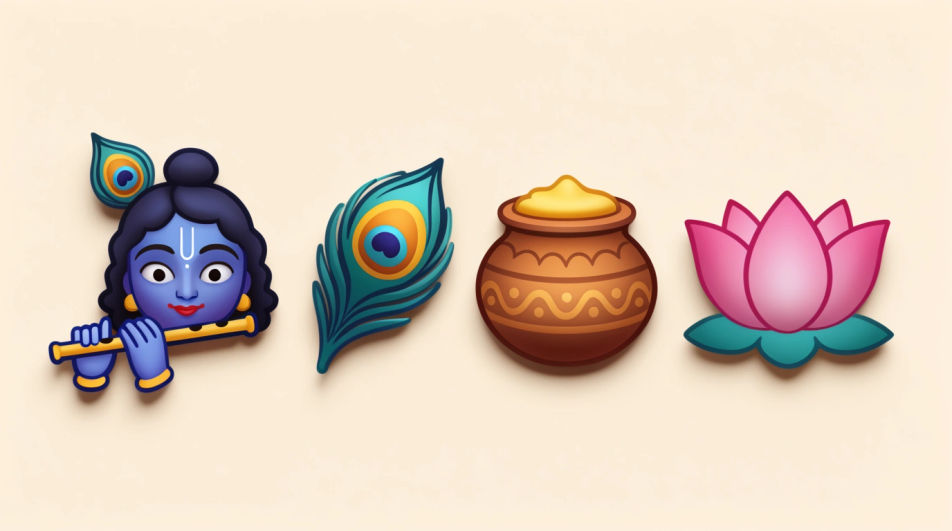
Generate Krishna emoji images in Morphic's Image tool by describing the motif, the colours, and the style of devotional art you want. You choose the palette, the level of detail, and the crop, so you come away with a respectful original emoji image you can share in messages and festival greetings.
A matched set of Krishna emoji motifs, flute, feather, butter pot and lotus, sharing one palette and outline weight on a clean field.
Prompt bearbeitenKrishna emoji motifs rendered in deep indigo and marigold gold with soft glow, arranged with generous space between each shape.
Prompt bearbeiten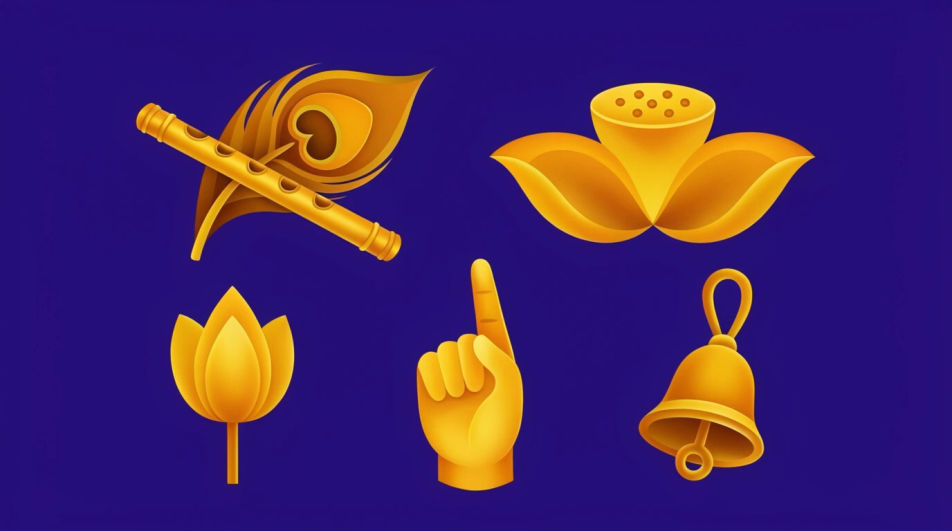
A Janmashtami greeting composition with a small Krishna emoji motif centred, marigold garland framing it, warm light and open space above.
Prompt bearbeiten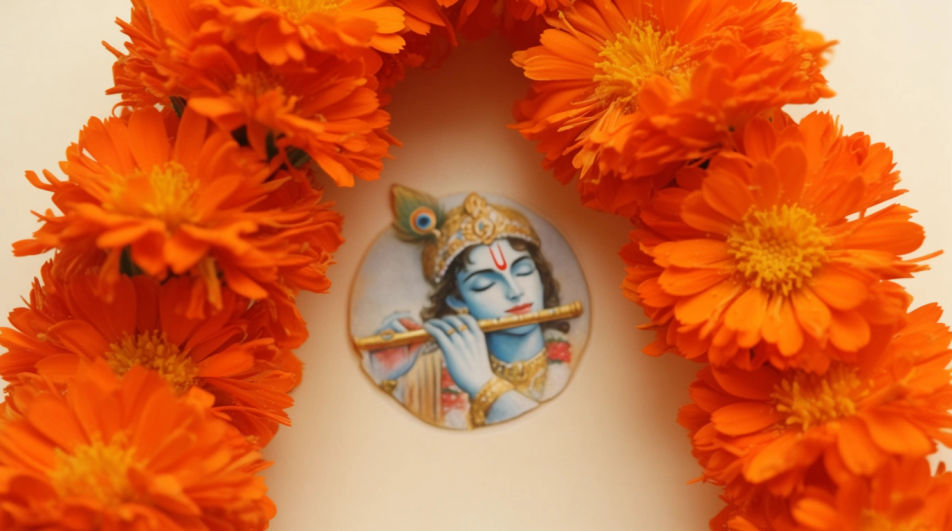
Krishna emoji motifs drawn in a traditional miniature-painting manner, fine gold linework, flat jewel colours, patterned border around the frame.
Prompt bearbeiten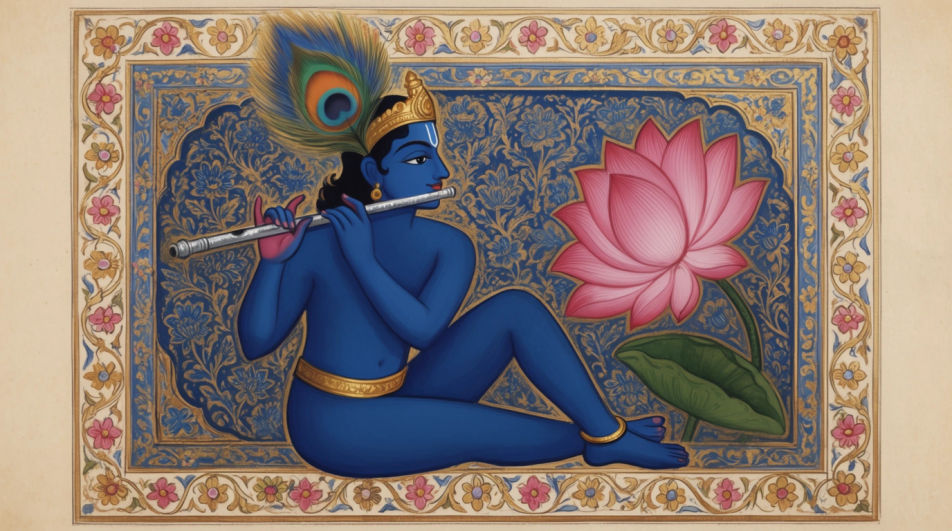
Beschreiben Sie das Krishna Emoji, das Sie möchten, in einfachen Worten.
Morphic generiert in Sekunden ein sauberes, veröffentlichungsfertiges Bild auf Ihrer Canvas.
Passen Sie den Prompt an, generieren Sie Varianten und laden Sie das Bild herunter oder teilen Sie es.
Pick a reference image, apply its visual style to your own photo or artwork.
Convert any image to a new aspect ratio. Smart crop or extend the edges to fit.

Turn any sketch or drawing into a finished render.

Take any character image and generate 6 distinct facial expressions on a single reference sheet.
Restyle any video in a completely new visual style. Every frame transforms, all motion stays intact.

Pick any anime illustration as your style guide. Apply its look to any image.
Krishna-DP-KI-Generator
Krishna DP in HD. Einzigartige KI-Profilbilder für WhatsApp und Instagram, oder eigenes mit Morphic erstellen.
Hindu sticker generator
Generate Hindu stickers in Morphic. Describe the character, colours and style you want, generate options to compare, then refine the prompt and save it.
Peacock feather emoji generator
Generate peacock feather emoji images in Morphic. Describe the expression, colour and style you want, generate options.
Start emoji maker
Generate start emoji images in Morphic. Describe the expression, colour and style you want, generate options, then refine the prompt and download it.
Starten Sie noch heute kostenlos, mit der Option, jederzeit zu upgraden oder zu kündigen.
Basic
2400 monatliche Credits
1 Nutzer
Alle Modelle
Workflows
Standard
3625 monatliche Credits
1 Nutzer
Alle Modelle
Workflows
Pro
6350 gemeinsame monatliche Credits
1 Nutzer
Alle Modelle
Workflows
Max
24650 gemeinsame monatliche Credits
1 Nutzer
Alle Modelle
Workflows
Enterprise
Für höhere Limits
Individuell
Preis- und Abrechnungsbedingungen

Free
Zum Ausprobieren
$0
dauerhaft kostenlos