Shounen-Action-Seite
Eine volle Schwarz-Weiß-Manga-Seite aus explosiven Action-Panels, ausstrahlende Speedlines, scharfes Inking und Screentone-Bursts, Zwischenräume dazwischen, Platz für Sprechblasen.
Prompt bearbeiten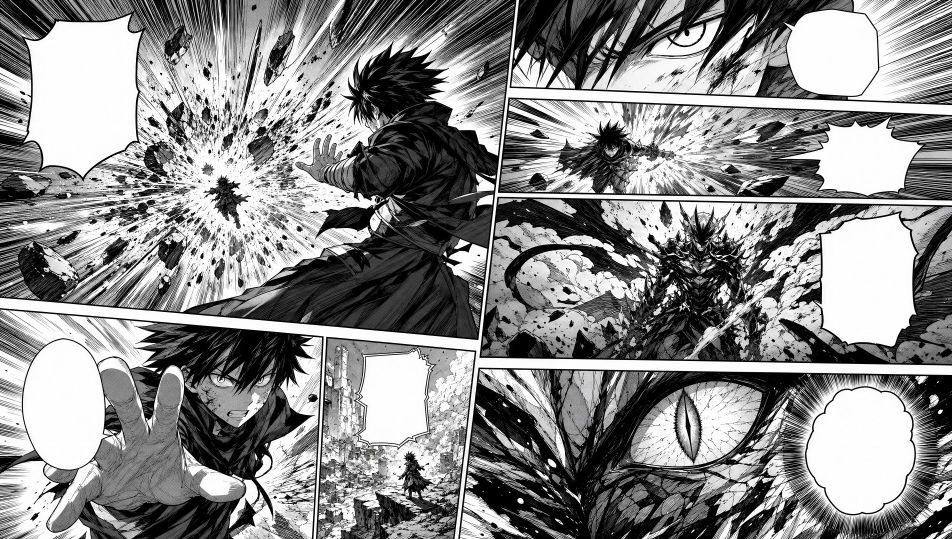
Gestalten Sie Manga-Panels direkt im Browser mit Morphics KI-Bildgenerator. Erzeugen Sie einen Shounen-Action-Beat mit Speedlines, eine Shoujo-Nahaufnahme im Screentone oder ein grobkörniges Seinen-Straßenpanel in schwerer Tusche. Halten Sie den Linienstil mit Style Transfer über die Seite hinweg konsistent und setzen Sie Sprechblasen auf dem Canvas.
Eine volle Schwarz-Weiß-Manga-Seite aus explosiven Action-Panels, ausstrahlende Speedlines, scharfes Inking und Screentone-Bursts, Zwischenräume dazwischen, Platz für Sprechblasen.
Prompt bearbeitenEine volle Seite aus zärtlichen emotionalen Panels in zarter Linienführung und sanftem Screentone, schwebende Blumen- und Funkelmotive, verträumte Rahmung, Raum für Dialog.
Prompt bearbeiten
Eine volle Seite aus bodenständigen reifen Panels in schwerer schwarzer Tusche und dichter Kreuzschraffur, realistische Proportionen, stimmungsvolle cineastische Rahmung, Platz für Bildunterschriften.
Prompt bearbeiten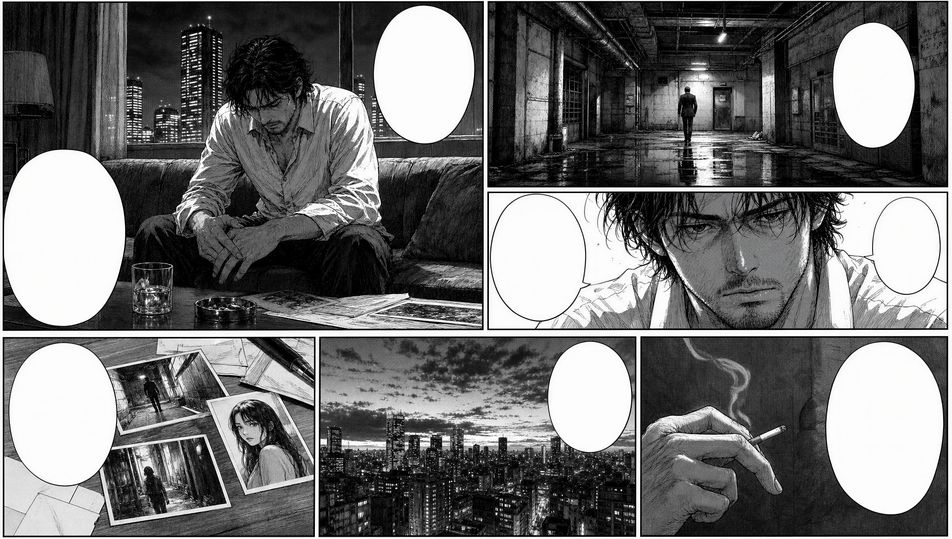
Eine klassische Manga-Seite mit variierenden Panelgrößen, einem Screentone und Linienstil über das gesamte Raster, ein dramatischer diagonaler Bruch, Platz in jedem Panel für Blasen und Effekte.
Prompt bearbeiten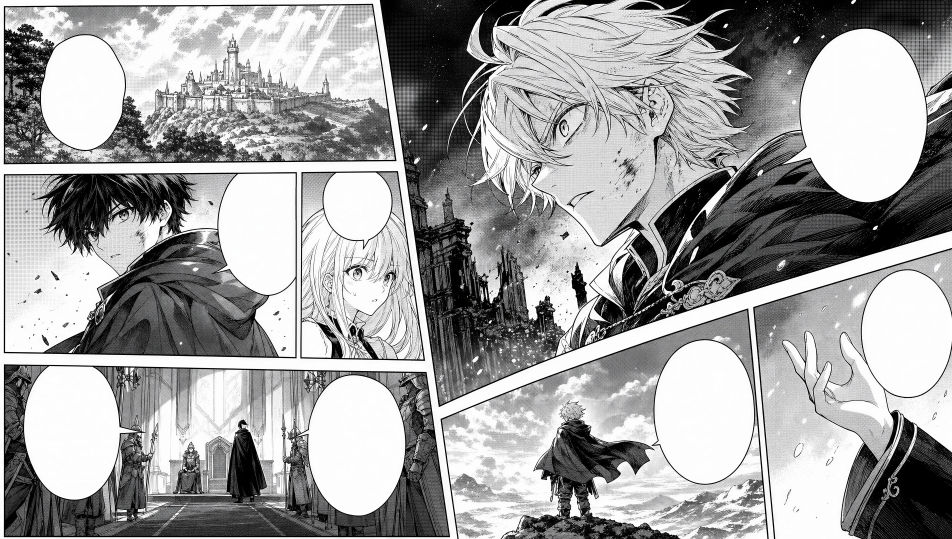
Beschreiben Sie das Manga-Panel, das Sie möchten, in einfachen Worten.
Morphic generiert in Sekunden ein sauberes, veröffentlichungsfertiges Bild auf Ihrer Canvas.
Passen Sie den Prompt an, generieren Sie Varianten und laden Sie das Bild herunter oder teilen Sie es.

Pick any anime illustration as your style guide. Apply its look to any image.

Turn any sketch or drawing into a finished render.

Take any character image and generate 6 distinct facial expressions on a single reference sheet.

All your characters on a single lineup image, side by side with height comparison.
Reimagine any anime character as a photorealistic, high-fashion live-action portrait.

Turn any photo or description into an animated chibi sprite. Dance, jump, wave, attack, and more.
Comic-Panel-KI-Bilder
Erstellen Sie KI-Comic-Panel-Bilder mit Morphic. Generieren Sie Comic-Panel-Artwork, Layouts und redaktionelle Visuals für jedes Projekt in Sekunden.
Konzeptkunst-KI-Bilder
Erstellen Sie KI-Konzeptkunst-Bilder mit Morphic. Generieren Sie Konzeptkunst-Charaktere, Umgebungen, Requisiten und Key-Art für jedes Projekt in Sekunden.
Charakter-Konzeptkunst-KI-Bilder
Charakter-Konzeptkunst-KI-Bilder mit Morphic erstellen. Generieren Sie Charakter-Konzeptkunst-Designs, Turnarounds und Sheets für jedes Projekt in Sekunden.
Zeitungsillustration-KI-Bilder
Erstellen Sie KI-Zeitungsillustration-Bilder mit Morphic. Generieren Sie Zeitungsillustration-Artwork, Layouts und redaktionelle Visuals für jedes Projekt in Sekunden.
Starten Sie noch heute kostenlos, mit der Option, jederzeit zu upgraden oder zu kündigen.
Basic
2400 monatliche Credits
1 Nutzer
Alle Modelle
Workflows
Standard
3625 monatliche Credits
1 Nutzer
Alle Modelle
Workflows
Pro
6350 gemeinsame monatliche Credits
1 Nutzer
Alle Modelle
Workflows
Max
24650 gemeinsame monatliche Credits
1 Nutzer
Alle Modelle
Workflows
Enterprise
Für höhere Limits
Individuell
Preis- und Abrechnungsbedingungen

Free
Zum Ausprobieren
$0
dauerhaft kostenlos