Matchbook illustration AI Images

Design matchbook illustrations in your browser with Morphic's AI image generator. Generate a glowing diner sign in two spot colours, a cocktail-lounge mascot, or a stylized hotel crest. Drop the finished art into the Canvas to add the venue name in compact lettering.

Matchbook illustration subjects you can create

Matchbook illustration layouts you can design

Diner sign cover layout

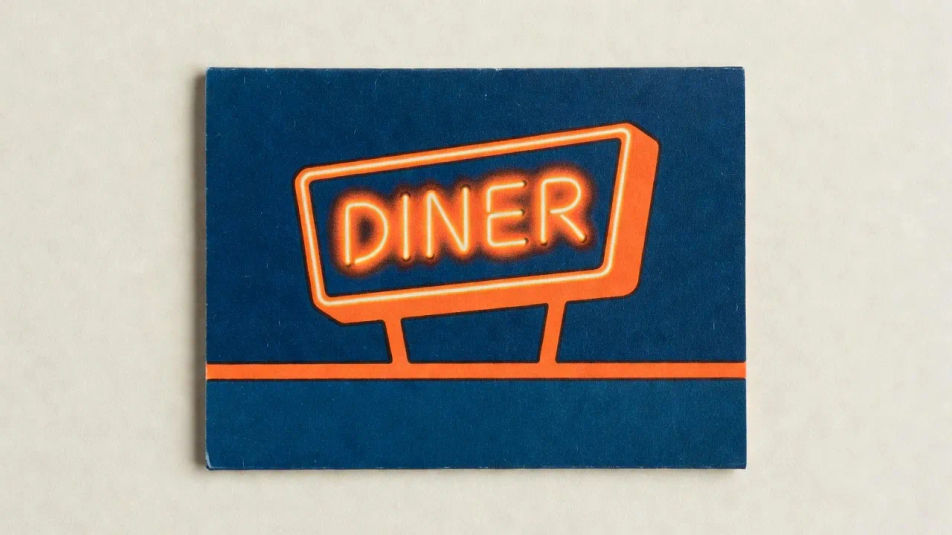
A glowing roadside diner sign in two flat spot colours and a bold mark, printed with a slight offset, a tall narrow matchbook format, a venue-name strip reserved at the base.

Prompt bearbeiten
Diner sign cover layout

Lounge mascot cover layout

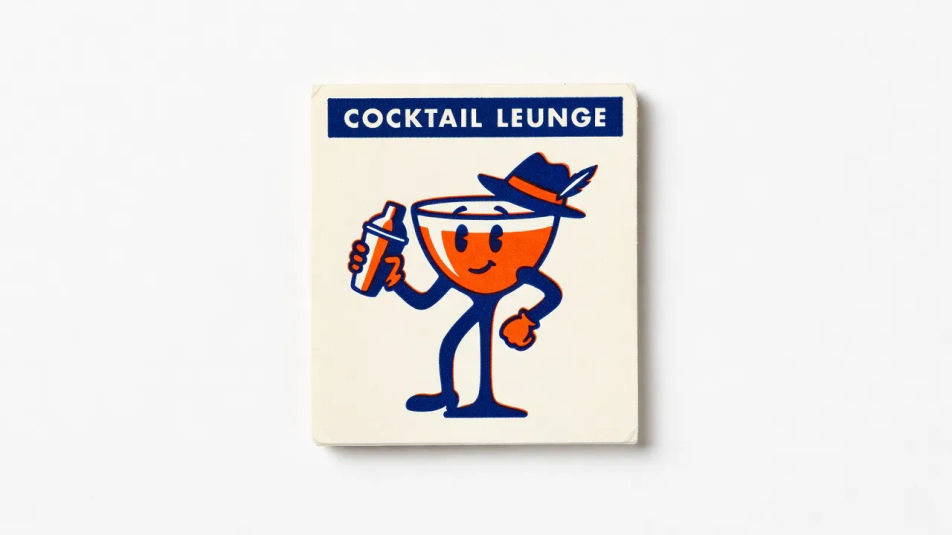
A jaunty cocktail-lounge mascot in a few confident shapes, flat two-colour print and a witty pose, a small cover format, a compact name banner reserved across the top.

Prompt bearbeiten
Lounge mascot cover layout

Hotel crest cover layout

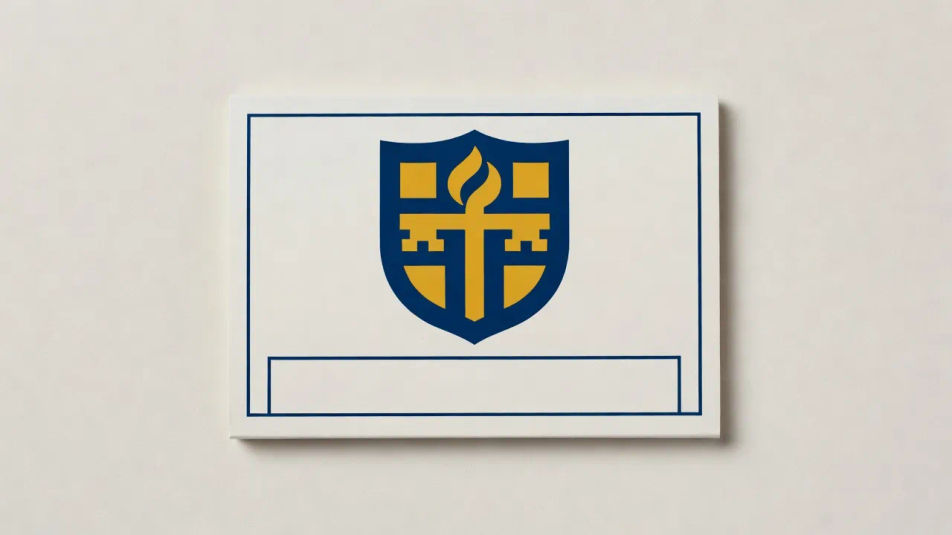
A stylized hotel crest filling the small cover, a clean bold emblem in flat spot colour with a simple ruled border, centered with name space reserved beneath the crest.

Prompt bearbeiten
Hotel crest cover layout

Supper club cover layout

A glamorous supper-club motif in two warm spot colours with a graphic martini mark, a smart after-dark feel, a slim venue-name banner reserved along the bottom edge.

Prompt bearbeiten
Supper club cover layout

Matchbook illustration in drei Schritten erstellen

  1. 01

    Beschreiben Sie Ihr Matchbook illustration

    Beschreiben Sie das Matchbook illustration, das Sie möchten, in einfachen Worten.

  2. 02

    Bild generieren

    Morphic generiert in Sekunden ein sauberes, veröffentlichungsfertiges Bild auf Ihrer Canvas.

  3. 03

    Matchbook illustration verfeinern

    Passen Sie den Prompt an, generieren Sie Varianten und laden Sie das Bild herunter oder teilen Sie es.

Verwandte Workflows

Das könnte Ihnen auch gefallen

Einfache Preise

Starten Sie noch heute kostenlos, mit der Option, jederzeit zu upgraden oder zu kündigen.

Basic

$0/ Monat
abgerechnet als $0 pro Jahr

900 monatliche Credits

1 Nutzer

Alle Modelle

Workflows

Standard

$0/ Monat
abgerechnet als $0 pro Jahr

3200 monatliche Credits

1 Nutzer

Alle Modelle

Workflows

Pro

$0/ Monat
abgerechnet als $0 pro Jahr

6200 gemeinsame monatliche Credits

1 Nutzer

+ bis zu 4 weitere gegen Aufpreis

Alle Modelle

Workflows

Pro Max

$0/ Monat
abgerechnet als $0 pro Jahr

24000 gemeinsame monatliche Credits

1 Nutzer

+ bis zu 9 weitere gegen Aufpreis

Alle Modelle

Workflows

Enterprise

Für höhere Limits

Individuell

Preis- und Abrechnungsbedingungen

Unbegrenzte Credits
Individuelle Platzlimits
Alle Modelle
Workflows
Pricing Gradient

Free

Zum Ausprobieren

$0

dauerhaft kostenlos

Bis zu 20 Credits
Nur 1 Nutzer
Eingeschränkte Modelle
Workflows

Häufig gestellte Fragen

What is matchbook illustration?
Matchbook illustration is a compact mid-century cover art style defined by a tightly limited two-colour spot palette, a single bold mark that reads at tiny size, and a slight print offset. It dresses diner, lounge, and hotel covers in a punchy small-format register.
Where can I make matchbook illustrations with AI?
You can create matchbook illustrations with AI on Morphic, right in your browser. Open the Image tool, describe the venue, the two-colour spot print, and the bold mark, and Morphic generates the small cover artwork with name space. No installs needed.
How do I get the compact two-colour mark?
Ask for it directly: "two flat spot colours, single bold mark, simple shapes, reads at small size, slight print offset." Naming the limited palette and the small-scale legibility is what gives a matchbook its punchy compact character instead of a busy detailed image.
How do I keep a set of matchbook illustrations consistent?
Use Morphic's Style Transfer workflow to lock the two-colour palette and the print finish from your first matchbook illustration, then reference that style card across the set. Each venue gets its own mark while the whole collection stays unified.
Can I add a venue name to a matchbook on Morphic?
Yes. Generate the matchbook illustration with a name strip reserved at the top or base, then open the Canvas to place the venue name in compact lettering. Keeping the type as a layer lets you adjust the wording without regenerating the small cover artwork underneath.
Do I need design skill to make matchbook illustrations?
No. Morphic runs in your browser and takes plain-language prompts, so you do not need design skill to make matchbook illustrations. Anyone who can describe a venue, a two-colour palette, and a single bold mark can produce a finished piece.