Postage stamp illustration AI Images

Design postage stamp illustrations in your browser with Morphic's AI image generator. Generate an engraved landmark vignette, a commemorative wildlife stamp, or a flat-colour anniversary design. Drop the finished art into the Canvas to add the country and denomination.

Postage stamp illustration subjects you can create

Postage stamp illustration layouts you can design

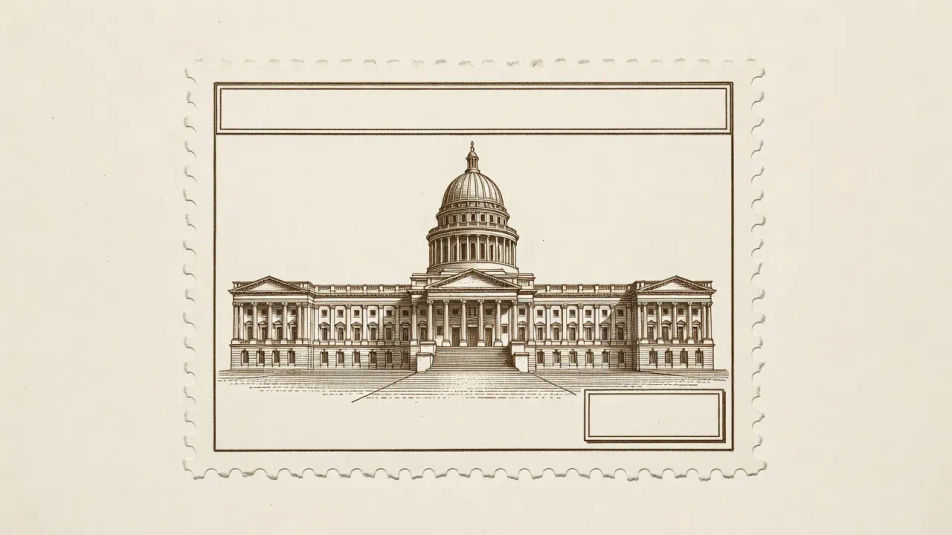
Commemorative landmark layout

A national landmark as a fine engraved vignette inside a perforated frame, sepia single-ink line work, a country-name strip across the top and a denomination corner reserved.

Prompt bearbeiten
Commemorative landmark layout

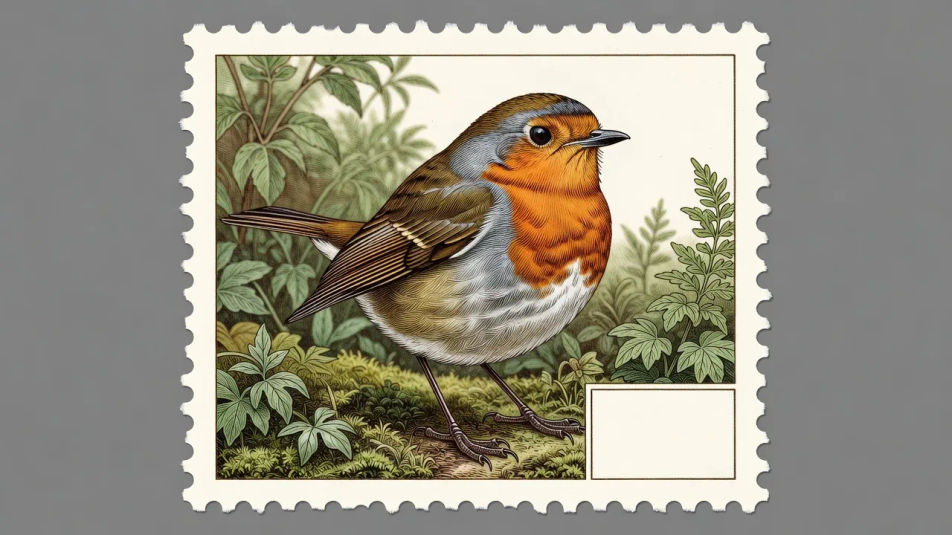
Wildlife definitive layout

A bird or animal in precise engraved line work within a perforated border, naturalist detail in one or two inks, a small denomination box reserved in a lower corner.

Prompt bearbeiten
Wildlife definitive layout

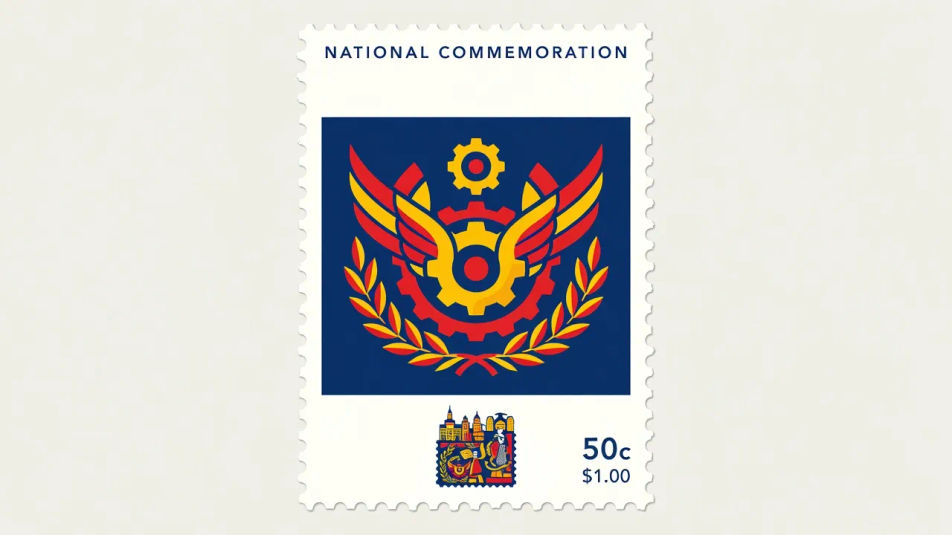
Flat-colour anniversary layout

A bold central emblem in flat commemorative colour with a perforated edge, a modern poster-flat treatment, generous space reserved for a country name and value.

Prompt bearbeiten
Flat-colour anniversary layout

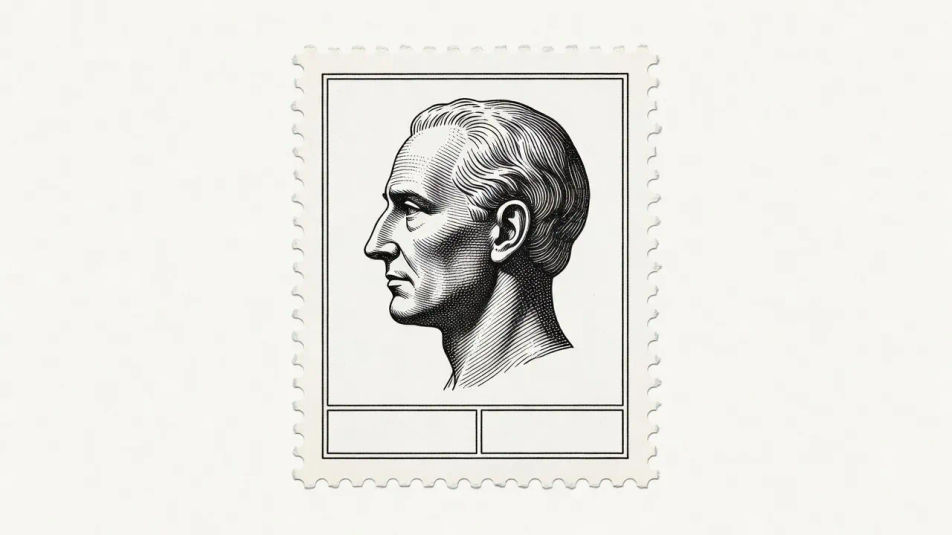
Engraved portrait layout

A dignified profile portrait in fine engraved line work framed by a perforated border and a thin ruled inner line, single ink, name and denomination space reserved at the edges.

Prompt bearbeiten
Engraved portrait layout

Postage stamp illustration in drei Schritten erstellen

  1. 01

    Beschreiben Sie Ihr Postage stamp illustration

    Beschreiben Sie das Postage stamp illustration, das Sie möchten, in einfachen Worten.

  2. 02

    Bild generieren

    Morphic generiert in Sekunden ein sauberes, veröffentlichungsfertiges Bild auf Ihrer Canvas.

  3. 03

    Postage stamp illustration verfeinern

    Passen Sie den Prompt an, generieren Sie Varianten und laden Sie das Bild herunter oder teilen Sie es.

Verwandte Workflows

Das könnte Ihnen auch gefallen

Einfache Preise

Starten Sie noch heute kostenlos, mit der Option, jederzeit zu upgraden oder zu kündigen.

Basic

$0/ Monat
abgerechnet als $0 pro Jahr

900 monatliche Credits

1 Nutzer

Alle Modelle

Workflows

Standard

$0/ Monat
abgerechnet als $0 pro Jahr

3200 monatliche Credits

1 Nutzer

Alle Modelle

Workflows

Pro

$0/ Monat
abgerechnet als $0 pro Jahr

6200 gemeinsame monatliche Credits

1 Nutzer

+ bis zu 4 weitere gegen Aufpreis

Alle Modelle

Workflows

Pro Max

$0/ Monat
abgerechnet als $0 pro Jahr

24000 gemeinsame monatliche Credits

1 Nutzer

+ bis zu 9 weitere gegen Aufpreis

Alle Modelle

Workflows

Enterprise

Für höhere Limits

Individuell

Preis- und Abrechnungsbedingungen

Unbegrenzte Credits
Individuelle Platzlimits
Alle Modelle
Workflows
Pricing Gradient

Free

Zum Ausprobieren

$0

dauerhaft kostenlos

Bis zu 20 Credits
Nur 1 Nutzer
Eingeschränkte Modelle
Workflows

Häufig gestellte Fragen

What is postage stamp illustration?
Postage stamp illustration is a philatelic miniature art style defined by a perforated border around a small framed vignette, fine engraved line work or flat commemorative colour, and reserved space for a country name and denomination. It frames landmarks, wildlife, and portraits at stamp scale.
Where can I make postage stamp illustrations with AI?
You can create postage stamp illustrations with AI on Morphic, right in your browser. Open the Image tool, describe the subject, the engraved or flat treatment, and the perforated frame, and Morphic generates the miniature artwork with denomination space. No installs needed.
How do I get the engraved vignette style?
Ask for it directly: "fine engraved line work, single-ink vignette, perforated border, thin ruled inner frame." Naming the engraving and the perforated edge is what gives a stamp its precise philatelic character instead of a soft modern illustration.
How do I keep a set of postage stamps consistent?
Use Morphic's Style Transfer workflow to lock the engraved frame and ink palette from your first postage stamp, then reference that style card across the series. Each stamp shows a different subject while the perforated frame and treatment stay unified.
Can I add a country name and denomination to a stamp on Morphic?
Yes. Generate the postage stamp illustration with edge space reserved, then open the Canvas to place the country name and denomination. Keeping the type as a layer lets you adjust the value and wording without regenerating the framed vignette underneath.
Do I need engraving skill to make postage stamp illustrations?
No. Morphic runs in your browser and takes plain-language prompts, so you do not need engraving skill to make postage stamp illustrations. Anyone who can describe a subject, an engraved treatment, and a perforated frame can produce a finished piece.