Medieval City AI Images

Generate medieval cities in your browser with Morphic's medieval city AI image generator. Build vistas like a walled town below its gatehouse, a cathedral spire rising over crooked rooftops, or a crowded market square between timber-framed houses, and pair them with Style Transfer to hold one stone-and-timber palette across the set. Hand the plates to Image to Video to send market crowds moving and smoke curling from the chimneys.

Medieval city vista types you can create

Medieval city compositions you can produce

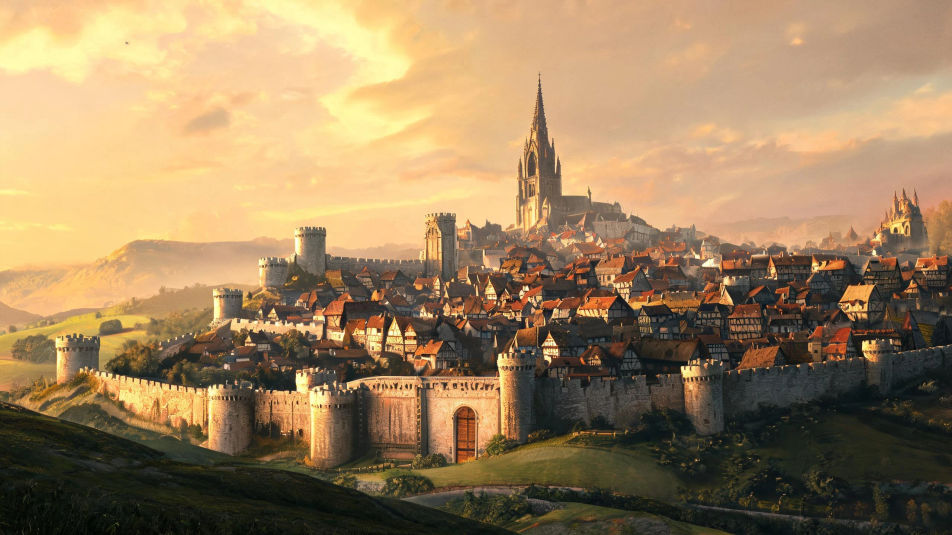
The walled town at golden hour

A wide establishing view of a walled medieval town at golden hour, warm light on the ramparts and gatehouse, crooked rooftops and a cathedral spire rising within the walls.

Prompt bearbeiten
The walled town at golden hour

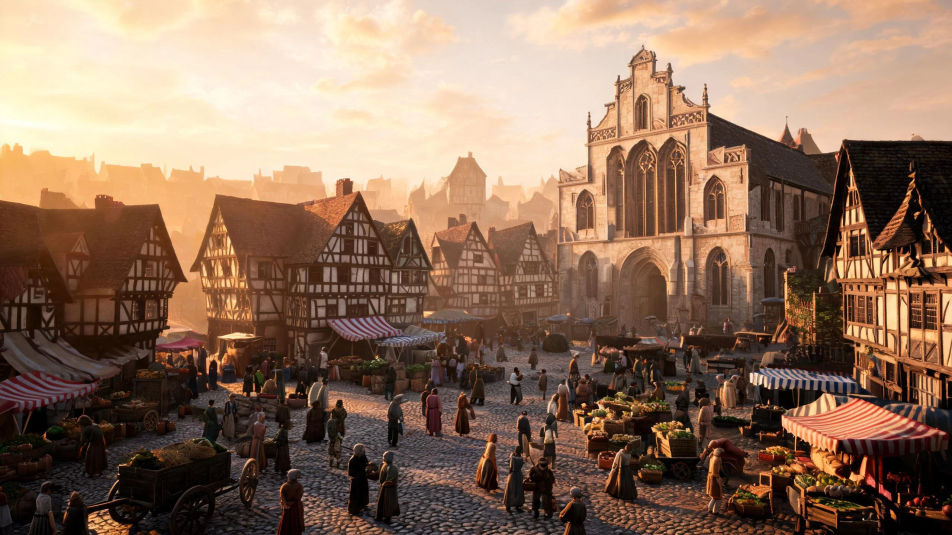
The market square at midday

A wide vista across a crowded cobbled market square under a bright sky, timber-framed houses and a guildhall framing striped stalls, figures and carts busy across the paving.

Prompt bearbeiten
The market square at midday

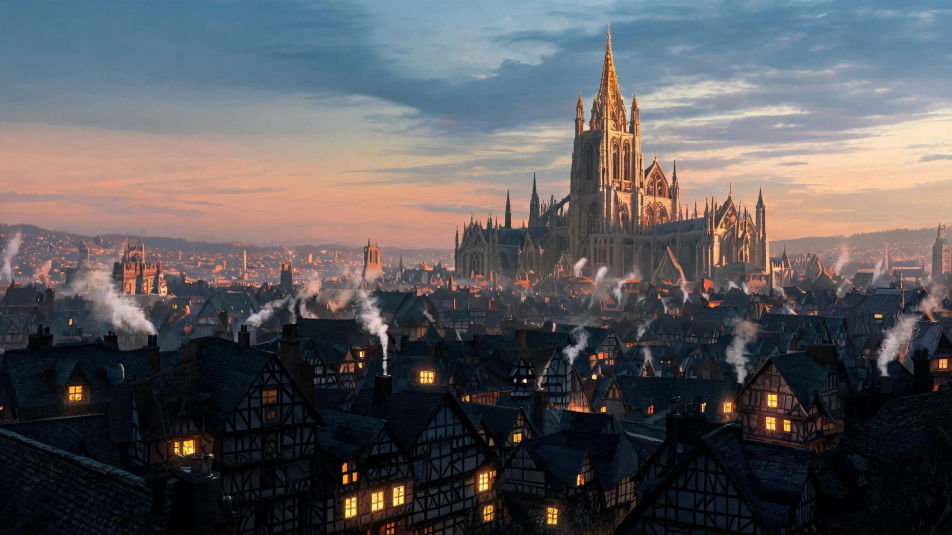
The cathedral at dusk

A sweeping view of a gothic cathedral rising over darkening timber rooftops at dusk, its spire catching the last light, warm windows glowing and smoke curling from chimneys.

Prompt bearbeiten
The cathedral at dusk

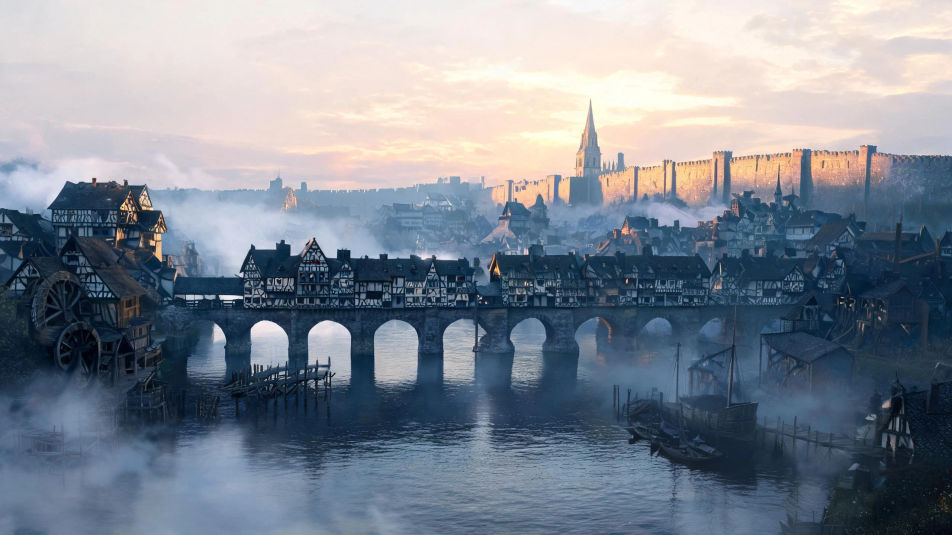
The river town at dawn

A wide riverfront scene of a house-lined bridge, watermills, and wharves in cool morning mist, the town wall and a spire beyond catching the first warm light of day.

Prompt bearbeiten
The river town at dawn

Medieval City in drei Schritten erstellen

  1. 01

    Beschreiben Sie Ihr Medieval City

    Beschreiben Sie das Medieval City, das Sie möchten, in einfachen Worten.

  2. 02

    Bild generieren

    Morphic generiert in Sekunden ein sauberes, veröffentlichungsfertiges Bild auf Ihrer Canvas.

  3. 03

    Medieval City verfeinern

    Passen Sie den Prompt an, generieren Sie Varianten und laden Sie das Bild herunter oder teilen Sie es.

Verwandte Workflows

Das könnte Ihnen auch gefallen

Einfache Preise

Starten Sie noch heute kostenlos, mit der Option, jederzeit zu upgraden oder zu kündigen.

Basic

$0/ Monat
abgerechnet als $0 pro Jahr

900 monatliche Credits

1 Nutzer

Alle Modelle

Workflows

Standard

$0/ Monat
abgerechnet als $0 pro Jahr

3200 monatliche Credits

1 Nutzer

Alle Modelle

Workflows

Pro

$0/ Monat
abgerechnet als $0 pro Jahr

6200 gemeinsame monatliche Credits

1 Nutzer

+ bis zu 4 weitere gegen Aufpreis

Alle Modelle

Workflows

Pro Max

$0/ Monat
abgerechnet als $0 pro Jahr

24000 gemeinsame monatliche Credits

1 Nutzer

+ bis zu 9 weitere gegen Aufpreis

Alle Modelle

Workflows

Enterprise

Für höhere Limits

Individuell

Preis- und Abrechnungsbedingungen

Unbegrenzte Credits
Individuelle Platzlimits
Alle Modelle
Workflows
Pricing Gradient

Free

Zum Ausprobieren

$0

dauerhaft kostenlos

Bis zu 20 Credits
Nur 1 Nutzer
Eingeschränkte Modelle
Workflows

Häufig gestellte Fragen

Where can I make medieval city images with AI?
You can create medieval city images directly in your browser on Morphic. Open the Image tool, describe the landmark, the materials, and the light, and Morphic produces the artwork. No installs and no specialist software needed.
What kinds of medieval city scenes can I generate?
Any vista you can name: a walled town and gatehouse, a cathedral over the rooftops, a market square, a timber-framed lane, a house-lined bridge, or a hilltop castle. Name the landmark, the material, and the light so Morphic builds the right scene.
How do I write a good prompt for a medieval city image?
Name the landmark, the building material, and the light. For example: "a walled medieval town below its gatehouse at golden hour, a cathedral spire within the walls." Naming the stone and timber and the low warm light keeps the scene grounded rather than generic.
How do I keep one city style consistent across several images?
Use Style Transfer to lock the stone-and-timber palette, the warm light, and the rooftops, then apply it across the set. Morphic holds the same medieval look across a walled-town vista, a market square, and a cathedral scene so the collection reads as one city.
Can I turn a medieval city image into a video?
Yes. Take any cityscape image into the Image to Video tool and describe the motion, such as market crowds moving, banners lifting on the towers, or smoke curling from the chimneys. Morphic animates the still into a short clip you can loop or cut into a longer sequence.
Do I need any drawing skill to make these images?
No. Morphic runs in the browser and takes plain-language prompts. Anyone who can describe the landmark, the materials, and the light can produce a finished cityscape image. Drawing ability and illustration software are not required.