Design movie posters in your browser with Morphic's AI image generator. Create an action hero backlit against fire or a horror eye under a blood-red title bar, hold one campaign look across the one-sheets with Style Transfer, then set the title on the Canvas.

Movie poster styles you can design

Movie poster layouts you can compose

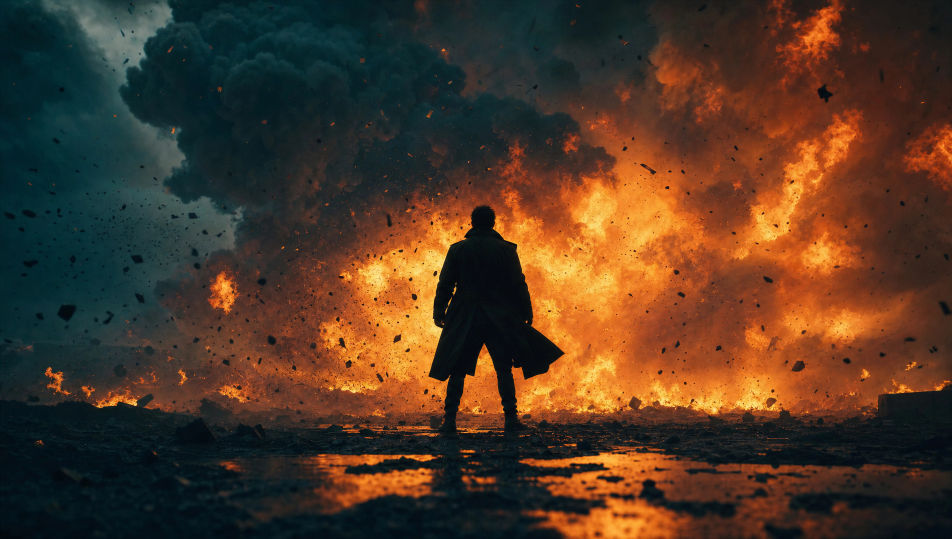
Action payoff one-sheet

A full one-sheet with a hero backlit against a wall of fire low in the frame, debris frozen mid-air, a heavy metallic title across the lower third, a billing block at the base.

Prompt bearbeiten
Action payoff one-sheet

Horror teaser one-sheet

A full one-sheet built on deep black with a single eye or silhouette catching a sliver of light, a blood-red title bar at the top, heavy negative space, minimal and unsettling.

Prompt bearbeiten
Horror teaser one-sheet

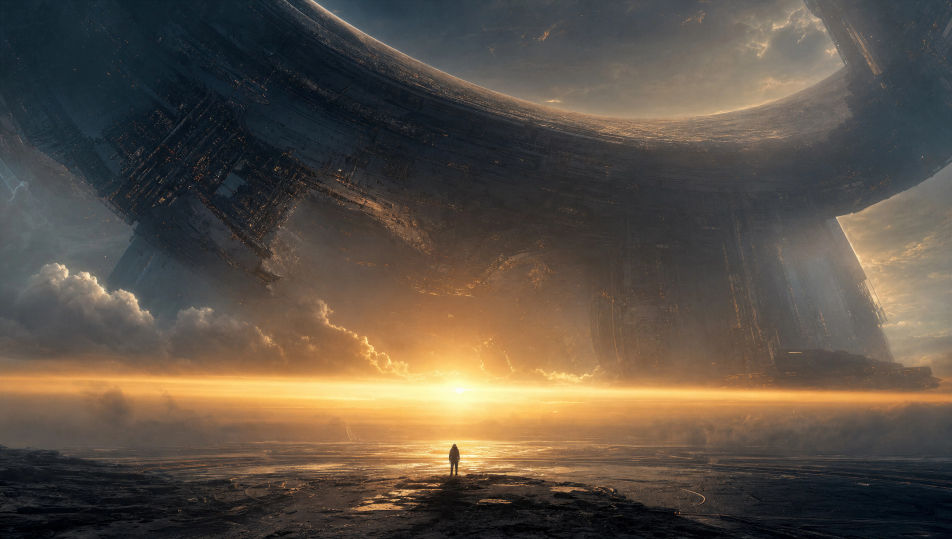
Sci-fi epic one-sheet

A full one-sheet with a vast structure or planet dominating the frame and a tiny figure for scale, a glowing horizon, a sharp geometric title block reserved across the centre.

Prompt bearbeiten
Sci-fi epic one-sheet

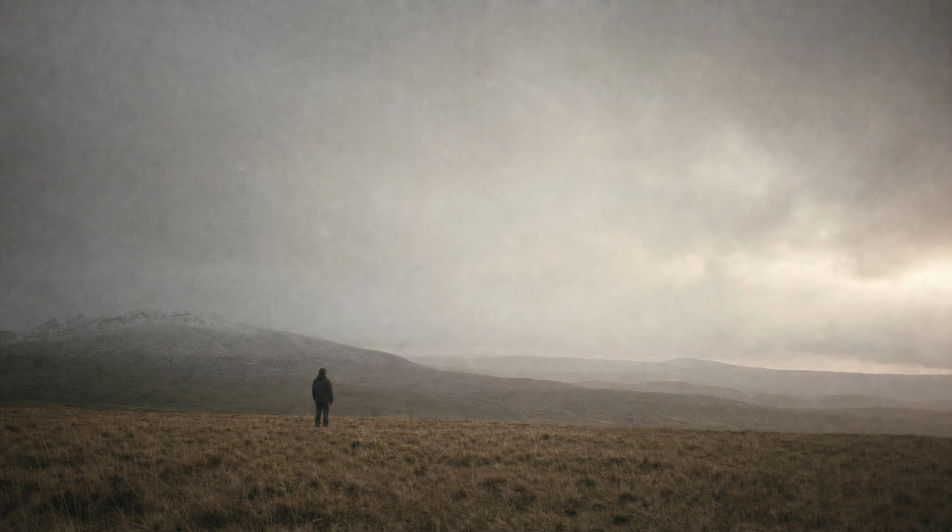
Indie festival one-sheet

A full one-sheet with one small figure in a wide field of negative space, muted naturalistic palette, a single quiet light source, a lowercase title set low, laurels at the base.

Prompt bearbeiten
Indie festival one-sheet

Movie poster in drei Schritten erstellen

  1. 01

    Beschreiben Sie Ihr Movie poster

    Beschreiben Sie das Movie poster, das Sie möchten, in einfachen Worten.

  2. 02

    Bild generieren

    Morphic generiert in Sekunden ein sauberes, veröffentlichungsfertiges Bild auf Ihrer Canvas.

  3. 03

    Movie poster verfeinern

    Passen Sie den Prompt an, generieren Sie Varianten und laden Sie das Bild herunter oder teilen Sie es.

Verwandte Workflows

Das könnte Ihnen auch gefallen

Einfache Preise

Starten Sie noch heute kostenlos, mit der Option, jederzeit zu upgraden oder zu kündigen.

Basic

$0/ Monat
abgerechnet als $0 pro Jahr

900 monatliche Credits

1 Nutzer

Alle Modelle

Workflows

Standard

$0/ Monat
abgerechnet als $0 pro Jahr

3200 monatliche Credits

1 Nutzer

Alle Modelle

Workflows

Pro

$0/ Monat
abgerechnet als $0 pro Jahr

6200 gemeinsame monatliche Credits

1 Nutzer

+ bis zu 4 weitere gegen Aufpreis

Alle Modelle

Workflows

Pro Max

$0/ Monat
abgerechnet als $0 pro Jahr

24000 gemeinsame monatliche Credits

1 Nutzer

+ bis zu 9 weitere gegen Aufpreis

Alle Modelle

Workflows

Enterprise

Für höhere Limits

Individuell

Preis- und Abrechnungsbedingungen

Unbegrenzte Credits
Individuelle Platzlimits
Alle Modelle
Workflows
Pricing Gradient

Free

Zum Ausprobieren

$0

dauerhaft kostenlos

Bis zu 20 Credits
Nur 1 Nutzer
Eingeschränkte Modelle
Workflows

Häufig gestellte Fragen

Where can I make movie posters with AI?
You can create movie posters directly in your browser on Morphic. Open the Image tool, describe the genre, the central image, the palette, and the title space, and Morphic produces the one-sheet art. Then set the title treatment and billing block in the Canvas. No installs and no design software needed.
What makes AI art work as a real movie poster?
Three things: a single strong focal image, a palette that signals the genre, and deliberate space reserved for the title and billing block. Generate the art with the title area clear, then add the typography in the Canvas so the hierarchy stays clean.
How do I match the poster to my genre?
Name the genre and lean into its conventions: a backlit hero and teal-and-orange for action, a single eye on black for horror, a vast structure and a tiny figure for sci-fi, two figures in golden hour for romance. The genre cue is what reads instantly at a glance.
How do I keep a campaign of posters consistent?
Use Morphic's Style Transfer workflow to lock the palette and title treatment from your key art, then reference that style card across teaser, payoff, and character one-sheets. The whole campaign reads as one release.
Can I add the title and billing block on Morphic?
Yes. Generate the poster art with the title area left clear, then open the Canvas to place the title treatment, credits, and billing block. Keeping type as a layer lets you adjust the hierarchy without regenerating the artwork.
Do I need design experience to make a movie poster?
No. Morphic runs in your browser and takes plain-language prompts. Anyone who can describe a genre, a central image, and a title space can produce a finished one-sheet. Photoshop and a stock-photo subscription are not required.