Headliner-Poster
Ein wirbelndes psychedelisches Muster aus flüssigen Formen in einer kräftigen Farbblock-Palette mit Siebdruck-Textur, ein Headliner-Band quer über die Mitte reserviert und ein Line-up-Block am Fuß.
Prompt bearbeiten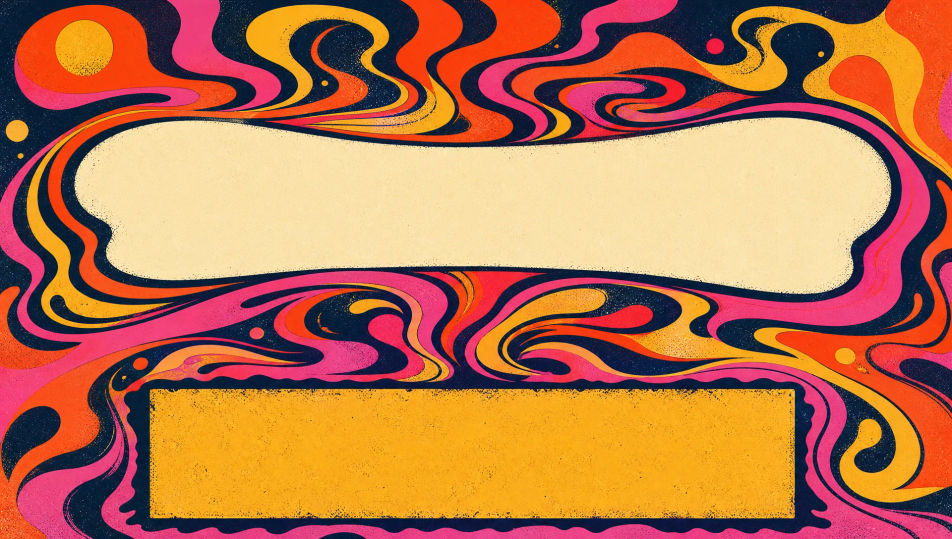
Gestalten Sie Musikfestival-Poster direkt im Browser mit dem KI-Bildgenerator von Morphic. Generieren Sie geschichtete psychedelische Gig-Poster-Kunst, eine kräftige Farbblock-Szene oder eine Siebdruck-Textur mit einem reservierten Line-up-Block. Ziehen Sie die fertige Kunst in das Canvas, um die Headliner und Daten hinzuzufügen.
Ein wirbelndes psychedelisches Muster aus flüssigen Formen in einer kräftigen Farbblock-Palette mit Siebdruck-Textur, ein Headliner-Band quer über die Mitte reserviert und ein Line-up-Block am Fuß.
Prompt bearbeitenEin stilisiertes Gesicht, das sich in Sterne und Wellen in geschichteter Siebdruck-Farbe mit einem tripigen Gig-Poster-Gefühl auflöst, offener Raum für den Line-up-Block und die Daten reserviert.
Prompt bearbeiten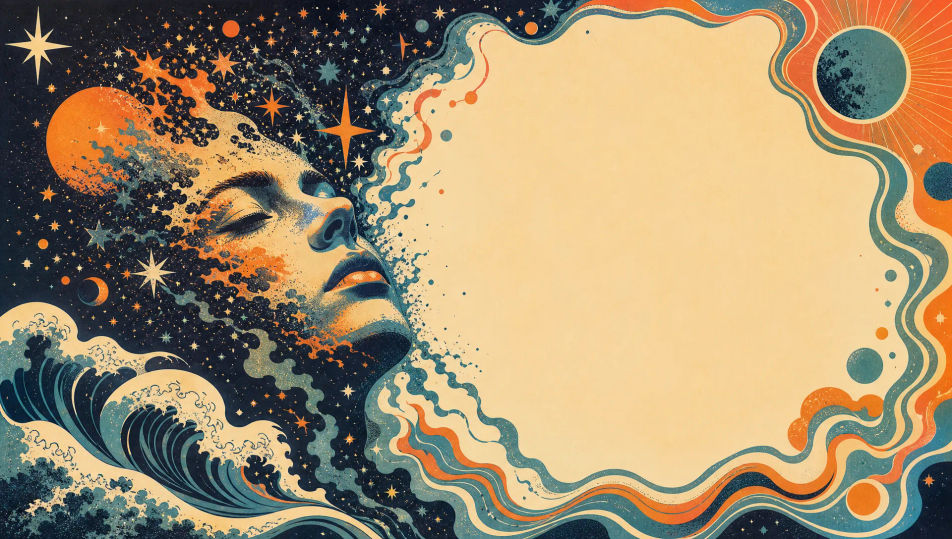
Ein strahlender Sonnenstrahl hinter einer vereinfachten Bühne in kräftigen Farbblock-Strahlen mit körniger Siebdruck-Textur, ein Headliner-Band quer über den Strahlenkranz reserviert und ein Line-up-Streifen darunter.
Prompt bearbeiten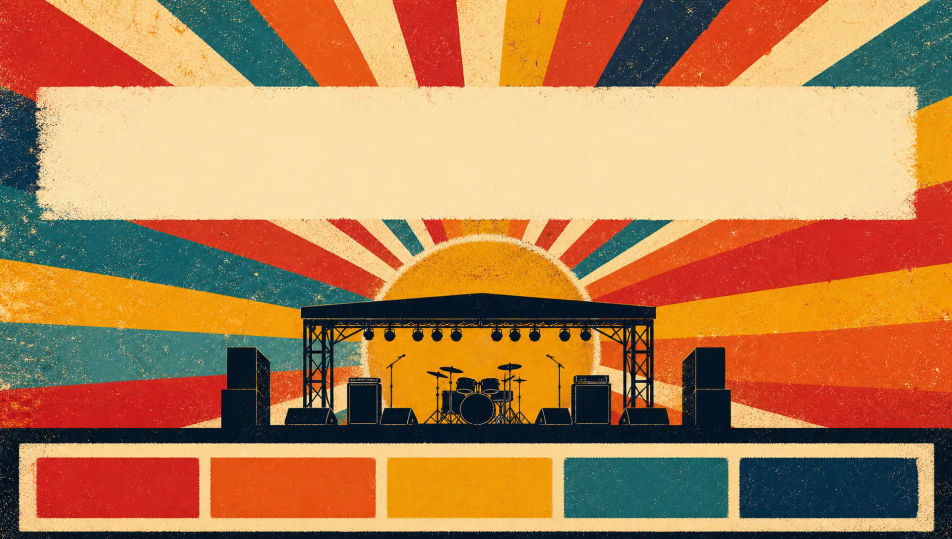
Kräftige Farbblock-Schallwellen, die über das Blatt in flachen geschichteten Formen und Siebdruck-Textur kräuseln, ein Headliner-Streifen oben reserviert und ein Line-up-Block am Fuß.
Prompt bearbeiten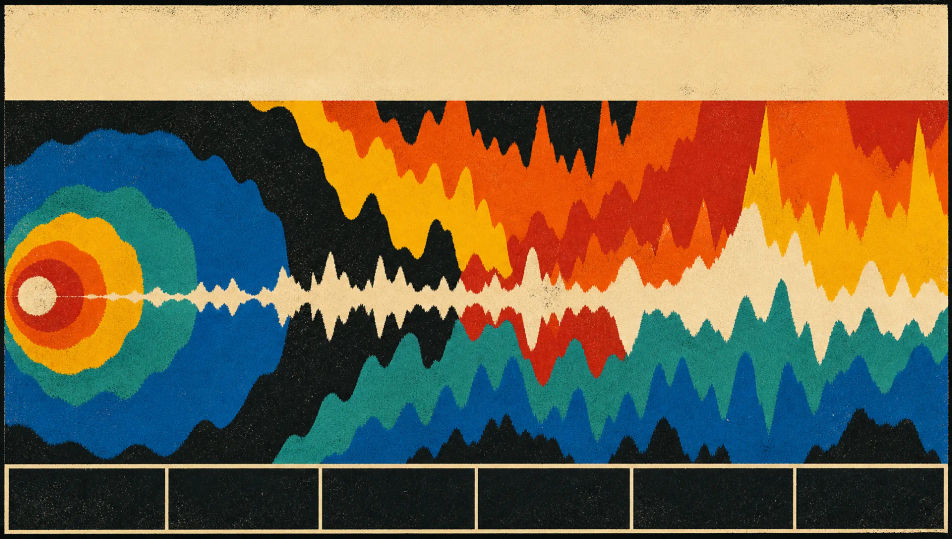
Beschreiben Sie das Musikfestival-Poster, das Sie möchten, in einfachen Worten.
Morphic generiert in Sekunden ein sauberes, veröffentlichungsfertiges Bild auf Ihrer Canvas.
Passen Sie den Prompt an, generieren Sie Varianten und laden Sie das Bild herunter oder teilen Sie es.
Pick a reference image, apply its visual style to your own photo or artwork.
Convert any image to a new aspect ratio. Smart crop or extend the edges to fit.

Turn any sketch or drawing into a finished render.

Take any character image and generate 6 distinct facial expressions on a single reference sheet.
Restyle any video in a completely new visual style. Every frame transforms, all motion stays intact.

Pick any anime illustration as your style guide. Apply its look to any image.
Festivalplakat-KI-Bilder
Erstellen Sie KI-Festivalplakat-Bilder mit Morphic. Erzeugen Sie authentische Festivalplakat-Motive, Szenen und Visuals für jedes Projekt in Sekunden.
Filmfestivalplakat-KI-Bilder
Erstellen Sie KI-Filmfestivalplakat-Bilder mit Morphic. Erzeugen Sie authentische Filmfestivalplakat-Motive, Szenen und Visuals für jedes Projekt in Sekunden.
Comic-Messe-Poster-KI-Bilder
Erstellen Sie KI-Comic-Messe-Poster-Bilder mit Morphic. Generieren Sie authentisches Comic-Messe-Poster-Artwork, Szenen und Visuals für jedes Projekt in Sekunden.
Ausstellungsplakat-KI-Bilder
Erstellen Sie KI-Ausstellungsplakat-Bilder mit Morphic. Generieren Sie authentische Ausstellungsplakat-Motive, Szenen und Visuals für jedes Projekt in Sekunden.
Starten Sie noch heute kostenlos, mit der Option, jederzeit zu upgraden oder zu kündigen.
Basic
2400 monatliche Credits
1 Nutzer
Alle Modelle
Workflows
Standard
3625 monatliche Credits
1 Nutzer
Alle Modelle
Workflows
Pro
6350 gemeinsame monatliche Credits
1 Nutzer
Alle Modelle
Workflows
Max
24650 gemeinsame monatliche Credits
1 Nutzer
Alle Modelle
Workflows
Enterprise
Für höhere Limits
Individuell
Preis- und Abrechnungsbedingungen

Free
Zum Ausprobieren
$0
dauerhaft kostenlos