Night Photography AI Images

Shoot night photography in your browser with Morphic's night photography AI image generator. Generate after-dark frames like a neon-soaked alley reflected in wet asphalt, a lone figure under a single streetlamp, or a glowing skyline across a dark river, and pair every frame with the Style Transfer workflow to lock the neon-and-tungsten palette across the set. Animate any still with the Image to Video tool.

Night photography subjects you can capture

Night photography compositions you can frame

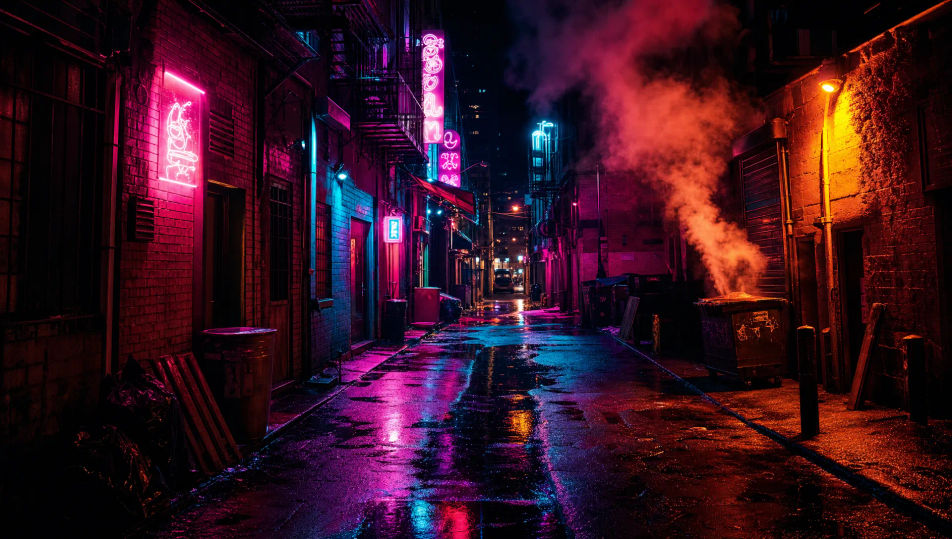
Neon alley reflected in wet asphalt

A narrow city alley after rain, stacked neon signs in pink and cyan mirrored in the wet asphalt, steam drifting from a vent, 24mm wide, saturated neon palette, cinematic night cityscape.

Prompt bearbeiten
Neon alley reflected in wet asphalt

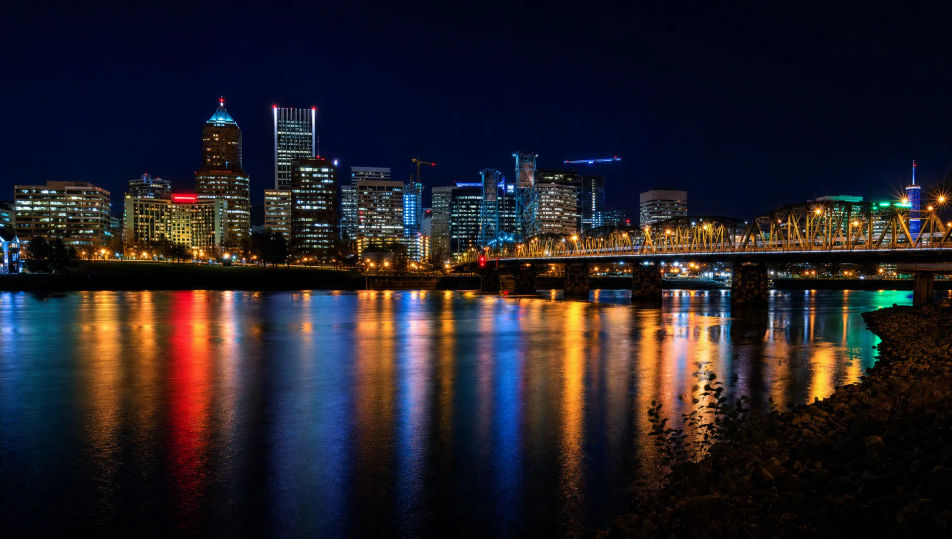
Glowing skyline across a dark river

A city skyline blazing with window lights reflected in a calm dark river, deep night sky above, 24mm wide, cool blue-and-amber palette, expansive night cityscape.

Prompt bearbeiten
Glowing skyline across a dark river

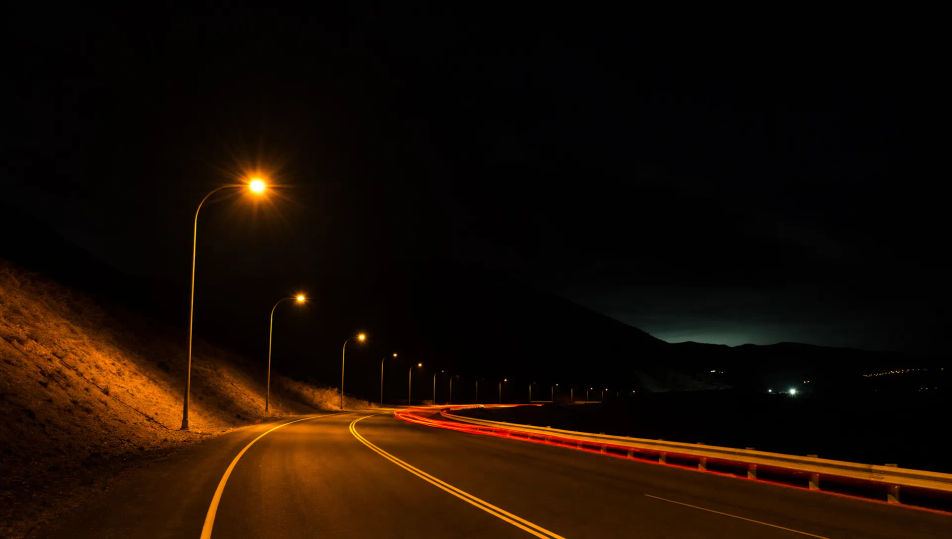
Empty highway under sodium lights

A deserted highway curving into the dark under a chain of amber sodium lamps, faint light trails, black hills beyond, 24mm wide, warm-and-shadow palette, lonely night frame.

Prompt bearbeiten
Empty highway under sodium lights

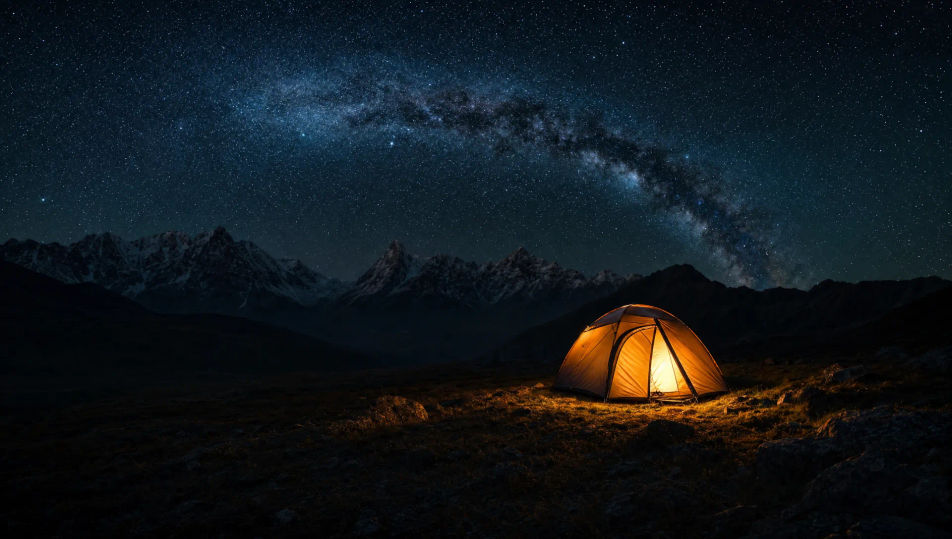
Lit tent under a starlit sky

A small glowing tent on a dark hillside under a faint band of stars, warm light spilling from the door, black landscape around, 24mm wide, cool-and-warm palette, serene night frame.

Prompt bearbeiten
Lit tent under a starlit sky

Night photography in drei Schritten erstellen

  1. 01

    Beschreiben Sie Ihr Night photography

    Beschreiben Sie das Night photography, das Sie möchten, in einfachen Worten.

  2. 02

    Bild generieren

    Morphic generiert in Sekunden ein sauberes, veröffentlichungsfertiges Bild auf Ihrer Canvas.

  3. 03

    Night photography verfeinern

    Passen Sie den Prompt an, generieren Sie Varianten und laden Sie das Bild herunter oder teilen Sie es.

Verwandte Workflows

Das könnte Ihnen auch gefallen

Einfache Preise

Starten Sie noch heute kostenlos, mit der Option, jederzeit zu upgraden oder zu kündigen.

Basic

$0/ Monat
abgerechnet als $0 pro Jahr

900 monatliche Credits

1 Nutzer

Alle Modelle

Workflows

Standard

$0/ Monat
abgerechnet als $0 pro Jahr

3200 monatliche Credits

1 Nutzer

Alle Modelle

Workflows

Pro

$0/ Monat
abgerechnet als $0 pro Jahr

6200 gemeinsame monatliche Credits

1 Nutzer

+ bis zu 4 weitere gegen Aufpreis

Alle Modelle

Workflows

Pro Max

$0/ Monat
abgerechnet als $0 pro Jahr

24000 gemeinsame monatliche Credits

1 Nutzer

+ bis zu 9 weitere gegen Aufpreis

Alle Modelle

Workflows

Enterprise

Für höhere Limits

Individuell

Preis- und Abrechnungsbedingungen

Unbegrenzte Credits
Individuelle Platzlimits
Alle Modelle
Workflows
Pricing Gradient

Free

Zum Ausprobieren

$0

dauerhaft kostenlos

Bis zu 20 Credits
Nur 1 Nutzer
Eingeschränkte Modelle
Workflows

Häufig gestellte Fragen

Where can I make night photography with AI?
You can create night photography images directly in your browser on Morphic. Open the Image tool, describe the subject, the light source, and the surrounding dark, and Morphic produces the frame. No installs and no specialist software needed.
What defines night photography at the prompt level?
Three locked-in choices: a clear artificial light source with a named colour, deep surrounding shadow, and a neon or tungsten palette. Name where the light pools and how dark the rest stays so the frame reads as genuinely after dark.
How do I get clean neon and deep shadow in AI images?
Name the light and palette directly: "pink-and-cyan neon, hard coloured rim light, deep surrounding black" for cinematic night, or "single sodium streetlamp, warm amber pool" for streets. Reuse those words across every prompt so Morphic carries the same look through the set.
How do I keep a night photography series consistent?
Use Morphic's Style Transfer workflow to lock the neon-and-tungsten palette, the deep shadow, and the pooled-light framing, then reference that style card in every prompt. The series reads as one night across images, from portraits to cityscapes.
Do I need a tripod and high-ISO gear to make these?
No. Morphic runs in your browser and you direct it with plain-language prompts. Anyone who can describe a light source, the surrounding dark, and the colour can produce a night photography frame. No tripod, no fast lens, and no noise-reduction passes required.