Concept sheet of six handsets
Six phone silhouettes sketched across one ruled sheet in ballpoint, each a different proportion and camera layout, with blank label boxes beneath.
Prompt bearbeiten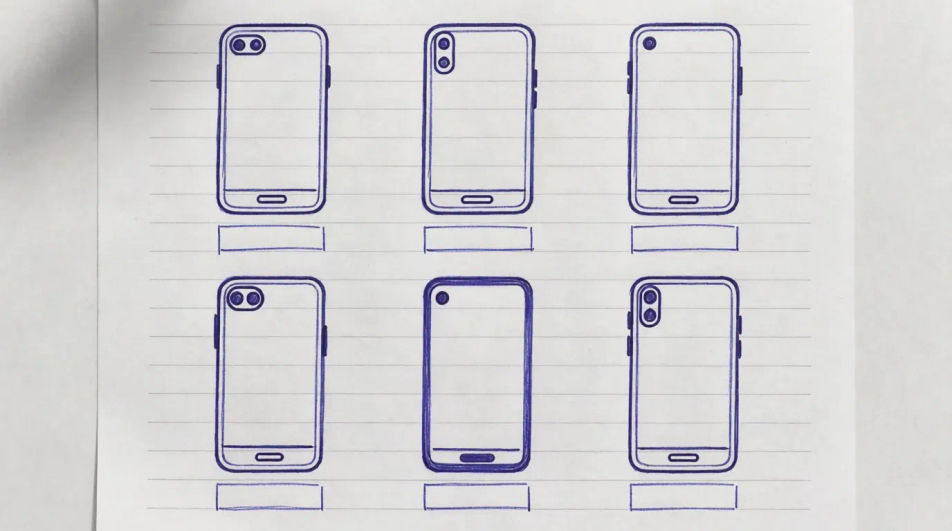
Describe the phone sketch you want in Morphic's Image tool, from a loose ballpoint concept on grid paper to a full marker render with a cast shadow. Set the handset type, the angle, the medium, the line weight and the surface, tighten it on the Canvas, then download it in HD.
Six phone silhouettes sketched across one ruled sheet in ballpoint, each a different proportion and camera layout, with blank label boxes beneath.
Prompt bearbeitenSeveral views of one handset in technical pen, aligned on ruled guides with thin dimension lines and empty measurement fields.
Prompt bearbeiten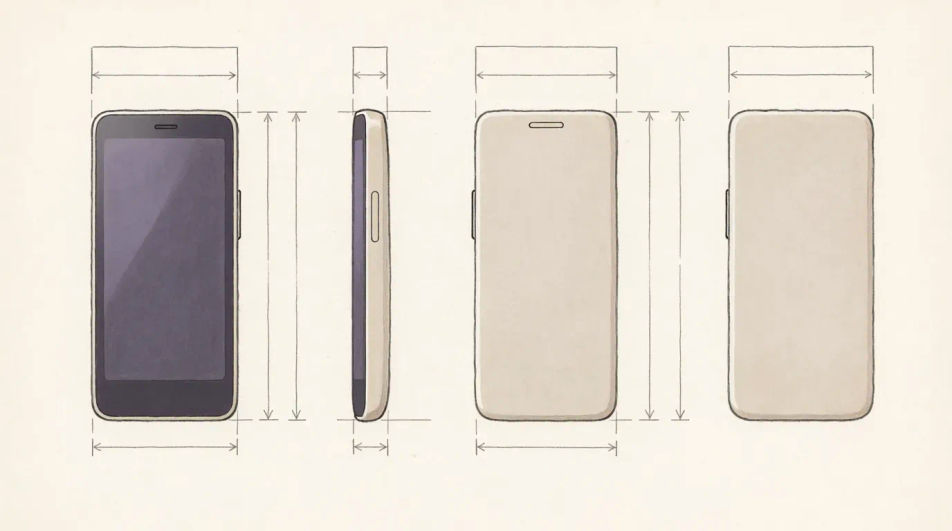
A handset pulled apart along one axis in fine line, screen, frame, battery and back panel floating in order with faint alignment lines between them.
Prompt bearbeiten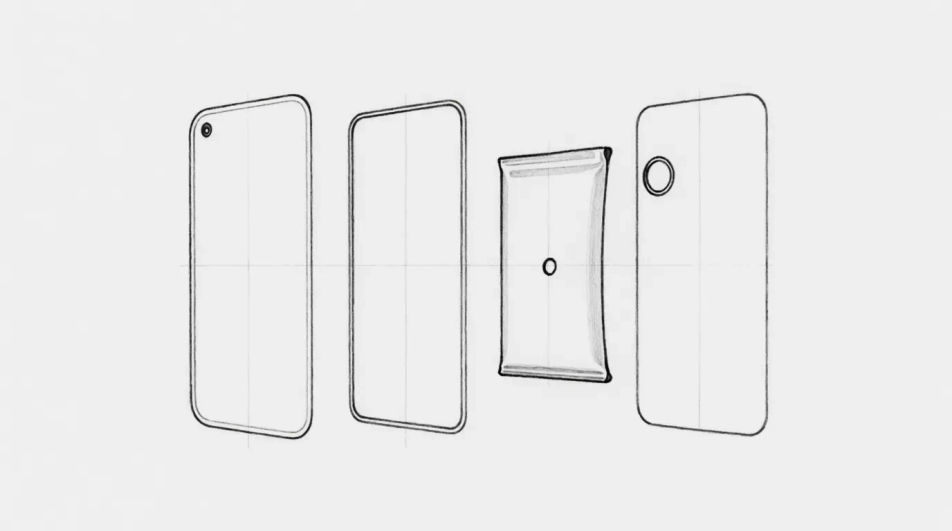
A hand gripping a phone in charcoal, the fingers wrapped around the frame and the screen glow lifted out so it is the brightest area on the page.
Prompt bearbeiten
Beschreiben Sie das Phone sketch, das Sie möchten, in einfachen Worten.
Morphic generiert in Sekunden ein sauberes, veröffentlichungsfertiges Bild auf Ihrer Canvas.
Passen Sie den Prompt an, generieren Sie Varianten und laden Sie das Bild herunter oder teilen Sie es.

Turn any sketch or drawing into a finished render.
Pick a reference image, apply its visual style to your own photo or artwork.
Convert any image to a new aspect ratio. Smart crop or extend the edges to fit.

Take any character image and generate 6 distinct facial expressions on a single reference sheet.
Restyle any video in a completely new visual style. Every frame transforms, all motion stays intact.

Pick any anime illustration as your style guide. Apply its look to any image.
Industrial-Design-Sketch KI-Bilder
Industrial-Design-Sketch KI-Bilder im Browser erstellen: Marker-Concepts, Ideation-Seiten, Produktrenderings. Jetzt starten.
Technology drawing maker
Turn a technology drawing idea into a finished image in Morphic. Describe the line work and style, generate variations, then refine it on the canvas.
Pen sketch maker
Create pen sketch images in Morphic. Describe the subject and the line work you want, generate versions, then refine the prompt and download the art.
Funny sticker maker
Generate funny stickers in Morphic. Describe the character, colours and style you want, generate options to compare, then refine the prompt and save it.
Starten Sie noch heute kostenlos, mit der Option, jederzeit zu upgraden oder zu kündigen.
Basic
2400 monatliche Credits
1 Nutzer
Alle Modelle
Workflows
Standard
3625 monatliche Credits
1 Nutzer
Alle Modelle
Workflows
Pro
6350 gemeinsame monatliche Credits
1 Nutzer
Alle Modelle
Workflows
Max
24650 gemeinsame monatliche Credits
1 Nutzer
Alle Modelle
Workflows
Enterprise
Für höhere Limits
Individuell
Preis- und Abrechnungsbedingungen

Free
Zum Ausprobieren
$0
dauerhaft kostenlos