Planets in a line across the page
The whole set drawn side by side in ink at relative sizes, a thin baseline running under them and each disc given a different surface texture.
Prompt bearbeiten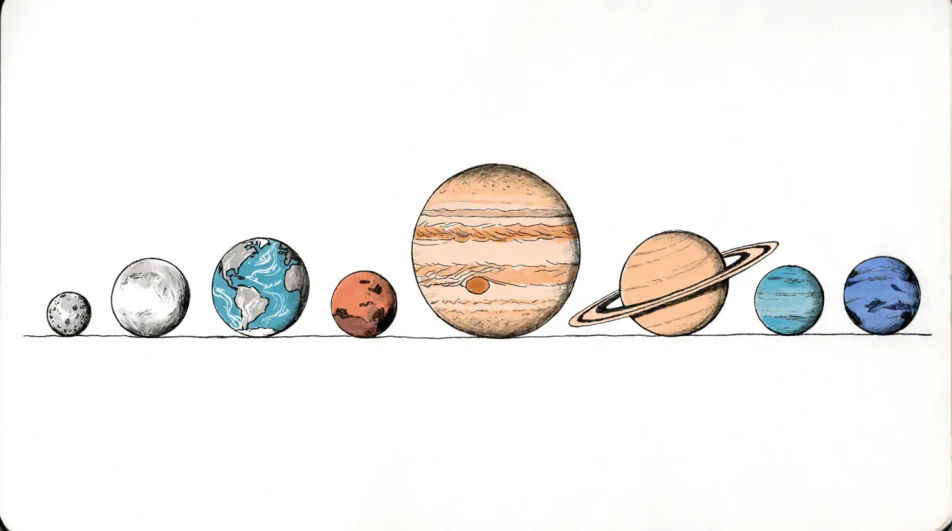
Describe the planets drawing you want in Morphic's Image tool, from a clean line diagram of the whole set to one banded giant in close-up, and get a finished piece back. Set the surface detail, the rings, the line weight and the paper, refine it on the Canvas, then download it in HD.
The whole set drawn side by side in ink at relative sizes, a thin baseline running under them and each disc given a different surface texture.
Prompt bearbeitenA large planet low behind a crater rim drawn in pencil, the foreground rock dark and sharp, the disc above it kept pale so it sits far away.
Prompt bearbeiten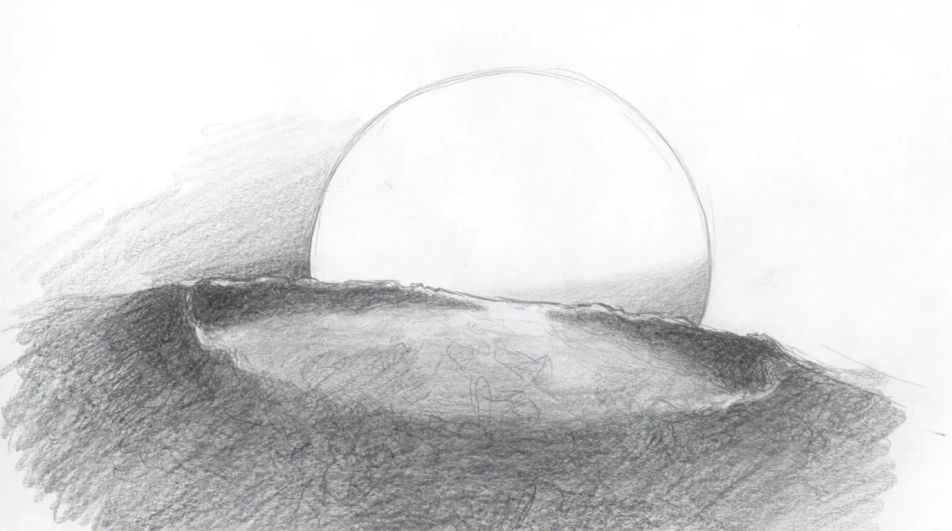
Concentric orbit paths drawn as thin even ellipses with a small planet on each, the whole thing in a single ink colour so it reads as a diagram.
Prompt bearbeiten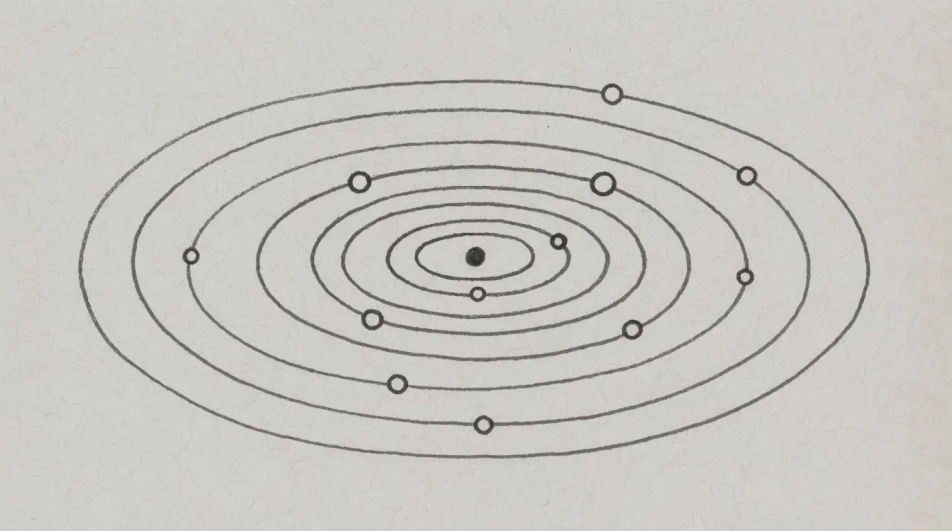
A ringed planet turned almost side on, the rings reduced to a fine line crossing the disc, a small moon drawn as a dot casting a point of shadow.
Prompt bearbeiten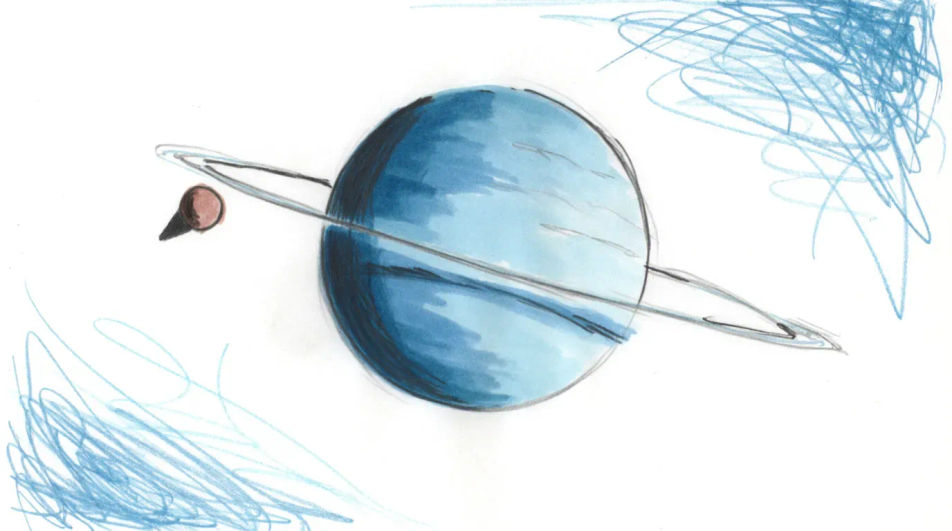
Beschreiben Sie das Planets drawing, das Sie möchten, in einfachen Worten.
Morphic generiert in Sekunden ein sauberes, veröffentlichungsfertiges Bild auf Ihrer Canvas.
Passen Sie den Prompt an, generieren Sie Varianten und laden Sie das Bild herunter oder teilen Sie es.
Pick a reference image, apply its visual style to your own photo or artwork.

Turn any sketch or drawing into a finished render.
Convert any image to a new aspect ratio. Smart crop or extend the edges to fit.

Pick any anime illustration as your style guide. Apply its look to any image.
Restyle any video in a completely new visual style. Every frame transforms, all motion stays intact.

Take any character image and generate 6 distinct facial expressions on a single reference sheet.
Planet drawing generator
Turn a planet drawing idea into a finished image in Morphic. Describe the line work and style, generate variations, then refine it on the canvas.
Mars drawings from line diagram to full tonal study
Turn a mars drawing idea into a finished image in Morphic. Describe the line work and style, generate variations, then refine it on the canvas.
Moon drawing generator
Turn a moon drawing idea into a finished image in Morphic. Describe the line work and style, generate variations, then refine it on the canvas.
Shell drawings from simple outline to full tonal study
Turn a shell drawing idea into a finished image in Morphic. Describe the line work and style, generate variations, then refine it on the canvas.
Starten Sie noch heute kostenlos, mit der Option, jederzeit zu upgraden oder zu kündigen.
Basic
2400 monatliche Credits
1 Nutzer
Alle Modelle
Workflows
Standard
3625 monatliche Credits
1 Nutzer
Alle Modelle
Workflows
Pro
6350 gemeinsame monatliche Credits
1 Nutzer
Alle Modelle
Workflows
Max
24650 gemeinsame monatliche Credits
1 Nutzer
Alle Modelle
Workflows
Enterprise
Für höhere Limits
Individuell
Preis- und Abrechnungsbedingungen

Free
Zum Ausprobieren
$0
dauerhaft kostenlos