Printable sticker sheet
A flat top-down sheet of scrapbook stickers in one palette, mixed shapes and sizes tiled on a grid, even light, ready to print and cut.
Prompt bearbeiten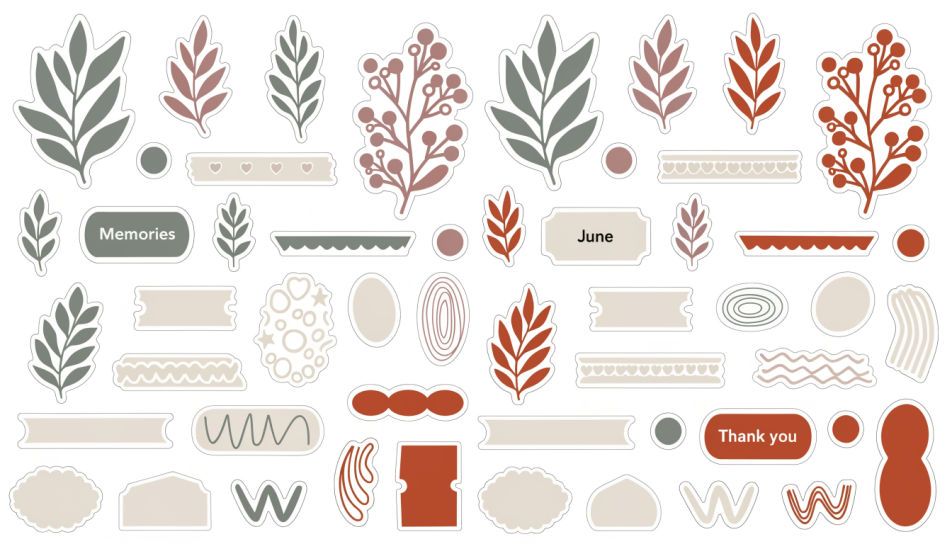
Design scrapbook stickers in Morphic's Image tool, from pressed-flower botanicals to washi-tape strips and small hand-lettered date tags for a memory page. Pick the paper texture, the palette, the die-cut border, and a transparent background, then download a sheet you can print and cut.
A flat top-down sheet of scrapbook stickers in one palette, mixed shapes and sizes tiled on a grid, even light, ready to print and cut.
Prompt bearbeitenScrapbook stickers arranged across an open journal spread with a photo and handwriting, warm daylight, slight paper curl at the edges.
Prompt bearbeiten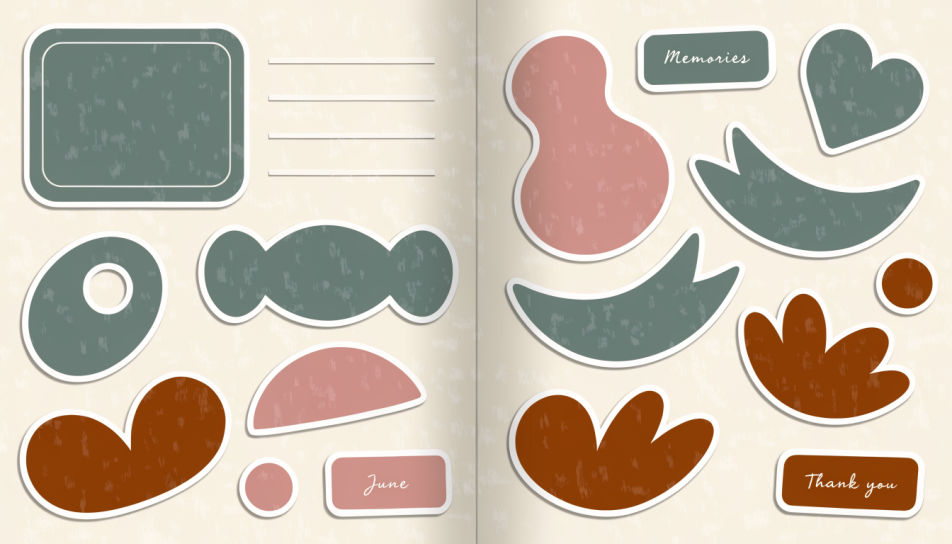
Six scrapbook stickers isolated on a transparent background, each with a thin white die-cut outline and a soft contact shadow.
Prompt bearbeiten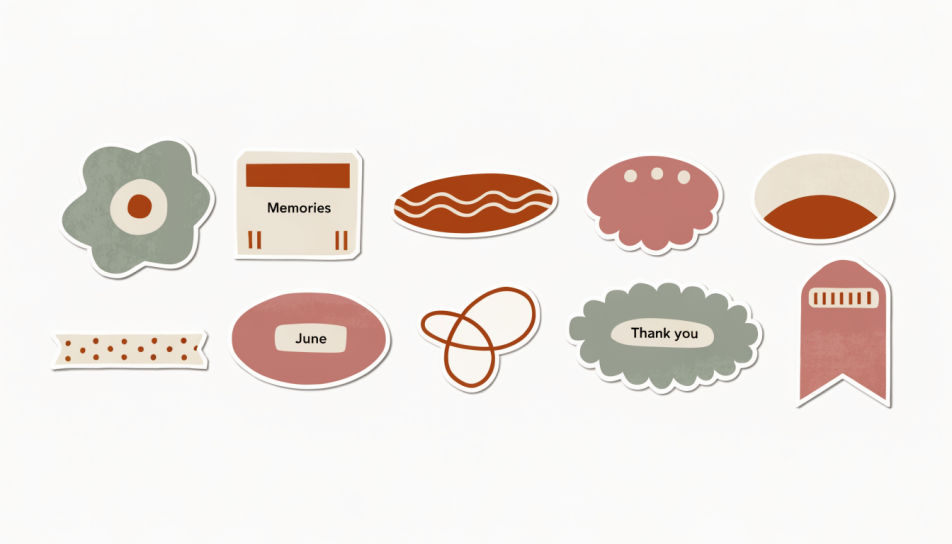
A scrapbook sticker set in one autumn palette, rust and ochre botanicals with cream tags, arranged loosely on a plain linen ground.
Prompt bearbeiten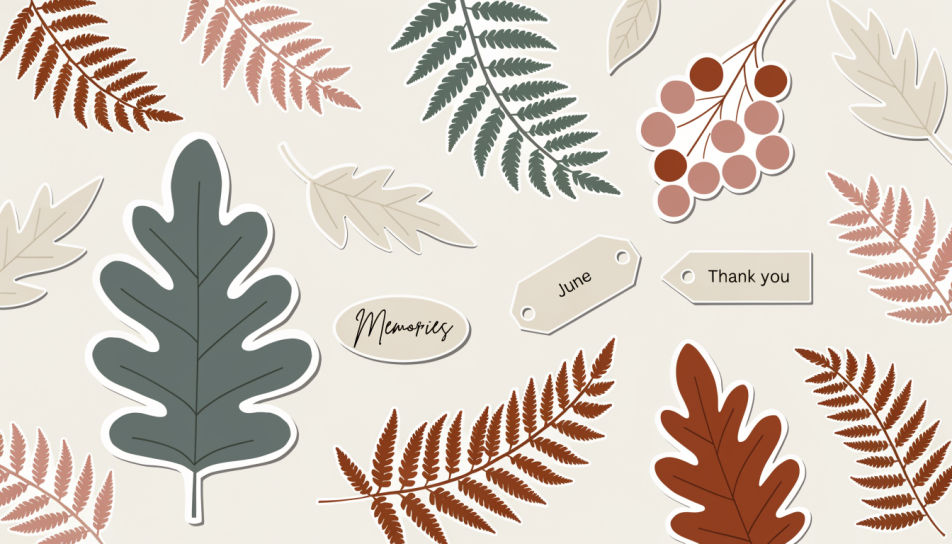
Beschreiben Sie das Scrapbook Stickers, das Sie möchten, in einfachen Worten.
Morphic generiert in Sekunden ein sauberes, veröffentlichungsfertiges Bild auf Ihrer Canvas.
Passen Sie den Prompt an, generieren Sie Varianten und laden Sie das Bild herunter oder teilen Sie es.
Pick a reference image, apply its visual style to your own photo or artwork.
Convert any image to a new aspect ratio. Smart crop or extend the edges to fit.

Turn any sketch or drawing into a finished render.

Take any character image and generate 6 distinct facial expressions on a single reference sheet.
Restyle any video in a completely new visual style. Every frame transforms, all motion stays intact.

Pick any anime illustration as your style guide. Apply its look to any image.
Journal sticker generator
Generate journal stickers in Morphic. Describe the character, colours and style you want, generate options to compare, then refine the prompt and save it.
Sticker-Design-KI-Bilder
Erstellen Sie KI-Sticker-Design-Bilder mit Morphic. Generieren Sie gestanzte Sticker, Sticker-Packs und Decals für jedes Projekt in Sekunden.
Preppy sticker generator
Generate preppy stickers in Morphic. Describe the character, colours and style you want, generate options to compare, then refine the prompt and save it.
Grass emoji maker
Generate grass emoji images in Morphic. Describe the expression, colour and style you want, generate options, then refine the prompt and download it.
Starten Sie noch heute kostenlos, mit der Option, jederzeit zu upgraden oder zu kündigen.
Basic
2400 monatliche Credits
1 Nutzer
Alle Modelle
Workflows
Standard
3625 monatliche Credits
1 Nutzer
Alle Modelle
Workflows
Pro
6350 gemeinsame monatliche Credits
1 Nutzer
Alle Modelle
Workflows
Max
24650 gemeinsame monatliche Credits
1 Nutzer
Alle Modelle
Workflows
Enterprise
Für höhere Limits
Individuell
Preis- und Abrechnungsbedingungen

Free
Zum Ausprobieren
$0
dauerhaft kostenlos