Photography tutorial diagram
Overhead view of lights, stands, and subject explaining a setup for a how to lesson.
Prompt bearbeiten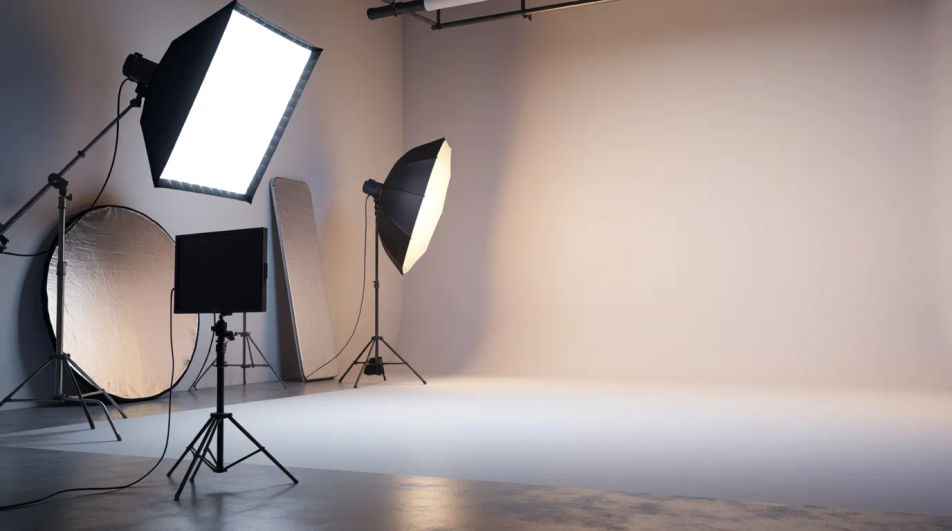
Generate studio lighting setup images in your browser with Morphic's AI photo generator. Choose a look, three-point, Rembrandt, high-key, or dramatic split, and Morphic renders it on your subject. Match an existing shoot without reshooting it: dial in the pattern and grade, then download each frame in HD.
Overhead view of lights, stands, and subject explaining a setup for a how to lesson.
Prompt bearbeitenSetup scene illustrating a recommended kit in a buying guide for new photographers.
Prompt bearbeiten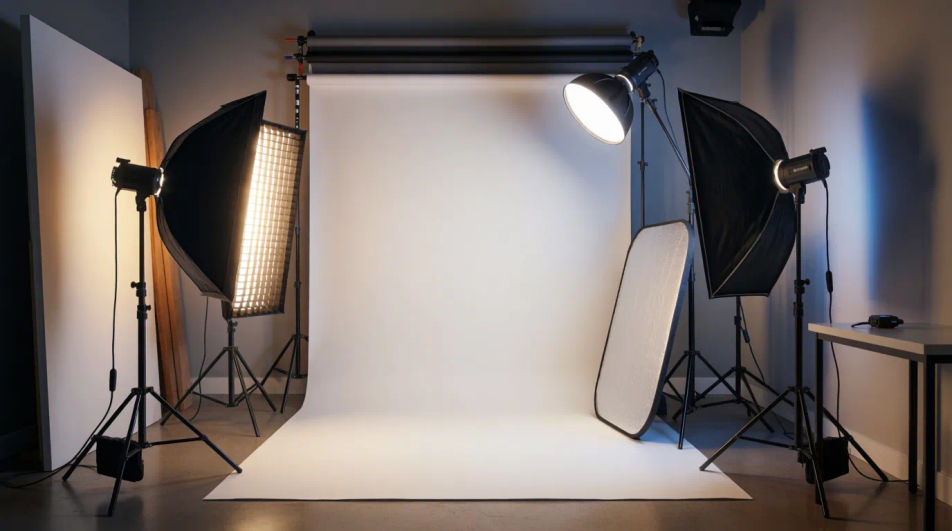
Studio in action image on an about page showing how the shots on the site were made.
Prompt bearbeiten
Inviting studio setup frame used as the cover image for an online photography class.
Prompt bearbeiten
Beschreiben Sie das studio lighting setup, das Sie möchten, in einfachen Worten.
Morphic generiert in Sekunden ein sauberes, veröffentlichungsfertiges Bild auf Ihrer Canvas.
Passen Sie den Prompt an, generieren Sie Varianten und laden Sie das Bild herunter oder teilen Sie es.
Fix plastic-looking AI skin. Adds natural texture, pores, and imperfections for realism.
One selfie becomes a set of professional headshots. Studio-quality, multiple styles.
Choose your viewing angles and get precise perspective shifts of any image with full camera control.
Full model photoshoot from one photo of you
Convert any image to a new aspect ratio. Smart crop or extend the edges to fit.
Set the look with one reference image. Apply that exact grade to any scene or batch.
Catalogue Photography AI Images
Create catalogue photography without a photoshoot. Control aperture, focal length and film look from the prompt. Commercial rights included.
Editorial Photography AI Images
Make editorial photography from a text prompt. Control aperture, focal length and film look from the prompt. Yours to use commercially.
Hero Shot Photography AI Images
Generate hero shot photography with AI in seconds. Match an existing shoot without reshooting it. Yours to use commercially.
Ambrotypie-KI-Bilder
Erstellen Sie KI-Ambrotypie-Bilder mit Morphic. Generieren Sie in Sekunden authentische Ambrotypie-Kunstwerke, -Szenen und -Motive für jedes Projekt.
Starten Sie noch heute kostenlos, mit der Option, jederzeit zu upgraden oder zu kündigen.
Basic
2400 monatliche Credits
1 Nutzer
Alle Modelle
Workflows
Standard
3625 monatliche Credits
1 Nutzer
Alle Modelle
Workflows
Pro
6350 gemeinsame monatliche Credits
1 Nutzer
Alle Modelle
Workflows
Max
24650 gemeinsame monatliche Credits
1 Nutzer
Alle Modelle
Workflows
Enterprise
Für höhere Limits
Individuell
Preis- und Abrechnungsbedingungen

Free
Zum Ausprobieren
$0
dauerhaft kostenlos