Sich brechende Welle über einem Fischerboot
Eine große, sich einrollende Welle mit weißen Schaumfingern, die über ein kleines Fischerboot greifen, ein einzelner dreieckiger Berg am Horizont, der Himmel in Linienblock-Indigo.
Prompt bearbeiten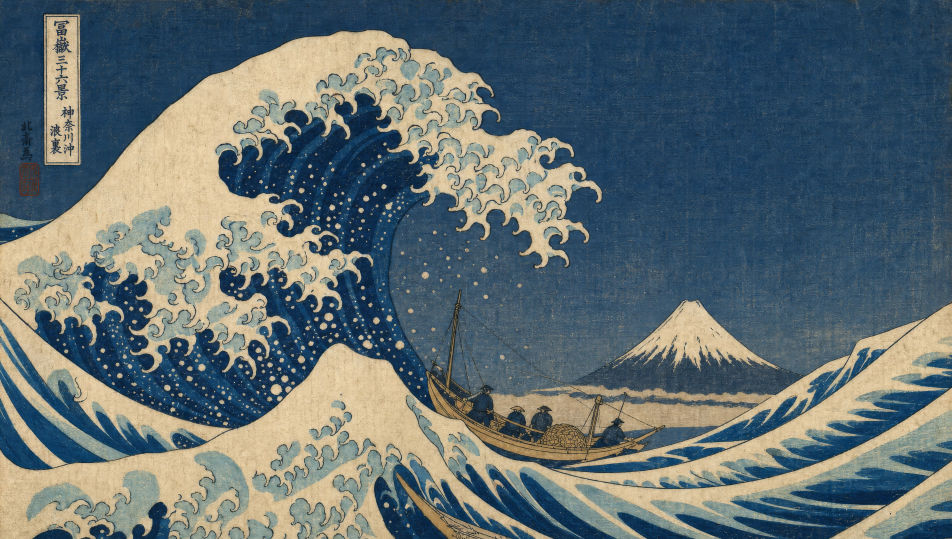
Gestalten Sie Ukiyo-e-Kunst direkt im Browser mit dem Ukiyo-e-KI-Bildgenerator von Morphic. Generieren Sie eine sich brechende Welle über einem Fischerboot oder einen Samurai, der eine mondbeschienene Brücke überquert, fixieren Sie die Holzschnitt-Körnung mit Style Transfer und animieren Sie anschließend jedes Standbild mit Image to Video.
Eine große, sich einrollende Welle mit weißen Schaumfingern, die über ein kleines Fischerboot greifen, ein einzelner dreieckiger Berg am Horizont, der Himmel in Linienblock-Indigo.
Prompt bearbeitenEine lange Holzbrücke über einen stillen Fluss unter einem Vollmond, zwei Gestalten überqueren sie, eine einzelne Kiefer neigt sich über das Geländer, Indigohimmel und ein silberner Mondkreis.
Prompt bearbeiten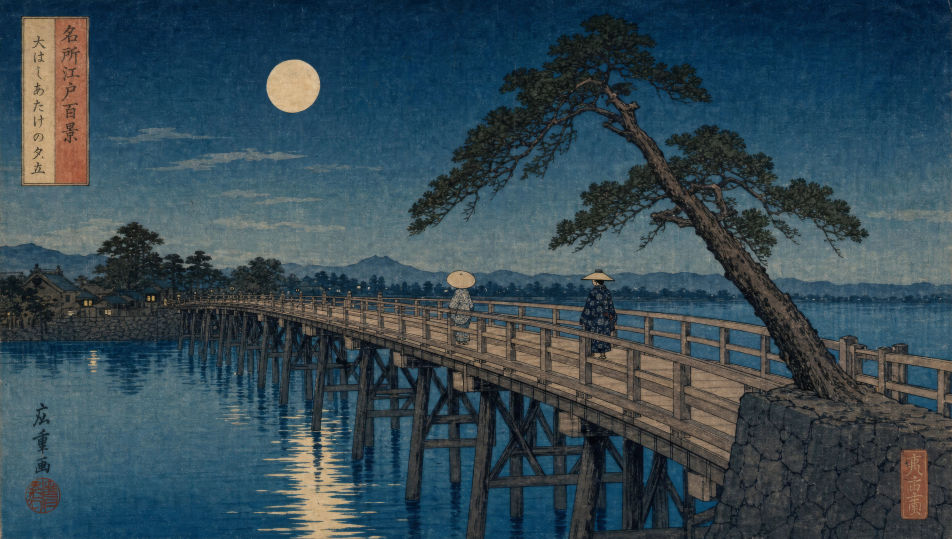
Ein Bergpass mit stilisierten Kiefernsilhouetten in zwei flachen Schichten, eine kleine Pagode halb sichtbar auf einem fernen Grat, ein Verlaufshimmel von blassem Rosa zu sanftem Gelb.
Prompt bearbeiten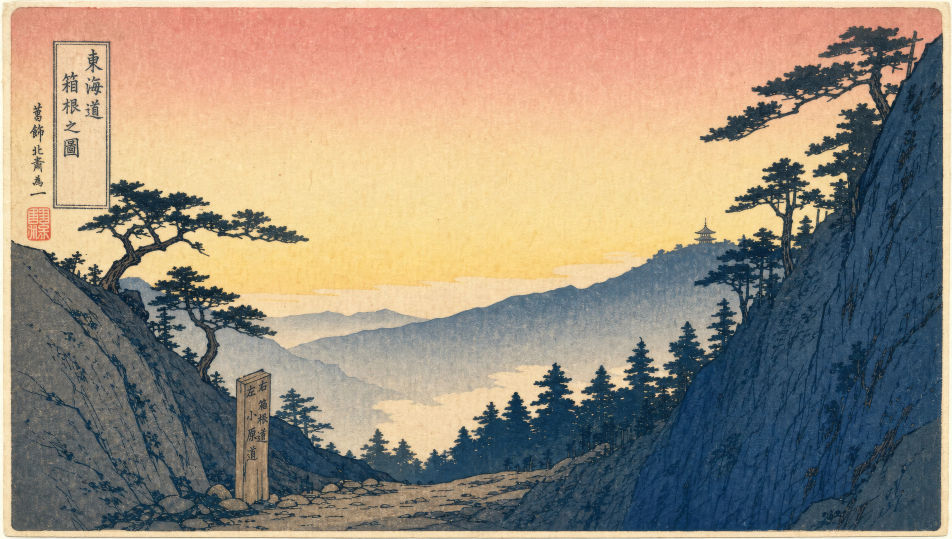
Eine schmale Edo-Straße am Abend mit Papierlaternen, die von den Traufen hängen, Regen in feinen parallelen Diagonalen, zwei Reisende, die unter einem gemeinsamen Schirm vorbeigehen.
Prompt bearbeiten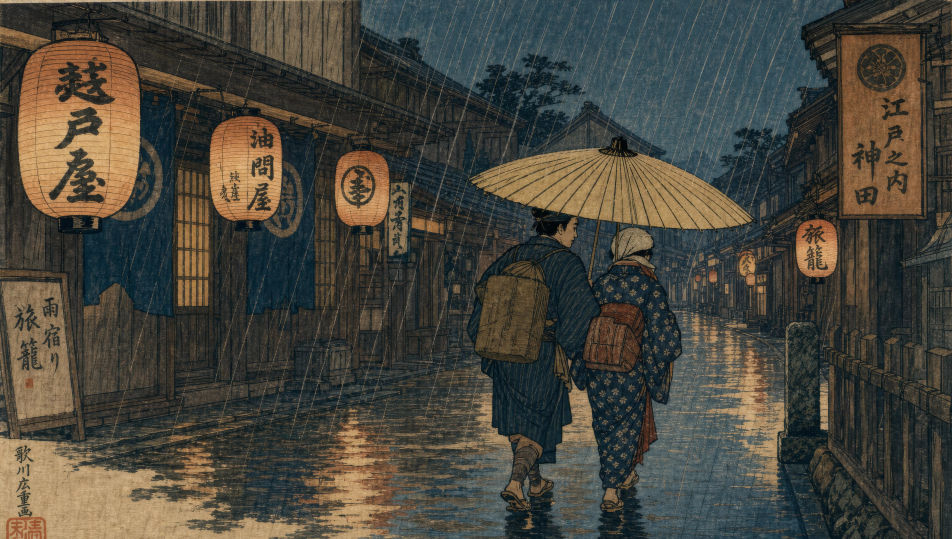
Beschreiben Sie das Ukiyo-e, das Sie möchten, in einfachen Worten.
Morphic generiert in Sekunden ein sauberes, veröffentlichungsfertiges Bild auf Ihrer Canvas.
Passen Sie den Prompt an, generieren Sie Varianten und laden Sie das Bild herunter oder teilen Sie es.
Pick a reference image, apply its visual style to your own photo or artwork.
Convert any image to a new aspect ratio. Smart crop or extend the edges to fit.

Turn any sketch or drawing into a finished render.

Pick any anime illustration as your style guide. Apply its look to any image.
Restyle any video in a completely new visual style. Every frame transforms, all motion stays intact.

Take any character image and generate 6 distinct facial expressions on a single reference sheet.
Griechische Vasenmalerei-KI-Bilder
Erstellen Sie griechische Vasenmalerei mit Morphic: schwarz- und rotfigurige Vasenmalerei auf Amphoren, Krateren, Hydrien, Kylikes und Lekythen, aus einem einzigen Prompt generiert.
Keltische Knotenkunst mit KI
Erstellen Sie keltische Knotenkunst mit Morphic: La-Tène-Spiralen, Book-of-Kells-Flechtwerk, irisches Hochkreuz-Steinwerk. Steuern Sie die visuelle Grammatik von zweitausend Jahren keltischer Dekoration.
Arthurianische illuminierte Manuskripte-KI-Bilder
Erstellen Sie arthurianische illuminierte Manuskriptkunst mit Morphic: Vulgate-Cycle-Miniaturen, Lancelot-Grail-Doppelseiten, präraffaelitische Wiederbelebung. Mittelalterliche Ikonografie aus einem Prompt.
Altgriechische Kunst KI-Bilder
Erschaffen Sie altgriechische Kunst mit Morphic: Marmorskulptur, Fresko, Mosaik und architektonisches Relief, alles aus Prompts in einfacher Sprache generiert. Bestimmen Sie die Bildsprache der klassischen Welt.
Starten Sie noch heute kostenlos, mit der Option, jederzeit zu upgraden oder zu kündigen.
Basic
2400 monatliche Credits
1 Nutzer
Alle Modelle
Workflows
Standard
3625 monatliche Credits
1 Nutzer
Alle Modelle
Workflows
Pro
6350 gemeinsame monatliche Credits
1 Nutzer
Alle Modelle
Workflows
Max
24650 gemeinsame monatliche Credits
1 Nutzer
Alle Modelle
Workflows
Enterprise
Für höhere Limits
Individuell
Preis- und Abrechnungsbedingungen

Free
Zum Ausprobieren
$0
dauerhaft kostenlos