Lockeres Lasurporträt
Ein Brustbild-Modell in transparenten Lasuren mit sanft verlaufendem Haaransatz, zarter getönter Haut, klaren Papierweiß-Glanzlichtern und einem am unteren Rand reservierten Streifen für einen Titel.
Prompt bearbeiten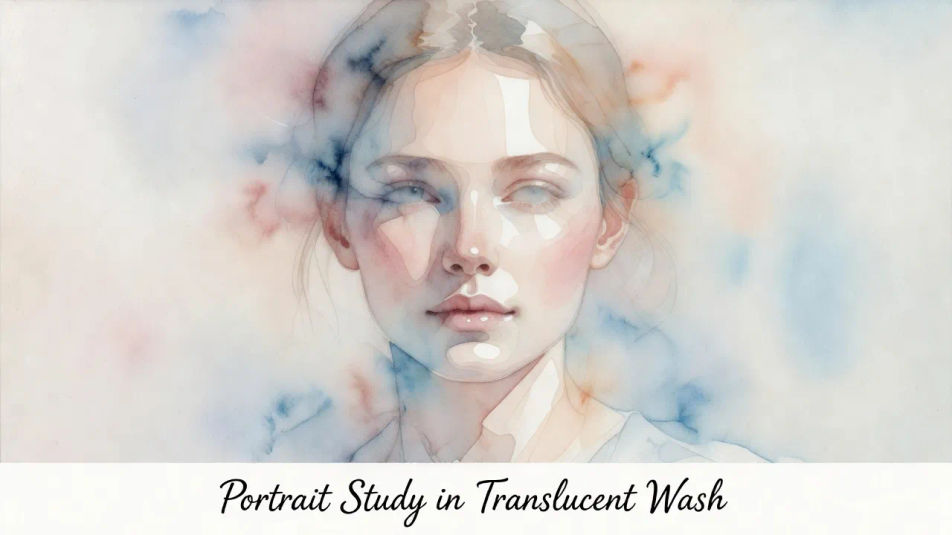
Erstellen Sie Aquarellporträts direkt im Browser mit dem KI-Bildgenerator von Morphic. Generieren Sie eine Frau in sanft verlaufenden Lasuren, ein Kind mit Papierweiß-Glanzlichtern oder eine lockere Nass-in-Nass-Studie eines älteren Menschen. Ziehen Sie das fertige Werk in die Canvas, um einen Titel oder eine Bildunterschrift hinzuzufügen.
Ein Brustbild-Modell in transparenten Lasuren mit sanft verlaufendem Haaransatz, zarter getönter Haut, klaren Papierweiß-Glanzlichtern und einem am unteren Rand reservierten Streifen für einen Titel.
Prompt bearbeitenEin Gesicht, nass in nass gemalt, mit Farben, die auf feuchtem Papier aufblühen und ineinanderfließen, rosige Wangen, die in blasse Haut auslaufen, lockere spontane Kanten und großzügig unbemaltes Papier rund um den Kopf.
Prompt bearbeiten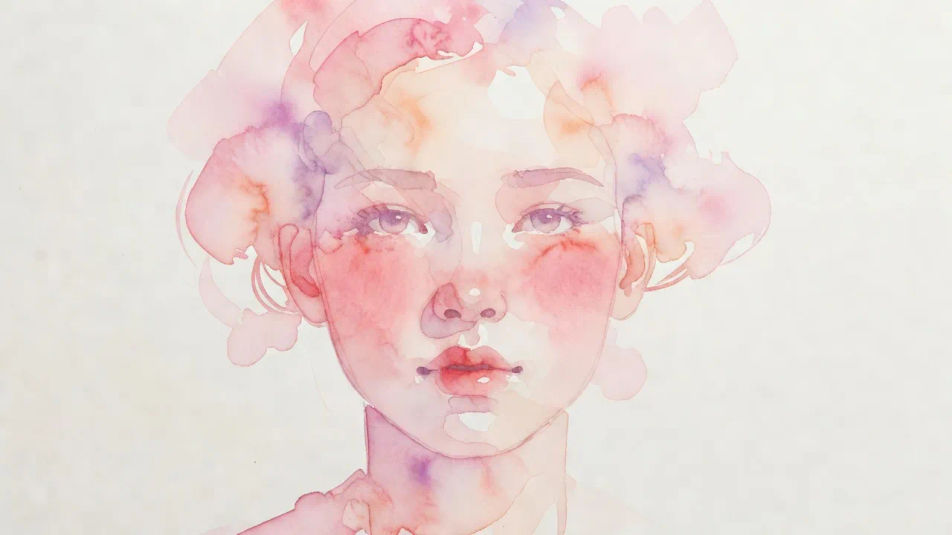
Ein markantes Profil in wenigen selbstbewussten Lasuren, ein sanft verlaufender Haaransatz, zarte getönte Haut und eine einzelne lockere Farbblüte hinter dem Kopf vor nacktem Papier.
Prompt bearbeiten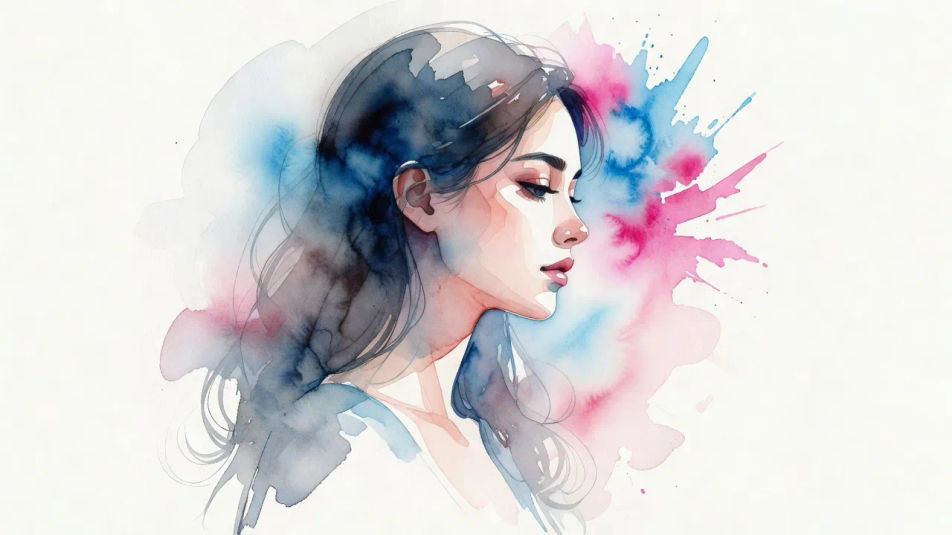
Eine vollständige Posterkomposition mit dem Modell in sanften transparenten Lasuren und Papierweiß-Glanzlichtern, mit reserviertem Überschriftenraum oben und einem Bildunterschriften-Streifen am unteren Rand für einen Namen.
Prompt bearbeiten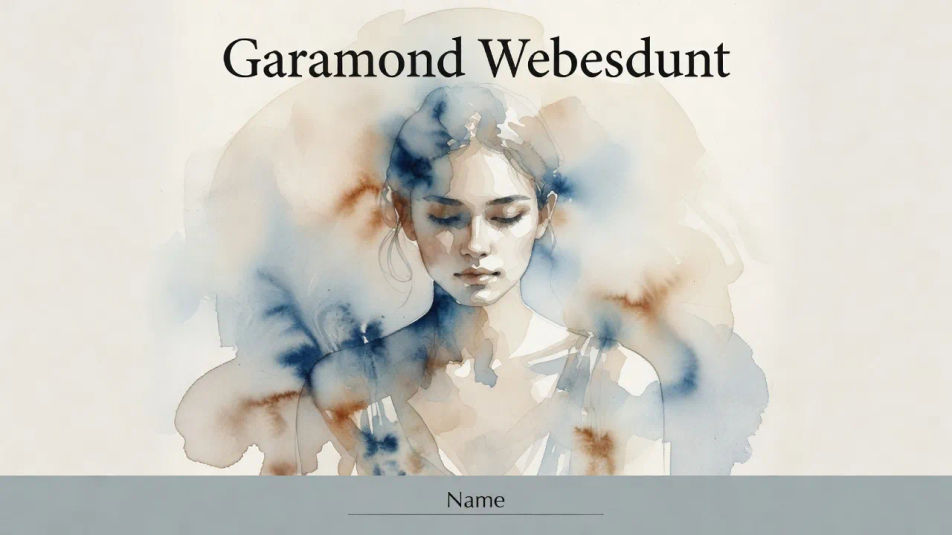
Beschreiben Sie das Aquarellporträt, das Sie möchten, in einfachen Worten.
Morphic generiert in Sekunden ein sauberes, veröffentlichungsfertiges Bild auf Ihrer Canvas.
Passen Sie den Prompt an, generieren Sie Varianten und laden Sie das Bild herunter oder teilen Sie es.
Fix plastic-looking AI skin. Adds natural texture, pores, and imperfections for realism.
One selfie becomes a set of professional headshots. Studio-quality, multiple styles.
Choose your viewing angles and get precise perspective shifts of any image with full camera control.
Convert any image to a new aspect ratio. Smart crop or extend the edges to fit.
Set the look with one reference image. Apply that exact grade to any scene or batch.
Bring back any damaged, blurry, or low-res image. Get a sharp, detailed 4K version with natural clarity restored.
Impressionistisches Porträt-KI-Bilder
Erstellen Sie KI-Bilder impressionistischer Porträts mit Morphic. Generieren Sie in Sekunden authentische impressionistische Porträt-Kunstwerke, -Szenen und -Motive für jedes Projekt.
Tuscheporträt-KI-Bilder
Erstellen Sie KI-Tuscheporträt-Bilder mit Morphic. Generieren Sie in Sekunden authentische Tuscheporträt-Kunstwerke, -Szenen und -Motive für jedes Projekt.
Ölmalerei-Porträt-KI-Bilder
Erstellen Sie KI-Ölmalerei-Porträt-Bilder mit Morphic. Generieren Sie authentische Ölmalerei-Porträt-Kunst, Szenen und Motive für jedes Projekt in Sekunden.
Aquarell-KI-Bilder
Erstellen Sie KI-Aquarell-Illustrationen mit Morphic. Generieren Sie Aquarell-Kunstwerke, -Figuren und -Szenen für jedes Projekt in Sekunden.
Starten Sie noch heute kostenlos, mit der Option, jederzeit zu upgraden oder zu kündigen.
Basic
2400 monatliche Credits
1 Nutzer
Alle Modelle
Workflows
Standard
3625 monatliche Credits
1 Nutzer
Alle Modelle
Workflows
Pro
6350 gemeinsame monatliche Credits
1 Nutzer
Alle Modelle
Workflows
Max
24650 gemeinsame monatliche Credits
1 Nutzer
Alle Modelle
Workflows
Enterprise
Für höhere Limits
Individuell
Preis- und Abrechnungsbedingungen

Free
Zum Ausprobieren
$0
dauerhaft kostenlos