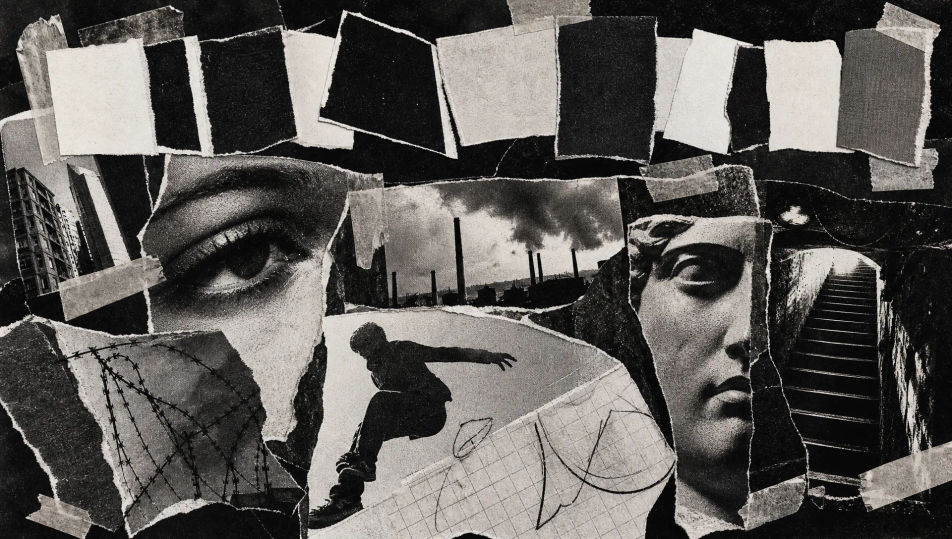
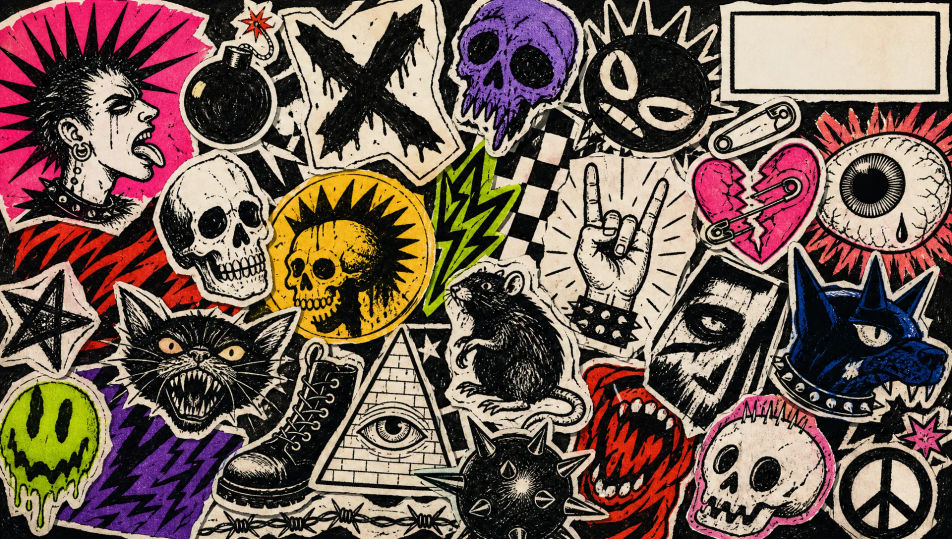
Design zine covers in your browser with Morphic's AI image generator. Generate a cut-and-paste collage cover, a ransom-note title, or a xerox-grit sticker-clutter front. Drop the finished art into the Canvas to add a title or issue number.

Zine cover elements you can design

Zine cover layouts you can compose

Collage cover layout

A cut-and-paste collage of photocopied scraps and torn cut-outs taped at odd angles, high-contrast texture and a ransom-note title band reserved across the top.

Prompt bearbeiten
Collage cover layout

Xerox portrait cover

A blown-out high-contrast photocopied portrait with breaking halftone dots, a gritty copy texture and a hand-lettered strip reserved at the base for a title.

Prompt bearbeiten
Xerox portrait cover

Sticker-clutter cover

A crowded field of hand-drawn punk stickers and invented slogans overlapping across the sheet, layered doodles and a small clear box reserved for an issue number.

Prompt bearbeiten
Sticker-clutter cover

Doodle-border cover

A wobbling ballpoint doodle border of stars, eyes and arrows ringing the sheet, an open central space reserved for a hand-drawn title and a fold crease down the middle.

Prompt bearbeiten
Doodle-border cover

Zine cover in drei Schritten erstellen

  1. 01

    Beschreiben Sie Ihr Zine cover

    Beschreiben Sie das Zine cover, das Sie möchten, in einfachen Worten.

  2. 02

    Bild generieren

    Morphic generiert in Sekunden ein sauberes, veröffentlichungsfertiges Bild auf Ihrer Canvas.

  3. 03

    Zine cover verfeinern

    Passen Sie den Prompt an, generieren Sie Varianten und laden Sie das Bild herunter oder teilen Sie es.

Verwandte Workflows

Das könnte Ihnen auch gefallen

Einfache Preise

Starten Sie noch heute kostenlos, mit der Option, jederzeit zu upgraden oder zu kündigen.

Basic

$0/ Monat
abgerechnet als $0 pro Jahr

900 monatliche Credits

1 Nutzer

Alle Modelle

Workflows

Standard

$0/ Monat
abgerechnet als $0 pro Jahr

3200 monatliche Credits

1 Nutzer

Alle Modelle

Workflows

Pro

$0/ Monat
abgerechnet als $0 pro Jahr

6200 gemeinsame monatliche Credits

1 Nutzer

+ bis zu 4 weitere gegen Aufpreis

Alle Modelle

Workflows

Pro Max

$0/ Monat
abgerechnet als $0 pro Jahr

24000 gemeinsame monatliche Credits

1 Nutzer

+ bis zu 9 weitere gegen Aufpreis

Alle Modelle

Workflows

Enterprise

Für höhere Limits

Individuell

Preis- und Abrechnungsbedingungen

Unbegrenzte Credits
Individuelle Platzlimits
Alle Modelle
Workflows
Pricing Gradient

Free

Zum Ausprobieren

$0

dauerhaft kostenlos

Bis zu 20 Credits
Nur 1 Nutzer
Eingeschränkte Modelle
Workflows

Häufig gestellte Fragen

What defines the zine cover look?
The zine cover is defined by three signature traits: cut-and-paste collage of photocopied scraps, ransom-note type from mismatched cut-out letters, and gritty high-contrast xerox texture. Keep the paste-up rough and the layers overlapping and the image reads as a classic DIY zine.
Where can I make zine covers with AI?
You can create zine covers with AI on Morphic, right in your browser. Open the Image tool, describe the cut-and-paste collage, the ransom-note title, and the xerox texture, and Morphic generates the cover. No installs and no design software are needed.
How do I get the cut-and-paste xerox texture?
Name the texture directly in your prompt: "photocopied scraps, torn edges, taped at odd angles, blown-out black and white, breaking halftone dots, visible fold creases." Calling out the paste-up and the copy grit is what gives the cover its hand-made zine character.
How do I keep a set of zine covers consistent?
Use Morphic's Style Transfer workflow to lock the collage texture and the ransom-note type style from your first cover, then reference that style card across the set. Each issue carries a different image while the whole run keeps one texture and one paste-up style.
Can I add a title or issue number to a zine cover on Morphic?
Yes. Generate the cover with a clear box or band reserved for text, then open the Canvas to place a title or issue number. Keeping the type as a layer lets you adjust the wording without regenerating the artwork. Keep every logo and slogan original.
Do I need design skill to make zine covers?
No. Morphic runs in your browser and takes plain-language prompts, so anyone who can describe a collage, a ransom-note title, and a xerox texture can produce a finished DIY zine cover. No scissors, glue, or photocopier are required.