Mark a finished step in a product demo
A three-note success cue on the frame a task completes gives a walkthrough a clear payoff, in a software demo, a training course or an app trailer.
Prompt bearbeiten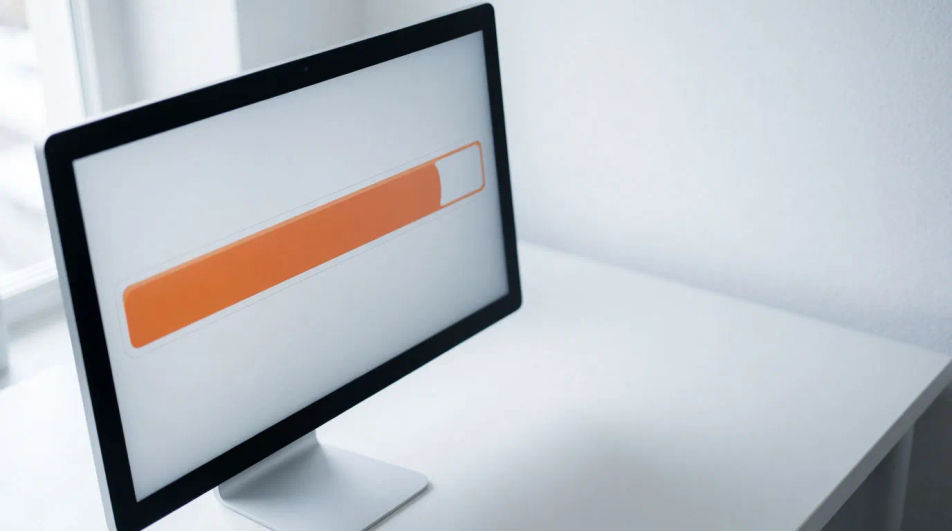
A soft two-note chime, a smooth slide swish and a polished logo sting. Describe the clean corporate cue your product video or app needs and Morphic generates it without the cheesy edges.


Two mellow rounded notes with a short fade, the polite alert of a business app.
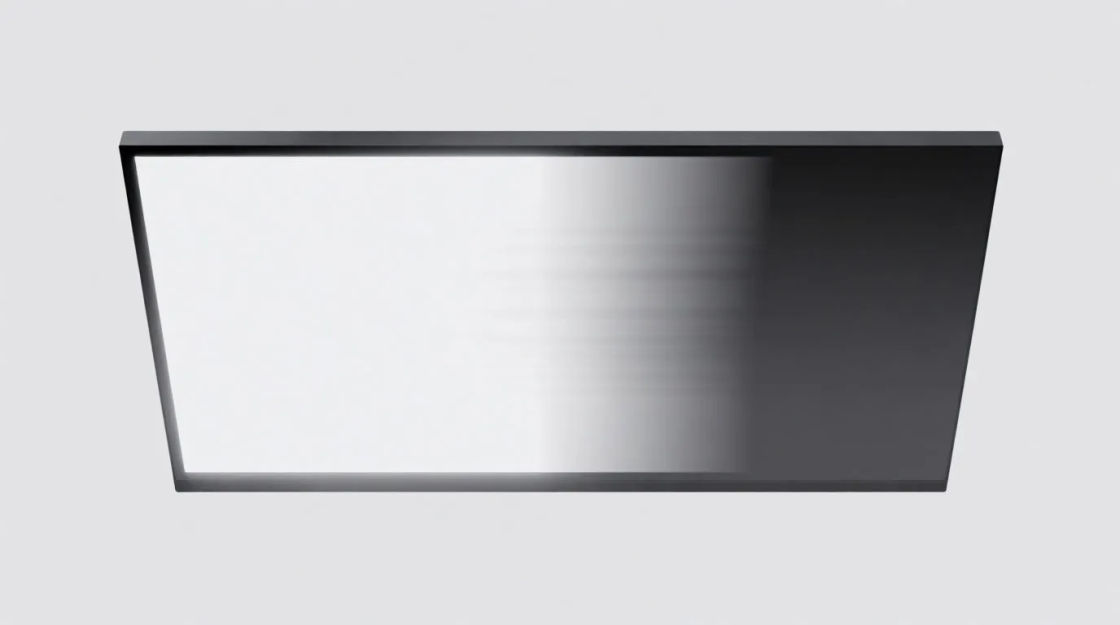
A smooth airy sweep that lands with a quiet tick, for moving between slides or screens.

Three climbing notes ending on a held bright one, for a task completed or a goal reached.

A gentle shimmer that settles on one clean tone, the final seconds of a brand video.
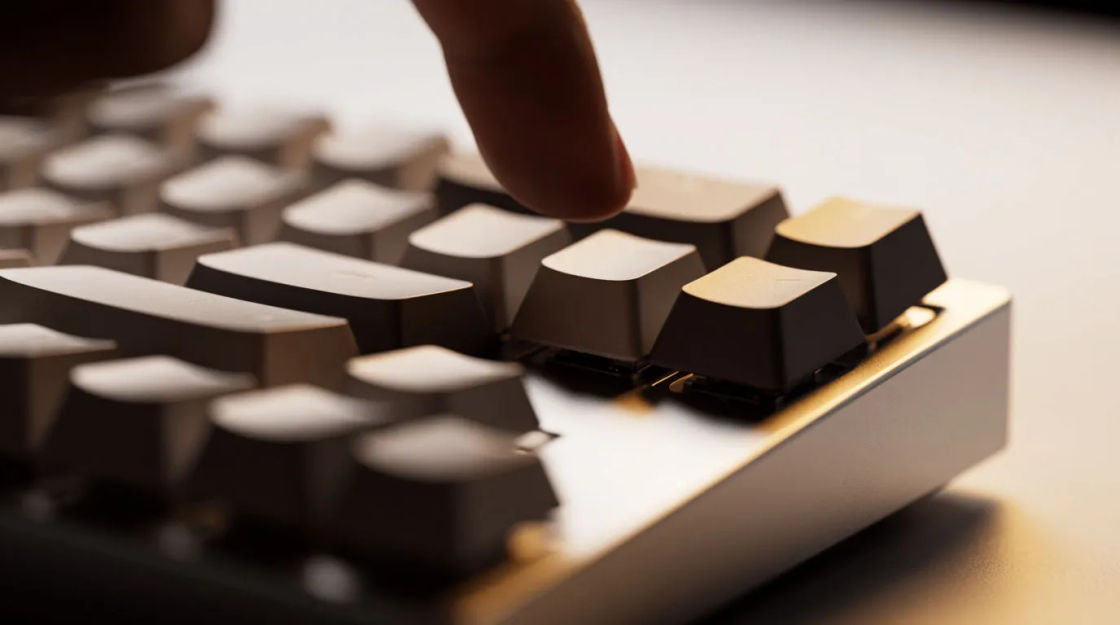
A crisp dry tick and a quiet thud, the tactile feedback of a well-made interface.

An upward blip and a gentle airy whoosh, the tidy sound of something delivered.
Wählen Sie einen Ausgangspunkt, passen Sie ihn beliebig an und erzeugen Sie ihn in Morphic.
A three-note success cue on the frame a task completes gives a walkthrough a clear payoff, in a software demo, a training course or an app trailer.
Prompt bearbeitenA soft chime between sections fills the gap while keeping the tone calm, in a recorded webinar, an online course or a pitch video.
Prompt bearbeiten
A logo sting sets a confident, tidy mood in the first seconds, for a corporate film, an investor update or a startup site.
Prompt bearbeiten
A blip and soft whoosh tells the viewer an email left, in a short film, an animated explainer or a game.
Prompt bearbeiten
Check sound effects
Generate check sound effects with AI on Morphic. Describe the sound, pick a variation, and download MP3 or WAV for your video, game or podcast.
Click sound effect
Need a click sound effect for an interface or edit? Morphic generates crisp, short cues to your spec in seconds.
Coin drop sound effects
Generate coin drop sound effects with AI on Morphic. Describe the sound, pick a variation, and download MP3 or WAV for your video, game or podcast.
Coin flip sound effects
Generate coin flip sound effects with AI on Morphic. Describe the sound, pick a variation, and download MP3 or WAV for your video, game or podcast.
Starten Sie noch heute kostenlos, mit der Option, jederzeit zu upgraden oder zu kündigen.
Basic
2400 monatliche Credits
1 Nutzer
Alle Modelle
Workflows
Standard
3625 monatliche Credits
1 Nutzer
Alle Modelle
Workflows
Pro
6350 gemeinsame monatliche Credits
1 Nutzer
Alle Modelle
Workflows
Max
24650 gemeinsame monatliche Credits
1 Nutzer
Alle Modelle
Workflows
Enterprise
Für höhere Limits
Individuell
Preis- und Abrechnungsbedingungen

Free
Zum Ausprobieren
$0
dauerhaft kostenlos