AI future baby video

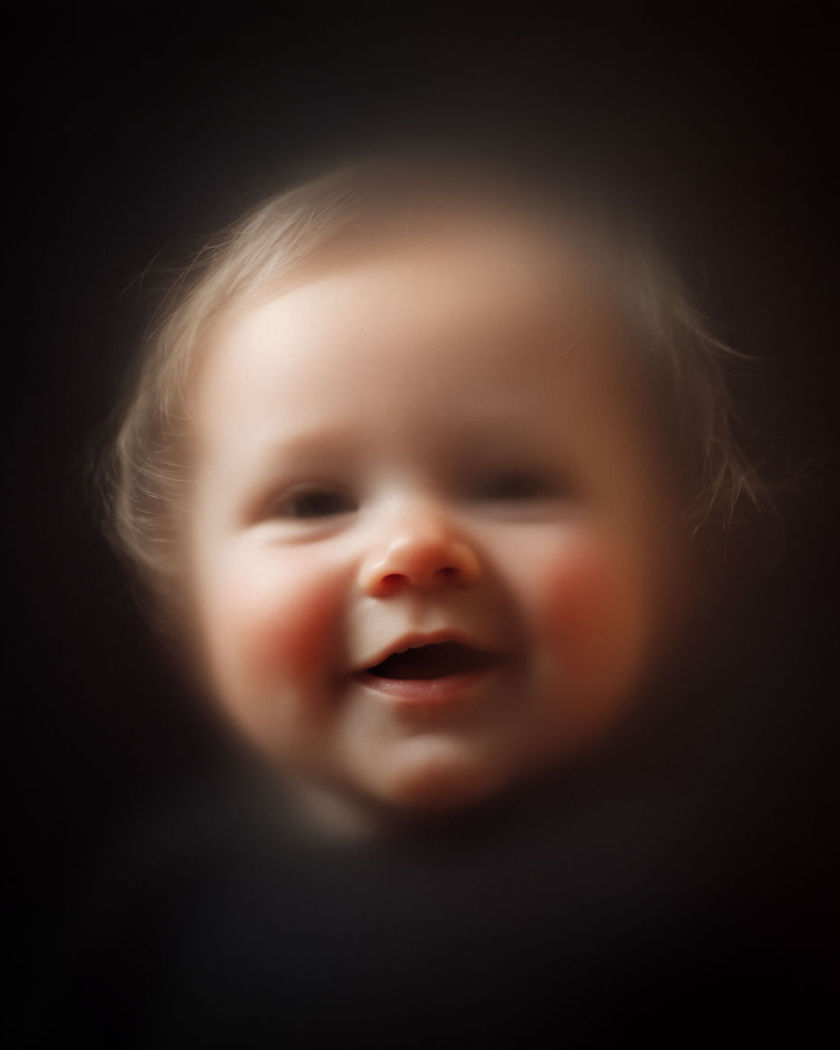
Future baby shots generated in one reveal: two faces blend gently into a generated child portrait that lights up with a soft first smile.

A soft blended portrait resolving into a generated baby face smiling gently in warm natural light

Future baby effect examples

Living room blend reveal

A wide living room shot blends a couple photo into a baby portrait on a frame. a wide shot of a cosy living room as a framed couple photo on a side table slowly blends and resolves into a generated baby portrait smiling softly, warm afternoon light through a window, soft focus on the surrounding furniture, gentle emotional pace

Nursery window light reveal

A nursery scene brightens as a generated baby portrait opens its eyes. a wide shot of a soft cream-coloured nursery as morning light spills through a window, a generated baby portrait in a crib opening its eyes slowly and smiling gently, warm and tender mood, shallow depth of field, unhurried camera hold

First smile moment

A generated baby portrait breaks into a soft first smile as the camera holds. a close portrait of a generated baby face resting calmly, then breaking slowly into a soft gentle smile as the camera holds steady, warm golden hour light through a nearby window, cosy nursery backdrop softly blurred, tender unhurried pacing

Giggling reveal

A generated baby portrait giggles softly as warm light brightens around it. a close portrait of a generated baby face giggling softly with scrunched happy eyes as warm natural light brightens gently around the frame, a blurred cosy room behind, joyful and tender mood, smooth natural motion

Side-by-side blend reveal

Two portraits merge slowly at the centre into one generated baby face. a split frame showing two adult portraits facing each other that slowly blend together from the centre outward, resolving into a single generated baby portrait with soft round cheeks and bright curious eyes, warm natural window light, gentle unhurried morph

Eyes opening reveal

A generated baby portrait opens its eyes slowly as the frame brightens. a close portrait of a generated baby face with eyes gently closed that slowly opens them as the frame brightens with warm light, soft round cheeks and a calm curious expression, blurred cream-coloured nursery background, slow tender motion

Kitchen photo blend

A couple photo pinned in a kitchen slowly blends into a baby portrait. a wide shot of a warm kitchen as a couple photo pinned to a fridge slowly blends and resolves into a generated baby portrait, soft morning light, cosy domestic detail blurred around the edges, gentle unhurried morph, tender pacing

Soft focus to sharp reveal

A blurred infant shape sharpens gradually into a clear generated baby portrait. a close portrait beginning as a soft out-of-focus infant silhouette that gradually sharpens into a clear generated baby portrait with warm skin tones and a gentle smile, natural daylight, shallow depth of field, calm emotional reveal

Garden picnic first smile

A generated baby portrait smiles softly during an outdoor picnic scene. a wide shot of a sunny garden picnic blanket as a generated baby portrait rests calmly then breaks into a soft first smile, dappled sunlight through leaves overhead, warm and joyful mood, gentle handheld feel

Feature blend close-up

A tight portrait blends two adult faces feature by feature into a baby face. a tight close-up portrait that blends two adult faces feature by feature, eyes, nose, smile, dissolving smoothly into a single generated baby portrait, soft warm studio light, gentle emotional pacing, no facial detail readable as any real person

Generate your own future baby effect

Wählen Sie einen Ausgangspunkt, passen Sie ihn beliebig an und erzeugen Sie ihn in Morphic.

Erzeugen

Einfache Preise

Starten Sie noch heute kostenlos, mit der Option, jederzeit zu upgraden oder zu kündigen.

Basic

$19/ Monat
abgerechnet als $0 pro Jahr

2400 monatliche Credits

1 Nutzer

Alle Modelle

Workflows

Standard

$24/ Monat
abgerechnet als $0 pro Jahr

3625 monatliche Credits

1 Nutzer

Alle Modelle

Workflows

Pro

$45/ Monat
abgerechnet als $0 pro Jahr

6350 gemeinsame monatliche Credits

1 Nutzer

+ bis zu 4 weitere gegen Aufpreis

Alle Modelle

Workflows

Max

$170/ Monat
abgerechnet als $0 pro Jahr

24650 gemeinsame monatliche Credits

1 Nutzer

+ bis zu 9 weitere gegen Aufpreis

Alle Modelle

Workflows

Enterprise

Für höhere Limits

Individuell

Preis- und Abrechnungsbedingungen

High-Volume-Credits
Individuelle Platzlimits
Alle Modelle
Workflows
Pricing Gradient

Free

Zum Ausprobieren

$0

dauerhaft kostenlos

Bis zu 20 Credits
Nur 1 Nutzer
Eingeschränkte Modelle
Workflows

Häufig gestellte Fragen

Where can I make future baby videos with AI?
You can create future baby videos directly in your browser on Morphic. Bring your own image of a couple, describe the blend and the reveal moment in plain language, and Morphic generates the clip with the transformation built into the shot.
What kinds of future baby shots work best with AI video?
Clear, front-facing couple photos with good light read best, since the blend needs both faces to be legible before it resolves. A slow feature blend or a soft-to-sharp reveal both render cleanly with a simple background.
How do I write a good prompt for a future baby video?
Name how the two faces blend and the moment the baby portrait settles into, opening its eyes, a first smile, a giggle. Add the light and setting. The clearer that description, the more convincing the reveal Morphic returns.
Can I use my own photo for a future baby video?
Yes. Bring your own couple photo, describe the blend and reveal you want, and Morphic generates the clip from your image, producing a wholly new generated child likeness rather than a photo of any real person.
Do I need video editing experience to make a future baby video?
No. Morphic runs in your browser and you direct it with plain-language prompts. If you can describe the blend and the reveal, you can produce the video. The prompts on this page are written so anyone can paste and run them.
What can I use a future baby video for?
They make popular, shareable social clips and playful couple posts. Generate the clip, direct the action in plain language, and export a vertical cut ready for social, all from the same workspace.