Ein Handkamera-Straßenspaziergang
Eine Handkamera-16mm-Verfolgungsaufnahme, die einer Gestalt eine sonnenbeschienene Straße hinab folgt, organisches Korn, leichtes Gate-Weave, warme Halation auf den Schaufenstern.
Prompt bearbeiten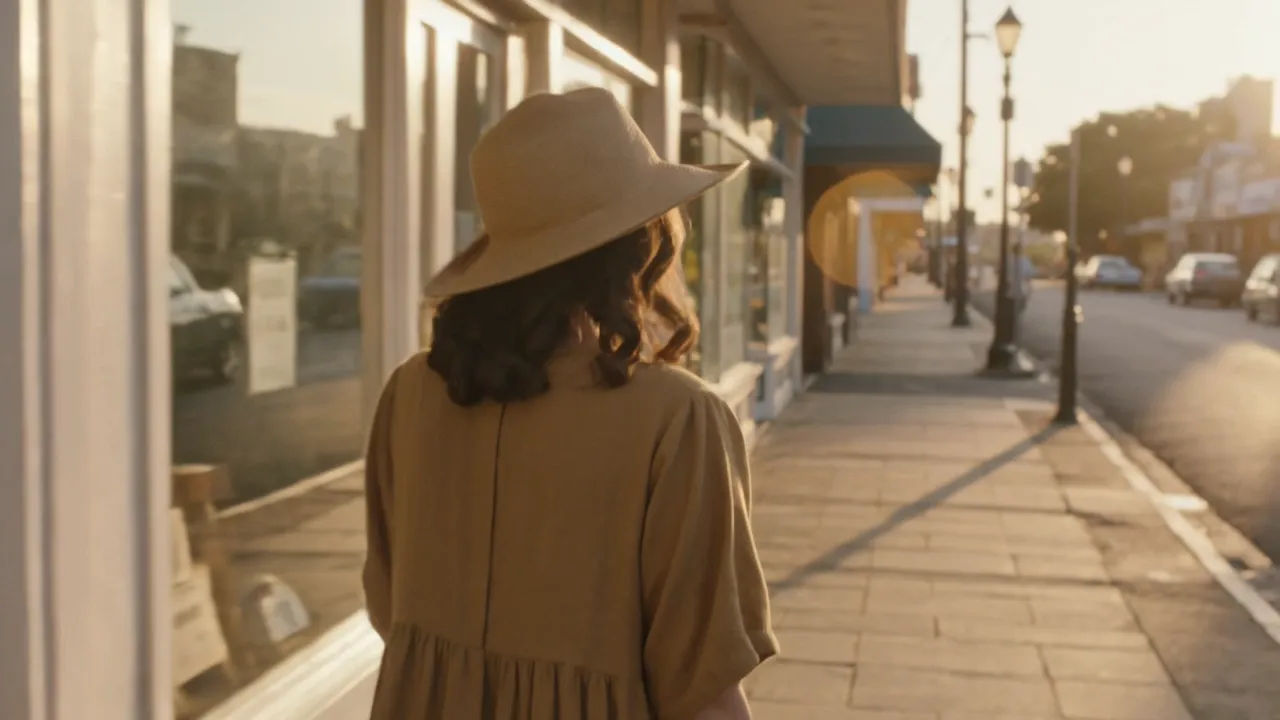
Drehen Sie im Browser mit Morphics KI-Videogenerator für 16mm-Film. Erzeugen Sie einen Handkamera-Spaziergang durch eine sonnige Straße, eine Gestalt im Gras der goldenen Stunde oder ein enges Porträt am regenverschmierten Fenster. Vertonen Sie mit Speech und Music, und fügen Sie den körnigen Kurzfilm auf dem Canvas zusammen.
Eine Handkamera-16mm-Verfolgungsaufnahme, die einer Gestalt eine sonnenbeschienene Straße hinab folgt, organisches Korn, leichtes Gate-Weave, warme Halation auf den Schaufenstern.
Prompt bearbeitenEine weite 16mm-Aufnahme einer Gestalt im hohen Gras zur goldenen Stunde, weiche Schärfe, Staub, der im Licht treibt, satte Filmmaterial-Farbe und Leuchten.
Prompt bearbeiten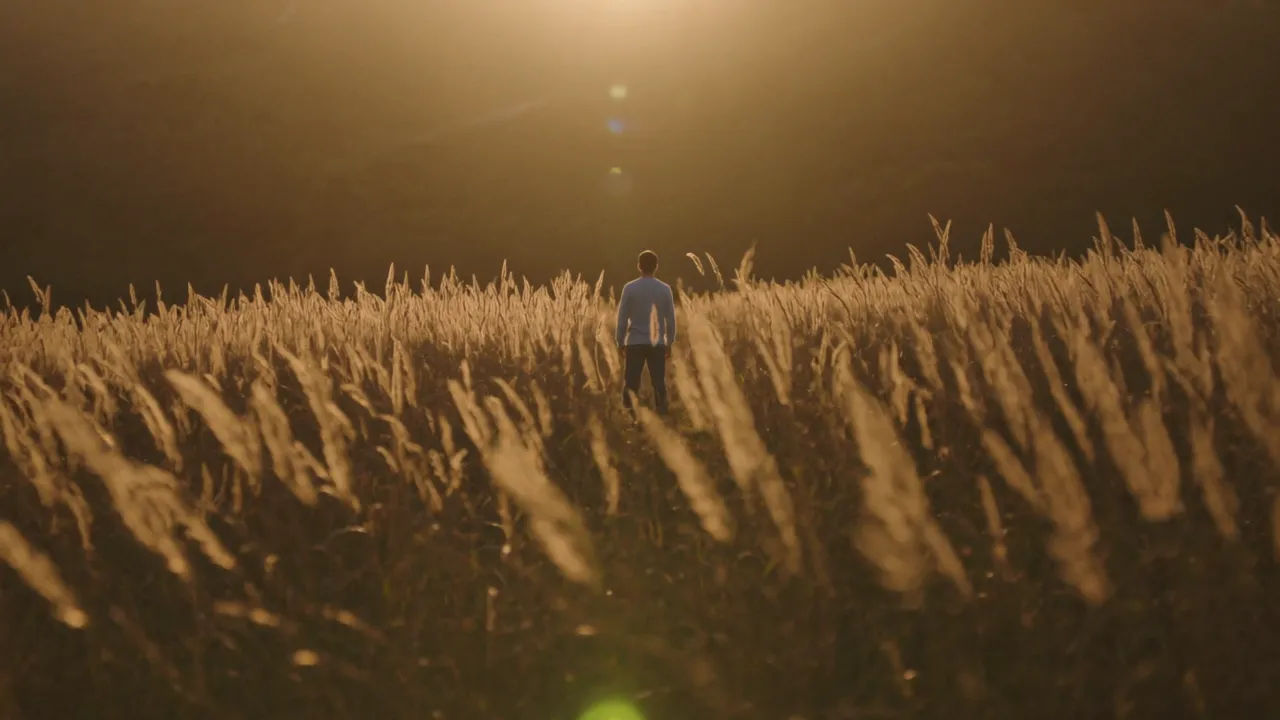
Ein gemütlicher Innenraum auf 16mm, warme Wolframlampen, sichtbares Korn in den Schatten, ein langsames, sanftes Heranfahren.
Prompt bearbeiten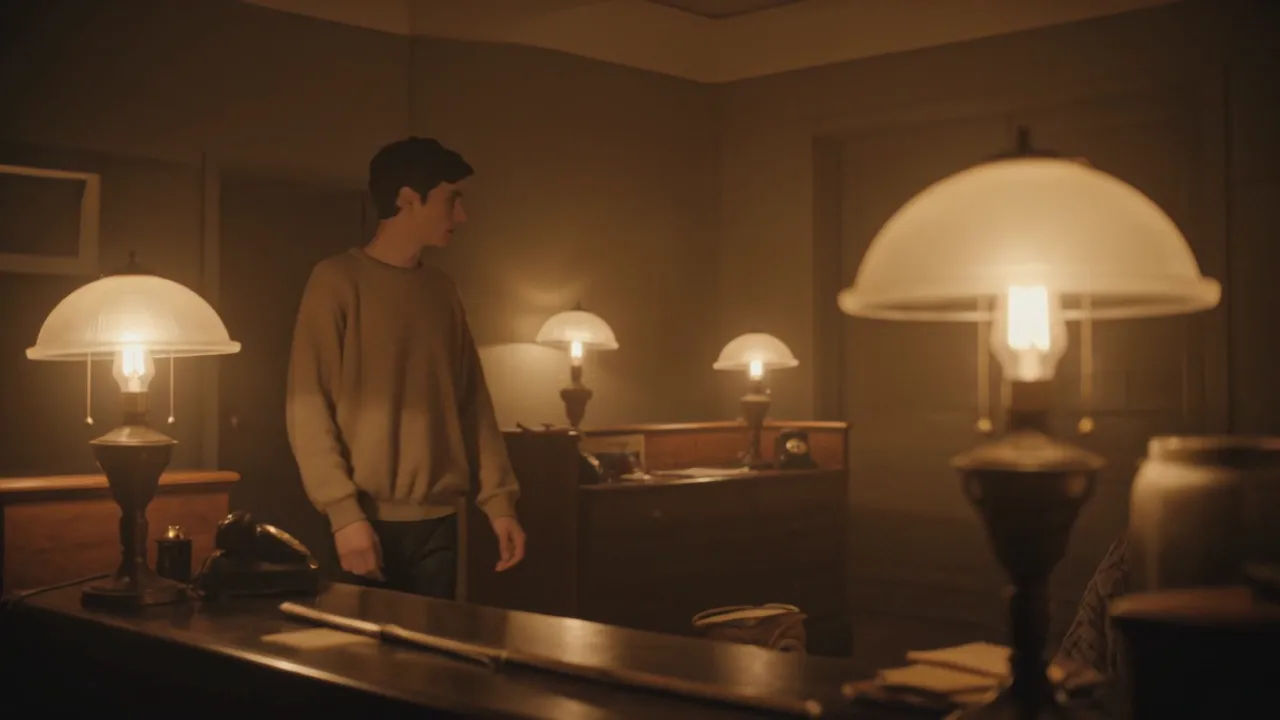
Eine enge 16mm-Nahaufnahme eines Gesichts an einem regenverschmierten Fenster, kühles Tageslicht, feines Korn, geringe Schärfentiefe und ein stiller Moment.
Prompt bearbeiten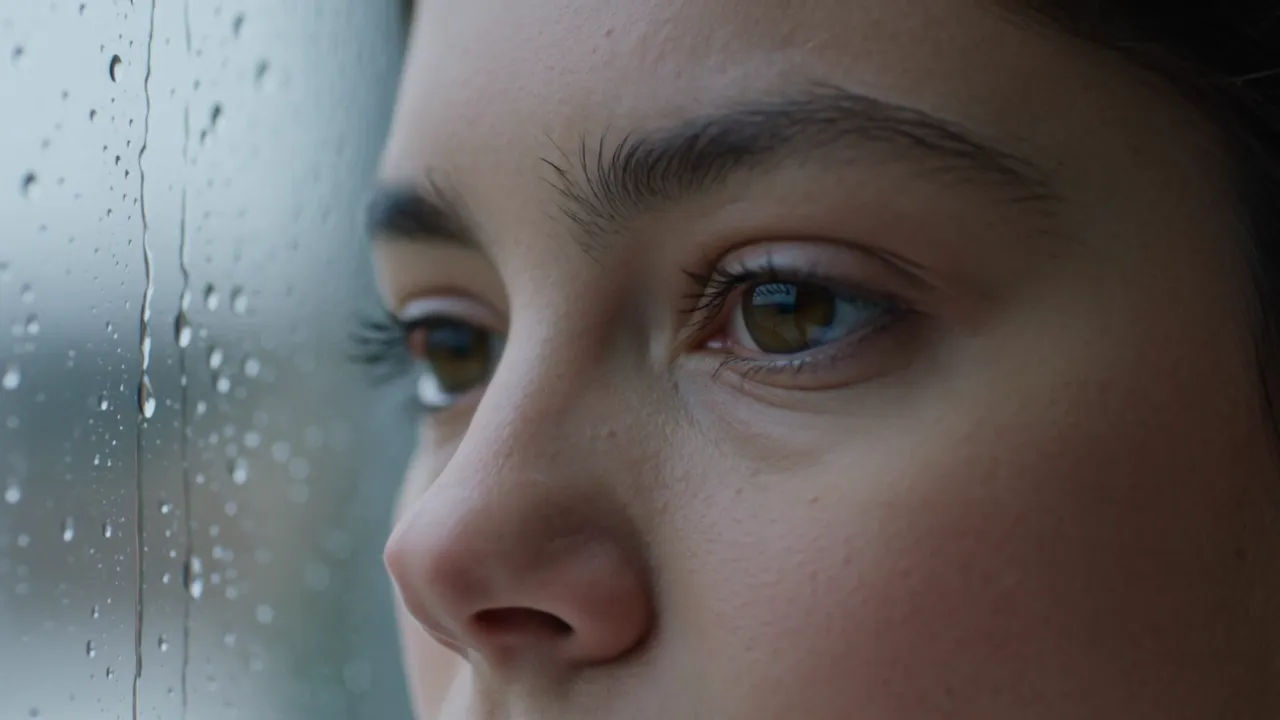
Beschreiben Sie die 16MM Film-Szene, die Sie möchten, in einfachen Worten.
Morphic generiert in Sekunden einen filmreifen Clip auf Ihrer Canvas.
Passen Sie den Prompt an, generieren Sie Varianten und laden Sie die Aufnahme herunter oder teilen Sie sie.
Cinematic time-freeze short film for any scene

Dramatize any text conversation into a cinematic multi-shot video.
One image to a 9-scene cinematic video.
Drop in a photo of yourself. Get a 12-second cinematic movie with animation and a matched soundtrack.

Share a scene description with character references. Get a full storyboard with shot angles and mood.

Feed in a single image. Get 9 cinematic beats laid out as a 3x3 storyboard grid.
Stummfilm KI-Videos
Erzeugen Sie Stummfilm-Videos mit Morphic. Caligari-Malerei-Schatten, Murnaus entfesselte Kamera, Eisenstein-Montage, Langs geometrische Menschenmassen und Zwischentitel-Typografie.
Film Noir KI-Videos
Erstellen Sie kraftvolle KI-Film-Noir-Videos mit unserem Film-Noir-Videogenerator. Finden Sie einzigartige, kinoreife Film-Noir-Szenen für jedes Projekt in Sekunden.
Retro KI-Videos
Erzeugen Sie Retro-Videos auf Morphic. Filmkorn, verblasste Farbe, Epochendetails und 70er-90er-Nostalgieszenen aus Prompts in einfacher Sprache, ohne Software.
80er KI-Videos
Erzeugen Sie 80er-Videos auf Morphic. Neon-Raster, Synthwave-Horizonte, Malls, Spielhallen und VHS-texturierte Szenen aus einfachen Prompts, keine Software nötig.
Starten Sie noch heute kostenlos, mit der Option, jederzeit zu upgraden oder zu kündigen.
Basic
2400 monatliche Credits
1 Nutzer
Alle Modelle
Workflows
Standard
3625 monatliche Credits
1 Nutzer
Alle Modelle
Workflows
Pro
6350 gemeinsame monatliche Credits
1 Nutzer
Alle Modelle
Workflows
Max
24650 gemeinsame monatliche Credits
1 Nutzer
Alle Modelle
Workflows
Enterprise
Für höhere Limits
Individuell
Preis- und Abrechnungsbedingungen

Free
Zum Ausprobieren
$0
dauerhaft kostenlos