Detektivbüro mit Jalousie bei Nacht
Ein kleines Schwarzweiß-Detektivbüro bei Nacht, harte Schattenstreifen fallen von einem Jalousiefenster über den Schreibtisch, einzelne Schreibtischlampe, Zigarettenrauch treibt empor.
Prompt bearbeiten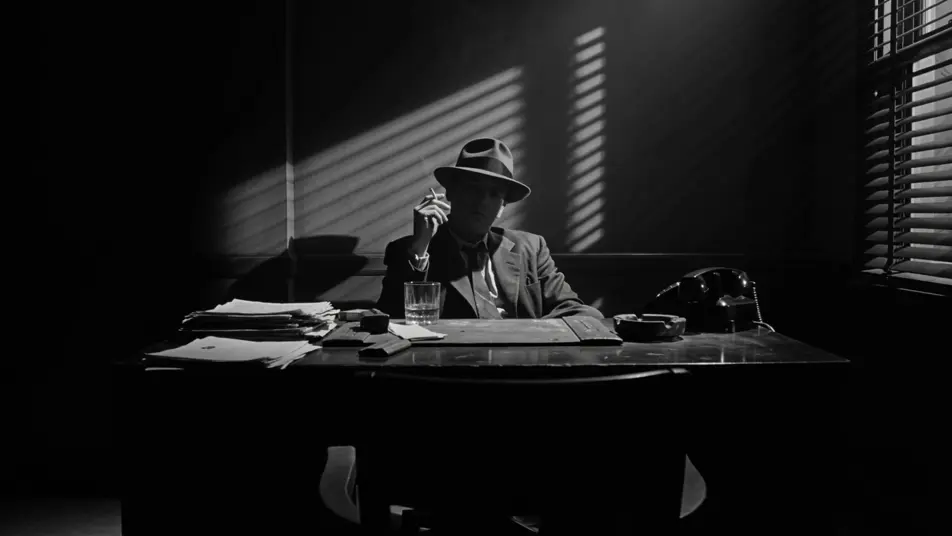
Inszenieren Sie Schwarzweiß-Noir in Ihrem Browser mit dem KI-Videogenerator für Film Noir von Morphic. Erzeugen Sie einen Privatdetektiv unter einer einzelnen Glühbirne oder eine Femme fatale im Taxidampf, fügen Sie mit Speech und Music eine hartgesottene Erzählung hinzu und schneiden Sie dann auf dem Canvas einen Film-Noir-Kurzfilm.
Ein kleines Schwarzweiß-Detektivbüro bei Nacht, harte Schattenstreifen fallen von einem Jalousiefenster über den Schreibtisch, einzelne Schreibtischlampe, Zigarettenrauch treibt empor.
Prompt bearbeitenEin nasser Stadtgehweg um 2 Uhr morgens in tiefem Monochrom, eine einzelne gusseiserne Straßenlaterne wirft Lichtpfützen auf das Pflaster, Dampf steigt aus einem Gullydeckel, ein langer Schatten nähert sich dem Bild.
Prompt bearbeiten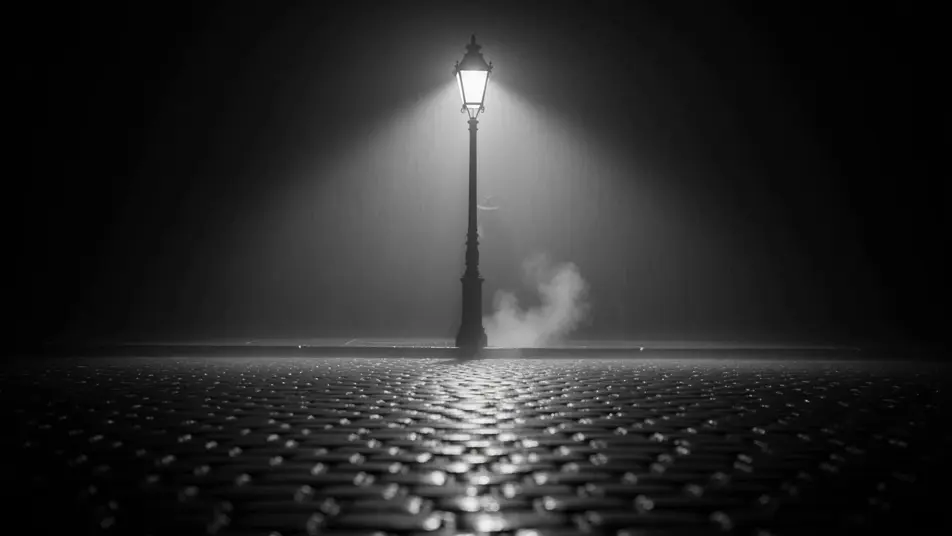
Eine Jazz-Bar mit niedriger Decke in Schwarzweiß, ein einzelner Verfolgerscheinwerfer auf einer Sängerin am Mikrofon, Zigarettendunst fängt den Strahl ein, Gäste an kleinen runden Tischen in tiefem Schatten.
Prompt bearbeiten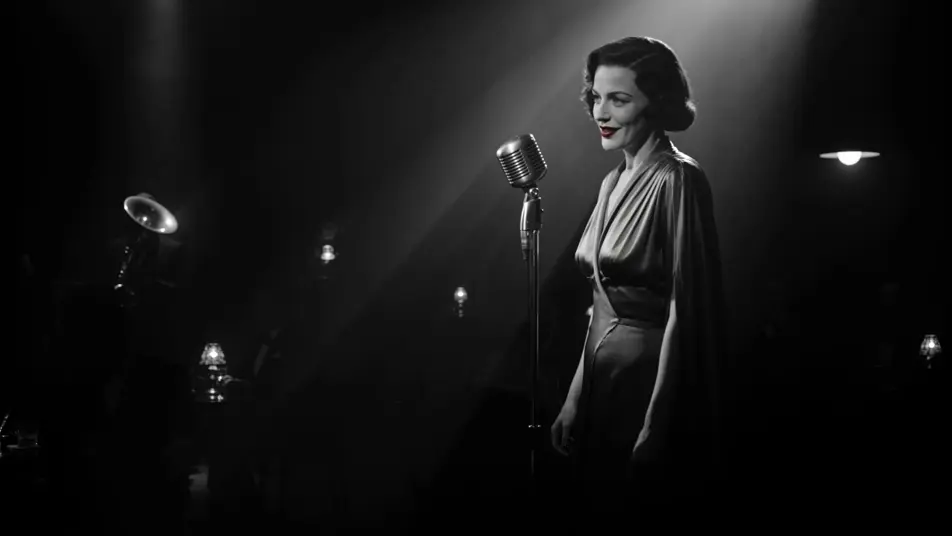
Eine Gestalt in einem langen Mantel steigt eine Mietshaustreppe hinab, harte Handlaufschatten fahren in abwechselndem Schwarz und Weiß über die Wand, eine einzelne Glühbirne auf jedem Absatz.
Prompt bearbeiten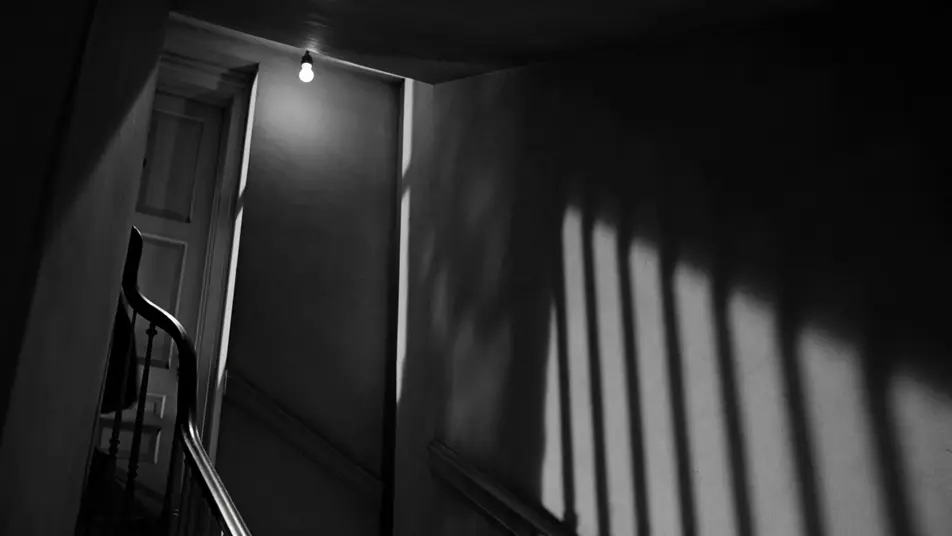
Beschreiben Sie die Film Noir-Szene, die Sie möchten, in einfachen Worten.
Morphic generiert in Sekunden einen filmreifen Clip auf Ihrer Canvas.
Passen Sie den Prompt an, generieren Sie Varianten und laden Sie die Aufnahme herunter oder teilen Sie sie.
Cinematic time-freeze short film for any scene

Dramatize any text conversation into a cinematic multi-shot video.
One image to a 9-scene cinematic video.
Drop in a photo of yourself. Get a 12-second cinematic movie with animation and a matched soundtrack.

Share a scene description with character references. Get a full storyboard with shot angles and mood.

Feed in a single image. Get 9 cinematic beats laid out as a 3x3 storyboard grid.
Neo-Noir KI-Videos
Erzeugen Sie Neo-Noir-Videos mit Morphic in vier regie-kodierten Modi: nassneonhaft, sonnengebleichtes LA, Comic-Chiaroscuro und Konzernnacht.
Detektiv KI-Videos
Erstellen Sie eindrucksvolle KI-Detektiv-Videos mit unserem Detektiv-Videogenerator. Finden Sie einzigartige, kinoreife Detektiv-Szenen für jedes Projekt in Sekunden.
Stummfilm KI-Videos
Erzeugen Sie Stummfilm-Videos mit Morphic. Caligari-Malerei-Schatten, Murnaus entfesselte Kamera, Eisenstein-Montage, Langs geometrische Menschenmassen und Zwischentitel-Typografie.
Mafia-Gangster KI-Videos
Erstellen Sie kraftvolle KI-Mafia-Gangster-Videos mit unserem Mafia-Gangster-Videogenerator. Finden Sie einzigartige, filmische Mafia-Gangster-Szenen für jedes Projekt in Sekunden.
Starten Sie noch heute kostenlos, mit der Option, jederzeit zu upgraden oder zu kündigen.
Basic
2400 monatliche Credits
1 Nutzer
Alle Modelle
Workflows
Standard
3625 monatliche Credits
1 Nutzer
Alle Modelle
Workflows
Pro
6350 gemeinsame monatliche Credits
1 Nutzer
Alle Modelle
Workflows
Max
24650 gemeinsame monatliche Credits
1 Nutzer
Alle Modelle
Workflows
Enterprise
Für höhere Limits
Individuell
Preis- und Abrechnungsbedingungen

Free
Zum Ausprobieren
$0
dauerhaft kostenlos