The school wheels
A tight group of small silver fish turning together above swaying eelgrass under cool overhead light, nothing swimming out of frame. The turn never completes, so the loop holds.
Prompt bearbeiten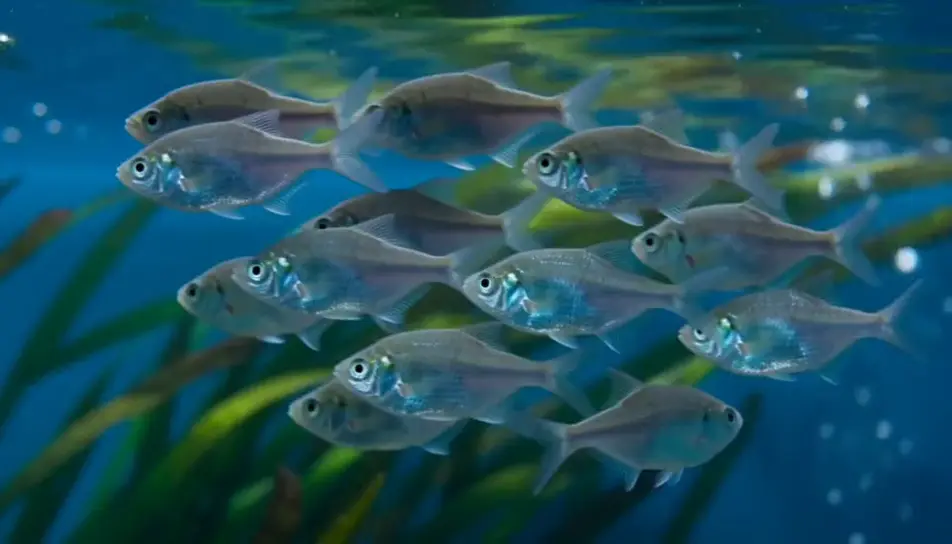
Generate an aquarium screensaver in your browser with Morphic's aquarium screensaver AI video generator. Render a school turning above a bed of eelgrass, or caustic light rippling across clean sand, then trim the loop on Compose.
A tight group of small silver fish turning together above swaying eelgrass under cool overhead light, nothing swimming out of frame. The turn never completes, so the loop holds.
Prompt bearbeitenA steady column of fine bubbles rising through a densely planted corner, broad leaves nodding in the flow. Constant rate, camera locked, blue-white light above.
Prompt bearbeiten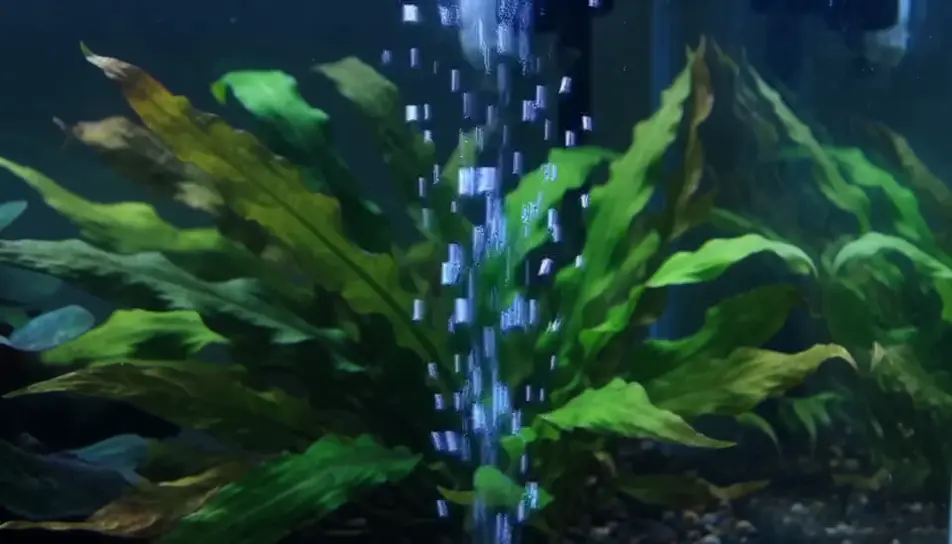
Close on a pale sand bed while surface ripple throws a shifting net of light over it. No fish and no plants, which makes it the calmest plate to sit behind text.
Prompt bearbeiten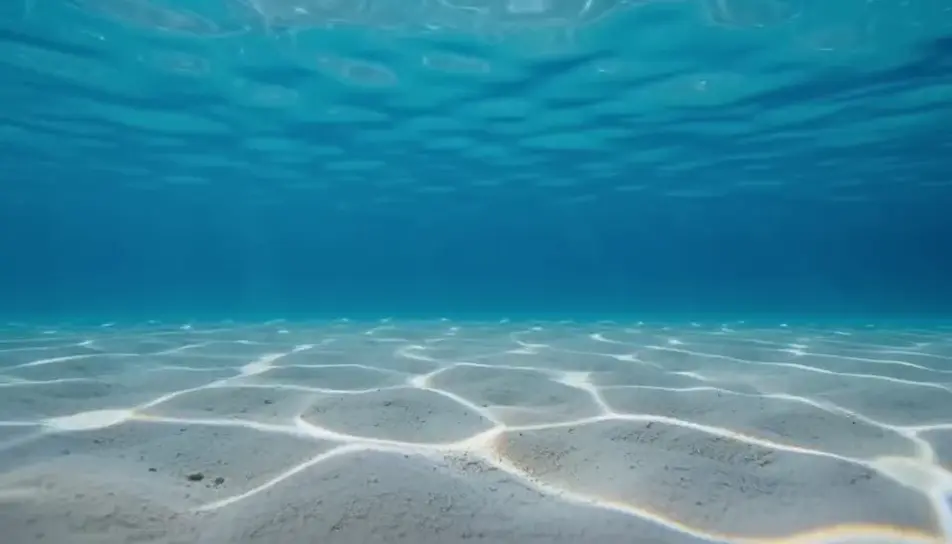
A wide, quiet hold on a lit tank glowing in a dark room, cool light spilling across the floor and a thin highlight on the glass. Gentle motion inside, stillness everywhere else.
Prompt bearbeiten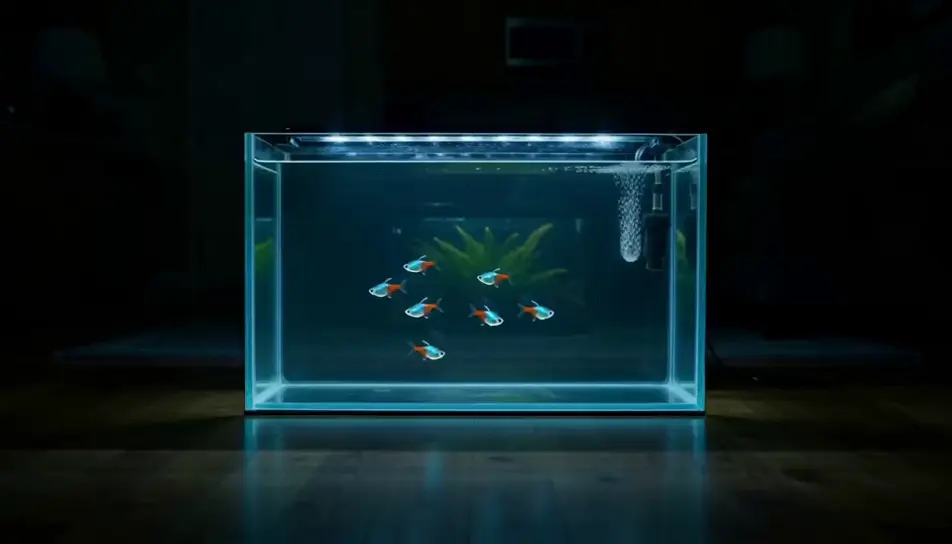
Beschreiben Sie die aquarium screensaver-Szene, die Sie möchten, in einfachen Worten.
Morphic generiert in Sekunden einen filmreifen Clip auf Ihrer Canvas.
Passen Sie den Prompt an, generieren Sie Varianten und laden Sie die Aufnahme herunter oder teilen Sie sie.

Dramatize any text conversation into a cinematic multi-shot video.
Cinematic time-freeze short film for any scene

Generate a professional film title card from scratch, with optional cinematic animation.
Photo of any real-estate becomes a cinematic renovation timelapse video with construction SFX and music.
One image to a 9-scene cinematic video.
Drop in a photo of yourself. Get a 12-second cinematic movie with animation and a matched soundtrack.
KI-Bildschirmschoner-Videos
Erzeugen Sie KI-Bildschirmschoner-Videos mit Morphic. Langsam treibende abstrakte Loops, ruhige Verläufe und nahtlose Ambient-Bildschirmschoner-Prompts, die einfach laufen.
KI-Naturambiente-Videos
Erzeugen Sie KI-Naturambiente-Videos mit Morphic. Sonnendurchflutete Wälder, Bergbäche und beruhigende Naturschleifen für Schlaf, Fokus und Hintergrundbildschirme.
KI-Ambient-Loop-Videos
Erzeugen Sie KI-Ambient-Loop-Videos mit Morphic. Nahtlose Loop-Kulissen, Zeitlupenszenen und ruhige, endlose Visuals für Streams, Bildschirme und Fokus.
KI-ASMR-Videos
Erzeugen Sie KI-ASMR-Videos mit Morphic. Trigger-Loops in Nahaufnahme, ambiente Klanglandschaften, geflüsterte Erzählung und postfertige Clips für YouTube und TikTok.
Starten Sie noch heute kostenlos, mit der Option, jederzeit zu upgraden oder zu kündigen.
Basic
2400 monatliche Credits
1 Nutzer
Alle Modelle
Workflows
Standard
3625 monatliche Credits
1 Nutzer
Alle Modelle
Workflows
Pro
6350 gemeinsame monatliche Credits
1 Nutzer
Alle Modelle
Workflows
Max
24650 gemeinsame monatliche Credits
1 Nutzer
Alle Modelle
Workflows
Enterprise
Für höhere Limits
Individuell
Preis- und Abrechnungsbedingungen

Free
Zum Ausprobieren
$0
dauerhaft kostenlos