Direct calm, looping screensavers in your browser with Morphic's screensaver video AI generator. Generate screensaver clips like slow-drifting aurora ribbons over a dark horizon or lava-lamp blobs rising through amber glass, and pair them with the Music tool to lay a soft ambient bed underneath. Stitch the loops into one continuous screensaver reel on the Canvas.

Screensaver styles you can direct

Screensaver loops you can stage

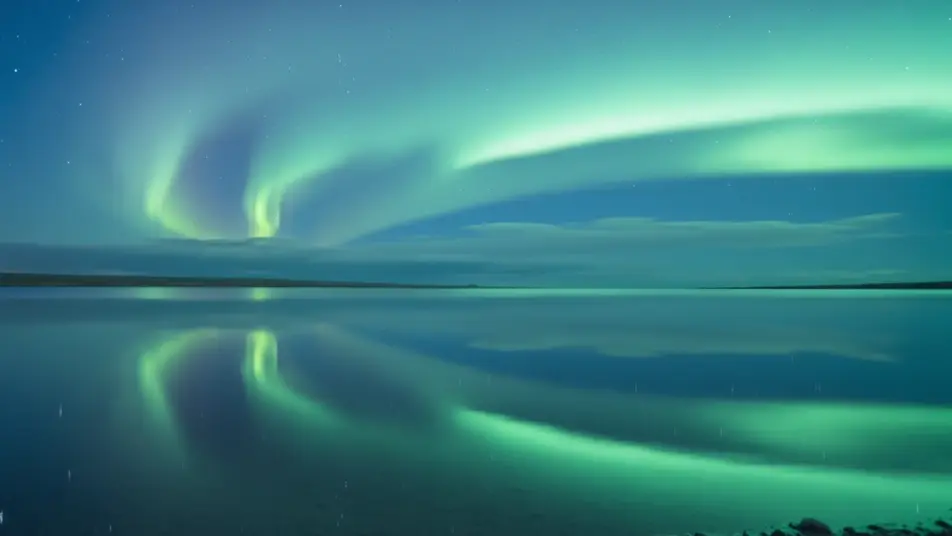
Aurora over a still lake

A locked wide shot of a mirror-flat lake beneath a night sky where aurora ribbons sway and reflect on the water. Cool blue-green light, no camera movement, motion tuned to loop without a visible seam.

Prompt bearbeiten

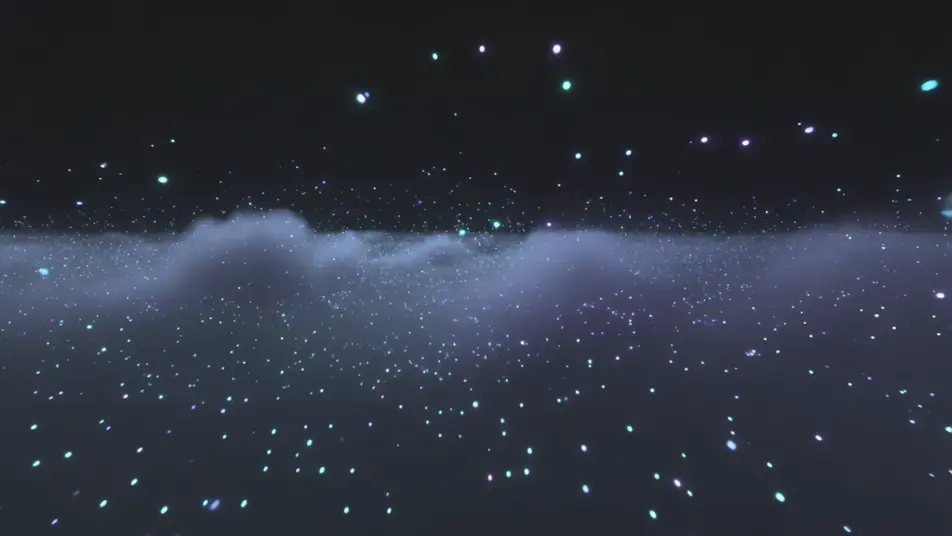
Endless particle nebula

A slow drift through a cloud of glowing particles and soft color haze, like floating inside a nebula. Deep blacks, jewel-tone highlights, a gentle parallax that reads as infinite on an idle screen.

Prompt bearbeiten

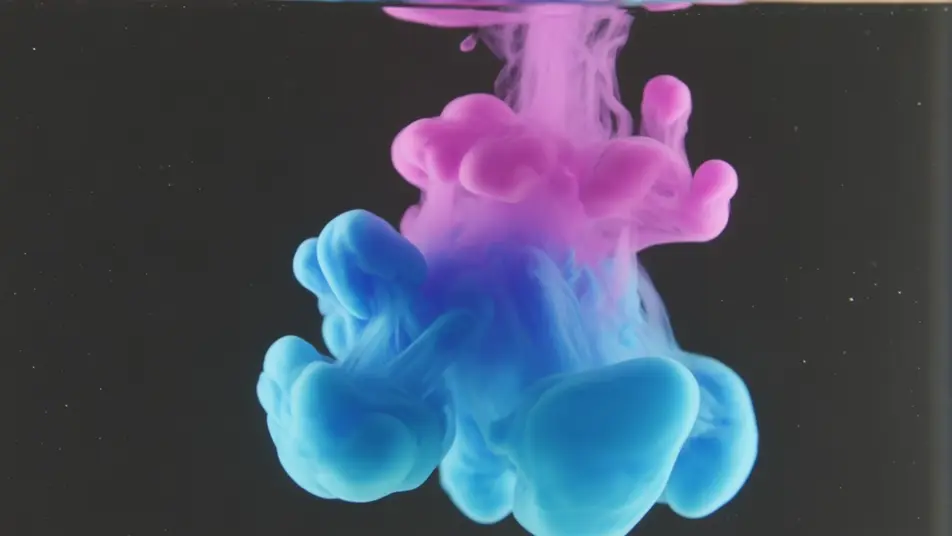
Ink blooming in water

A tight macro shot of colored ink unfurling through clear water against a dark backdrop, tendrils curling and feathering in slow motion. Soft rim light, shallow focus, timed to fold seamlessly back to the start.

Prompt bearbeiten

Drifting cloud gradient

A high, still view of soft clouds sliding across a dawn-to-dusk gradient sky, hues shifting from peach to lavender to indigo. Even light, imperceptible pace, built to loop for hours without repeating obviously.

Prompt bearbeiten

screensaver video-Videos in drei Schritten erstellen

  1. 01

    Beschreiben Sie Ihre screensaver video-Szene

    Beschreiben Sie die screensaver video-Szene, die Sie möchten, in einfachen Worten.

  2. 02

    Video generieren

    Morphic generiert in Sekunden einen filmreifen Clip auf Ihrer Canvas.

  3. 03

    screensaver video-Video verfeinern

    Passen Sie den Prompt an, generieren Sie Varianten und laden Sie die Aufnahme herunter oder teilen Sie sie.

Verwandte Workflows

Das könnte Ihnen auch gefallen

Einfache Preise

Starten Sie noch heute kostenlos, mit der Option, jederzeit zu upgraden oder zu kündigen.

Basic

$9/ Monat
abgerechnet als $0 pro Jahr

900 monatliche Credits

1 Nutzer

Alle Modelle

Workflows

Standard

$24/ Monat
abgerechnet als $0 pro Jahr

3200 monatliche Credits

1 Nutzer

Alle Modelle

Workflows

Pro

$45/ Monat
abgerechnet als $0 pro Jahr

6200 gemeinsame monatliche Credits

1 Nutzer

+ bis zu 4 weitere gegen Aufpreis

Alle Modelle

Workflows

Pro Max

$170/ Monat
abgerechnet als $0 pro Jahr

24000 gemeinsame monatliche Credits

1 Nutzer

+ bis zu 9 weitere gegen Aufpreis

Alle Modelle

Workflows

Enterprise

Für höhere Limits

Individuell

Preis- und Abrechnungsbedingungen

Unbegrenzte Credits
Individuelle Platzlimits
Alle Modelle
Workflows
Pricing Gradient

Free

Zum Ausprobieren

$0

dauerhaft kostenlos

Bis zu 20 Credits
Nur 1 Nutzer
Eingeschränkte Modelle
Workflows

Häufig gestellte Fragen

Where can I make screensaver videos with AI?
You can create screensaver videos directly in your browser on Morphic. Open the Text to Video tool, describe the ambient motion, palette, and pace you want, and Morphic produces the looping clip. No installs and no motion-graphics software needed.
What kinds of screensaver loops work best with AI video?
Slow, continuous motion reads best: aurora ribbons, drifting particle fields, ink blooming in water, and soft gradient shifts. Screensavers that avoid a hard subject or sudden movement feel calmer and hide the loop point better, so the clip can play for hours without drawing attention.
How do I write a good prompt for a screensaver video?
Name the moving element, the color palette, and the speed, then add "seamless loop" and "locked camera." Keep the action gentle and singular, one drifting subject rather than many, so the eye relaxes. The clearer the pace and palette, the smoother the ambient loop Morphic returns.
How do I keep the loop seamless across the clip?
Ask for slow, non-repeating motion and a locked camera so there is no obvious start or end. On the Canvas you can trim the loop points and place clips end to end, then refine the transition until the last frame flows back into the first without a visible seam.
Can I add music to my screensaver videos?
Yes. The Music tool produces an original ambient soundtrack that sits softly under the visuals, which suits a screensaver meant to play in the background. You can also use the Speech tool if you want a calm spoken layer, though most screensavers run on music and motion alone.
Do I need video editing experience to make a screensaver video?
No. Morphic runs in your browser and you direct it with plain-language prompts. If you can describe a calm, drifting scene and the colors you want, you can produce a screensaver loop. The prompts on this page are written so anyone can paste and run.