Wanderung im Morgengrauen auf den Kegel des Pico do Fogo
Wanderer erreichen bei erstem Licht den schwarzen Aschekegel über einem Wolkenmeer, ein Dampfband steigt auf, eine sich weitende Drohnenumkreisung.
Prompt bearbeiten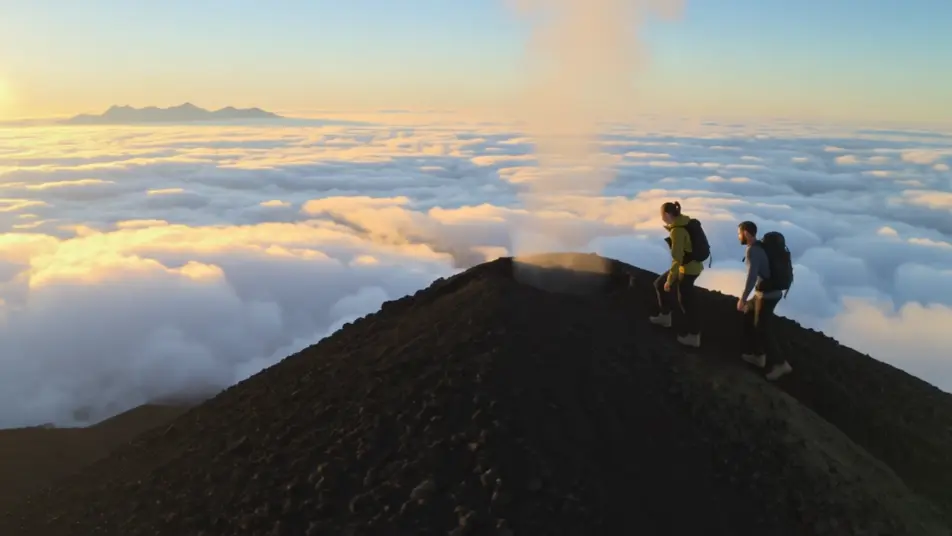
Inszenieren Sie Inselgeologie in Ihrem Browser mit dem KI-Videogenerator für den Cape-Verde-Vulkan von Morphic. Setzen Sie eine Pico-do-Fogo-Wanderung im Morgengrauen, grüne Reben auf schwarzer Lava oder ein laternenbeleuchtetes Caldera-Dorf in Szene. Untermalen Sie es mit Music und schneiden Sie dann in Compose einen Naturfilm.
Wanderer erreichen bei erstem Licht den schwarzen Aschekegel über einem Wolkenmeer, ein Dampfband steigt auf, eine sich weitende Drohnenumkreisung.
Prompt bearbeitenReihen grüner Reben aus pechschwarzem Vulkanboden, der Kraterrand ragt dahinter empor, eine langsame Fahrt entlang der Furchen im warmen Licht.
Prompt bearbeiten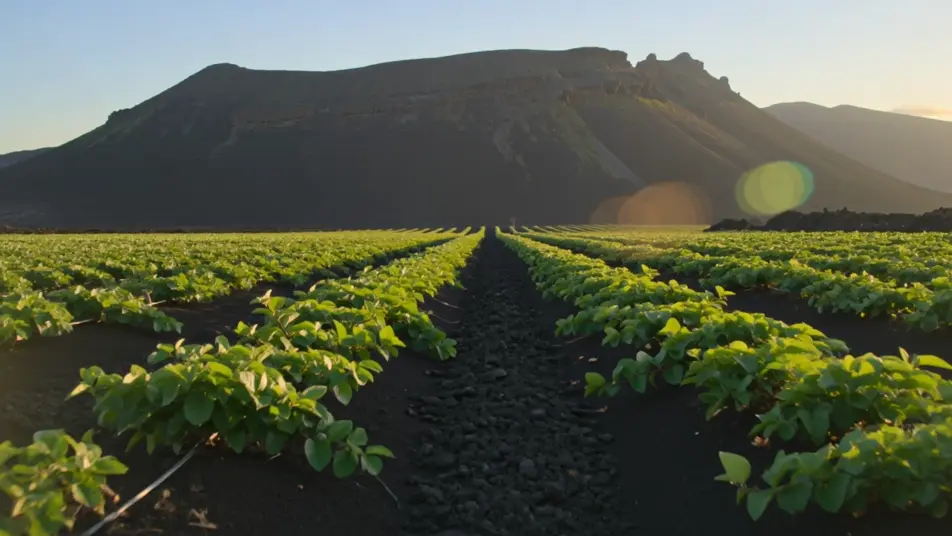
Weiß getünchte Häuser auf dem Lavaboden der Caldera in der Dämmerung, Laternenlicht in den Fenstern, der große Kegel schwarz gegen einen verwundeten Himmel.
Prompt bearbeiten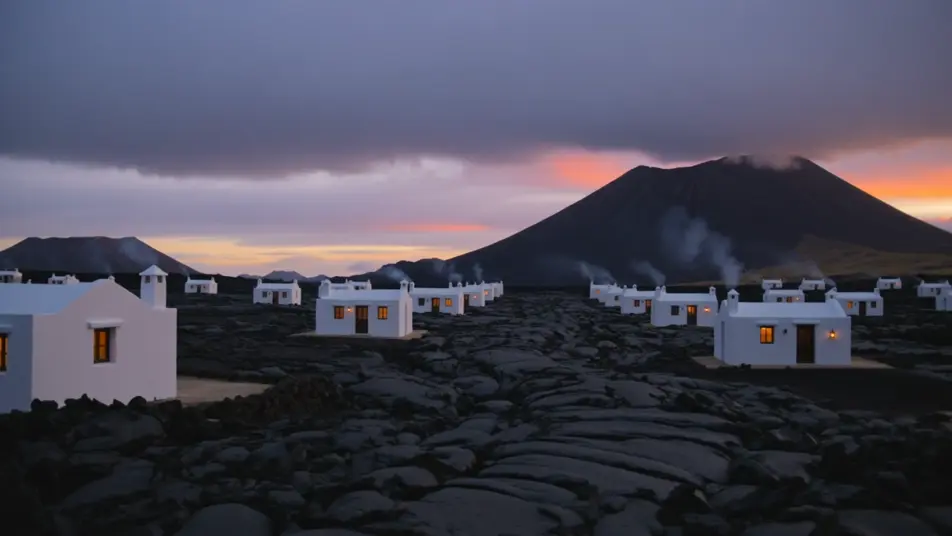
Nacht auf dem Gipfel, ein schwaches rotes Glühen tief im Krater, die Milchstraße darüber, eine einsame Silhouette am Rand, den Kopf nach oben gereckt.
Prompt bearbeiten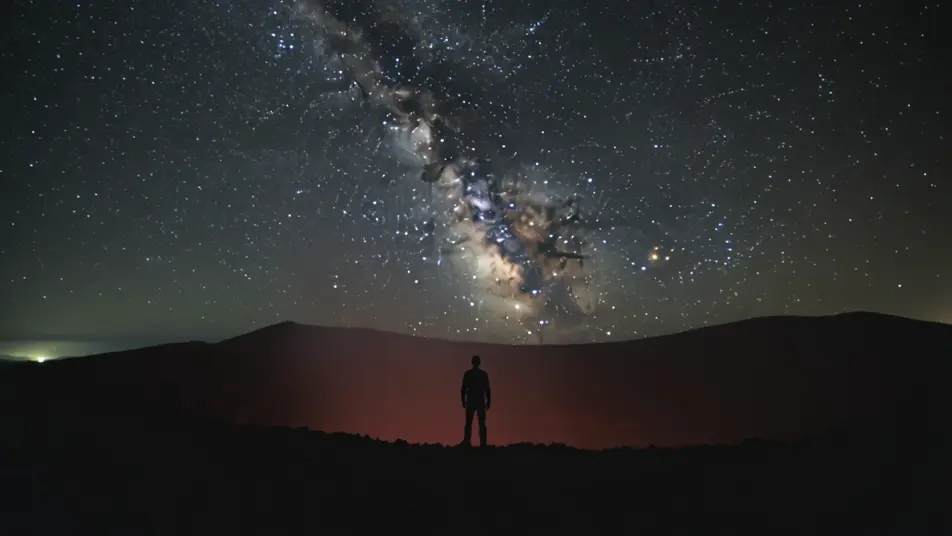
Beschreiben Sie die Cape-Verde-Vulkan-Szene, die Sie möchten, in einfachen Worten.
Morphic generiert in Sekunden einen filmreifen Clip auf Ihrer Canvas.
Passen Sie den Prompt an, generieren Sie Varianten und laden Sie die Aufnahme herunter oder teilen Sie sie.
Cinematic time-freeze short film for any scene

Dramatize any text conversation into a cinematic multi-shot video.
One image to a 9-scene cinematic video.
Drop in a photo of yourself. Get a 12-second cinematic movie with animation and a matched soundtrack.

Share a scene description with character references. Get a full storyboard with shot angles and mood.

Feed in a single image. Get 9 cinematic beats laid out as a 3x3 storyboard grid.
Cape-Verde-Urlaub KI-Videos
Erstellen Sie Cape-Verde-Urlaub-Videos mit KI: Kitesurf-Ritte bei Santa Maria, Treiben in Salzbecken, Bergstraßen von Santo Antão, Strandfeuer. Kein Filmmaterial nötig.
Cape Verde KI-Videos
Erstellen Sie Cape-Verde-Videos (Cabo Verde) mit KI: Inselfußballstolz, Fogo-Vulkanwanderungen, Morna-Nächte in Mindelo, Hafenfeiern. loslegen.
Ozean-Abenteuer KI-Videos
Erstellen Sie kraftvolle KI-Ozean-Abenteuer-Videos mit Morphic. Erzeugen Sie einzigartige, filmische Ozean-Abenteuer-Szenen für jedes Projekt in Sekunden.
Cape Verde Karneval-Videos
Erstellen Sie Cape Verde Karneval-Videos mit KI: gefiederte Tänzerinnen, Trommelgruppen aus Mindelo, handgebaute Festwagen, Konfetti und Farbe. Kein Filmmaterial nötig. ausprobieren.
Starten Sie noch heute kostenlos, mit der Option, jederzeit zu upgraden oder zu kündigen.
Basic
2400 monatliche Credits
1 Nutzer
Alle Modelle
Workflows
Standard
3625 monatliche Credits
1 Nutzer
Alle Modelle
Workflows
Pro
6350 gemeinsame monatliche Credits
1 Nutzer
Alle Modelle
Workflows
Max
24650 gemeinsame monatliche Credits
1 Nutzer
Alle Modelle
Workflows
Enterprise
Für höhere Limits
Individuell
Preis- und Abrechnungsbedingungen

Free
Zum Ausprobieren
$0
dauerhaft kostenlos