Aktivierung des Beschwörungskreises
Komposition aus der Vogelperspektive, Protagonist, der durch einen glühenden Beschwörungskreis fällt, Runen in konzentrischen Ringen erleuchtet, verhüllte Magier, die am Rand singen.
Prompt bearbeiten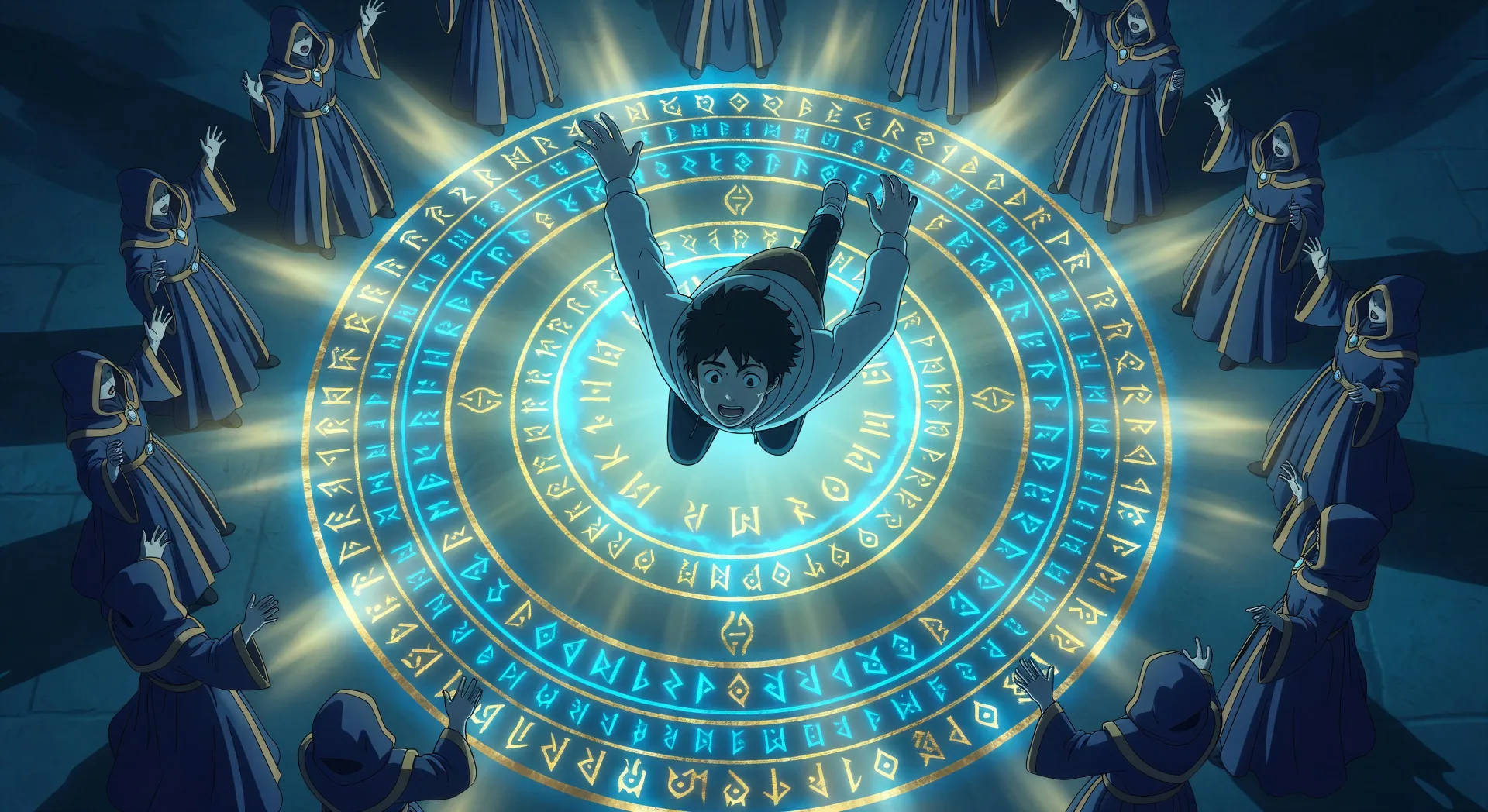
Inszenieren Sie Ankünfte in anderen Welten in Ihrem Browser mit dem KI-Videogenerator für Isekai von Morphic. Erzeugen Sie einen Beschwörungskreis in Runenringen oder einen Endboss-Kampf im Thronsaal, fügen Sie Speech und Music hinzu und fixieren Sie die mittelalterliche RPG-Palette mit Video Style Transfer.
Komposition aus der Vogelperspektive, Protagonist, der durch einen glühenden Beschwörungskreis fällt, Runen in konzentrischen Ringen erleuchtet, verhüllte Magier, die am Rand singen.
Prompt bearbeitenRahmung über die Schulter, Protagonist, der auf ein schwebendes halbtransparentes Statusfenster blickt: Name, Stufe 1, sich ausbreitender Fertigkeitenbaum, halb leere Werteleisten.
Prompt bearbeiten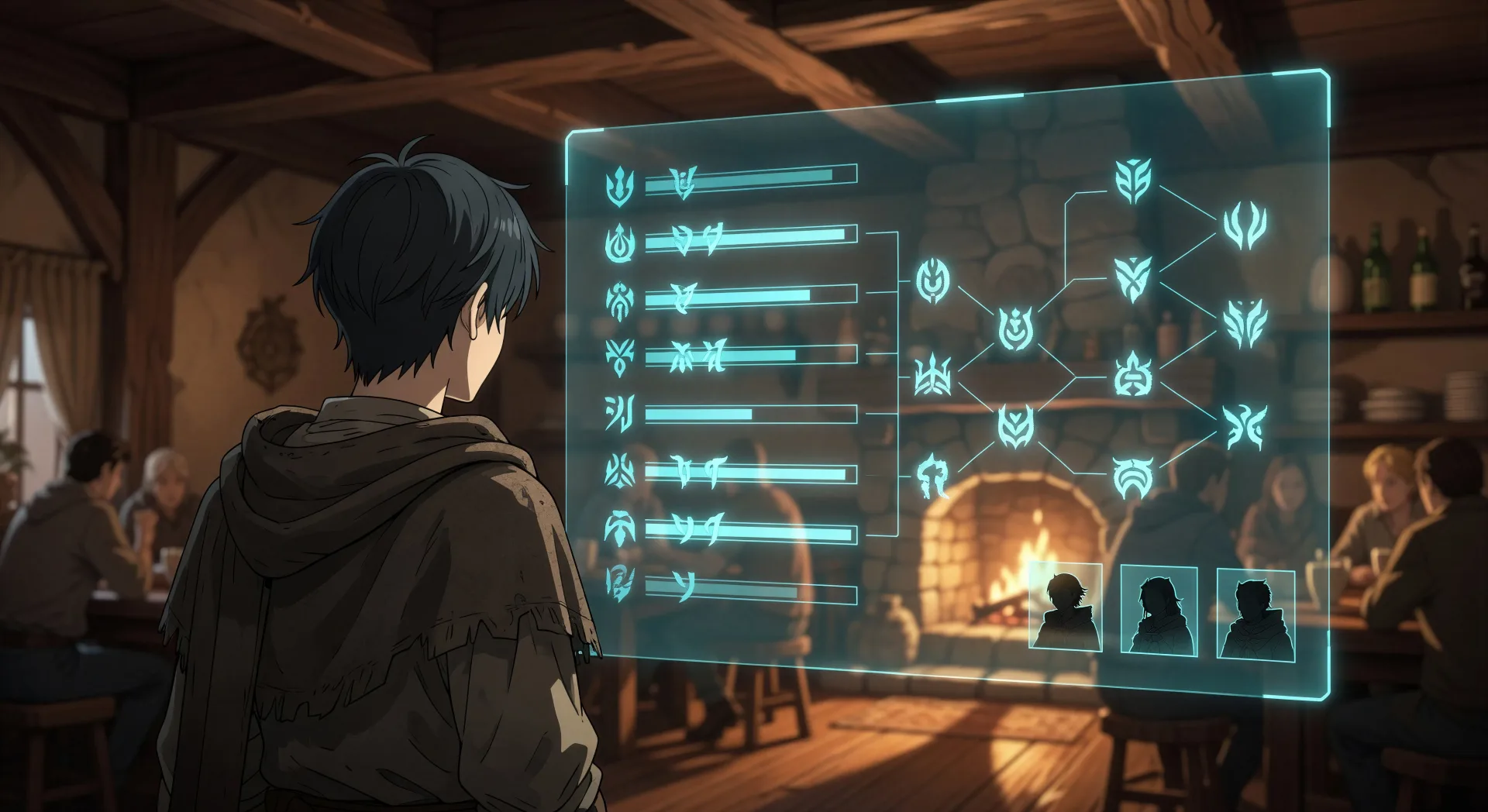
Heldenaufnahme aus der Untersicht, eine vierköpfige Gruppe, die in einem sonnendurchfluteten Taverneneingang steht: Ritter, Magier, Heilerin, Tiervolk-Kriegerin, Staubkörnchen, die im Licht treiben.
Prompt bearbeiten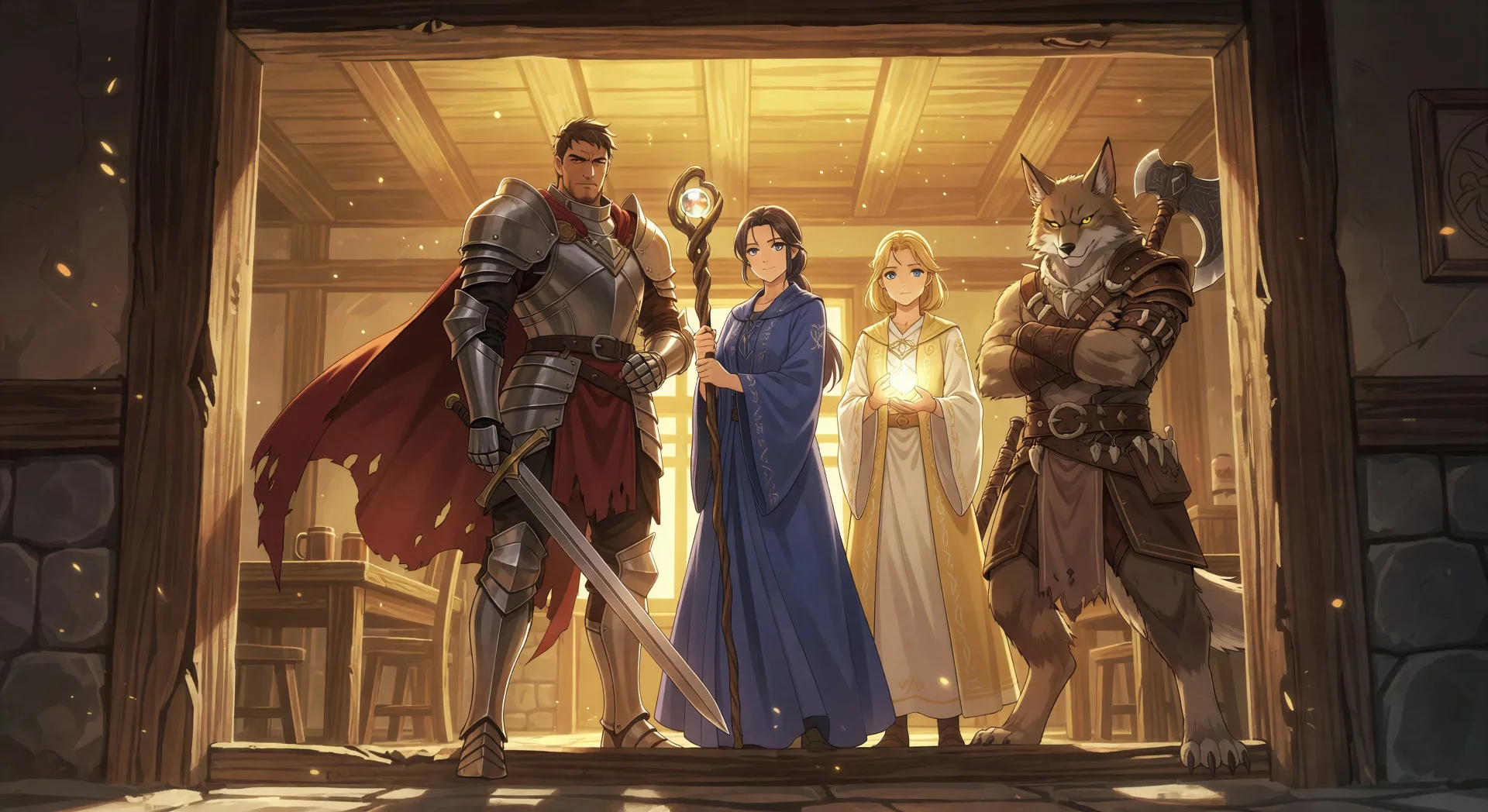
Weite Aufnahme der Gruppe, die eine steinerne Kerkertreppe hinabsteigt, Fackelflamme, die die nassen Wände erfasst, leuchtende Augen sichtbar in der Dunkelheit unterhalb der Stufen.
Prompt bearbeiten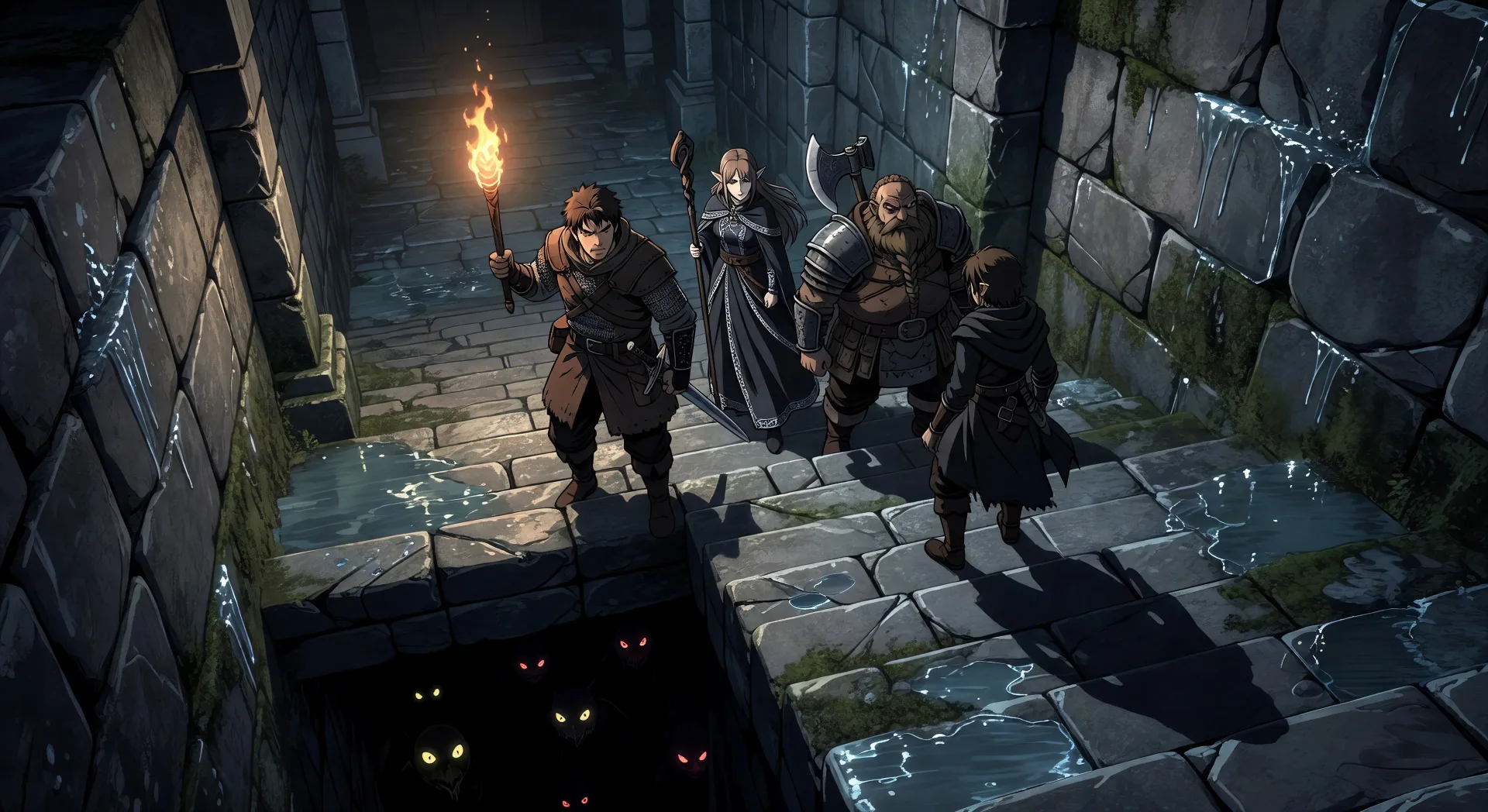
Beschreiben Sie die Isekai-Szene, die Sie möchten, in einfachen Worten.
Morphic generiert in Sekunden einen filmreifen Clip auf Ihrer Canvas.
Passen Sie den Prompt an, generieren Sie Varianten und laden Sie die Aufnahme herunter oder teilen Sie sie.

Pick any anime illustration as your style guide. Apply its look to any image.

Turn any sketch or drawing into a finished render.

Take any character image and generate 6 distinct facial expressions on a single reference sheet.

All your characters on a single lineup image, side by side with height comparison.

Turn any photo or description into an animated chibi sprite. Dance, jump, wave, attack, and more.
Upload a character image and make it dance in any style.
Anime KI-Videos
Erstellen Sie Anime-Videos mit Morphic. Slice-of-Life-Szenen, Mecha-Aufnahmen, Magical-Girl-Verwandlungen und ganze Anime-Episoden, erzeugt aus einem einzigen Prompt.
Anime KI-Videos
Erstellen Sie Anime-Kampfszenen, Schwertduelle, Magieschlachten und Mecha-Kämpfe mit Morphic. Erzeugen, animieren, vertonen und untermalen Sie Szenen aus einem einzigen Prompt.
Magical Girl KI-Videos
Erstellen Sie Magical-Girl-Anime-Videos mit Morphic. Verwandlungssequenzen, Finishing-Moves, Kostüm-Reveals und ganze Episoden, aus einem einzigen Prompt erzeugt.
Mecha KI-Videos
Erstellen Sie Mecha-Anime-Videos mit Morphic. Cockpit-Starts, Hangarbuchten, stadtweite Schlachten und Pilotenporträts, aus einem einzigen Prompt erzeugt.
Starten Sie noch heute kostenlos, mit der Option, jederzeit zu upgraden oder zu kündigen.
Basic
2400 monatliche Credits
1 Nutzer
Alle Modelle
Workflows
Standard
3625 monatliche Credits
1 Nutzer
Alle Modelle
Workflows
Pro
6350 gemeinsame monatliche Credits
1 Nutzer
Alle Modelle
Workflows
Max
24650 gemeinsame monatliche Credits
1 Nutzer
Alle Modelle
Workflows
Enterprise
Für höhere Limits
Individuell
Preis- und Abrechnungsbedingungen

Free
Zum Ausprobieren
$0
dauerhaft kostenlos