Office corridor lights going out
Ceiling lights shut off one by one down an empty office corridor. In the last flash before darkness, a pale figure is standing right at the lens.
Prompt bearbeiten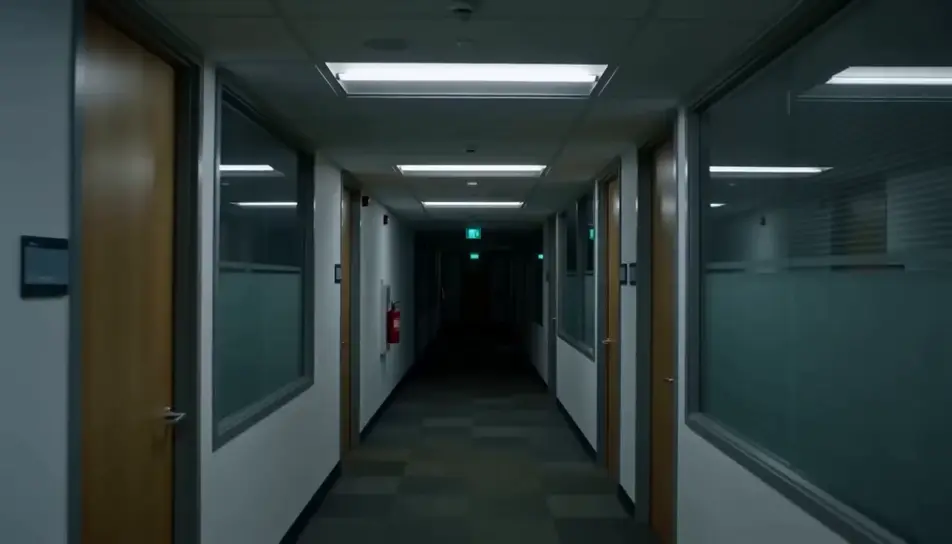
Generate jump scare videos in Morphic's AI video generator: a calm hallway that ends on a face at the lens, or a mirror wipe that shows someone behind you. Cut the reveal on Compose.
Ceiling lights shut off one by one down an empty office corridor. In the last flash before darkness, a pale figure is standing right at the lens.
Prompt bearbeitenA parked car on a dark country road, the rear-view mirror showing an empty back seat. Then a pale, hollow-eyed face rises into the mirror from behind.
Prompt bearbeiten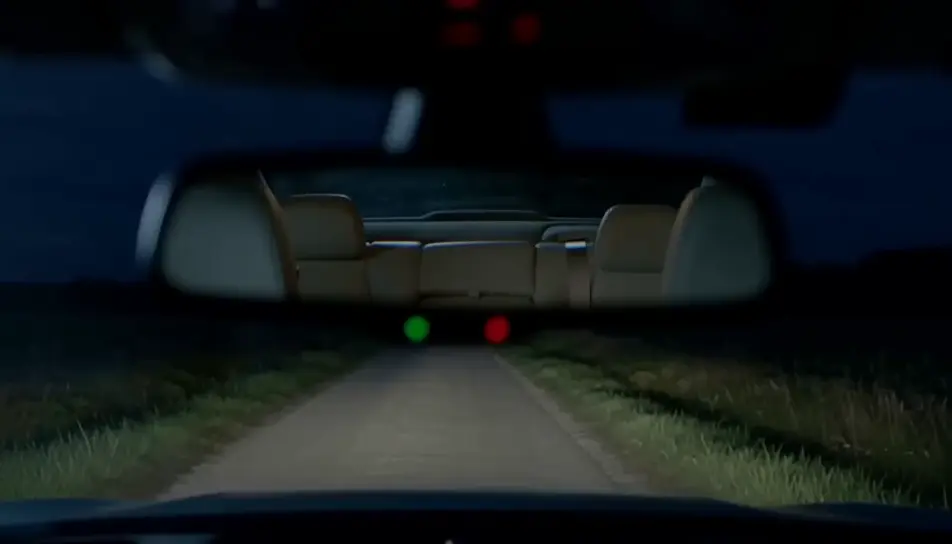
A dark kitchen lit only by an open fridge, the frame resting on a black doorway. At the end a pale face leans out from the doorframe at a wrong angle.
Prompt bearbeiten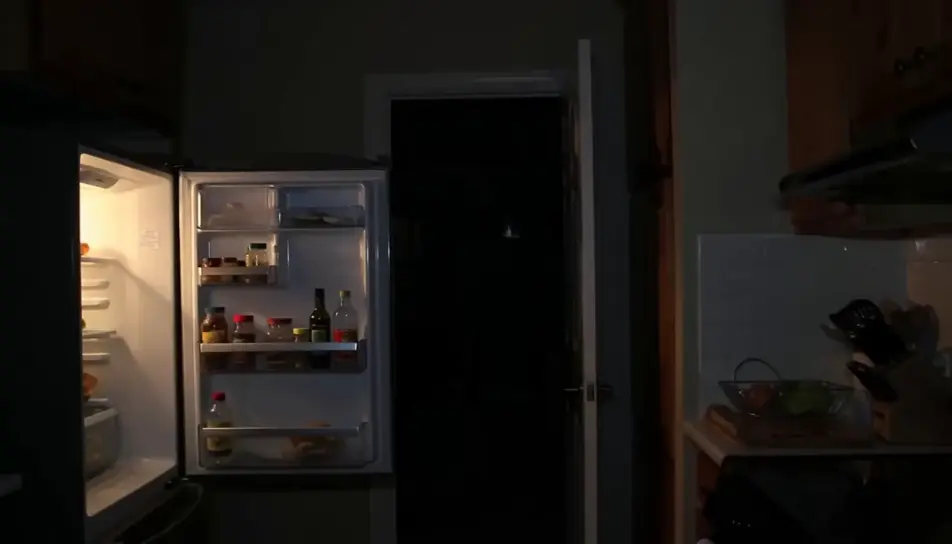
Looking up at a closed attic hatch on a dim landing, the pull cord swaying. The hatch drops open and a pale figure falls headfirst toward the camera.
Prompt bearbeiten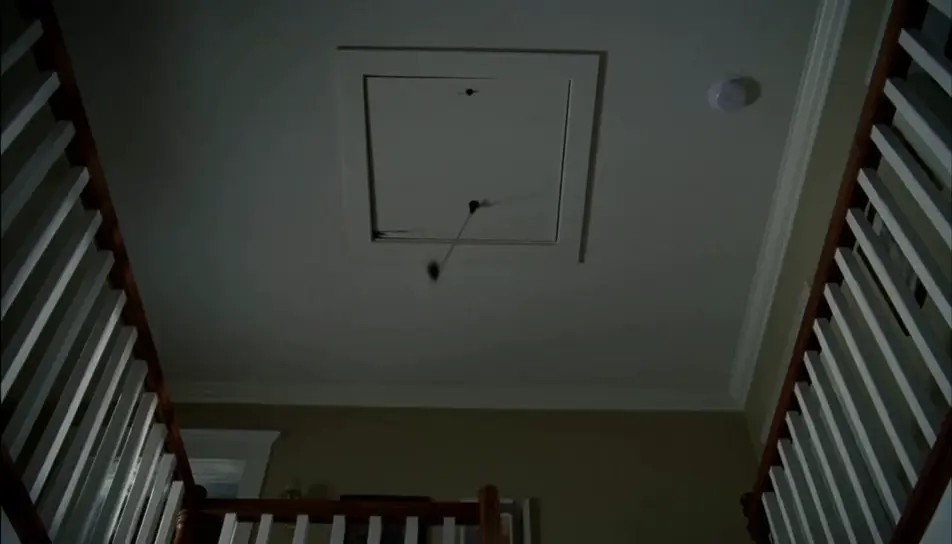
Beschreiben Sie die jump scare-Szene, die Sie möchten, in einfachen Worten.
Morphic generiert in Sekunden einen filmreifen Clip auf Ihrer Canvas.
Passen Sie den Prompt an, generieren Sie Varianten und laden Sie die Aufnahme herunter oder teilen Sie sie.
Cinematic time-freeze short film for any scene

Dramatize any text conversation into a cinematic multi-shot video.
One image to a 9-scene cinematic video.
Drop in a photo of yourself. Get a 12-second cinematic movie with animation and a matched soundtrack.

Share a scene description with character references. Get a full storyboard with shot angles and mood.

Feed in a single image. Get 9 cinematic beats laid out as a 3x3 storyboard grid.
Halloween AI videos
Create spooky Halloween videos with AI in seconds. Haunted houses, pumpkins, ghosts, costumes. Pick a style, add your prompt, and generate in minutes.
Jumpscare-Sound
Jumpscare-Sounds per Prompt erzeugen: Anschwellen, Einsatz und Ausklang formen, damit der Schreck genau auf Ihrem Schnitt sitzt.
AI scary videos
Browse scary videos and generate your own shots at the length, ratio and look the cut needs. Morphic makes video, image, voice and sound in one workspace.
Latin Noir KI-Videos
Erstellen Sie eindrucksvolle KI-Latin-Noir-Videos mit Morphic. Erzeugen Sie einzigartige, filmische Latin-Noir-Szenen für jedes Projekt in Sekunden.
Starten Sie noch heute kostenlos, mit der Option, jederzeit zu upgraden oder zu kündigen.
Basic
2400 monatliche Credits
1 Nutzer
Alle Modelle
Workflows
Standard
3625 monatliche Credits
1 Nutzer
Alle Modelle
Workflows
Pro
6350 gemeinsame monatliche Credits
1 Nutzer
Alle Modelle
Workflows
Max
24650 gemeinsame monatliche Credits
1 Nutzer
Alle Modelle
Workflows
Enterprise
Für höhere Limits
Individuell
Preis- und Abrechnungsbedingungen

Free
Zum Ausprobieren
$0
dauerhaft kostenlos