Jack-o-lantern street at dusk
A quiet suburban street in autumn fog, carved pumpkins glowing along both sidewalks, bats crossing a violet sky as the camera dollies forward.
Prompt bearbeiten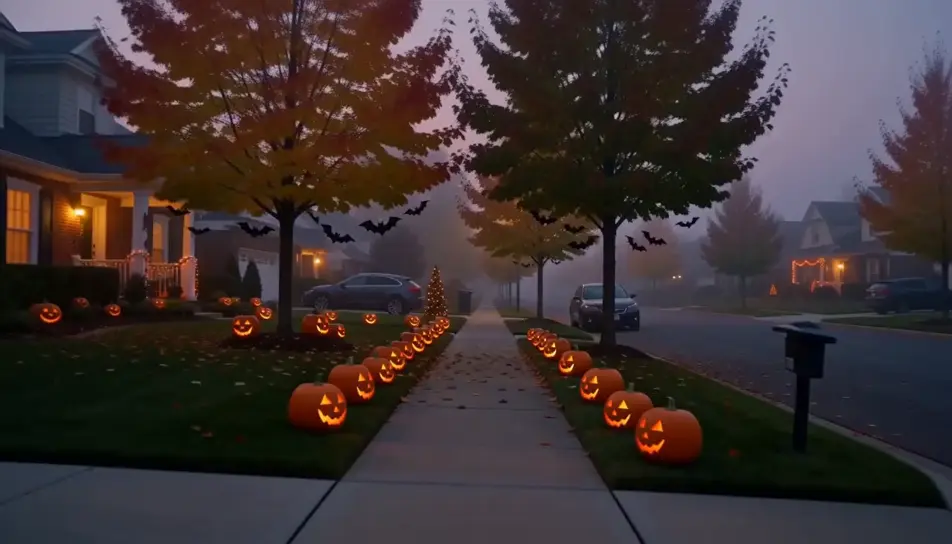
Create Halloween videos in Morphic's AI video generator: a match lighting a carved pumpkin, or two trick-or-treaters walking up to a glowing porch. Cut the night on Compose.
A quiet suburban street in autumn fog, carved pumpkins glowing along both sidewalks, bats crossing a violet sky as the camera dollies forward.
Prompt bearbeitenA hand strikes a match and lowers it into a carved pumpkin on porch steps, the candle catches and the grinning face warms up in the blue night.
Prompt bearbeiten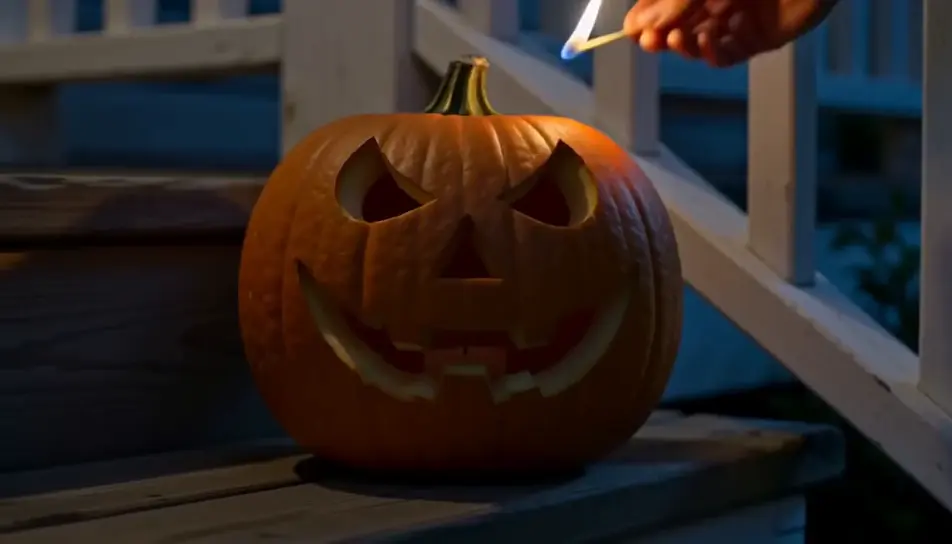
Two kids in a bedsheet ghost and a witch costume walk hand in hand toward a glowing porch, seen from behind as pumpkins light the path.
Prompt bearbeiten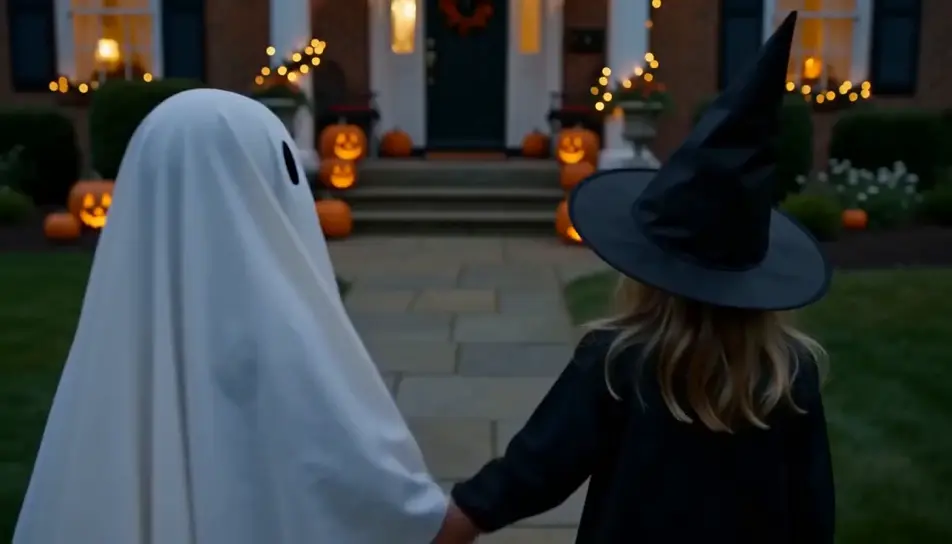
A crooked little house on a grassy hill, its windows glowing, silhouetted against an enormous full moon while a flock of bats wheels past.
Prompt bearbeiten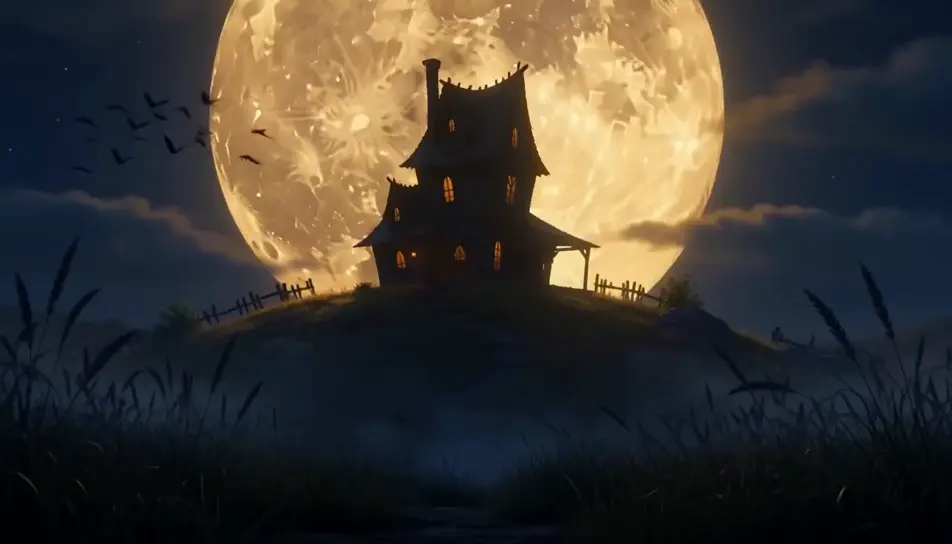
Beschreiben Sie die Halloween-Szene, die Sie möchten, in einfachen Worten.
Morphic generiert in Sekunden einen filmreifen Clip auf Ihrer Canvas.
Passen Sie den Prompt an, generieren Sie Varianten und laden Sie die Aufnahme herunter oder teilen Sie sie.
Cinematic time-freeze short film for any scene

Dramatize any text conversation into a cinematic multi-shot video.
One image to a 9-scene cinematic video.
Drop in a photo of yourself. Get a 12-second cinematic movie with animation and a matched soundtrack.

Share a scene description with character references. Get a full storyboard with shot angles and mood.

Feed in a single image. Get 9 cinematic beats laid out as a 3x3 storyboard grid.
Horror-Videos mit KI erstellen
Horror-Videos mit KI erstellen: flackernde Flure, Nebelwälder und Grusel-Szenen aus einfachen Prompts.
Spukhaus KI-Videos
Erzeugen Sie Spukhaus-KI-Videos mit Morphic. Düstere Villen, kerzenbeleuchtete Treppen und Szenen-Prompts mit sich selbst öffnenden Türen, die Sie im Browser inszenieren.
Hexen KI-Videos
Erstellen Sie KI-Hexen-Videos mit unserem Hexen-Videogenerator. Erzeugen Sie cineastische Hexen-Szenen, Porträts und Aufnahmen für jedes Projekt in Sekunden.
Zombie KI-Videos
Erzeugen Sie Zombie-Videos auf Morphic. Ausbruchsüberlebende, überrannte Straßen, verbarrikadierte Unterschlüpfe und Untoten-Horden-Szenen aus Prompts in normaler Sprache.
Starten Sie noch heute kostenlos, mit der Option, jederzeit zu upgraden oder zu kündigen.
Basic
2400 monatliche Credits
1 Nutzer
Alle Modelle
Workflows
Standard
3625 monatliche Credits
1 Nutzer
Alle Modelle
Workflows
Pro
6350 gemeinsame monatliche Credits
1 Nutzer
Alle Modelle
Workflows
Max
24650 gemeinsame monatliche Credits
1 Nutzer
Alle Modelle
Workflows
Enterprise
Für höhere Limits
Individuell
Preis- und Abrechnungsbedingungen

Free
Zum Ausprobieren
$0
dauerhaft kostenlos