AI Kaleidoscope Effect videos

Direct evolving kaleidoscope patterns in your browser with Morphic's kaleidoscope effect AI video generator. Generate kaleidoscope clips like blooming petals of mirrored color turning slowly, or a mandala of shifting light pulsing to a center point, and pair them with the Music tool to sync the bloom to a beat. Stitch the symmetrical motion into one continuous kaleidoscope sequence on the Canvas.

Kaleidoscope variations you can direct

Kaleidoscope sequences you can stage

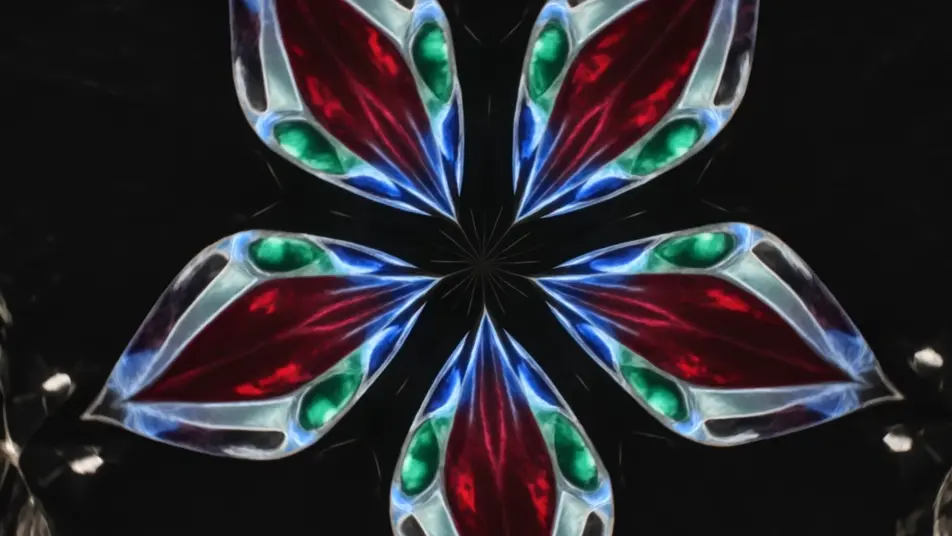
A jewel-tone petal bloom

A six-fold kaleidoscope of mirrored petals turns slowly against black, jewel-tone color opening and folding around the center, soft internal glow, a steady clockwise rotation holding the pattern centered.

Prompt bearbeiten

A pulsing light mandala

A radial mandala of intricate rings breathes outward from a bright core, layers emerging and receding in time, cool-to-warm color shift across the pattern, slow zoom into the glowing center.

Prompt bearbeiten

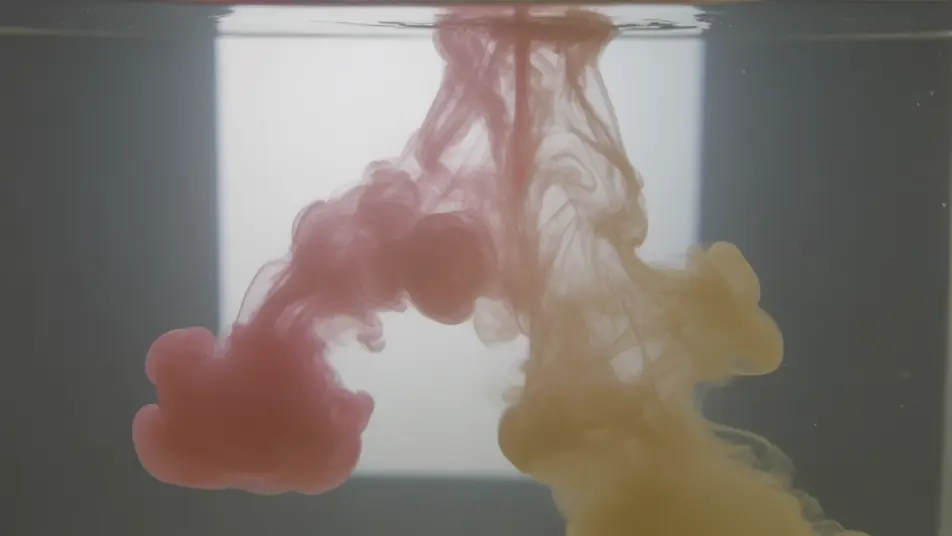
An ink-in-water symmetry

Colored ink billows through water and mirrors into symmetrical plumes, soft edges folding and unfolding organically, diffused backlight through the liquid, a gentle drift as the pattern evolves.

Prompt bearbeiten

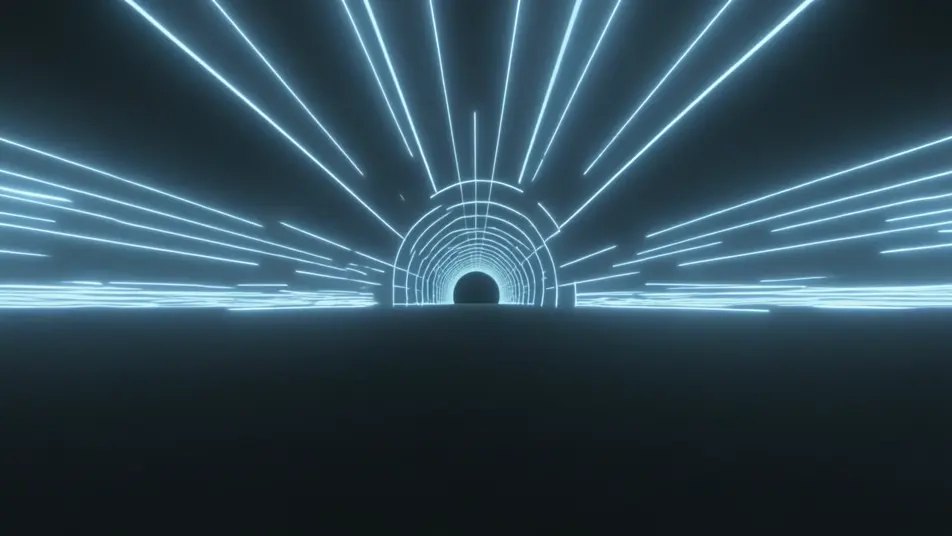
A neon tunnel of light

Neon streaks repeat around the center and rush inward to form a glowing tunnel, the mirrored lines pulling toward a vanishing core, deep black ground, a slow forward push down the light corridor.

Prompt bearbeiten

kaleidoscope effect-Videos in drei Schritten erstellen

  1. 01

    Beschreiben Sie Ihre kaleidoscope effect-Szene

    Beschreiben Sie die kaleidoscope effect-Szene, die Sie möchten, in einfachen Worten.

  2. 02

    Video generieren

    Morphic generiert in Sekunden einen filmreifen Clip auf Ihrer Canvas.

  3. 03

    kaleidoscope effect-Video verfeinern

    Passen Sie den Prompt an, generieren Sie Varianten und laden Sie die Aufnahme herunter oder teilen Sie sie.

Verwandte Workflows

Das könnte Ihnen auch gefallen

Einfache Preise

Starten Sie noch heute kostenlos, mit der Option, jederzeit zu upgraden oder zu kündigen.

Basic

$9/ Monat
abgerechnet als $0 pro Jahr

900 monatliche Credits

1 Nutzer

Alle Modelle

Workflows

Standard

$24/ Monat
abgerechnet als $0 pro Jahr

3200 monatliche Credits

1 Nutzer

Alle Modelle

Workflows

Pro

$45/ Monat
abgerechnet als $0 pro Jahr

6200 gemeinsame monatliche Credits

1 Nutzer

+ bis zu 4 weitere gegen Aufpreis

Alle Modelle

Workflows

Pro Max

$170/ Monat
abgerechnet als $0 pro Jahr

24000 gemeinsame monatliche Credits

1 Nutzer

+ bis zu 9 weitere gegen Aufpreis

Alle Modelle

Workflows

Enterprise

Für höhere Limits

Individuell

Preis- und Abrechnungsbedingungen

Unbegrenzte Credits
Individuelle Platzlimits
Alle Modelle
Workflows
Pricing Gradient

Free

Zum Ausprobieren

$0

dauerhaft kostenlos

Bis zu 20 Credits
Nur 1 Nutzer
Eingeschränkte Modelle
Workflows

Häufig gestellte Fragen

Where can I make kaleidoscope effect videos with AI?
You can create kaleidoscope effect videos directly in your browser on Morphic. Open the Text to Video tool, describe the source material and the symmetry you want, and Morphic renders the evolving pattern. No stock loops and no plugin presets needed.
What kinds of kaleidoscope shots work best with AI video?
Petal blooms, radial mandalas, and ink-in-water symmetries read the strongest, because organic source material gives the mirror something rich to repeat. A steady rotation or pulse and a defined center let the pattern evolve cleanly instead of flickering.
How do I write a good prompt for a kaleidoscope video?
Name the source (petals, ink, neon, glass), the fold count or symmetry type, the motion, and the color palette. Add whether it rotates, pulses, or rushes inward. The clearer the source and the symmetry, the more coherent the kaleidoscope Morphic returns.
How do I keep the pattern consistent between scenes?
Reuse the same source material, fold count, and color language across your prompts so every clip reads as one series. On the Canvas you can line the patterns up and tune the timing of each until the rotation and color flow into a single loop.
Can I add music and narration to my kaleidoscope videos?
Yes. The Music tool scores an original track so the bloom and pulse can land on the beat, and the Speech tool generates narration in the voice you choose. Layered together, a mandala sequence can carry a meditative voiceover over the motion.
Do I need video editing experience to make a kaleidoscope video?
No. Morphic runs in your browser and you direct it with plain-language prompts. If you can name the source and the symmetry, you can produce the effect. The prompts on this page are written to paste and run as they are.