Direct fluid morph transitions in your browser with Morphic's morph video AI generator. Generate morph video clips like a young face aging through six decades, a city block dissolving across four seasons, or a coffee cup melting into a blooming flower, and pair them with the Music tool to land a beat-synced morph cut. Stitch the shape-shifting reveals into one continuous morphing sequence on the Canvas.

Morph transitions you can direct

Morph sequences you can stage

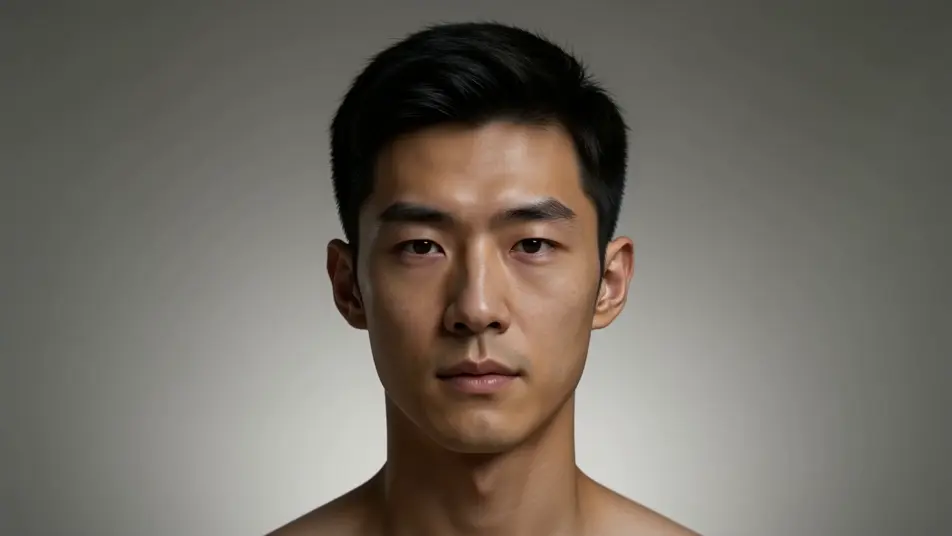
A face aging through six decades

A single portrait holds dead center while the face morphs from childhood through old age, skin texture, hair color, and bone structure shifting in one unbroken take, soft even key light, slow push-in.

Prompt bearbeiten

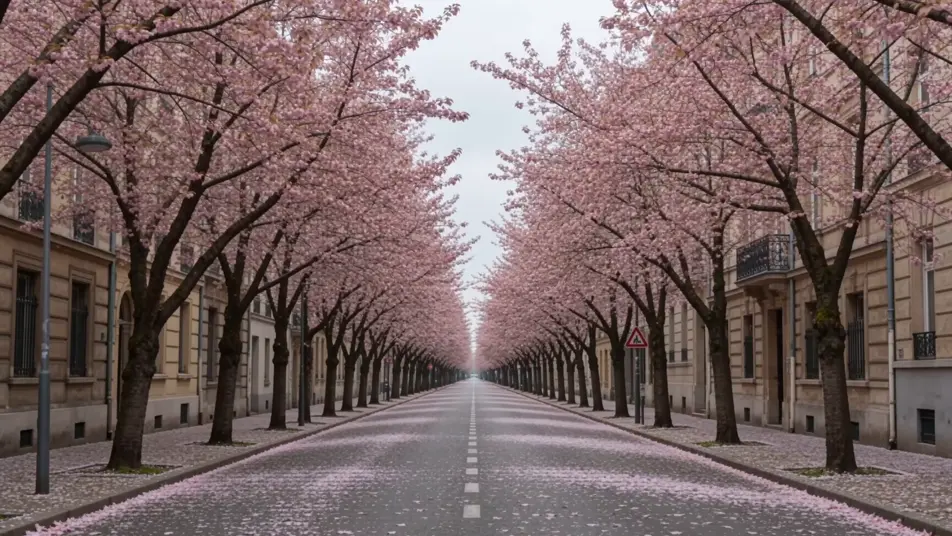
A city block morphing across four seasons

A fixed wide shot of a tree-lined street where the scene morphs through spring blossom, summer green, autumn amber, and winter snow, leaves and light reshaping continuously as the camera holds still.

Prompt bearbeiten

An object becoming another object

Tight tabletop shot of a steaming coffee cup that slowly morphs into a blooming flower, the rim opening into petals and the steam curling into a stem, warm window light, shallow depth of field.

Prompt bearbeiten

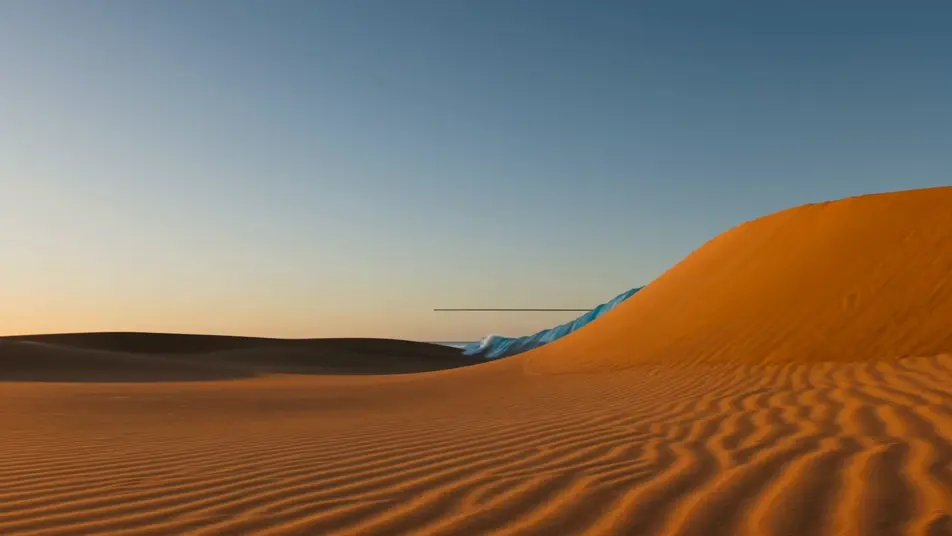
A landscape morphing between worlds

A sweeping vista where a sunlit desert dune morphs into an ocean wave into a snow ridge, the horizon line staying level while terrain, color, and weather reshape in one continuous morph sequence.

Prompt bearbeiten

morph video-Videos in drei Schritten erstellen

  1. 01

    Beschreiben Sie Ihre morph video-Szene

    Beschreiben Sie die morph video-Szene, die Sie möchten, in einfachen Worten.

  2. 02

    Video generieren

    Morphic generiert in Sekunden einen filmreifen Clip auf Ihrer Canvas.

  3. 03

    morph video-Video verfeinern

    Passen Sie den Prompt an, generieren Sie Varianten und laden Sie die Aufnahme herunter oder teilen Sie sie.

Verwandte Workflows

Das könnte Ihnen auch gefallen

Einfache Preise

Starten Sie noch heute kostenlos, mit der Option, jederzeit zu upgraden oder zu kündigen.

Basic

$0/ Monat
abgerechnet als $0 pro Jahr

900 monatliche Credits

1 Nutzer

Alle Modelle

Workflows

Standard

$0/ Monat
abgerechnet als $0 pro Jahr

3200 monatliche Credits

1 Nutzer

Alle Modelle

Workflows

Pro

$0/ Monat
abgerechnet als $0 pro Jahr

6200 gemeinsame monatliche Credits

1 Nutzer

+ bis zu 4 weitere gegen Aufpreis

Alle Modelle

Workflows

Pro Max

$0/ Monat
abgerechnet als $0 pro Jahr

24000 gemeinsame monatliche Credits

1 Nutzer

+ bis zu 9 weitere gegen Aufpreis

Alle Modelle

Workflows

Enterprise

Für höhere Limits

Individuell

Preis- und Abrechnungsbedingungen

Unbegrenzte Credits
Individuelle Platzlimits
Alle Modelle
Workflows
Pricing Gradient

Free

Zum Ausprobieren

$0

dauerhaft kostenlos

Bis zu 20 Credits
Nur 1 Nutzer
Eingeschränkte Modelle
Workflows

Häufig gestellte Fragen

Where can I make morph videos with AI?
You can create morph videos directly in your browser on Morphic. Open the Text to Video tool, describe the start subject, the end subject, and the anchor point that stays fixed, and Morphic produces the morph clip. No installs and no keyframe editing needed.
What kinds of morph transitions work best with AI video?
Face-to-face morphs, object-into-object morphs, and time-lapse morphs (a face aging, a street shifting through seasons) all read cleanly. The strongest morphs share a visual anchor between the two subjects, matching color, silhouette, or frame position, so the eye follows one continuous shape rather than a cut.
How do I write a good prompt for a morph video?
Name three things: the start subject, the end subject, and what holds steady through the transition. Add the texture of the morph, whether the subject melts, dissolves into liquid, or reshapes in a spin. The clearer the anchor, the smoother the morph cut Morphic returns.
How do I keep the morph transition smooth between scenes?
Keep one element fixed across both subjects, the frame center, the horizon line, or a held gaze, and describe it in the prompt. On the Canvas you can place morph clips side by side and refine each transition until the cut points line up into one continuous sequence.
Can I add music and narration to my morph videos?
Yes. The Music tool produces an original soundtrack, and morph cuts land hardest when the reshape hits a beat. The Speech tool generates narration in the voice you choose, layered onto the morph clip so a face-aging or season-shift sequence can carry a voiceover.
Do I need video editing experience to make a morph video?
No. Morphic runs in your browser and you direct it with plain-language prompts. If you can describe what the subject starts as and what it becomes, you can produce a morph video. The prompts on this page are written so anyone can paste and run.