Direct first-person footage in your browser with Morphic's AI POV video generator. Generate hands parting jungle leaves or a motorcycle weaving through neon traffic, lock the eye-level camera with the POV Scene Generator, and cut a POV sequence on the Canvas.

POV clips you can shoot in first person

POV scenes you can stage at eye level

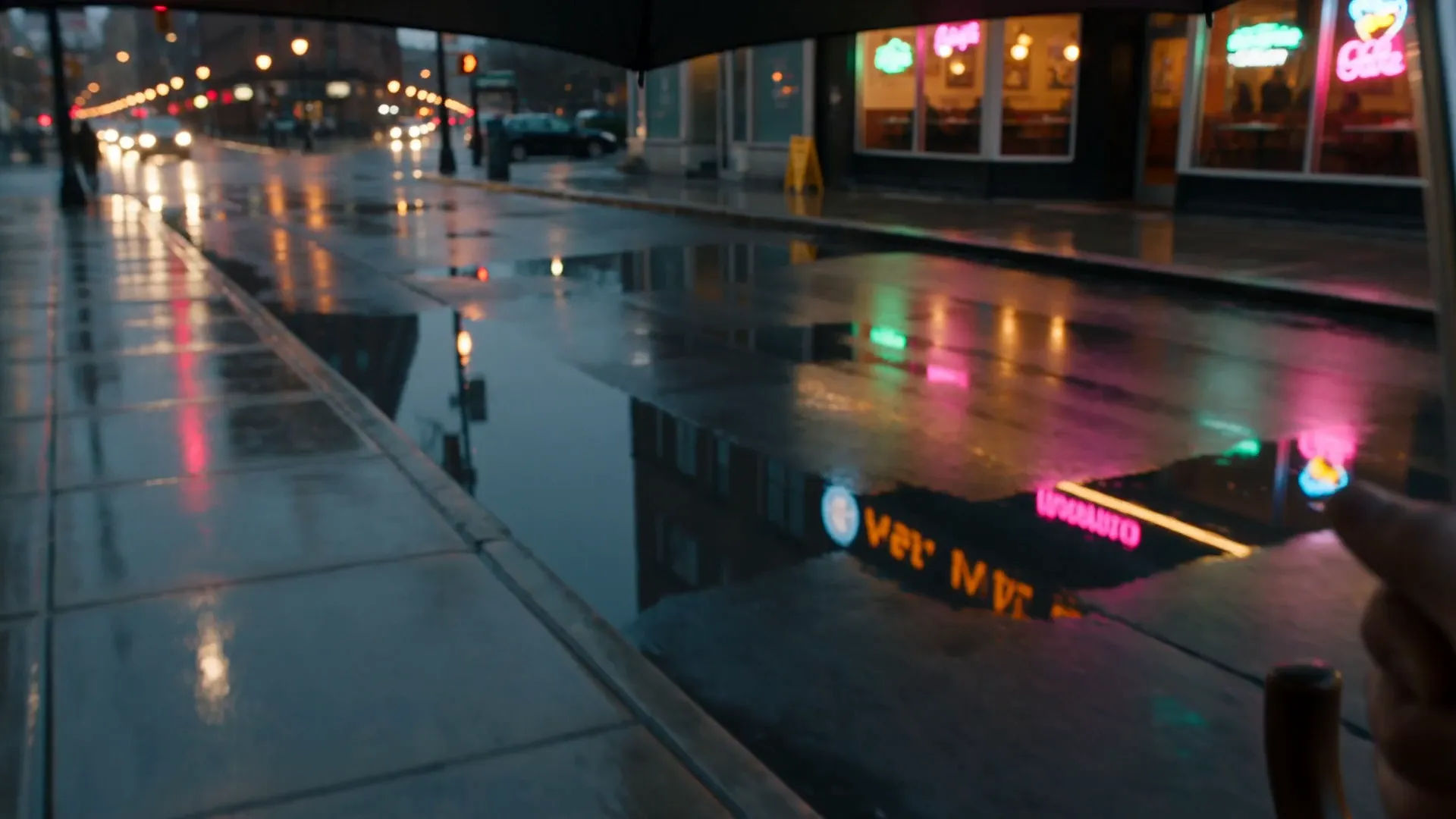
POV walk through a rain-soaked city

Eye-level first-person walk down a glistening sidewalk after rain, an umbrella edge in the upper frame, headlights and shop windows smearing into reflections, a steady forward drift through the wet street.

Prompt bearbeiten

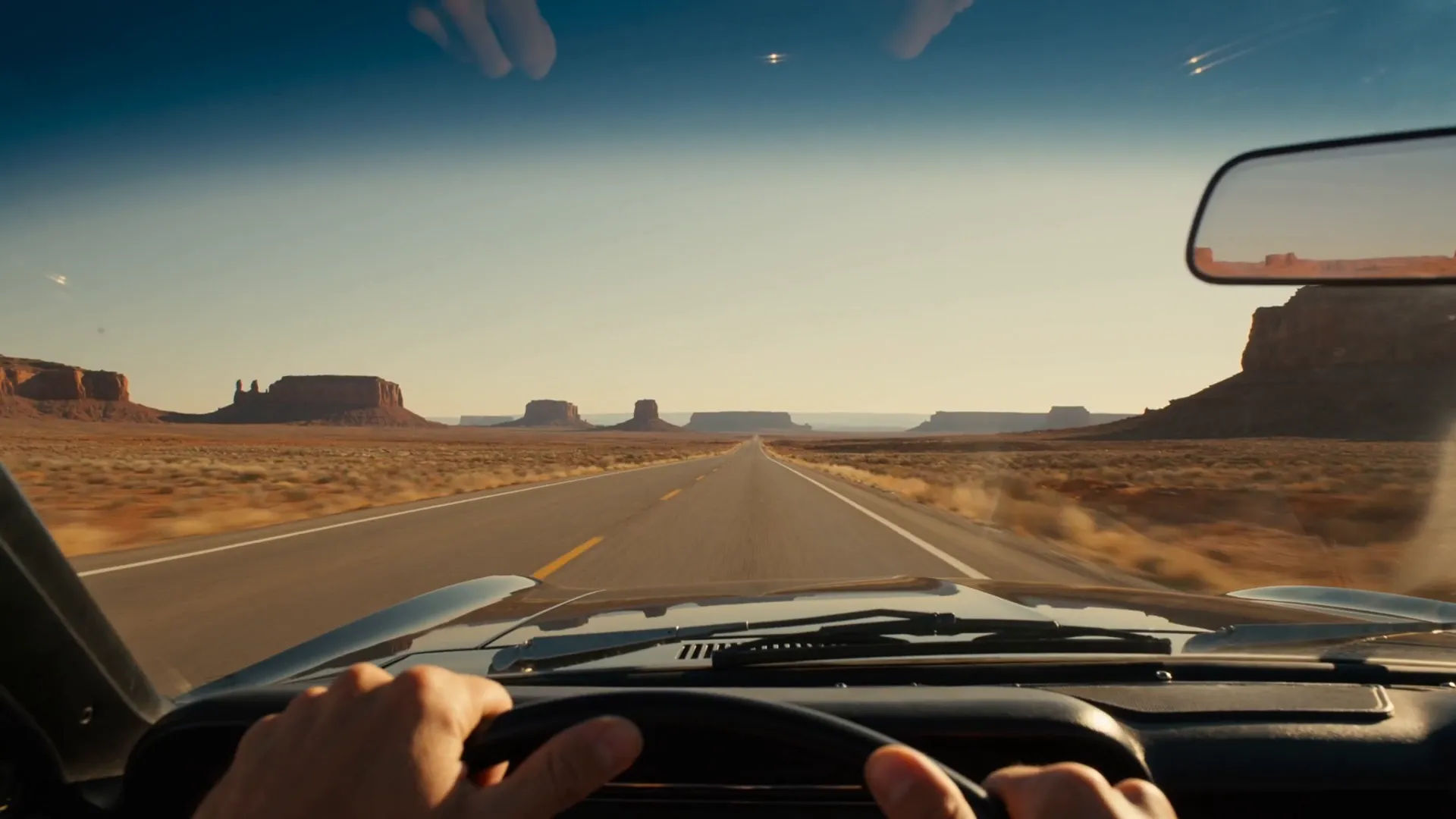
POV desert highway drive

First-person view from behind the wheel of an open-top car on an empty desert highway, hands resting on the wheel, heat shimmer on the asphalt, red mesas sliding past under a wide afternoon sky.

Prompt bearbeiten

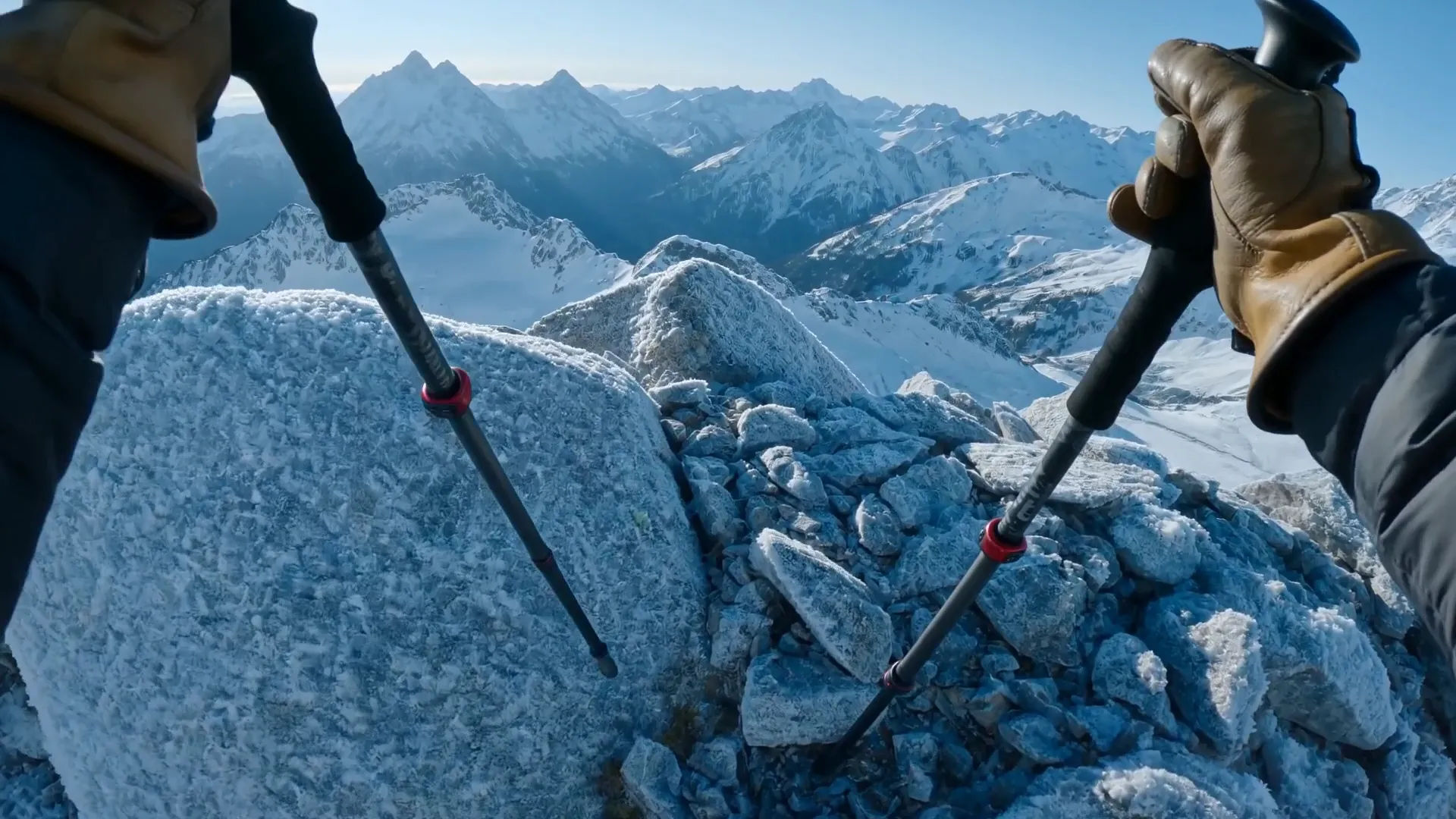
POV mountain summit reveal

First-person climb cresting a ridge as the camera lifts to reveal a vast snow-capped range, gloved hands gripping a trekking pole, cold wind and a slow eye-level pan across the peaks.

Prompt bearbeiten

POV morning routine at home

First-person daily-life moment in a sunlit apartment kitchen, hands pushing a window open and pouring coffee from a pot into a waiting mug, warm low sun and a calm eye-level sweep across the counter.

Prompt bearbeiten

POV-Videos in drei Schritten erstellen

  1. 01

    Beschreiben Sie Ihre POV-Szene

    Beschreiben Sie die POV-Szene, die Sie möchten, in einfachen Worten.

  2. 02

    Video generieren

    Morphic generiert in Sekunden einen filmreifen Clip auf Ihrer Canvas.

  3. 03

    POV-Video verfeinern

    Passen Sie den Prompt an, generieren Sie Varianten und laden Sie die Aufnahme herunter oder teilen Sie sie.

Verwandte Workflows

Das könnte Ihnen auch gefallen

Einfache Preise

Starten Sie noch heute kostenlos, mit der Option, jederzeit zu upgraden oder zu kündigen.

Basic

$0/ Monat
abgerechnet als $0 pro Jahr

900 monatliche Credits

1 Nutzer

Alle Modelle

Workflows

Standard

$0/ Monat
abgerechnet als $0 pro Jahr

3200 monatliche Credits

1 Nutzer

Alle Modelle

Workflows

Pro

$0/ Monat
abgerechnet als $0 pro Jahr

6200 gemeinsame monatliche Credits

1 Nutzer

+ bis zu 4 weitere gegen Aufpreis

Alle Modelle

Workflows

Pro Max

$0/ Monat
abgerechnet als $0 pro Jahr

24000 gemeinsame monatliche Credits

1 Nutzer

+ bis zu 9 weitere gegen Aufpreis

Alle Modelle

Workflows

Enterprise

Für höhere Limits

Individuell

Preis- und Abrechnungsbedingungen

Unbegrenzte Credits
Individuelle Platzlimits
Alle Modelle
Workflows
Pricing Gradient

Free

Zum Ausprobieren

$0

dauerhaft kostenlos

Bis zu 20 Credits
Nur 1 Nutzer
Eingeschränkte Modelle
Workflows

Häufig gestellte Fragen

Where can I make AI POV videos?
You can direct POV videos in your browser on Morphic. Open the Text to Video tool or the POV Scene Generator workflow, describe the first-person shot, and Morphic produces the clip. No installs and no specialist gear needed.
What kinds of POV scenes work best with AI video?
First-person walks through a place, POV action beats like riding or climbing, and quiet daily-life moments all work well. The strongest POV scenes give the camera something to do at eye level and put hands, handlebars, or a path in the lower frame so the viewpoint reads instantly.
How do I write a good prompt for a POV scene?
State that the shot is first person, name what fills the frame, set the camera height, and add the lighting and place. A line like "POV climbing a cliff face, chalked hands reaching for a hold, valley below" gives Morphic enough direction to land a true POV shot.
How do I keep a POV video consistent across scenes?
Use the POV Scene Generator to lock the eye-level camera and first-person framing, then carry the same point of view, hand styling, and lighting into every prompt. Morphic holds the viewpoint steady so a multi-shot POV sequence feels like one continuous experience.
Can I add narration and sound to my POV videos?
Yes. The Speech tool generates first-person narration in the voice you choose, and the Music tool composes a score that follows the pace of the shot. Layer both onto the cut so a POV walk or action beat plays with the right voice and atmosphere.
Do I need any video editing experience to make POV videos?
No. Morphic runs in your browser and you direct it with plain-language prompts. If you can describe a first-person moment and the order your shots should play in, you can stage and assemble a full POV sequence on the Canvas.